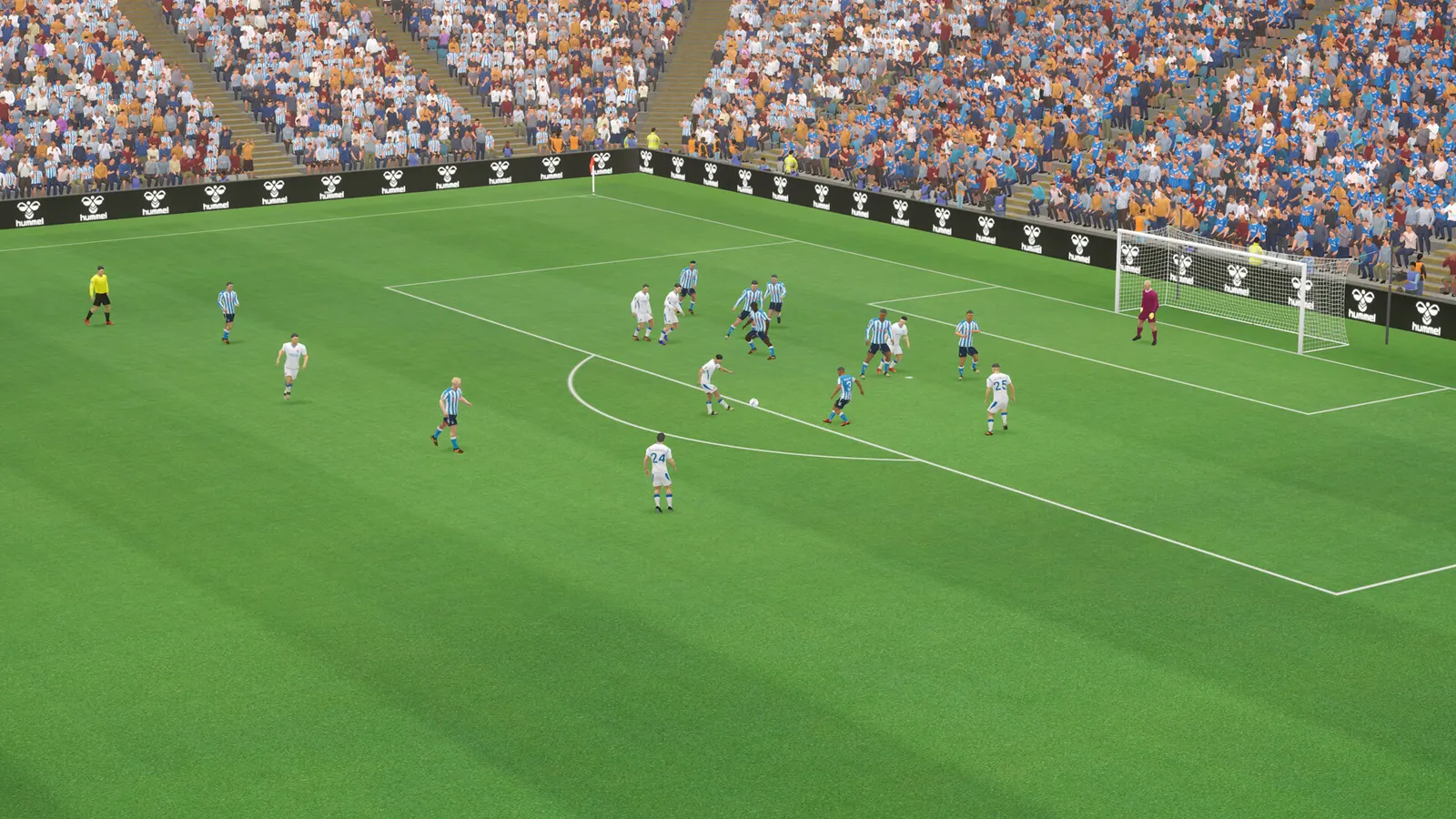
How to show FPS in Football Manager 27
FM27 has no documented in-game FPS counter.
Updated . Game data researched November 2026.
- Genre
- Sports management
- Developer
- Sports Interactive
- Released
- 2026
- Platforms
- PC, Mac
How do I show FPS in Football Manager 27?
- FM27 has no documented in-game FPS counter.
- Steam: Steam > Settings > In Game > "In-game FPS counter" and pick a corner.
- Any store: the NVIDIA app overlay (Alt+Z) or AMD Software overlay can show it.
Overlays that work in FM27
Want frame times, GPU load or temperatures as well? These overlays show FPS in any game:
- Steam: Steam › Settings › In Game › In-game FPS counter (games launched through Steam).
- NVIDIA app: press Alt+Z › Statistics, or Alt+R for the performance overlay.
- AMD Adrenalin: Ctrl+Shift+O toggles the metrics overlay.
- Xbox Game Bar: Win+G › Performance widget (pin it to keep it on screen).
Low numbers?
Check the best Football Manager 27 settings for your PC, with an FPS estimate for your graphics card, or follow the Football Manager 27 FPS boost and stutter fix.