Skip to content
Set up my rig
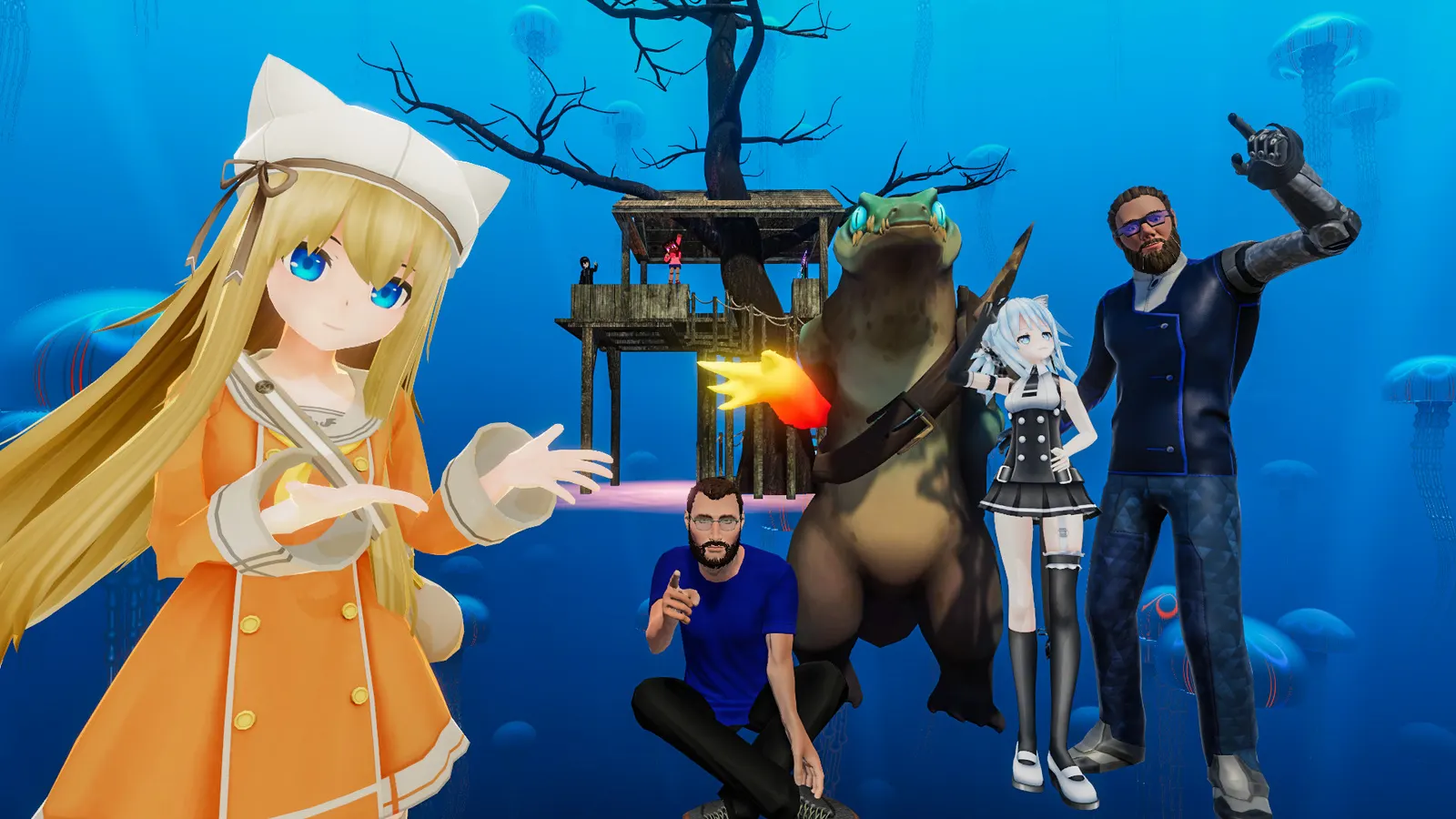
VRChat, official artwork

Best VRChat settings

VRChat is a social platform of user-made worlds and avatars, on a flat screen or in VR. Its own graphics options are few; what decides your frame rate is the world and the avatars around you, so the Avatar Performance filter matters more than any quality slider.

Best VRChat settings at 1080p for an RTX 4060 + Ryzen 5 7600: Ultra. Modelled: that PC gets about 125 fps, an RTX 3060 + Ryzen 5 5600 105 fps (Ultra), a GTX 1650 + Core i5-10400 100 fps (Low). Rough estimate: no published benchmarks yet. How we estimate this

Updated . Game data researched November 2026.

  • Free to play
  • Early access
Genre
Social platform / VR
Developer
VRChat Inc.
Released
2017
Platforms
PC, Mobile
Engine
Unity
Researched
Nov 2026

What are the best VRChat graphics settings?

The setting for every preset, from Low to Ultra. Save your hardware to get one tuned list.

Tell us your hardware once and every game page shows settings for it. Set up my rig

Set up your rig to see which column fits your PC, with an estimate of your frames.

VRChat graphics settings per preset
SettingLowMediumHighUltra
Resolution Your monitor's native resolution; scale with the upscaler instead
Target frame rate 3 below your refresh rate (141 on 144 Hz); uncapped for max FPS
V-Sync (driver) Off; use G-Sync or FreeSync with an FPS cap instead
Minimum Displayed Performance Rank Medium or PoorMedium or PoorMedium or PoorMedium or Poor
Block Poorly Optimized Avatars On (set a minimum rank)On (set a minimum rank)On (set a minimum rank)On (set a minimum rank)

How much FPS will I get in VRChat?

Modelled frame rates on the High preset at native resolution, without upscaling or frame generation. Your own rig can differ: check your exact PC.

Estimated VRChat FPS by graphics card, High preset, with a Ryzen 7 7800X3D and 16 GB RAM
Graphics card 1080p1440p4K
RTX 4090 245 fps245 fps165 fps
RTX 4070 245 fps175 fps90 fps
RTX 4060 165 fps105 fps55 fps
RTX 3060 12GB 135 fps85 fps45 fps
GTX 1650 60 fps40 fps20 fps
RX 7800 XT 245 fps180 fps95 fps
RX 7600 165 fps105 fps55 fps
RX 6600 130 fps80 fps45 fps

These are estimates from our model, not measurements; real results vary with the scene, drivers and background load. Orange numbers are below 60 fps. How we estimate this

What are the best VRChat tips for more FPS?

How do I show FPS in VRChat?

  1. In VRChat, Steam: Steam > Settings > In Game > "In-game FPS counter" shows frames on the desktop and in SteamVR.
  2. In VRChat, any version: the NVIDIA app or AMD Software overlay, or the SteamVR frame timing graph in VR.
  3. In VRChat, test in the same empty world first, then in a busy one, to see how much the avatars cost.

VRChat: Avatars cost more than the world

  1. In VRChat, set the minimum displayed performance rank to Medium or Poor so heavy avatars are swapped for a placeholder.
  2. In VRChat, you can still show a friend's avatar individually from the user menu when you want to see it.
  3. In VRChat, the rank is a guide, not a verdict: a well-made avatar can still rank as Very Poor.

VRChat: In VR keep headroom for reprojection

  1. In VRChat, match your headset's refresh rate and make sure the PC holds it in a busy world; misses cause reprojection and judder.
  2. Lower SteamVR render resolution before lowering anything in VRChat.

VRChat: Easy Anti-Cheat and mods

  1. VRChat uses Easy Anti-Cheat, so launch through Steam or the official launcher; unsupported client mods can block the game from starting.

News from Steam

All news

Release 2026.4.1 is now Live!

Release 2026.4.1 is now Live! This is *NOT* a network-compatible release! You've been warned! This patch introduces the Safety Center, Improved Face Tracking, a new login flow... and ore Read the full patch notes here. Or, watch the patch…

Read on Steam (opens in a new tab): Release 2026.4.1 is now Live!

Spookality 2026 is Here!

Ah, I see you’ve arrived. Welcome to Camp Whispering Screams! What’s with the name? Don’t worry about it. It sounds scarier than it is… just don’t go out after dark. It’s Spookality! That means it’s time for all-new, creator-made…

Read on Steam (opens in a new tab): Spookality 2026 is Here!