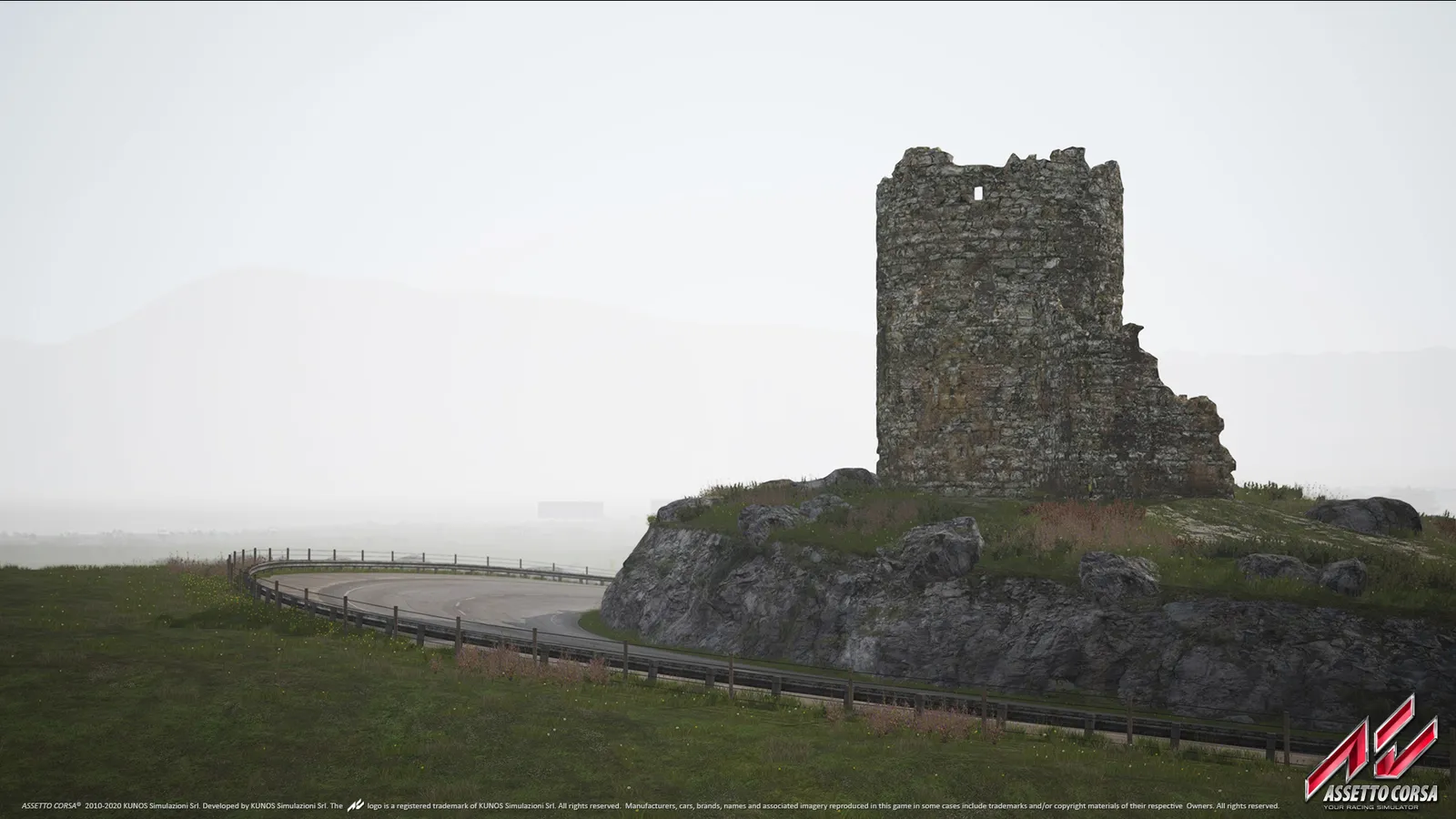
Assetto Corsa on PC is built to be modded, and almost everyone does it through two community tools: Content Manager (CM), an alternative launcher, and Custom Shaders Patch (CSP), an extension that adds new graphics and features. Neither is made by the developer, both are optional, and you can install them in a few minutes. This guide explains what each one does and how to add your first mod without breaking the game.
Mods only work on the PC version. The console versions cannot use them. Before you start, make sure the game itself runs well; our FPS boost page and the system requirements help with that.
What is Content Manager?
Content Manager replaces the stock launcher. It gives you a cleaner way to pick a car, track and weather, a much better online server browser, a setup and controls editor, and a built-in installer for mods and for CSP. It is PC-only and needs an installed copy of Assetto Corsa. A limited Lite version is available, and the full version is unlocked with a donation of any size. It is a community project, not something Kunos ships.
What is Custom Shaders Patch?
CSP is an extension by a single modder that lets the game do things it was never built for. The most visible additions are dynamic shadows, better reflections on glass, metal and water, wet-track effects, a time-of-day and weather system, motion blur and temporal anti-aliasing, procedurally generated grass, AI traffic and extra force feedback options. Free builds show up inside Content Manager automatically; the newest builds are available to people who support the developer with a small recurring donation.
Many of the new effects cost frame rate. A mid-range PC can usually keep most options above 60 fps at 1440p, but on a weaker machine you should lower the reflection and shadow settings.
How do you install Content Manager and CSP?
- Download Content Manager from its official project page and extract the archive. You need the Content Manager.exe and Manifest.json files in one folder of your choice.
- Start the program. It should find your Assetto Corsa folder through Steam. If it does not, point it to the game folder (in Steam: right-click the game, Manage, Browse local files).
- Open Settings and choose Custom Shaders Patch. Pick a build and press install. You can also drop a downloaded CSP archive onto the Content Manager window.
- Restart Content Manager and open the game from it. The patch settings are now available in the Settings menu.
If something goes wrong, reinstall the patch or delete it from the same Settings page and try again. If the plugins fail to download on the first start, an offline build that includes them is also available.
How do you install a car or track mod?
- Download the mod archive. Install one pack at a time so you can tell which mod causes a problem.
- Drag the archive onto the Content Manager window.
- Open the menu button in the top corner, find the file under Downloads and press Install.
- Wait for the "successfully installed" message. The car or track now shows up in the normal lists.
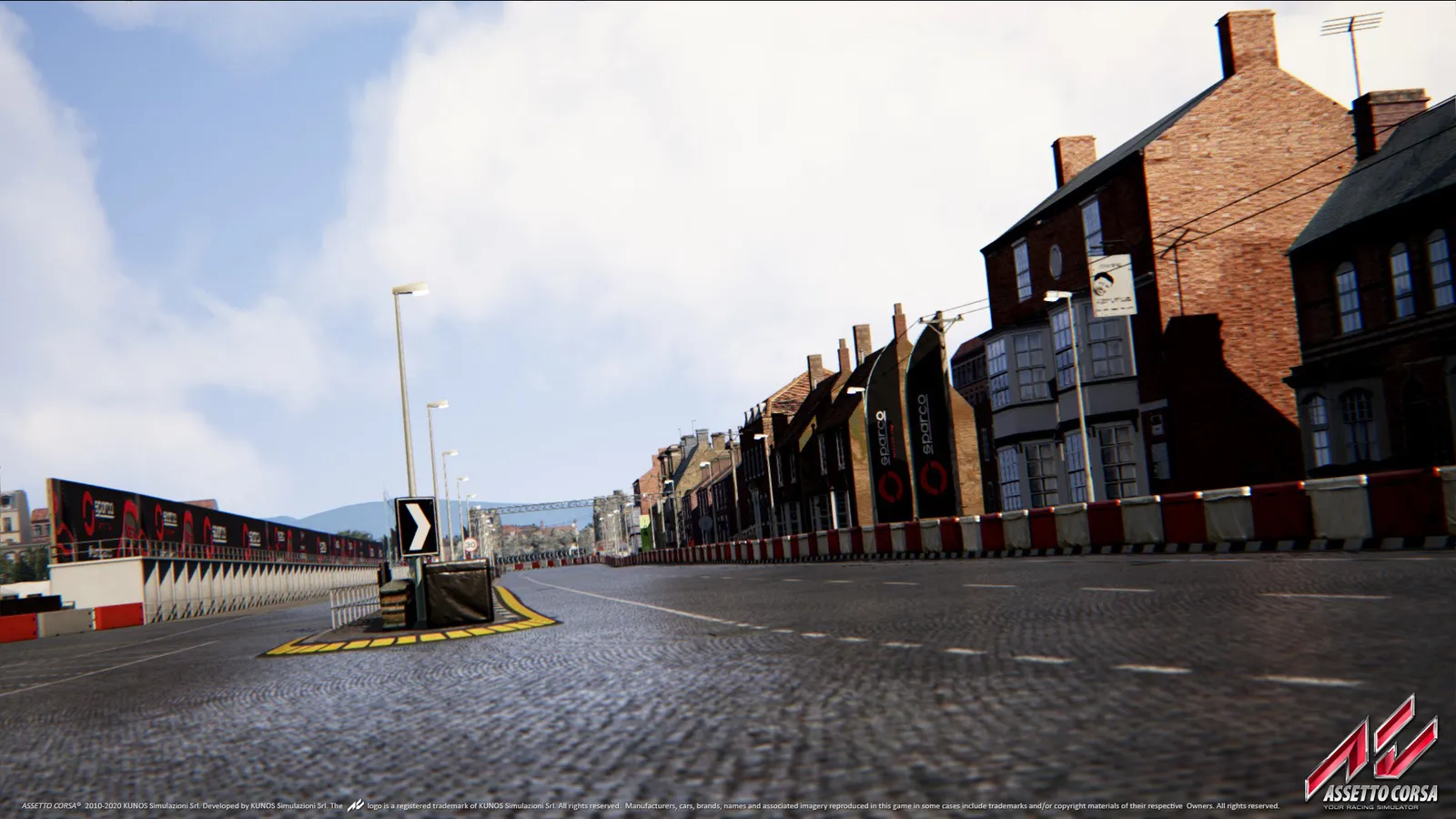
Community tracks can add places the base game never had.
CM also has a repair tool for old car mods that have common errors, which fixes many cars that crash or look wrong.
What should you watch out for?
- Quality varies a lot. Some mods rival the official content, others have wrong physics or broken sounds. Judge a mod by its rating and comments, not just its looks.
- Version matching. Many mods need a recent CSP build. Weather mods such as the popular day-night and rain add-ons need a newer patch than basic cars do.
- Online servers. Some servers require a specific CSP build and their own car and track packs. Content Manager can download the missing content for you when you join.
- Back up first. Copy your content folder before a big install. If a mod pack misbehaves, you can undo it.
- Only download from sources you trust. Archives are files from strangers, so keep your antivirus on.
Quick tips
- Start with Content Manager alone. Add CSP when you want the extra graphics.
- Install one mod at a time and test it before adding the next.
- Lower shadow and reflection quality in CSP if your frame rate drops.
- Check the CSP version your favourite server needs before you update.