Skip to content
Set up my rig
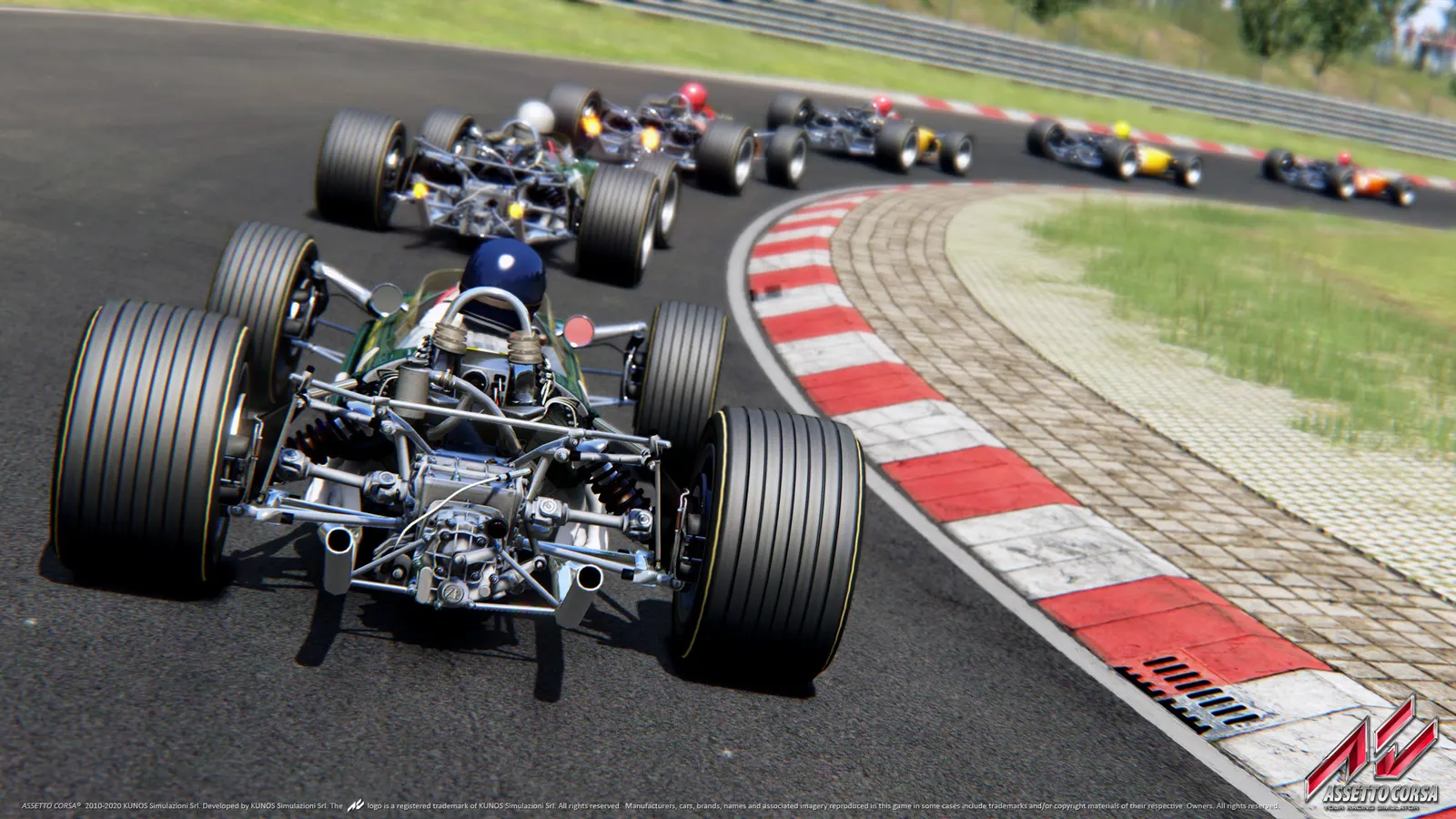
Assetto Corsa, official artwork

Assetto Corsa FPS boost and stutter fix

The biggest frame costs in Assetto Corsa are MSAA, Shadow Resolution, World Details. Start there, then work through the stutter checklist.

Updated . Game data researched November 2026.

  • PEGI 3
Genre
Racing simulation
Developer
Kunos Simulazioni
Released
2014
Platforms
PC, Xbox, PlayStation

Which Assetto Corsa settings cost the most FPS?

MSAA

Multisampling is one of the costlier options. Guides suggest 2x or 4x and warn against 8x.

Off

Shadow Resolution

Called the biggest frame-rate killer in one guide; it advises staying at 1024x1024 and never going above 2048x2048.

512x512

World Details

Scenery detail around the track; guides recommend Medium or High.

Low

Reflection Resolution

Resolution of the reflections on car bodywork; 512x512 or 1024x1024 are the usual picks.

512x512

Values shown are what we pick for max FPS. Section names follow the in-game menu.

Upscaling and latency in Assetto Corsa

  • Upscaling: not available in this game.
  • Frame generation: not available in this game.
  • Latency: no Reflex or Anti-Lag 2 in this game. Cap your FPS a few frames below your refresh rate instead.

Upscaling explained

How do I fix stuttering in Assetto Corsa?

Assetto Corsa: A big grid is CPU-heavy

  1. Assetto Corsa leans on one main thread: 20 or more cars with a heavy mod car can limit fps before the GPU does.
  2. In Assetto Corsa, lower World Details and Smoke Generation before you lower resolution when the GPU is not at 100%.

Assetto Corsa: Custom Shaders Patch performance options

  1. In Assetto Corsa, if you use Content Manager with Custom Shaders Patch, its optimisation options (for example mesh and node optimisation) are listed in a community FPS guide.
  2. In Assetto Corsa, turn off optional extras such as dynamic shadows, sparks and GrassFX first when frames are low; the same guide warns that some optimisations cause texture glitches on certain tracks.

Assetto Corsa: Field of view and wheel latency

  1. In Assetto Corsa, set the field of view to match your seating distance and screen size, not to the widest value: it also changes how fast the car feels.
  2. In Assetto Corsa, keep V-Sync off and cap frames in the driver; a steady frame time matters more to force feedback than a high peak.

Checklist for every PC

  • Install the game on an SSD: a hard drive causes texture pop-in and hitches. Assetto Corsa wants 8 GB of RAM; close browsers and launchers while playing.
  • Lower Textures one step if your graphics card has 8 GB of VRAM or less and you see sudden drops.
  • Let shaders finish compiling on first launch and after driver updates; the first match can stutter.
  • Enable XMP/EXPO so your RAM runs at its rated speed, and update your graphics driver.
  • Check that Windows runs your monitor at its full refresh rate: how to check.
  • Turn on Game Mode and Hardware-accelerated GPU scheduling: Windows gaming settings.

Assetto Corsa settings for a low-end PC

SettingLow-end value
Rendering ModeFullscreen
ResolutionYour monitor's native resolution; scale with the upscaler instead
Vertical SynchronizationOff; use G-Sync or FreeSync with an FPS cap instead
MSAAOff
Anisotropic Filtering4x
World DetailsLow
Shadow Resolution512x512
Reflection Resolution512x512
Reflection FrequencyTwo faces per frame
Smoke GenerationLow
Mirror Resolution128x512
Enable Post-Processing EffectsOn
Motion BlurOff
Heat ShimmeringOff