How do I show FPS in Assetto Corsa?
- In Assetto Corsa, in Steam open Settings > In Game and choose a position for "In-game FPS counter".
- In Assetto Corsa, the NVIDIA app or AMD Software overlay also shows frame rate and frame time.
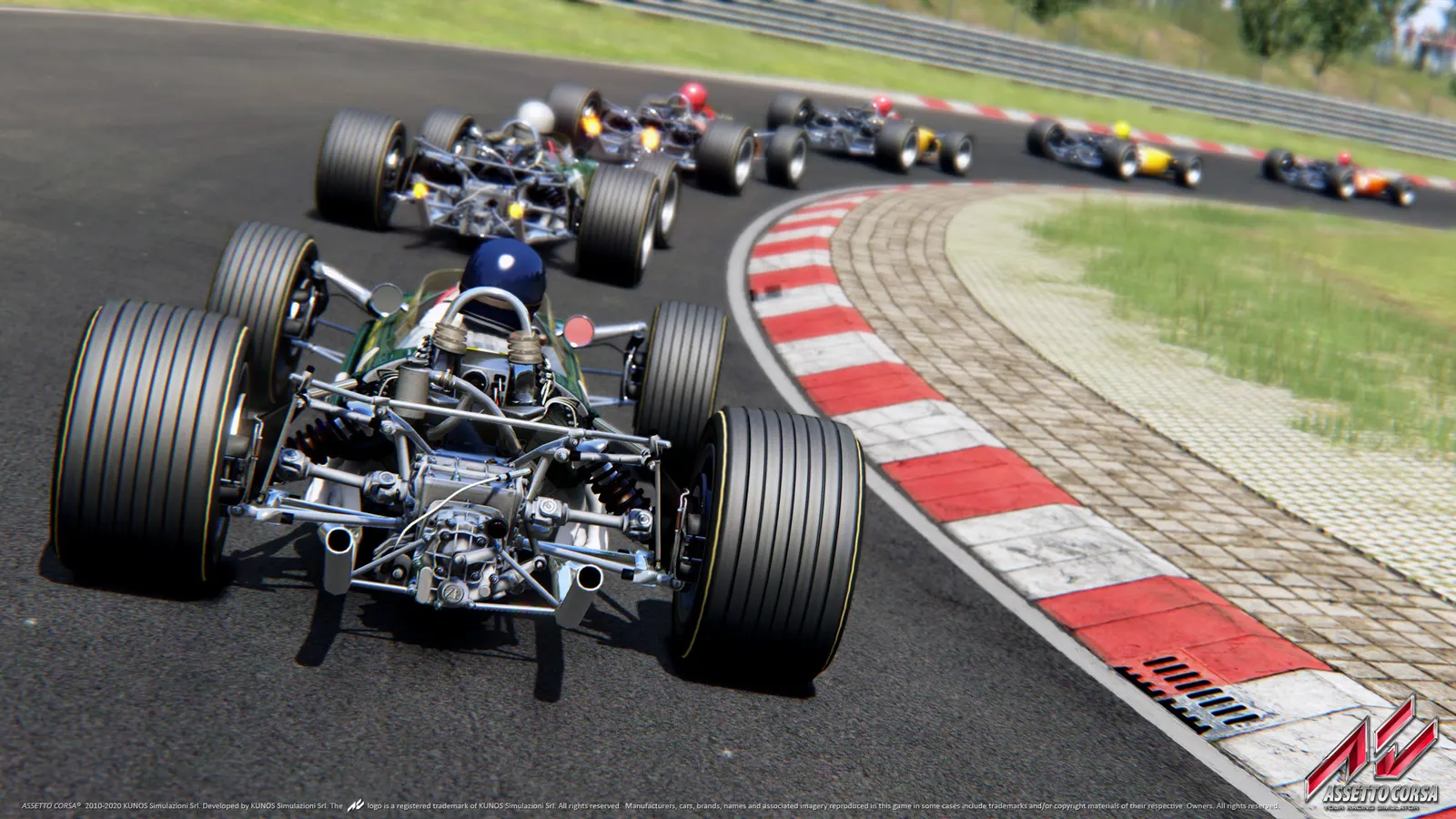
The long-running sim-racing title from Kunos Simulazioni, known for its physics, wheel support and a huge mod scene. It runs on one demanding render thread, so shadow and reflection resolution, MSAA and large grids cost the most, and a fast CPU matters as much as the graphics card.
Best Assetto Corsa settings at 1080p for an RTX 4060 + Ryzen 5 7600: Ultra, lowering MSAA and Shadow Resolution first. Modelled: that PC gets about 110 fps, an RTX 3060 + Ryzen 5 5600 90 fps (Ultra), a GTX 1650 + Core i5-10400 65 fps (High). Calibrated against 12 measured benchmarks. How we estimate this
Updated . Game data researched November 2026.
The setting for every preset, from Low to Ultra. Save your hardware to get one tuned list.
Set up your rig to see which column fits your PC, with an estimate of your frames.
| Setting | Low | Medium | High | Ultra |
|---|---|---|---|---|
| Rendering Mode | Fullscreen | Fullscreen | Fullscreen | Fullscreen |
| Resolution | Your monitor's native resolution; scale with the upscaler instead | |||
| Vertical Synchronization | Off; use G-Sync or FreeSync with an FPS cap instead | |||
| MSAA | Off | 2x | 4x | 4x |
| Anisotropic Filtering | 4x | 8x | 16x | 16x |
| World Details | Low | Medium | High | High |
| Shadow Resolution | 512x512 | 1024x1024 | 1024x1024 | 2048x2048 |
| Reflection Resolution | 512x512 | 512x512 | 1024x1024 | 1024x1024 |
| Reflection Frequency | Two faces per frame | Two faces per frame | Two faces per frame | Two faces per frame |
| Smoke Generation | Low | Medium | Medium | Medium |
| Mirror Resolution | 128x512 | 128x512 | 256x1024 | 256x1024 |
| Enable Post-Processing Effects | On | On | On | On |
| Motion Blur | Off | Off | Off | Off |
| Heat Shimmering | Off | Off | Off | Off |
Modelled frame rates on the High preset at native resolution, without upscaling or frame generation. Your own rig can differ: check your exact PC.
| Graphics card | 1080p | 1440p | 4K |
|---|---|---|---|
| RTX 4090 | 140 fps | 140 fps | 140 fps |
| RTX 4070 | 140 fps | 140 fps | 105 fps |
| RTX 4060 | 140 fps | 120 fps | 60 fps |
| RTX 3060 12GB | 140 fps | 95 fps | 50 fps |
| GTX 1650 | 70 fps | 45 fps | 25 fps |
| RX 7800 XT | 140 fps | 140 fps | 105 fps |
| RX 7600 | 140 fps | 120 fps | 60 fps |
| RX 6600 | 140 fps | 95 fps | 50 fps |
These are estimates from our model, not measurements; real results vary with the scene, drivers and background load. Orange numbers are below 60 fps. How we estimate this
ASSETTO CORSA EVO IS OUT NOW IN STEAM EARLY ACCESS! Assetto Corsa EVO offers a highly personalized driving experience. Modes like Free Practice and Quick Race allow you to hone your skills, while adaptive AI pushes you from beginner to…
Read on Steam (opens in a new tab): Assetto Corsa EVO is OUT NOW in Steam Early Access!Applications for moderator roles are NOW OPEN! If you're passionate about the game and the community, we want to hear from you. 👉 https://505.games/ACModApplicationForm
Read on Steam (opens in a new tab): The Official Assetto Corsa Discord Server is COMING SOON!Experience the thrill of Assetto Corsa—save big and start racing today! 🏁 The Assetto Corsa Franchise Showcase is live on Steam! More info: https://505.games/ACFranchiseSale24 From December 9 to December 19, grab unbeatable deals on…
Read on Steam (opens in a new tab): The Assetto Corsa Franchise Showcase is now Live!The Steam Store page for Assetto Corsa Evo is now LIVE! https://store.steampowered.com/app/3058630/Assetto_Corsa_EVO/ Hit the link and don't forget to add it to your wishlist to stay updated! Driving / Simulation / Evolved WISHLIST NOW…
Read on Steam (opens in a new tab): THE STEAM STORE PAGE FOR ASSETTO CORSA EVO IS NOW LIVE! Assetto Corsa Mods, Content Manager and CSP Explained
Content Manager is a free launcher, Custom Shaders Patch is a graphics and physics extension, and mods are cars and tracks made by the community. Here is how the three fit together and how to install them safely.
Guide · Assetto Corsa
 Assetto Corsa Wheel and Force Feedback Settings That Work
Gain near 100, a small minimum force and a short list of effects you can leave off: a clear starting point for Logitech, Thrustmaster and similar wheels in Assetto Corsa.
Guide · Assetto Corsa
 Assetto Corsa Best Cars for Beginners: Where to Start
Start in slow, rear-wheel-drive road cars and light track-day cars, then work up to GT and supercars. This guide explains why and which cars to try first.
Guide · Assetto Corsa
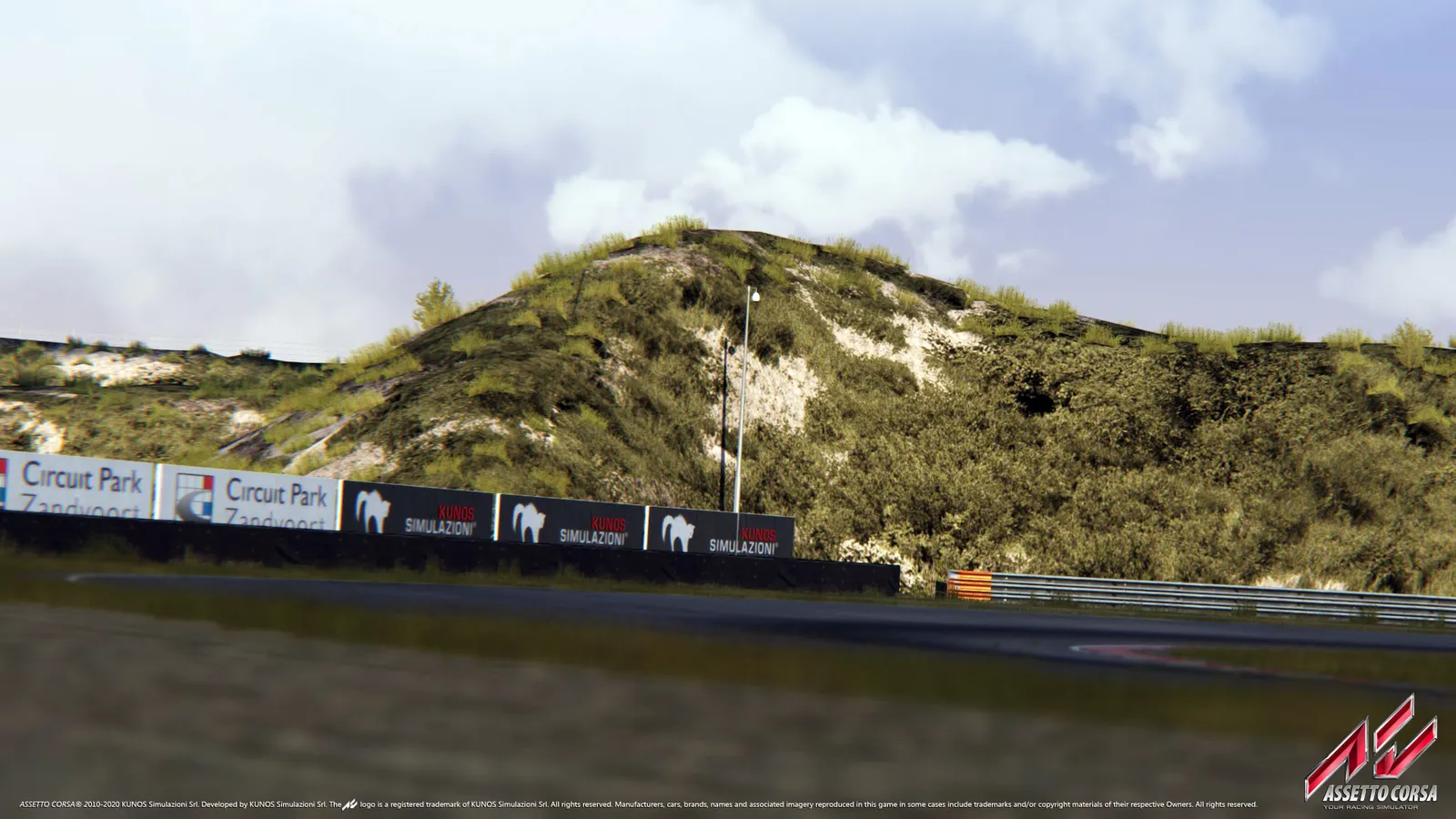 Assetto Corsa Best Tracks to Learn On and Which to Skip at First
Start on short club circuits such as Magione and Vallelunga Club, graduate to Silverstone and Imola and keep the Nurburgring and Spa for later.
Guide · Assetto Corsa