
Since Economy 2.0 (patch 1.1.5f1, 24 June 2024), buildings in Cities: Skylines II pay their own way through rent, so your city's income depends on whether residents and companies can afford theirs. Keep taxes moderate, watch the Economy panel, and avoid long deficits. Some numbers here come from the community wiki's last verification for 1.1.5f1 (June 2024), so check the in-game values. The newest patch is 1.6.4f1 (10 November 2026).
Rent and upkeep
Rent is calculated as (LandValue + (ZoneType x BuildingLevel)) x LotSize x SpaceMultiplier. The virtual landlord was removed, and building upkeep is split equally among renters. Households that cannot afford rent spend less and leave only when income is too low. A building that gets its full upkeep paid improves its condition until it levels up; a building that is not paid declines until it collapses. Government subsidies were removed and city service upkeep was increased.
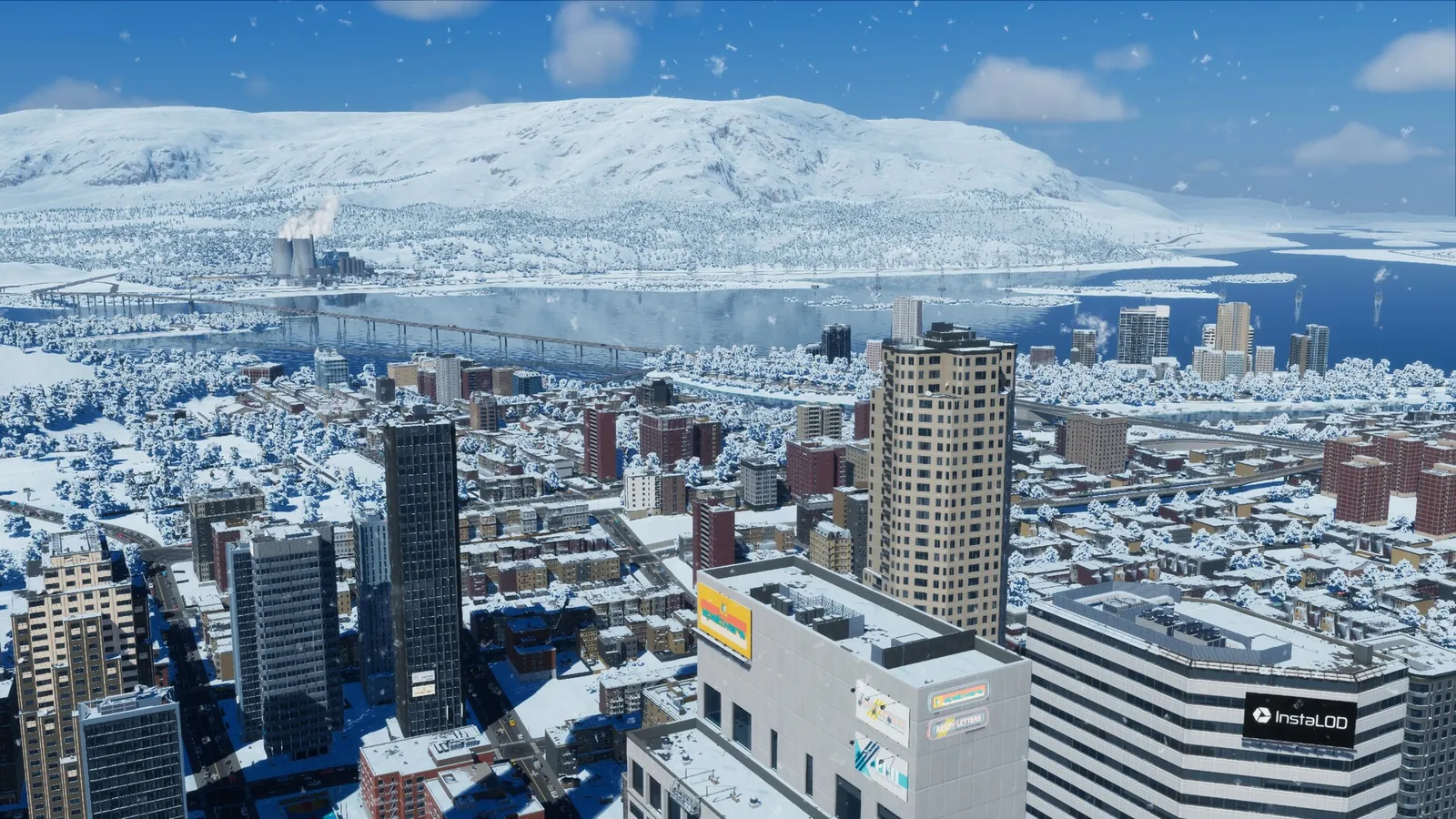
A mix of residential, office and commercial income keeps a big city afloat. Economy 2.0 also added an upkeep cost for every map tile you own, so unlocking land early has a running cost.
Patch 1.6.2f1 (Autumn Breeze, 15 September 2026) changed how citizens and companies behave around money: citizen happiness, shopping and leisure choices now follow income instead of accumulated wealth, companies that produce the most-needed resources get first pick of empty properties, and residential demand in very large cities no longer drops because of empty homes. Expect city finances to differ somewhat from older advice.
Taxes
Taxation and services unlock at milestone 1, and the Production tab at milestone 2. Each tax slider ranges from -10% to 30%. Residential tax is based on citizen wages by education level, while commercial, industrial and office taxes are based on company profit, per product. Lower taxes help buildings level up, and taxes on education levels and goods shift demand. If the budget is red, raise taxes in small steps and look at the effect before you change them again.
Service budgets
You can set a service budget from 50% to 150%. At 50% the service runs at 25% capacity and at 150% at 125%, and the change scales capacity of everything, including power plants and water pumps. The wiki notes that the milestone at which budgets unlock is described differently in two places. A service fee that is above 100% lowers company efficiency and happiness a little, and one below 100% raises them. Check the Fees tab in game for current defaults.
Import City Services and loans
The Import City Services policy lets outside connections supply ambulances, hearses, fire engines, police cars and garbage trucks for a fee. It is useful early, when you cannot afford your own buildings. Loans add 2.3% to 20% of the loan to your monthly expenses, and the limit depends on milestone. City Hall reduces the interest by 1% and the Central Bank by a further 2%.
Production and trade
- Each resource shows Surplus or Deficit. Deficits are imported and surpluses are exported.
- Material chains include Ore to Metals to Steel, Machinery and Vehicles, and Crude Oil to Petrochemicals to Plastics and Textiles.
- Immaterial goods such as Software, Telecom, Financial and Media come from commercial and office zones.
- Company efficiency is 100% by default and can reach 115% with the specialization bonus.
- Selling locally is more profitable for industry than exporting.
Milestone rewards
Economy 2.0 cut milestone rewards sharply: milestone 1 went from 600,000 to 25,000 and milestone 20 from 7,000,000 to 500,000. Rewards rise by 25,000 per milestone to 500,000 at milestone 20. Plan your early game around that, not on a big cash gift. Starting funds could not be confirmed here, so check the new game screen.
Quick tips
- Zone for jobs and housing together so rent can be paid.
- Do not slash service budgets for a quick profit; capacity falls too.
- Import services at first, and build your own when the city can afford them.
See the zoning guide and the Cities: Skylines II page.