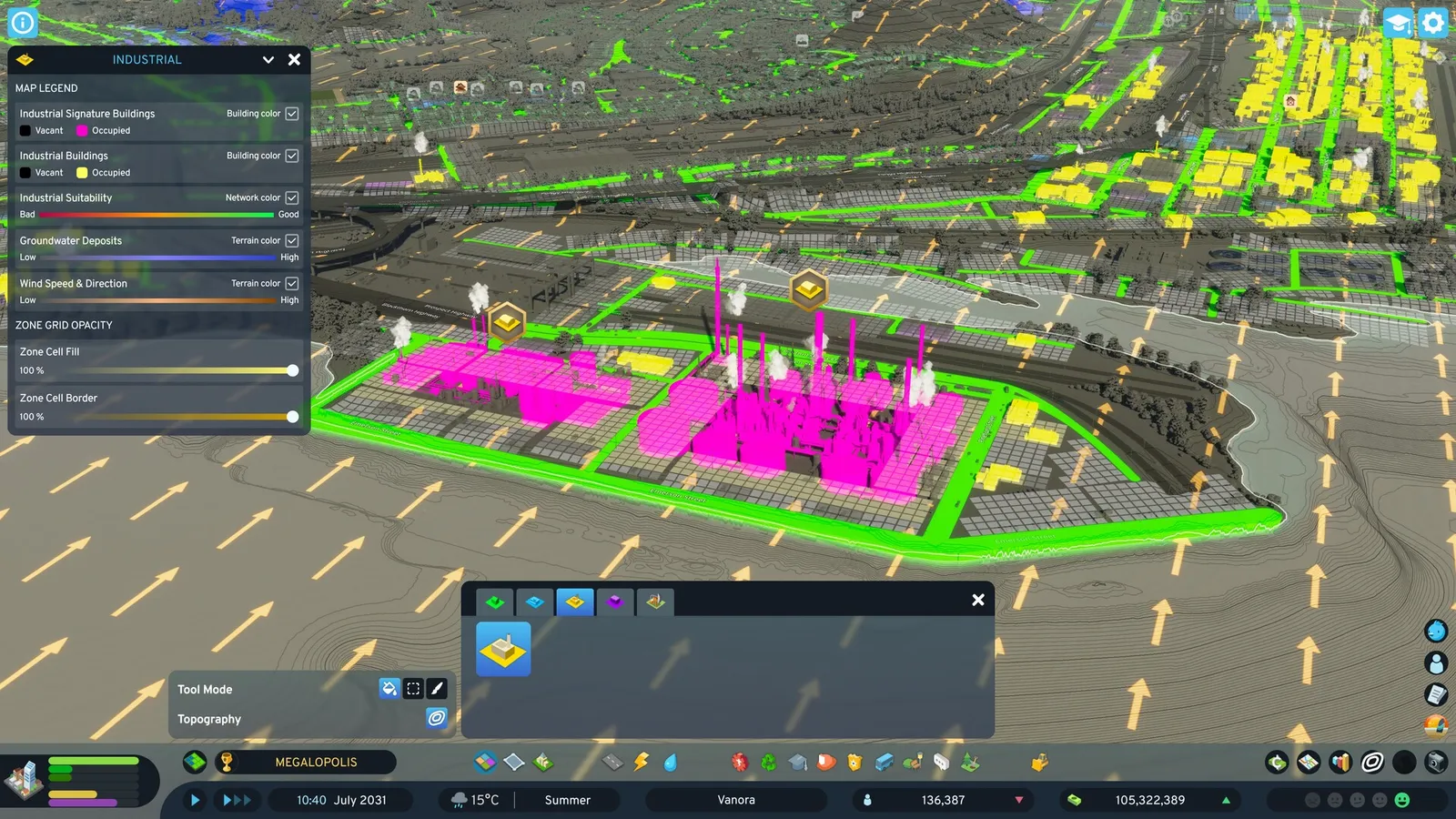
Zone the land next to your roads, watch the demand bars, and let buildings grow. Zones come in residential, commercial, industrial and office types, each with low and high density versions, and the zone grid uses 8 by 8 meter cells. The numbers below were last verified for the 1.0 and 1.1.5f1 versions, so some values may have shifted in later patches; the newest patch is 1.6.4f1 Seasonal Shift (10 November 2026).
Zone types and lot sizes
Lot sizes are given as width by depth in cells:
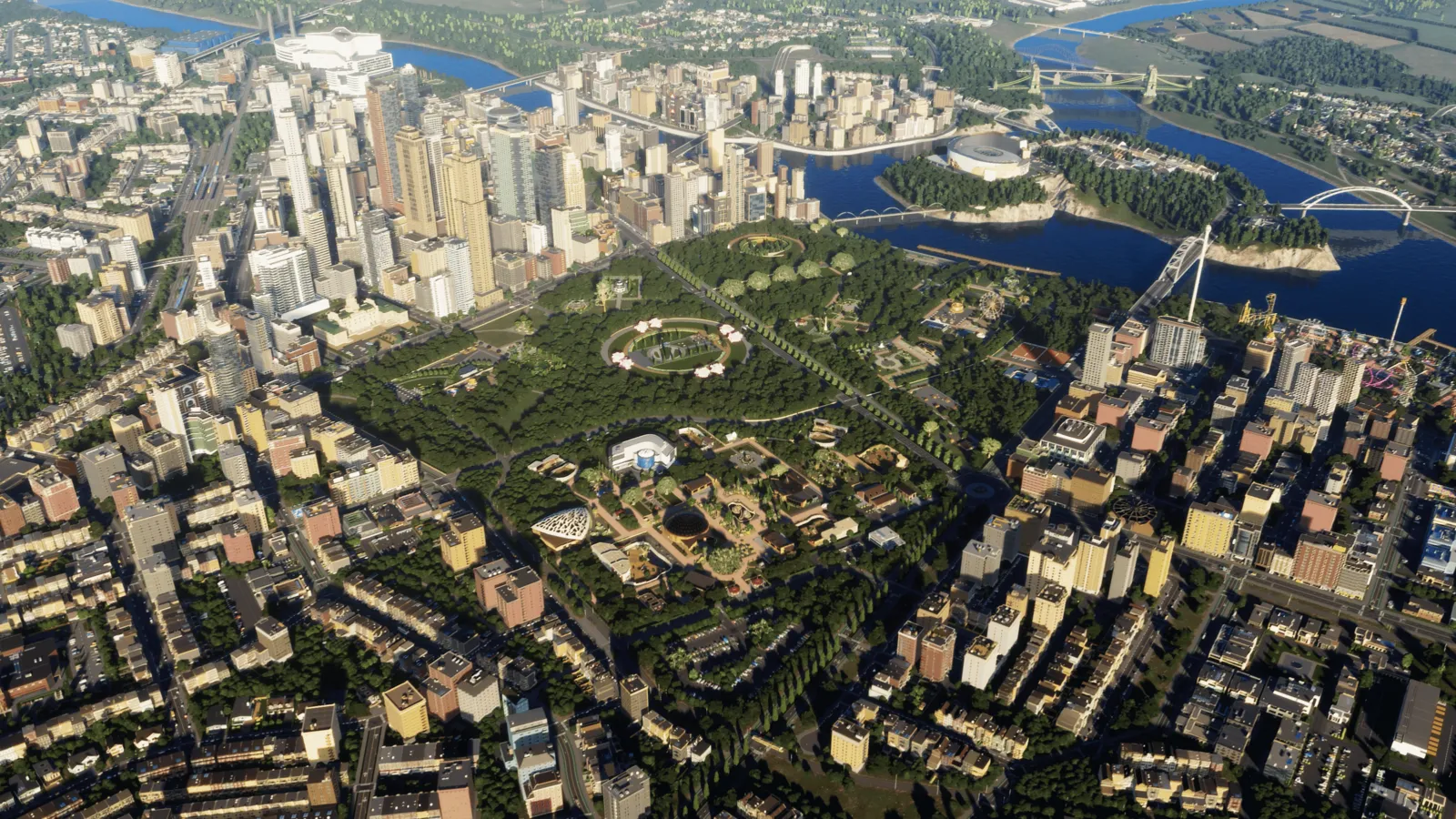
Zones fill in around roads, parks and services.
| Zone | Size range |
|---|---|
| Low Density Housing | 2x2 to 4x6 |
| Medium Density Row Housing | 1x2 to 1x6 |
| Medium Density Housing | 2x2 to 6x6 |
| High Density Housing | 2x2 to 6x6 |
| Mixed Housing | 2x2 to 6x6 |
| Low Density Business | 2x2 to 5x6 |
| High Density Business | 2x2 to 6x6 |
| Low and High Density Offices | 2x2 to 6x6 |
The game also has Low Rent Housing and Industrial Manufacturing zones. There are two building themes, European and North American.
Painting zones
- Build a road first. Zoning follows roads.
- Pick a zone type and choose a tool mode: Fill, Marquee or Paint.
- Click along the road to zone it. Use the right mouse button to remove zoning.
- Use the suitability info view to see where a zone type fits best.
When zones unlock
At last verification, zones unlocked by milestone: Low Density Housing, Business and Industrial at the start, Row Housing at milestone 1, Medium Density Housing at 2, Low Rent Housing at 4, Mixed Housing at 5, High Density Housing at 8, High Density Business at 9 and High Density Offices at 10. Check in-game, because milestone placement changed in later patches. See the milestones guide.
Demand
- Residential: driven by new citizens, and falls with unemployment or empty homes.
- Commercial: driven by goods, purchasing power and workforce.
- Industrial: driven by workers, commercial need, specialized industry and warehouses.
- Office: driven by educated citizens and demand for immaterial goods.
Taxes on education levels and goods shift demand. If a bar is empty, fix the cause rather than zoning more.
Building levels and land value
Buildings have levels 1 to 5. Higher levels increase upkeep and rent, and the look changes every other level. Land value spreads along roads and rises when residents' needs are met and they can afford higher rent. If rent exceeds upkeep, a building levels up; if rent goes unpaid, the building deteriorates and can be abandoned and collapse. Low density has fewer residents but more tax per resident, while high density has less tax per resident and more traffic. Highways cause noise and air pollution at three times the normal level, and you cannot zone beside them. Large roads also reduce land value through noise.
Specialized industry
Some industry zones depend on a resource on the map: Grain Farming, Vegetable Farming and Textile Fiber need Fertile Land, Forestry needs a Forest, Coal Mining and Ore Mining need Ore, and Oil Drilling needs Oil. Livestock Farming and Stone Mining need no special resource. According to the community wiki, Vegetable Farming and Coal Mining unlock at milestone 1, Textile Fiber at 2, Ore Mining at 3 and Oil Drilling at 4, while some others are available from the start, so check the zoning menu. District creation tools and policies unlock at milestone 4 (Grand Village).
Signature buildings
Signature buildings are unique, can be built once, are free once unlocked and give XP plus local or city-wide effects. They unlock through milestones, happiness, zoned cells or goods produced.
Quick tips
- Mix densities; low density near parks, high density near transit.
- Keep industry away from housing to protect land value.
- Traffic follows zoning, so plan roads first; see the traffic guide.
The Cities: Skylines II page has performance settings.