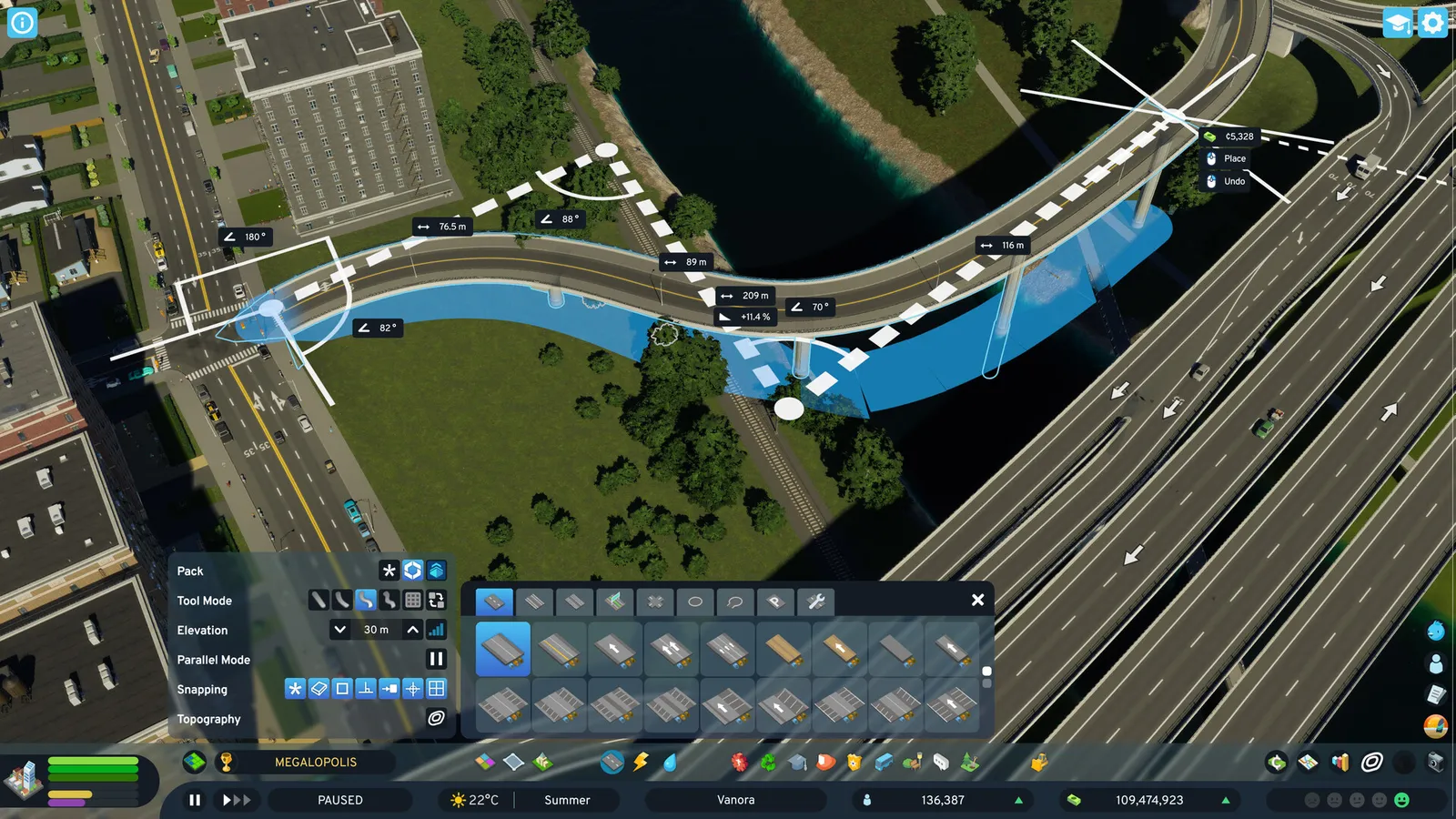
Traffic in Cities: Skylines II is mostly a question of speed and connections: vehicles prefer faster roads, even when the route is longer. Use highways for through traffic, keep small roads small, and fix accidents and blocked roads quickly. This guide uses the wiki's last verified figures (partly for version 1.0), plus recent patches up to Seasonal Shift (1.6.4f1, 10 November 2026).
Road types and speeds
| Class | Examples | Speed |
|---|---|---|
| Small | Two-Lane Road, Alley, Gravel Road, Pedestrian Street | 20 to 40 km/h |
| Medium | Four- and Five-Lane Road | 50 km/h |
| Large | Six- and Eight-Lane Road | 50 to 60 km/h |
| Highway | One-way and two-way highways | 80 to 120 km/h |
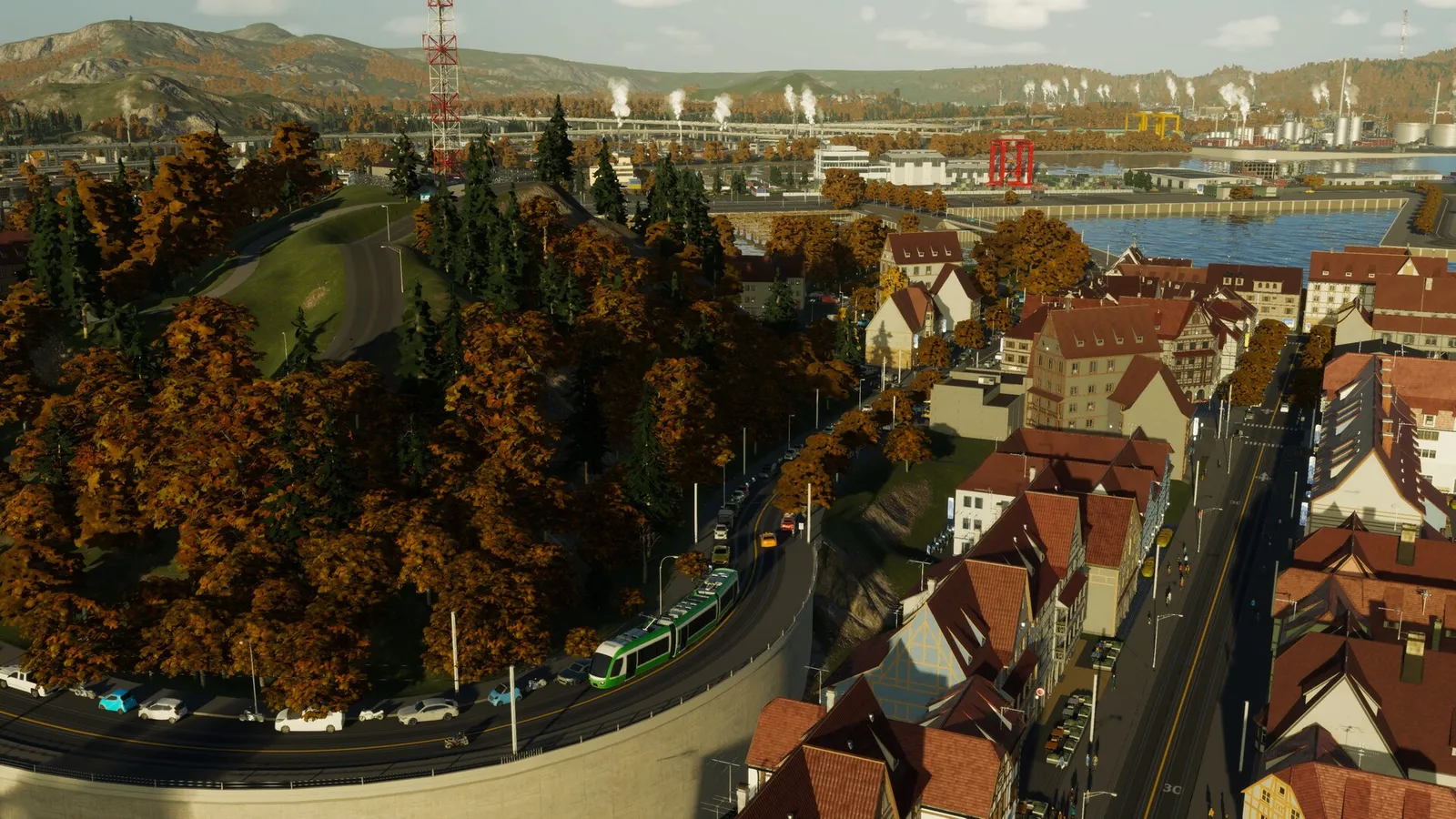
Public transport lines take cars off the road.
The Two-Lane Road is 40 km/h, Alleys and Gravel Roads 30 and Pedestrian Streets 20. One-way highways run at 120 km/h and two-way at 100. Only the Two-Lane Road is available at the start, other types unlock after the first road and with milestones, and Four-Lane Roads unlock at milestone 1. There is no explicit road hierarchy in the game, so you create one by how you connect roads.
Building tools
- Straight, Simple Curve, Complex Curve, Continuous and Grid tools.
- Replace, which lets you add tram tracks or bus lanes to an existing road.
- Parallel mode for building two roads side by side.
- Elevation steps of 1.25, 2.5, 5 and 10 meters.
- Snapping to the 8 meter zone cell.
All non-highway roads carry 40 MW of power, water and sewage pipes, except bridges. Highways cause three times the noise and air pollution and allow no zoning beside them.
What causes congestion
- Accidents, which are more likely with bad road condition, poor lighting or weather.
- Slow clearing: police and road maintenance are needed to clear wrecks.
- Blocked roads, where a wreck or a jam stops everything behind it. One-way roads reduce congestion, but service vehicles cannot drive against the flow, so check emergency access.
- Through traffic that grows from intercity highways.
Fixes include road maintenance, streetlights and one-way roads where they make sense. The Traffic info view runs from green to red and shows you where jams are, and a separate Traffic Volume view shows load. The Heavy Traffic Ban policy unlocks at milestone 6 (Boom Town).
Reading the traffic views
- Open the Traffic info view. Green roads flow freely; red ones are jammed.
- Find where the red begins, because the cause usually sits at the front of the queue: an intersection, a merge or a blocked lane.
- Switch to Traffic Volume to see whether the road simply carries too much.
- Fix the cause. Upgrade the road, add an alternative route, or remove a connection that sends through traffic into town.
- Check again after a few in-game days, since cars re-route as soon as you change the network.
Recent patch changes
Patch 1.5.9f1 (27 May 2026) reduced needless U-turns and made vehicles pick turn lanes earlier near highway exits and intersections. Patch 1.6.0f1 (22 June 2026) fixed legal U-turn costs so citizens can use dedicated lanes more flexibly and lowered illegal U-turn costs. Patch 1.6.2f1 (Autumn Breeze, 15 September 2026) made garbage trucks reserve capacity better and skip buildings with very small amounts of garbage, which cuts needless service traffic, and fixed cars being left behind at transit stations.
Quick tips
- Do not feed local roads straight into highways; use arterials in between.
- Keep industrial and residential traffic apart.
- Use the Traffic view after every big change.
See also the zoning guide and the Cities: Skylines II page.