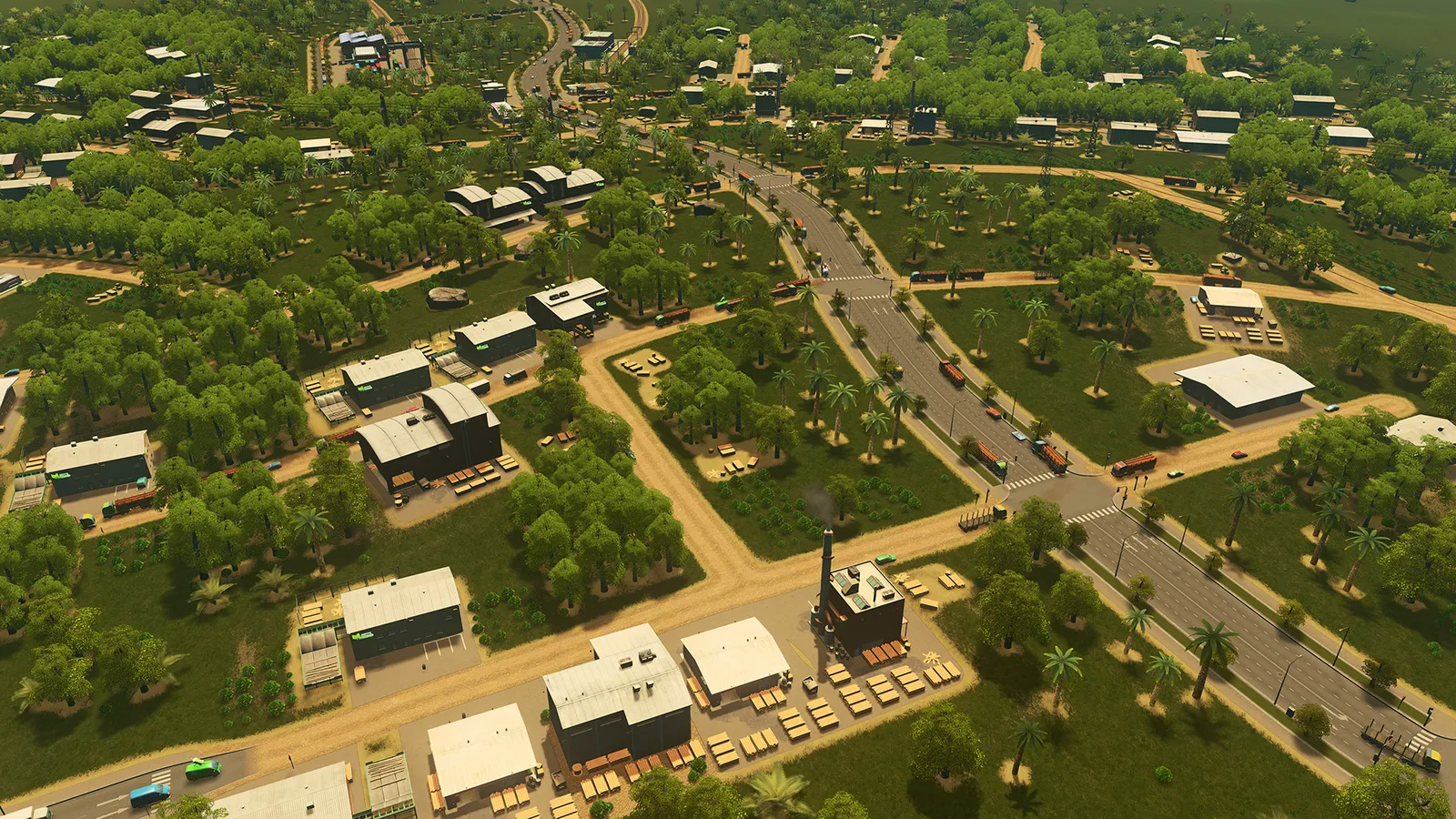
The easiest first city in Cities: Skylines starts with one road from the highway exit, a power plant, a water pump and a drain pipe, and a few residential zones. Add shops and industry only when the demand bars ask for them, and keep your spending small until the city earns money. The mistakes that kill a first city are zoning too much too early and putting the water pump downstream of the sewage outlet.
What should I do right after the map loads?
Pause the game straight away so that maintenance costs and the clock do not run while you plan. You start with a limited budget (around 70,000), and every road you build costs upkeep, so build only what you need.
Where should I put the first roads?
- Connect your first main street to the highway exit. Build it with at least three lanes (an avenue or a road with a median) and leave room next to it, because you may want to upgrade it later.
- Run a few side streets off it in a simple grid. A grid is easy to zone and easy to upgrade.
- Avoid long winding side streets and many dead ends. They waste zoned space and make traffic worse later.
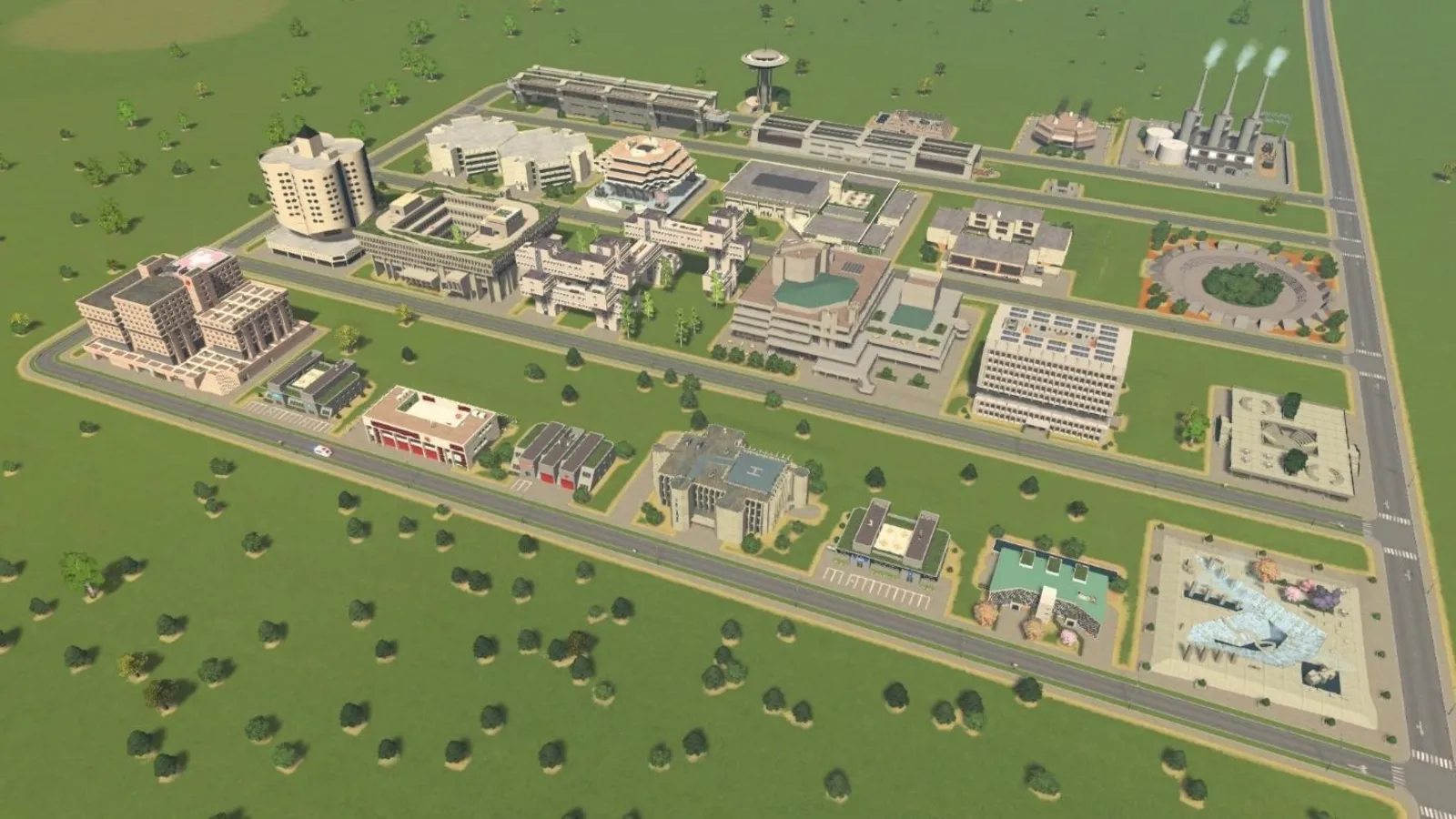
A small grid: one connection to the highway, short side streets and zoning on both sides of the road.
How do power, water and sewage work?
Zoned buildings do not carry power or water; you connect them with power lines and water pipes, and the pipes and lines are separate from the roads. The basics are:
- One power plant, linked to the city with power lines.
- A water pumping station upstream and a drain pipe downstream. Rivers flow, and if the pump sits below the drain, your citizens drink sewage and get sick. Look at which way the river flows before you place either.
- A single pumping station and one drain pipe can serve the whole city in the early game.
How should I zone?
A new city has demand for homes only, because nobody lives there yet. Zone a few residential blocks along your road first. When the demand bars show shops (commercial) and jobs (industrial), add small zones for those. Do not zone everything at once: unused zones cost nothing, but a big zoned area that fills quickly overloads your power and water, and then a lot of buildings are unhappy at the same time.
- Keep industry away from housing. Factories create pollution and noise, and residents do not mix well with them.
- Draw large districts rather than many tiny ones; they are easier to manage with policies.
- Avoid zoning housing next to landfills and other dirty buildings.
Which services do I need first?
Add services when the city asks for them: fire, police, health care, garbage, then schools. Services enable building level-ups, and higher levels bring more taxes. The reach of a service depends on the roads, so place them on roads that cars can actually use to get there, and remember that you can move buildings later. Plan garbage early: unhandled garbage causes unhappiness and disease, and disease outbreaks cost money.
How do I make money and grow without going broke?
- Keep your budget in the green before you add something expensive; check the budget panel regularly.
- Supply industry from nearby sources. Specialised industry (farming, forestry, ore, oil) feeds standard industry, and shops that get goods locally earn more tax.
- Start with a clean power source as early as you can, then unlock an incinerator rather than relying only on landfill.
- Expect happiness to move slowly in a large city. Respond to the problems citizens report instead of waiting for the number to rise.
- Buy more land only when you need it. Check what resources lie in the next area before you choose a direction.
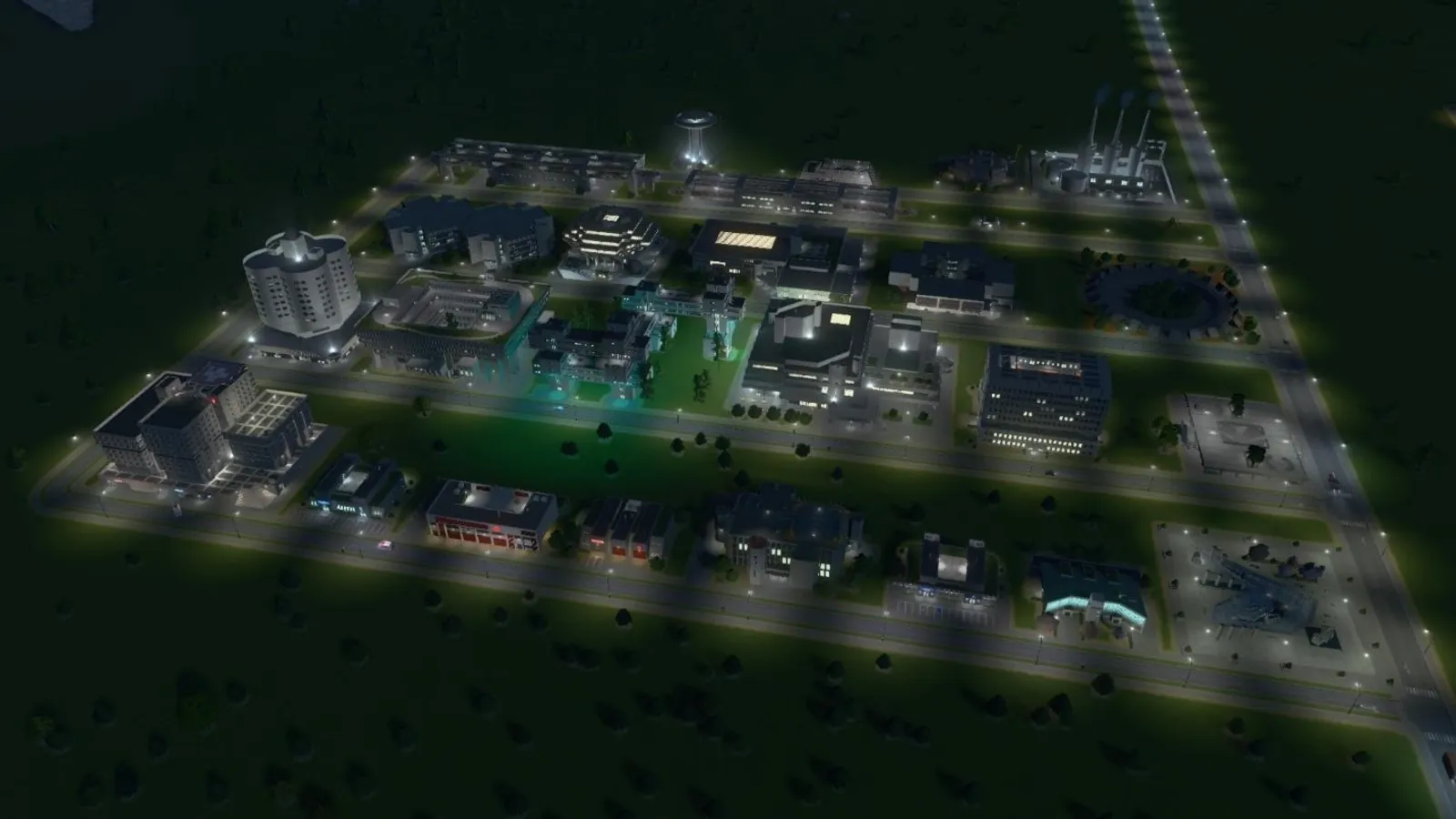
A compact town with separated districts is easier to extend than one with scattered buildings.
What do the milestones unlock?
Almost everything is locked behind population milestones. The population needed for each one varies with the map (a map with less buildable land asks for fewer people), so use the numbers below only as a rough scale; the milestone panel shows the real target for your map. The list is the community wiki's, last checked for an older patch, and it matches what other guides report for the early milestones.
| Milestone | Rough population range | Main unlocks |
|---|---|---|
| Little Hamlet | 120 to 500 | Taxes and loans, education, garbage and health services |
| Worthy Village | 240 to 1,000 | Districts, a second loan, service policies, police and fire |
| Tiny Town | 360 to 1,600 | Parks and plazas, industry areas, fire and police upgrades |
| Boom Town | 650 to 2,800 | Bus, tram, taxi, ferry and postal services, ore specialisation |
| Busy Town | 1,200 to 5,500 | City planning policies, oil and tourism specialisation |
| Big Town | 1,800 to 8,000 | Metro, high-density and office zones, taxation policies |
| Small City | 2,600 to 11,000 | Trains, monorail, cable cars, business and industry policies |
| Grand City | 5,000 to 22,000 | A third loan, solar power, waste processing |
Later milestones (Capital City, Colossal City, Metropolis and Megalopolis) add ships, helicopters, nuclear power, airports and finally monuments, and also unlock more map tiles. Reach the milestone before you plan around its buildings: the biggest early step is Worthy Village, because districts and policies start there.
Which policies help early?
Policies apply to the whole city or to one district and cost a weekly fee. A few are worth knowing before you reach them:
- Small Business Enthusiast and Big Business Benefactor (Small City) double sales at low- and high-density shops. The fee is a few credits per week per building.
- Industrial Space Planning (Small City) doubles the goods output of industrial buildings in a district.
- Heavy Traffic Ban (Busy Town) keeps trucks out of a district, which is useful on residential streets but can block deliveries.
- Filter Industrial Waste (Busy Town with Green Cities) reduces ground pollution from factories.
Check the exact effects in the policy panel; they change with expansions and patches.
Quick tips
- Pause while you plan; unpause to watch what happens.
- Build a little, then watch a few minutes of game time.
- Keep a spare save from before each big change.
- When traffic starts to bite, read the traffic guide.
- If you are wondering which game to start with, see Cities: Skylines vs Cities: Skylines 2.