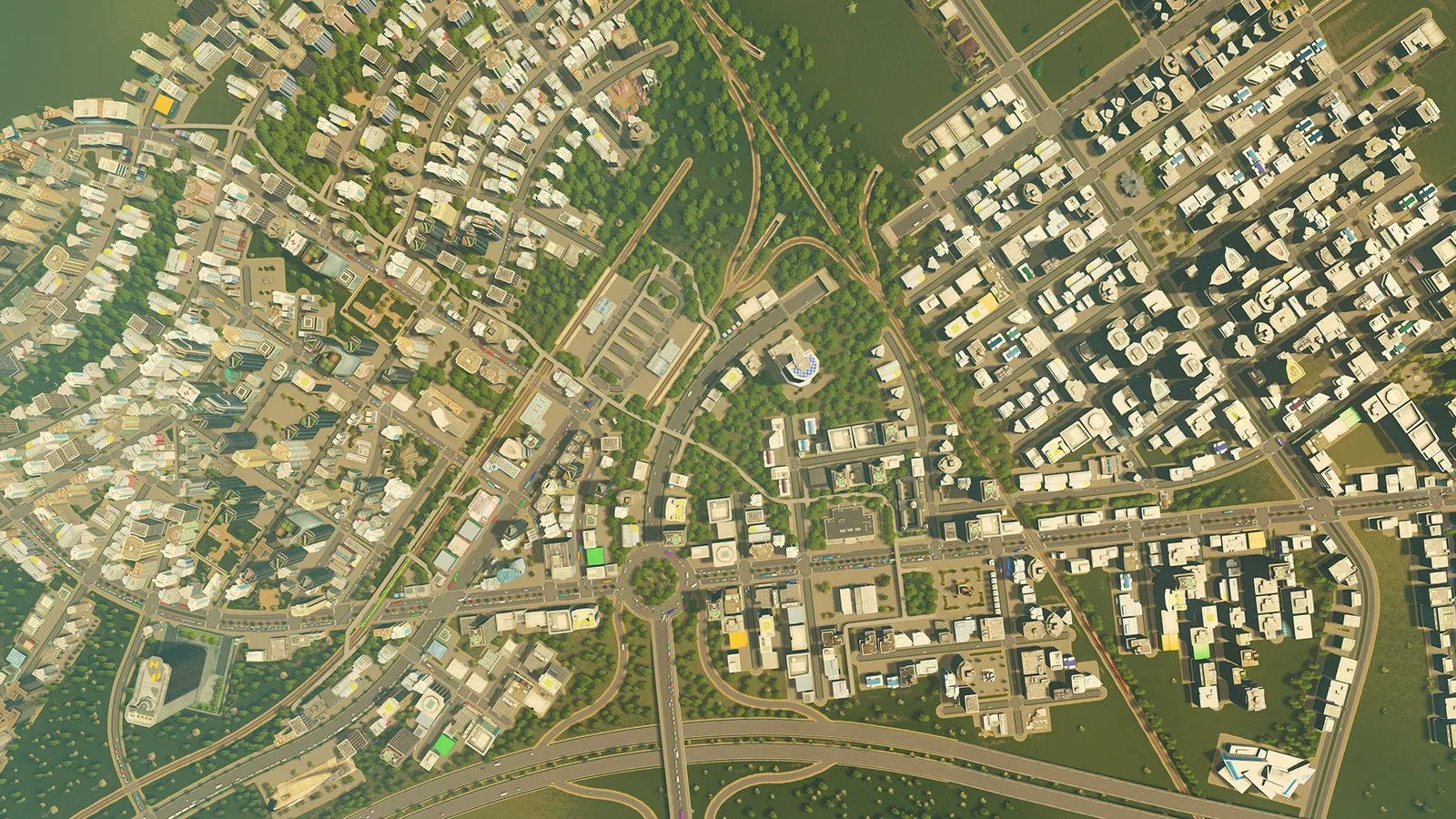
Most traffic jams in Cities: Skylines are caused by a few bottlenecks: a junction that is too busy, a ramp that merges too early, or one road that every car prefers. Find that spot, give cars a better route around it, and keep delivery and service vehicles off the roads that carry commuters. Wider roads alone rarely help. This guide is for the original game and was checked against patch 1.21.1 (April 2026).
How do I find what is actually causing the jam?
Do not guess. Open the Traffic info view and look at the colours: red and dark orange roads are the ones that are overloaded. Then click a single jammed vehicle and switch on its Traffic Routes in the selected info panel. The game draws every route that passes through that point, colour coded by type (road, rail, water, air, pedestrian), and the lines get thicker where more traffic flows. If the thick lines all feed into one junction, that junction is your problem, not the whole city.
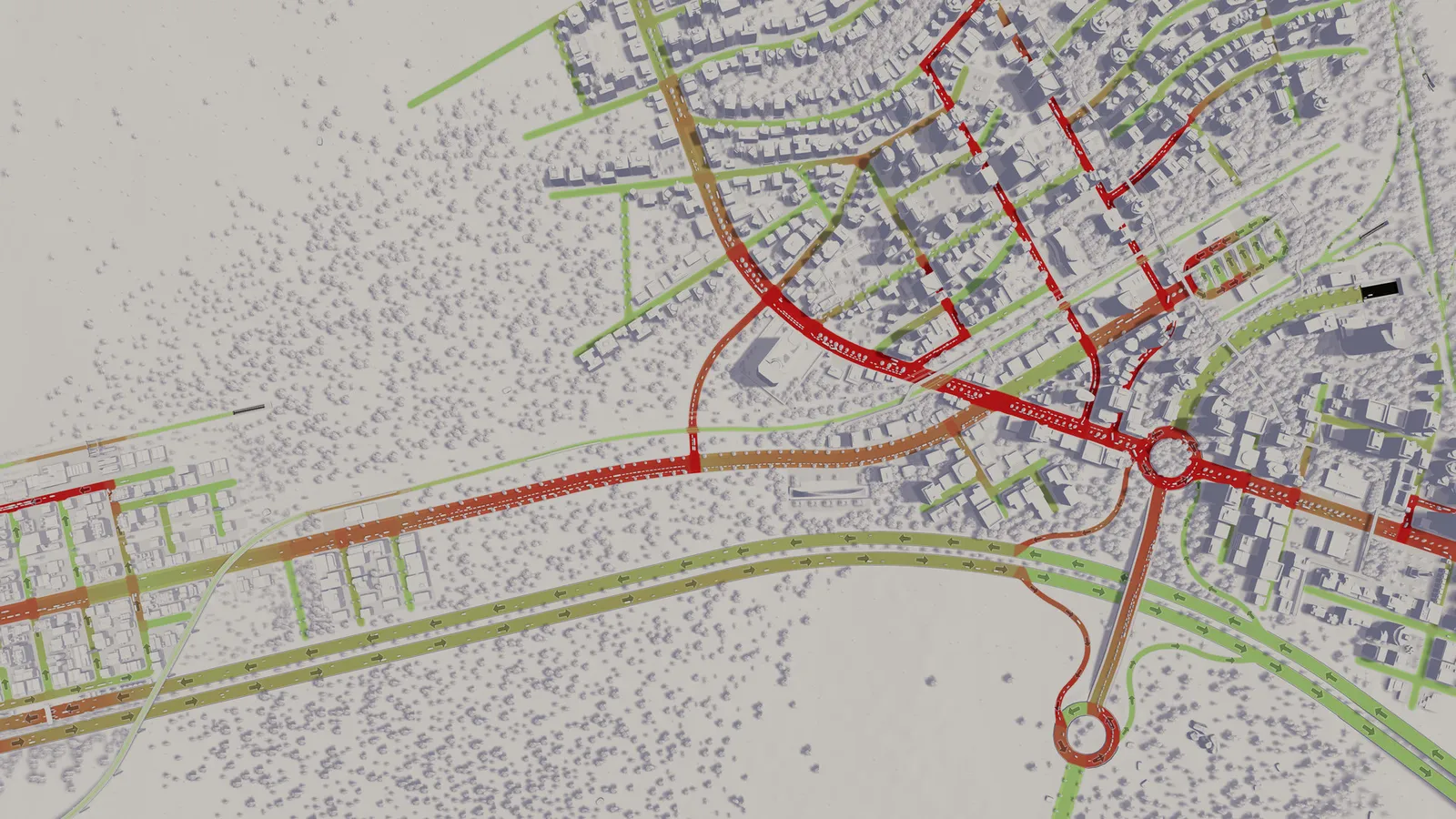
The Traffic info view shows red where a road is overloaded. Fix the junction before widening the road.
What is a road hierarchy and why does it matter?
Cars prefer fast, high-capacity roads. A highway will pull traffic off a parallel street even when the street is shorter. You can use that on purpose by building a hierarchy with three tiers:
- Local streets (small two-lane roads, alleys) that only serve the buildings next to them.
- Collector roads (avenues, four-lane roads) that gather traffic from several local streets.
- Arterials and highways that carry through traffic between districts and the outside connection.
The common mistake is connecting local streets straight to a highway ramp. Put a collector in between, so ramps only receive traffic that is already organised.
Should I use one-way roads?
Yes, in the right places. A one-way road removes the conflicts from left-turning and oncoming traffic, so a junction between two one-way streets handles far more cars than a crossing of two-way streets. The game also offers asymmetric roads for corridors with heavy traffic in one direction: the four-lane asymmetric road has three lanes one way and one the other, and the six-lane version has four and two. The extra lane can act as a turning lane at busy junctions. Do not turn every street one-way, though: service vehicles need a way back, and long one-way loops make drivers take detours.
How do I build junctions that do not block?
- Space them out. Several connections bunched close together on one roundabout slow everyone down. Keep entries and exits apart.
- Make roundabouts large. The default four-way roundabout is small, and a busy one clogs quickly. The game ships several roundabout sizes, so pick the bigger one at a major crossing and keep it for two or three connections, not six.
- Keep service buildings away from them. Depots, garbage and post offices send out many vehicles and cause a queue if they sit on the ring.
- Give highway ramps room. A ramp that joins the next junction after a very short distance creates a weave that stops the whole road.
- Add a second way out. A district with one connection to the rest of the city will always jam at that connection. A short second link spreads the load.
Does public transport really reduce traffic?
It does, when the lines are simple. Run bus lines as short circular routes through dense housing and put several depots around the city so buses do not drive across town. Use trains mainly for freight and for a few long passenger links, keep metro lines point to point or in a loop, and connect the airport to a line. Overlapping long lines with many stops create empty buses and queues at stops without moving people.
What does the Traffic Manager: President Edition mod do?
Traffic Manager: President Edition (TM:PE) is the standard traffic mod for the original game. It improves lane and parking usage and adds tools to control junctions, roads and rails: priority signs, timed traffic lights, lane connections and arrows, speed limits and vehicle restrictions. As of this update, the stable build 11.9.4.1 is tagged for game version 1.21.1-f5 and needs the Harmony mod as a dependency.
- Subscribe to only one version of TM:PE. If you switch between stable and test, unsubscribe from the other completely; disabling is not enough.
- If vehicles disappear or get stuck after you change roads, the TM:PE team recommends the Broken Node Detector mod.
- Change one junction at a time and watch it for a few minutes. Many custom signal setups are worse than the default.
More about mods, updates and what breaks them is in our Cities: Skylines mods and assets guide.
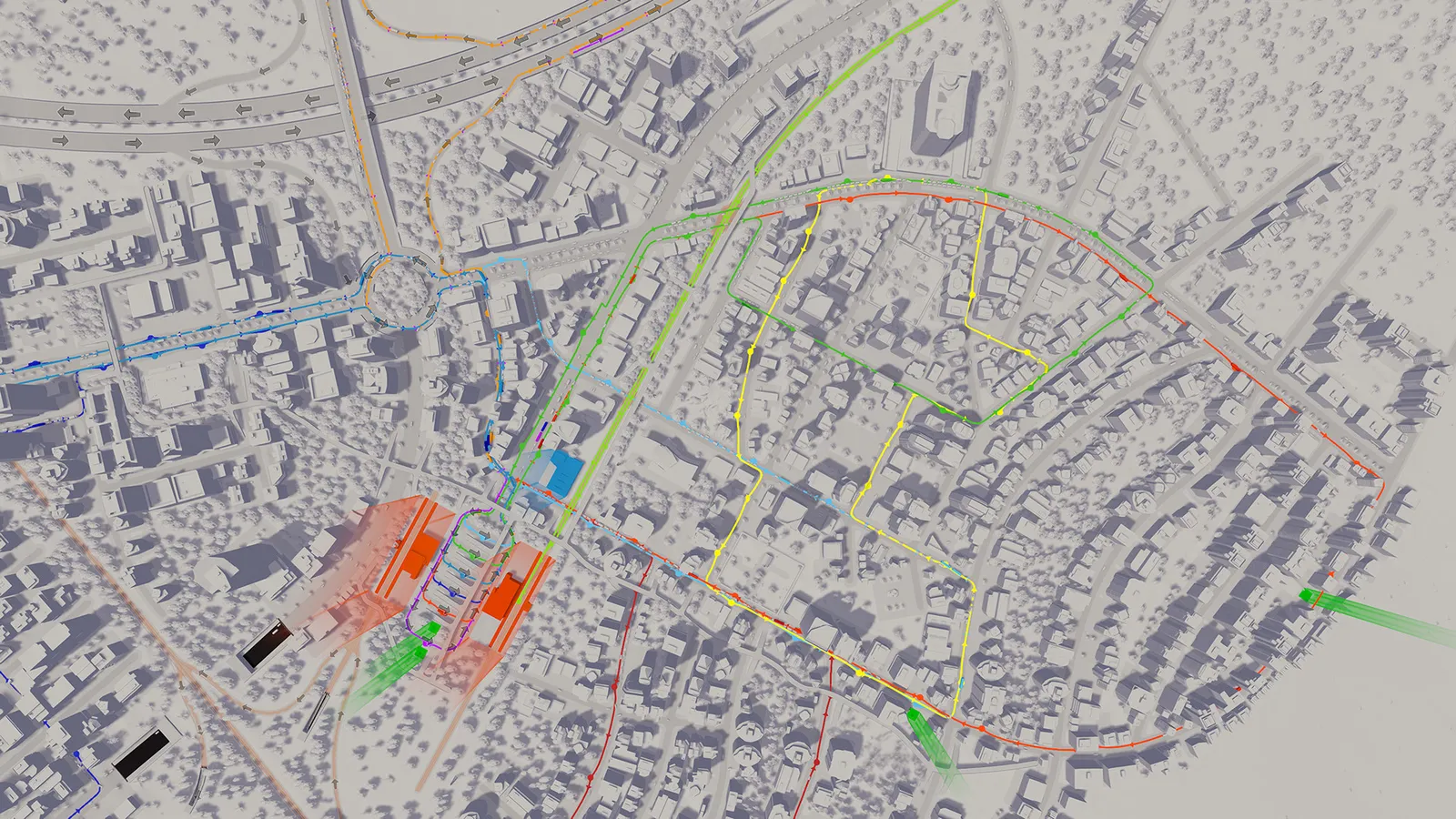
The same view at city scale: look for the places where the colour changes from green to red.
Which policies reduce traffic problems?
Policies are unlocked by milestones and apply to a district. Two are relevant to traffic. Heavy Traffic Ban (Busy Town milestone) stops cargo trucks entering a district while leaving highways alone, which keeps trucks off residential streets, but it can block deliveries to shops and factories in that district, so use it only where nothing needs freight. Electric Cars (Busy Town, with the Green Cities expansion) reduces traffic noise, though it costs a weekly fee per vehicle. Neither fixes congestion itself; they change who drives where.
A step-by-step routine for any jam
- Open the Traffic info view and note where the dark red roads are.
- Select a stuck vehicle and show its routes to see where the thick lines converge.
- Check what feeds that point: a ramp, a roundabout, a service building or a single bridge.
- Change one thing (a second link, a larger roundabout, a one-way pair) and let the game run for a few minutes.
- Look at the Traffic view again. If the jam only moved to the next junction, the cause is the route, not the junction.
Quick tips
- Fix the junction first, then widen the road.
- Keep industry and its trucks on roads of their own, away from commuter streets.
- Do not stack many zoned blocks on a single road; split them across parallel streets.
- Check the Traffic info view again after each change instead of building three fixes at once.
- If your performance drops in a large city, see our Cities: Skylines FPS boost guide.
FAQ
Why do cars use one road and ignore the others?
Cars prefer fast, high-capacity roads, so they bunch up on the road that looks best on the map. Make the alternatives attractive (similar speed, direct connections) or add capacity to the preferred one with a better junction.
Are the Cities: Skylines 2 traffic tips the same?
Not entirely. The second game works differently, so read our Cities: Skylines 2 traffic guide if that is the game you play.