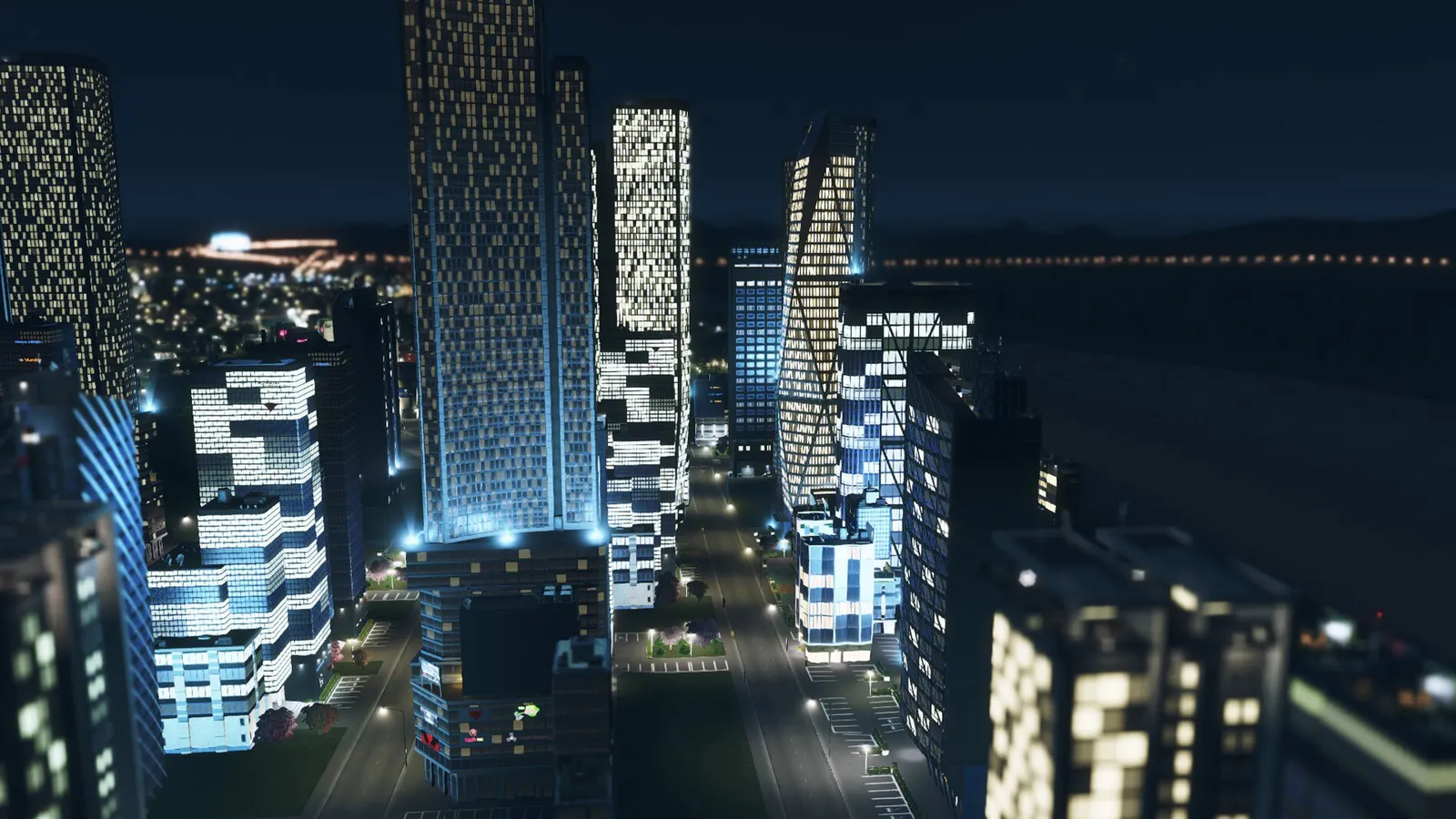
Cities: Skylines mods and custom assets come from the Steam Workshop: subscribe to an item and the game downloads it, then you enable it in the Content Manager. The risk is a game update, because new code can break mods that no longer match. The safest habit is a short list of well-kept mods, a backup of your save before every update, and unsubscribing (not just disabling) anything that is broken. This applies to the original game, current patch 1.21.1 (April 2026).
What is the difference between a mod and an asset?
A mod changes how the game works: traffic tools, a different simulation rule, extra info views. An asset is content: buildings, props, trees, vehicles, maps and road pieces. Assets rarely break after a patch, but a save can refuse to load when a building or prop that it uses is missing. Mods are the part that tends to break.
How do I install mods and assets?
- Open the Cities: Skylines page in the Steam Workshop and press Subscribe on the item. Steam downloads it the next time the game is running or starts.
- Start the game and open the Content Manager from the main menu.
- Under Mods, enable the mod. Some mods need a restart or must be enabled again in the in-game options.
- Read the description for dependencies. A mod can require another one; Traffic Manager: President Edition, for example, requires the Harmony mod.
- Load a save and check that the tool shows up before you build for hours.
What happens to my mods when the game updates?
A patch can change code that mods depend on. The March 2026 update that came with the Race Day expansion (patch 1.21.1-f4) was announced by the developer as one that would probably break many mods, and modders were asked for time to update them. A later patch, 1.21.1-f8, improved compatibility with some older mods such as Unlimited Trees Mod. If you play without mods, none of this affects you; you get everything the free update contains.
The Content Manager shows a small icon when a mod was packaged for an earlier game version. That icon is only advisory: the game compares version numbers and cannot test the mod, so many mods with the icon still work.
What should I do before every update?
- Back up your saves. Copy your latest save to another folder. On Windows the saves are in %LOCALAPPDATA%\Colossal Order\Cities_Skylines\Saves; on Mac they are in ~/Library/Application Support/Colossal Order/Cities_Skylines/Saves.
- Wait a day or two before loading a big city, so modders can release fixes.
- Check each mod's page on the Workshop for a note about the new game version.
The game will not load my save after an update. What now?
- Add --noWorkshop to the game's launch options in Steam. That disables all mods and custom assets without unsubscribing. Some saves will not load without their critical mods, and in that case you have to wait for the update.
- Unsubscribe from any mod you know is broken. Disabling in the Content Manager is not the same: a disabled mod can still run code and cause trouble.
- If you have two mods that do the same job, or two versions of one mod, keep one, usually the most recently updated.
- Copy the backed-up save back to the folder once the mods you need are fixed.
Which mods do most players start with?
| Mod | What it does | Note |
|---|---|---|
| Traffic Manager: President Edition | Junction, lane, speed and parking control | Requires Harmony; use only one version at a time |
| Broken Node Detector | Finds road and rail nodes that make vehicles despawn or stop | Recommended by the TM:PE team |
| Move It | Move buildings, props and road segments after placing them | TM:PE's changelog mentions Move It support; read the Workshop page for the current state |
Start with one or two, play for a while, then add more. Every extra mod is another thing that can break after a patch. For the traffic side of the game, see our traffic guide.
FAQ
Do console players get mods?
The Workshop is a PC feature. This guide covers the PC version of the original game.
Is it safe to keep a broken mod subscribed?
No. Unsubscribe from it until it is updated, as a disabled mod can still cause trouble. Re-subscribe later; your save will tell you which assets it misses.
Can I use mods and play on the same city after the 1.21.1 updates?
Yes if the mods you rely on have been updated for the current patch. Check each mod's Workshop page for the date of its last update and recent comments before loading a big city.
Quick tips
- Do not unsubscribe from items that your save uses without a plan; the save may stop loading.
- Ask for updates politely; modders do this in their free time.
- The second game has its own in-game mod system, so Workshop items for the original do not work there.
- Large asset collections can slow loading and use a lot of memory; see our FPS boost guide.