How do I show FPS in Cities: Skylines?
- In Cities: Skylines, in Steam open Settings > In Game and choose a position for "In-game FPS counter".
- In Cities: Skylines, the NVIDIA app or AMD Software overlay also shows frame rate and frame time.
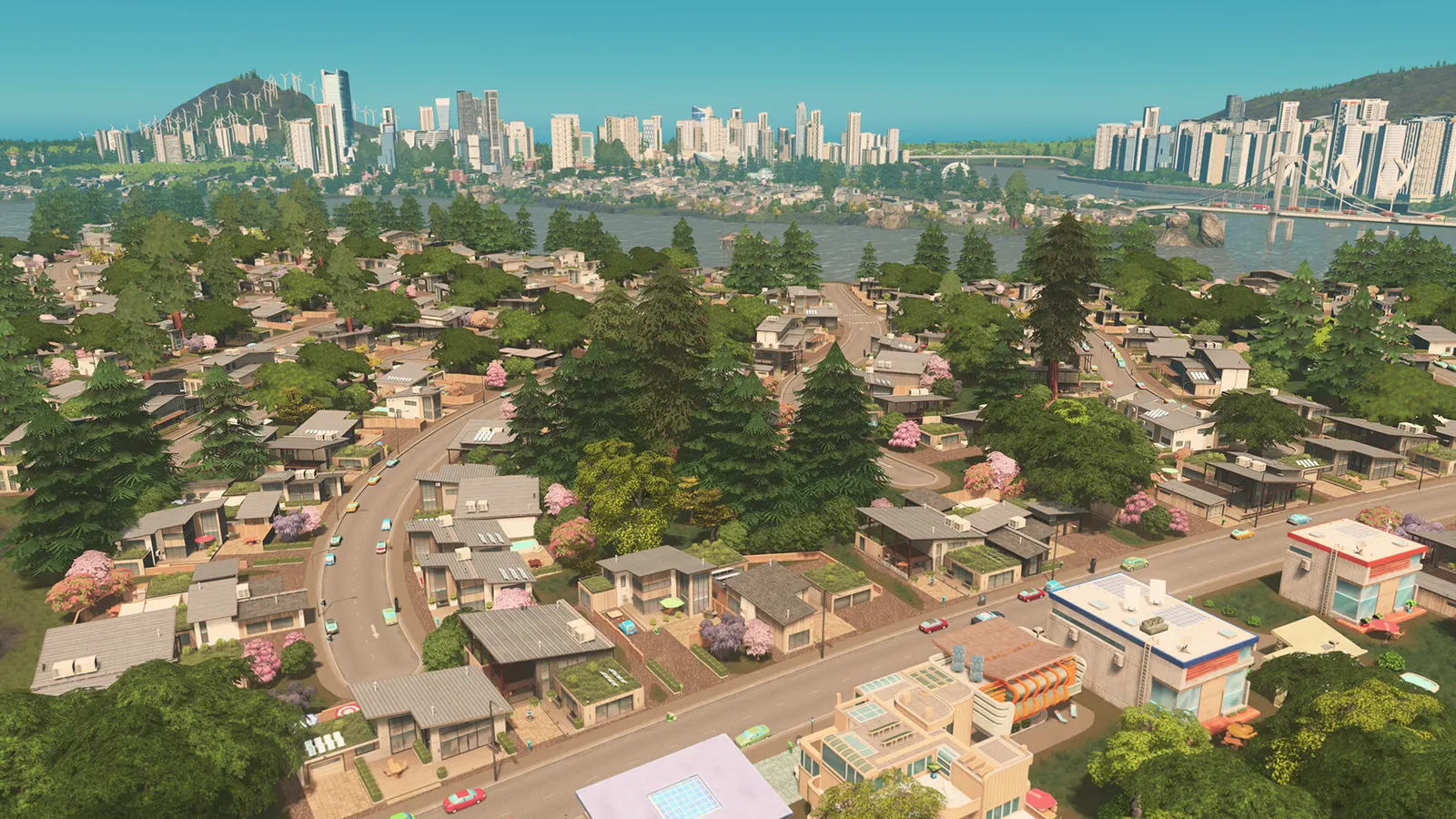
The 2015 city builder from Colossal Order that defined the modern genre, with a large mod and asset scene. Graphics are undemanding; as the city grows the single-threaded simulation is what slows it down, so a fast CPU and enough RAM matter far more than the graphics card.
Best Cities: Skylines settings at 1080p for an RTX 4060 + Ryzen 5 7600: Ultra, lowering Level of Detail and Shadows Quality first. Modelled: that PC gets about 180 fps, an RTX 3060 + Ryzen 5 5600 145 fps (Ultra), a GTX 1650 + Core i5-10400 105 fps (Ultra). Rough estimate: no published benchmarks yet. How we estimate this
Updated . Game data researched November 2026.
The setting for every preset, from Low to Ultra. Save your hardware to get one tuned list.
Set up your rig to see which column fits your PC, with an estimate of your frames.
| Setting | Low | Medium | High | Ultra |
|---|---|---|---|---|
| Fullscreen | On | On | On | On |
| Resolution | Your monitor's native resolution; scale with the upscaler instead | |||
| V-Sync | Off; use G-Sync or FreeSync with an FPS cap instead | |||
| Level of Detail | Low | Medium | High | Very High |
| Shadows Quality | Disabled | Low | Medium | High |
| Shadows Distance | Very Short | Short | Far | Very Far |
| Texture Quality | Low | Medium | High | High |
| Anti-aliasing | On | On | On | On |
Modelled frame rates on the High preset at native resolution, without upscaling or frame generation. Your own rig can differ: check your exact PC.
| Graphics card | 1080p | 1440p | 4K |
|---|---|---|---|
| RTX 4090 | 230 fps | 230 fps | 230 fps |
| RTX 4070 | 230 fps | 230 fps | 220 fps |
| RTX 4060 | 230 fps | 230 fps | 130 fps |
| RTX 3060 12GB | 230 fps | 205 fps | 105 fps |
| GTX 1650 | 145 fps | 90 fps | 50 fps |
| RX 7800 XT | 230 fps | 230 fps | 225 fps |
| RX 7600 | 230 fps | 230 fps | 130 fps |
| RX 6600 | 230 fps | 195 fps | 105 fps |
These are estimates from our model, not measurements; real results vary with the scene, drivers and background load. Orange numbers are below 60 fps. How we estimate this
https://store.steampowered.com/bundle/79998/Cities_Skylines_Franchise/ Discover the Game that defined a generation of City Builders. The 'Cities: Skylines Franchise Bundle' brings the Cities: Skylines franchise in one place. Take your…
Read on Steam (opens in a new tab): Cities: Skylines - Franchise BundleA few weeks after the initial announcement, we’re finally ready to share the new release date for Holiday Getaways and Mansions & Manors! Thank you for your patience as we worked out the final details before we could release these…
Read on Steam (opens in a new tab): Mansions & Manors and Holiday Getaways, Releasing on the 24th of November!Hello Mayors! We have decided that we need to delay the release of Estates & Escapes for Cities: Skylines. We encountered some technical issues with the upcoming base game patch that we will address before the release, and as such, we will…
Read on Steam (opens in a new tab): Estates & Escapes Delay Announcementhttps://youtu.be/dOGh4KWWNto Hello everyone! I'm Tomas13TO, and some of you may know me from the Cities: Skylines Content Creator Pack: Mountain Village. I also contributed some assets to the Eastern Europe Region Pack and the China Region…
Read on Steam (opens in a new tab): Dev Diary - Holiday Getaways by Tomas13TO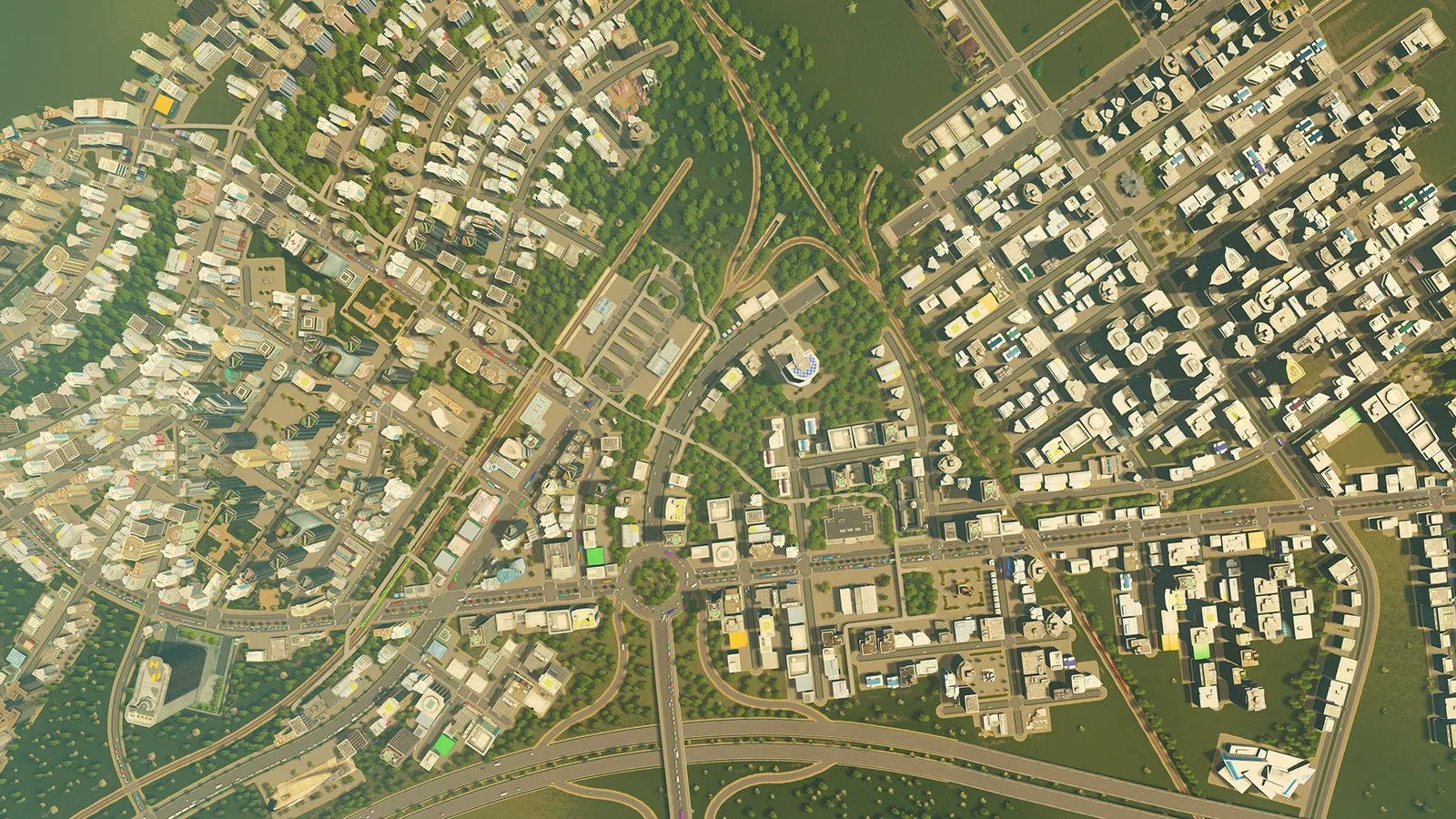 Cities: Skylines Traffic Guide: How to Fix Jams and Congestion
Most Cities: Skylines traffic jams come from a handful of bottlenecks, not from too few roads. Here is how to find them and fix them with road hierarchy, one-way streets, better junctions and the Traffic Manager mod.
Guide · Cities: Skylines
 Cities: Skylines Mods and Assets: How to Install and Stay Stable
Mods and assets come from the Steam Workshop and are managed in the Content Manager. This guide explains how to install them, what breaks after a patch, and how to get back into a save when a mod fails.
Guide · Cities: Skylines
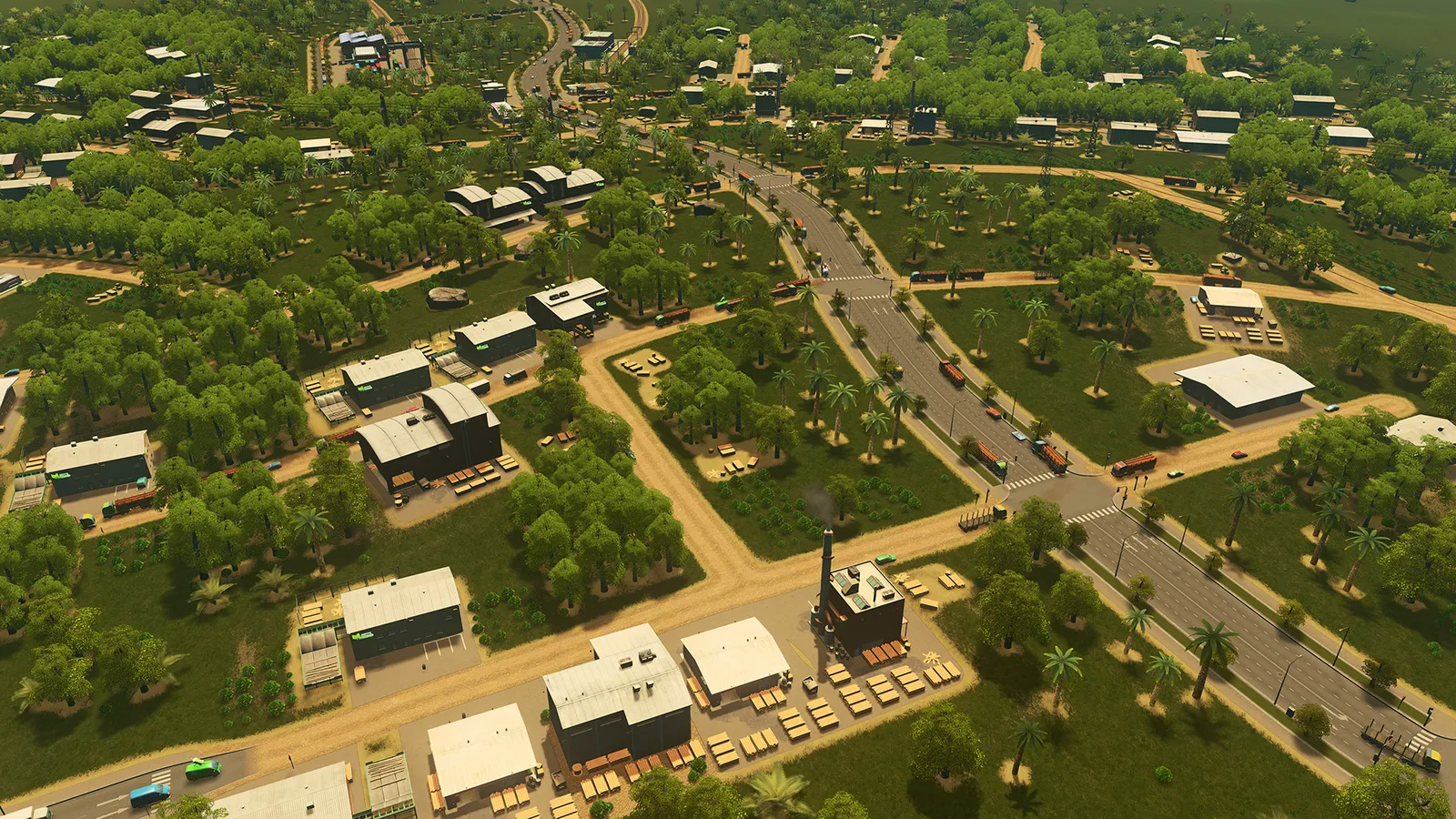 Cities: Skylines Beginner Guide: How to Lay Out Your First City
A simple order for building your first city in Cities: Skylines: one road from the highway, power and water, a few residential zones, and growth in small steps.
Guide · Cities: Skylines