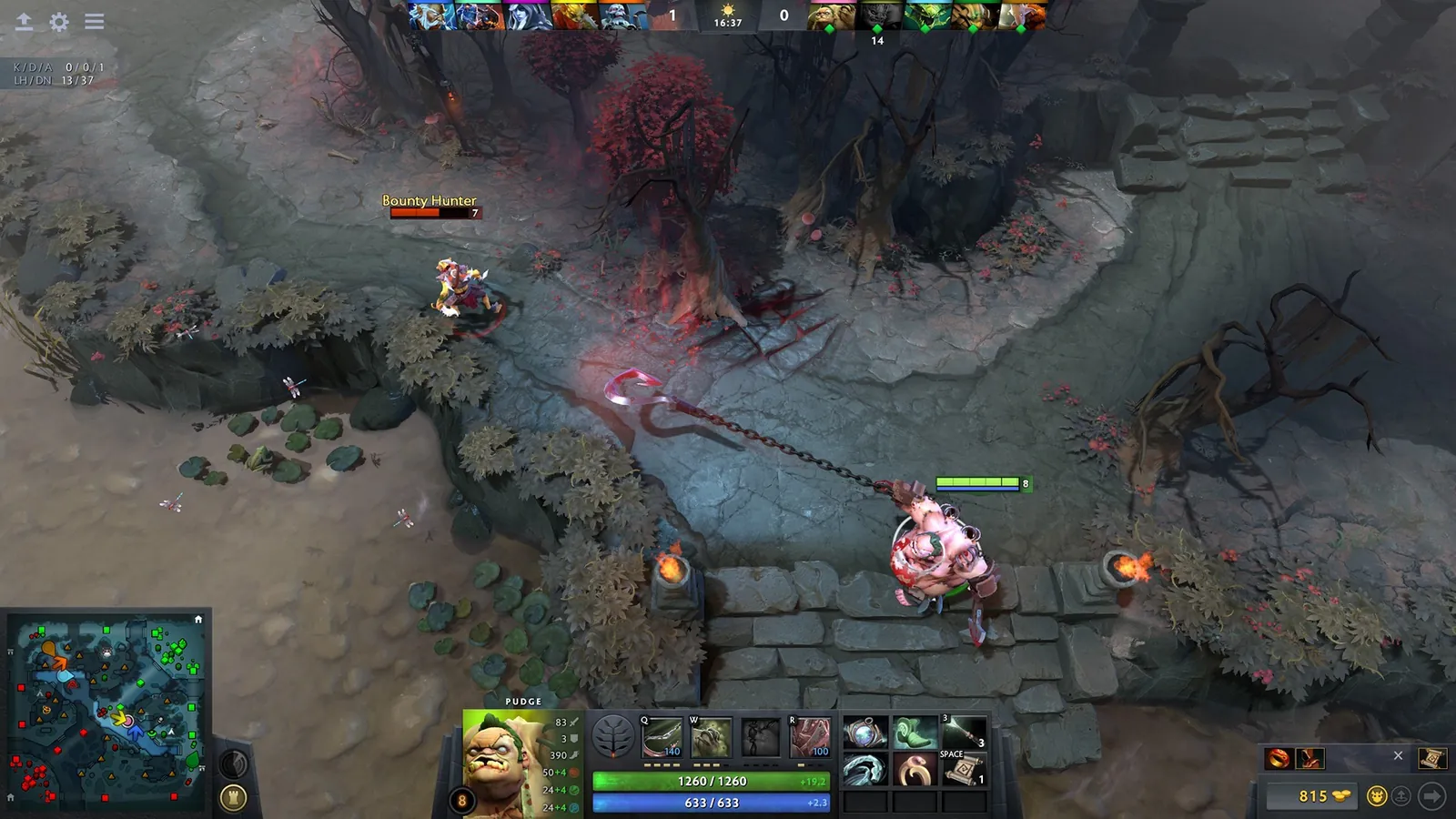
The Dota 2 console is off by default. Turn it on in Settings under Options, open the advanced options, and enable the console option in the Miscellaneous section. Then bind a key to it under Hotkeys and press that key in a match or the main menu to type commands.
Most console commands are for showing performance data or network stats; the gameplay-altering ones only work in a custom lobby with cheats on.
How to enable the console in-game
- Open Dota 2 and click the gear icon in the top left of the main menu to open Settings.
- Go to the Options tab and open Advanced Options.
- In the Miscellaneous column, check the box labeled Enable Console.
- Go to the Hotkeys tab, open Advanced Hotkeys, find Console under Interface, and assign a key. Many players pick a key that's otherwise unused, since the default varies by keyboard layout and sometimes conflicts with another bind.
How to enable it from Steam launch options instead
If the in-game option isn't working, or you want the console to open automatically, right-click Dota 2 in your Steam Library, choose Properties, and add -console to the Launch Options field. The console will then open on the main menu the next time you launch the game. This method is useful as a fallback if your UI settings got reset for any reason, since it doesn't depend on the in-game menu working correctly.
Commands that work anywhere, including ranked
A small set of console commands are safe to use in any match, including ranked, because they only display information or change your own client settings:
| Command | What it does |
|---|---|
| cl_showfps 1 | Shows an FPS counter in the corner of the screen |
| dota_hud_netgraph 1 | Shows FPS, ping, packet loss and bandwidth on the HUD (replaces the older net_graph command, which no longer exists in Dota 2) |
| ping | Prints the ping of everyone currently in the lobby |
| disconnect | Leaves the current match faster than navigating the menu |
Why some commands do nothing in a real match
Many console commands are gameplay-altering tools Valve restricts to private lobbies with cheats enabled. To use them, create a custom lobby, turn on Enable Cheats in the lobby settings, start the game, and type sv_cheats 1 into the console. Commands like -wtf, -gold, -lvlup and host_timescale only work under those conditions and are blocked in matchmaking, including unranked and ranked games. A February 2023 update extended this restriction, so older guides that describe commands working in a normal match may be out of date.
Saving your settings with autoexec.cfg
Console changes reset when you restart the game unless you save them. Create a plain text file named autoexec.cfg and make sure the file extension is .cfg, not .txt, then place it in the game's dota/cfg folder inside your Steam install (typically under Steam/steamapps/common/dota 2 beta/game/dota/cfg on Windows). Any command written in that file, one per line, runs automatically every time Dota 2 starts, so it's the standard place to store FPS caps, binds and HUD toggles rather than retyping them each session.
If the console still won't open
The most common cause is a conflicting keybind: if your chosen console key is already bound to something else, like a quick-buy action or a skill hotkey, pressing it won't do anything. Rebind the console to a key that isn't used elsewhere, such as F10 or F11. A second common cause is a corrupted or conflicting launch option; try removing every launch option except -console and testing again. If neither fixes it, verify your game files through Steam to reset any corrupted config settings, which won't affect your hotkeys or match history.
For more on keeping your frame rate steady, see our Dota 2 FPS and settings guide, and the full Dota 2 game hub for other guides.
FAQ
Why won't the Dota 2 console open?
The usual causes are a conflicting keybind on the console key, a corrupted or conflicting launch option, or the console setting simply not being enabled. Verifying the game files through Steam resets corrupted settings without affecting your hotkeys or progress.
What key opens the console by default?
It varies by keyboard layout, commonly the backtick or tilde key to the left of the 1 key on a US layout, or the key in the equivalent position on other layouts. You can rebind it under Settings > Hotkeys > Console if the default is awkward to reach.
Can I use console commands in ranked matches?
Only the ones that display information or change client-side settings, like an FPS counter or the network graph. Commands that need sv_cheats 1 are blocked in matchmaking entirely, ranked or not.
Does -console still work as a launch option?
Yes. Adding -console to the launch options is still the documented fallback for forcing the console to open at startup, and it works alongside the in-game Enable Console setting rather than replacing it.