How do I show FPS in Dota 2?
- In Dota 2, click the cogwheel at the top left of the main menu to open Settings, then open the Options tab.
- In Dota 2, open the advanced options and, in the Miscellaneous column, turn on "Display Network Information".
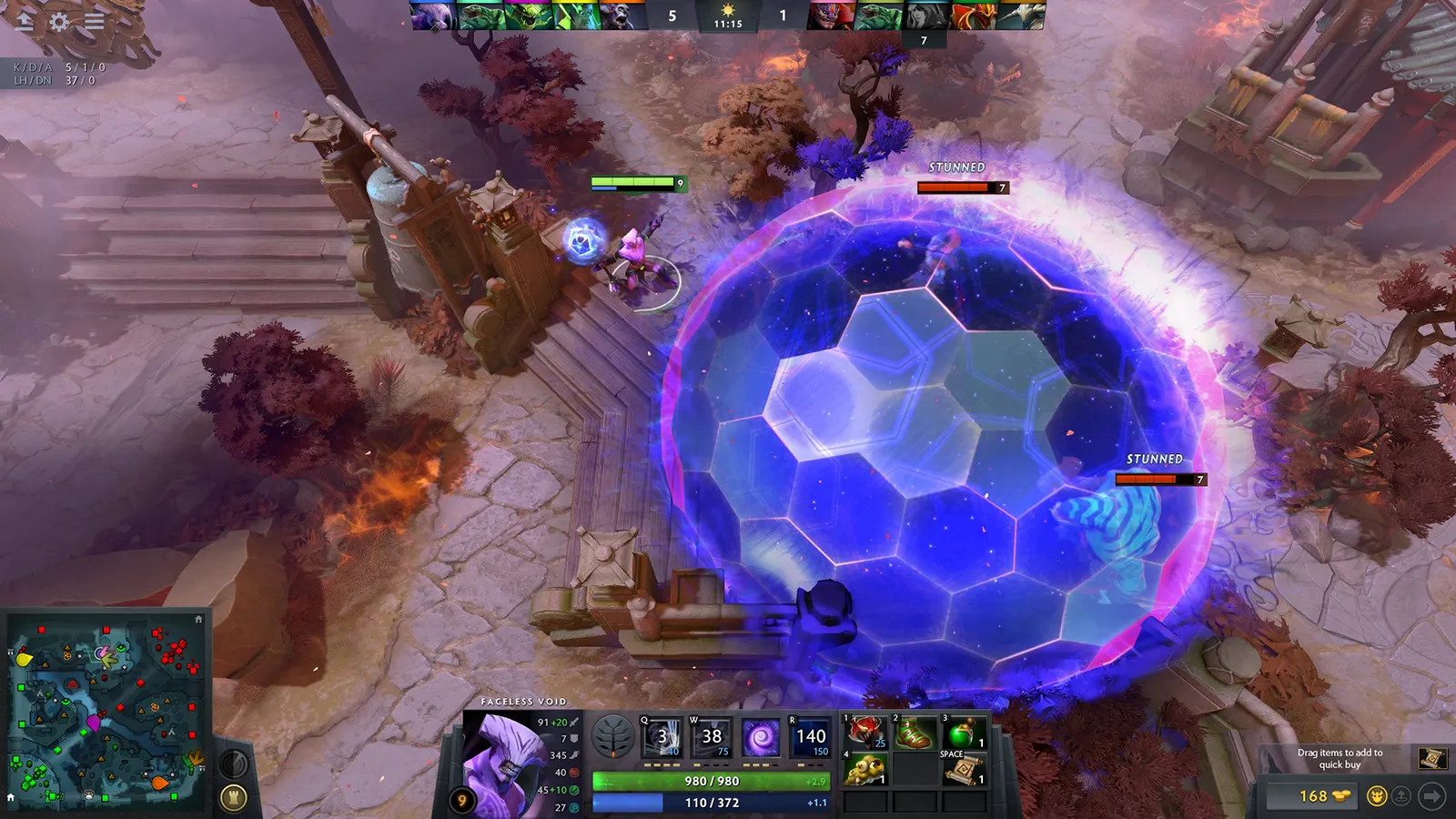
- In Dota 2, FPS appears at the top right during a match (with ping and packet loss). Alternative: open the console and type cl_showfps 1.
In Dota 2, menu wording shifts slightly between patches; the settings search box finds "Display Network Information" quickly.