In Euro Truck Simulator 2, the option called Truck Speed Limiter under Options, Gameplay caps your truck's top speed at 90 km/h, matching the real-world EU regulation for commercial trucks. Unticking that checkbox removes the cap on regular jobs, but it's permanently forced on during World of Trucks contracts and can't be disabled there.
How to turn it off
- Open the game and go to the main menu.
- Select Options, then Gameplay.
- Find the Truck Speed Limiter checkbox and untick it.
- Confirm the change and return to your save.
With it unticked, your truck can reach whatever top speed its engine and gearing allow on a regular, non-World of Trucks delivery. There's no in-game penalty for disabling it outside of World of Trucks content.
Why it won't turn off during World of Trucks jobs
World of Trucks is SCS Software's online component for sharing routes, photos and special event deliveries. Jobs taken through World of Trucks always run with the Truck Speed Limiter active, regardless of what you've set in your own Options menu. If the checkbox looks greyed out or your truck still caps at 90 km/h after unticking it, you're likely in a World of Trucks job rather than a regular career delivery.
There's no setting for a custom lower speed limit
Some players look for a way to set their own lower limit, for example 50 km/h to simulate city speed zones. There's no built-in option or official mod for that. The Truck Speed Limiter only offers the single 90 km/h EU cap, on or off; it doesn't cap at any other speed, and the game doesn't enforce local speed limits automatically through braking or a hard cap outside of this one setting.
Using cruise control instead
If you want to hold a steady, specific speed rather than just removing a ceiling, cruise control does that job. Press C to toggle cruise control on, then use the numpad plus and minus keys to raise or lower the speed it holds, and numpad Enter to resume the last cruise control speed after braking. Cruise control is a separate system from the Truck Speed Limiter: it can be set to any speed you want, including below 90 km/h for driving through towns and cities where lower limits typically apply.
Braking, using the retarder, or pressing the cruise control key again deactivates it. Combining cruise control for steady speed with the Truck Speed Limiter unticked gives you full control over speed on regular jobs, while keeping the option available again whenever a World of Trucks job forces it back on.
Why the 90 km/h cap exists at all
The Truck Speed Limiter mirrors real EU trucking regulations, where heavy goods vehicles above a certain weight are legally required to carry a physical speed limiter capped at 90 km/h on the road. SCS Software built the option into Euro Truck Simulator 2 as a toggle for players who want that layer of realism in their regular career saves, rather than as a mandatory restriction. Since World of Trucks events and contracts are meant to mirror a shared, more standardized experience across every player taking part, SCS keeps the limiter mandatory there so results and completion times stay comparable.
If your interest is in simulating real haulage as closely as possible, leaving the Truck Speed Limiter ticked on your own saves, even outside of World of Trucks, keeps that realism intact. If you're mainly interested in finishing deliveries faster or driving a specific truck at its true top speed, unticking it on regular jobs is the straightforward way to do that without affecting anything else in your save, including your truck's condition, fuel use or delivery payouts.
FAQ
Does unticking the Truck Speed Limiter affect my World of Trucks deliveries?
No. World of Trucks jobs force the limiter on no matter what your Options menu is set to.
What speed does the Truck Speed Limiter cap you at?
90 km/h, matching the EU regulation the setting is modeled on.
Is there a way to set a custom speed limit lower than 90 km/h?
Not through the Truck Speed Limiter setting itself. Use cruise control instead, since it can be set to any speed you choose by holding the throttle until you reach it and pressing C.
Does turning off the Truck Speed Limiter affect my save file?
No. It's a client-side gameplay option, so toggling it doesn't change anything stored in your save, your truck's condition, or your delivery payouts.
For more on getting your truck set up, the Euro Truck Simulator 2 default controls guide covers the rest of the keybinds, and the Euro Truck Simulator 2 guides hub has more on money, skills and hiring drivers.
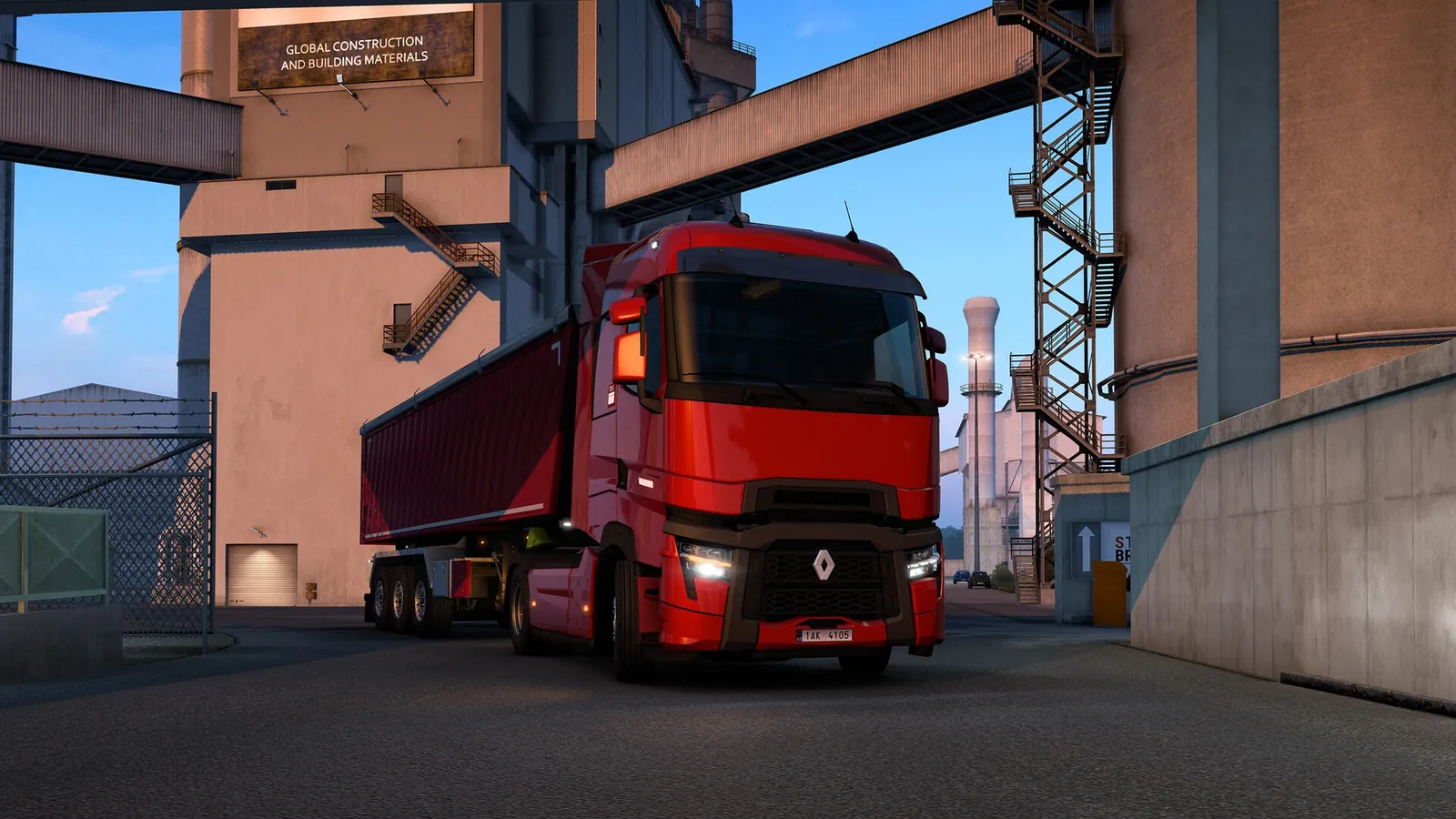
The Truck Speed Limiter option sits under Options, Gameplay in Euro Truck Simulator 2.