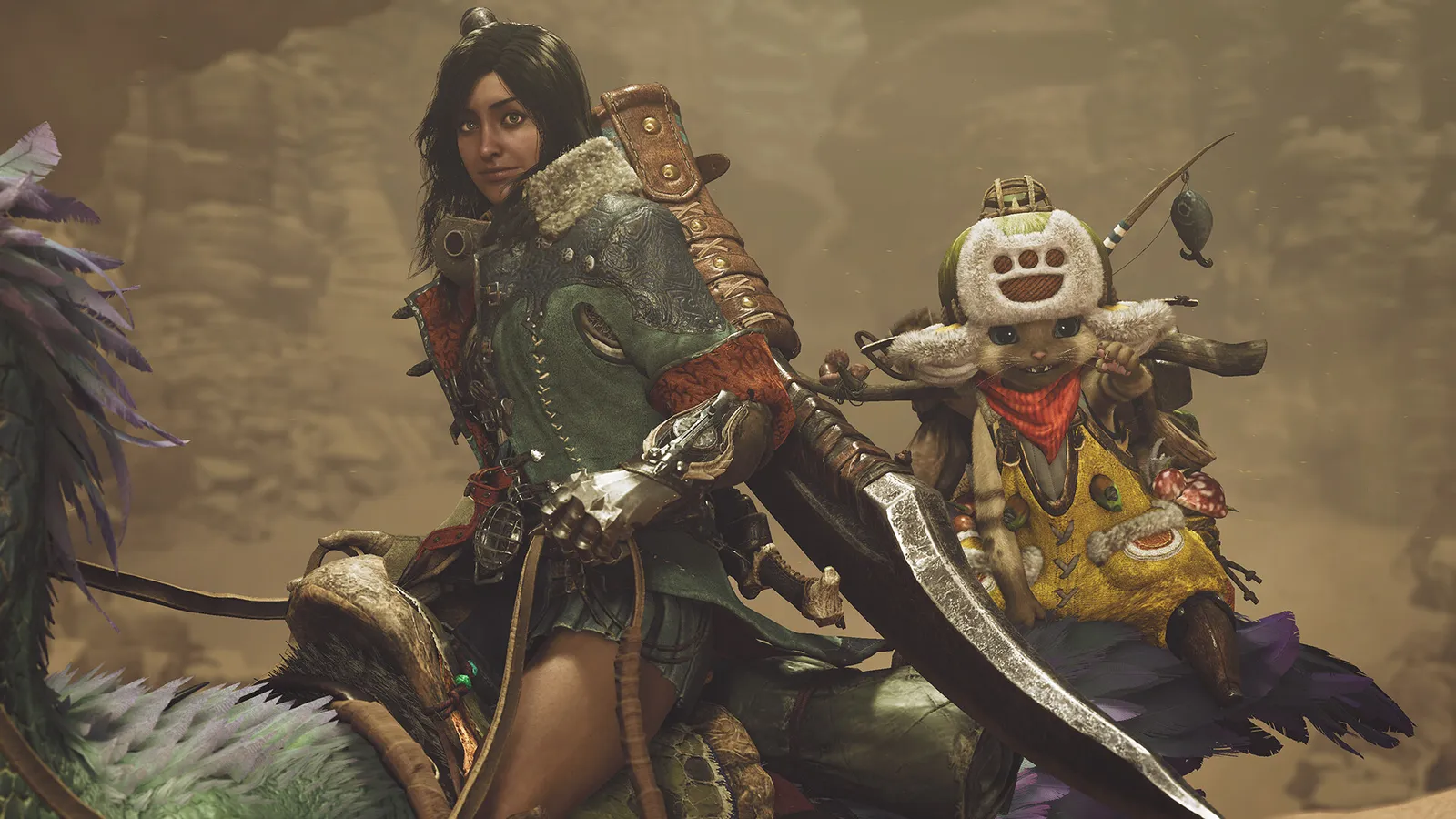
The easiest way to play Monster Hunter Wilds with friends is to make a Link Party of up to four hunters, add each other by Hunter ID, then post a quest and let the party join it. Crossplay works between PS5, Xbox Series and Steam, so friends on different platforms can hunt together. Information is for update 1.042.00.03 (October 2026), the current version we could verify.
Link Parties
A Link Party holds up to four players and lets them go on quest after quest together. When a member posts a quest, the others are notified and can join, and the party has its own text and voice chat. Members can come from different lobbies. This is the best option for a regular group.
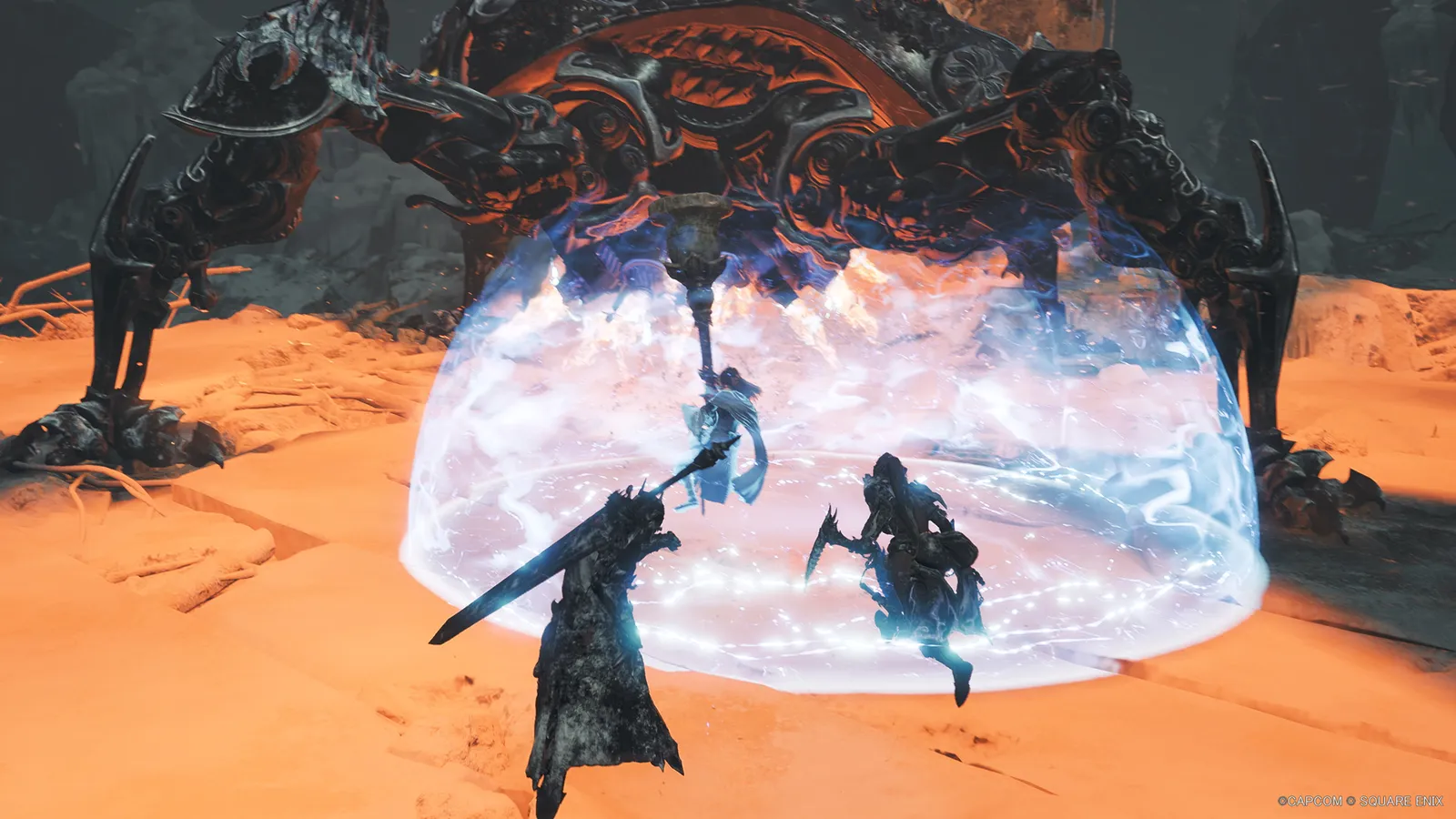
Hunters fight best with a plan and clear roles.
Adding friends and crossplay
Crossplay is supported across PS5, Xbox Series X|S and PC, and it is on by default when you go online. There is no cross-save. To add a friend on another platform, search for their Hunter ID in the Member List and add them as a Hunter Friend. Your own Hunter ID is on your Hunter Profile. Console players also need an online subscription (PlayStation Plus or Game Pass), while PC players do not.
A Switch 2 version is scheduled for 4 December 2026 and is reported to support crossplay with the other platforms. We could not confirm that on Capcom's own site, so check the release notes when it launches.
Lobbies
An online lobby holds up to 100 players, with 16 shown in camp at a time. A private lobby holds fewer players and is joined with an 8-character Lobby ID, plus an optional passcode, so strangers cannot wander in. Whatever the lobby size, one quest takes at most four hunters. The player who posts a quest can also set a password so that only friends can join it.
- Open the online menu at the gathering hub or in the field.
- Join your friend's lobby, or enter a shared Lobby ID and passcode.
- Post a quest, or join the one your friend posted.
SOS Flares
An SOS Flare calls other players to help with a hunt in progress. At the Alma menu you can set the maximum number of hunters (1 to 4), choose whether players, support hunters or both may answer, and turn on an automatic SOS Flare. If nobody answers after a while, NPC support hunters can join instead. Anyone can answer a flare from any lobby, so quests often fill with strangers. If you want a specific group, post a normal quest with a password or use a Link Party.
Environment Link
Environment Link lets a Link Party member bring the others into their open-world environment to explore together while no quest is running. You cannot post or clear quests in it, so switch back to the Link Party to hunt. It depends on story progress: if one hunter is further behind, that hunter should be the host so the others are not blocked.
Squads
A squad is a larger community that lasts. A squad holds up to 50 members, you can belong to up to eight squads, and each squad has its own lobby and saved chat. Squads suit a group of friends or a community who want a shared home.
Playing the story together
Story cutscenes are watched alone. Once a story quest starts, one player loads in and the others join through a Link Member Quest at Alma or the tent, and clearing it together counts as progress for everyone. A friend who is behind you in the story may not be able to join the quest until they catch up. Optional quests, events and investigations are much easier to join.
Fixing a join that fails
- Check that you both have the latest version. Online play and downloadable content need the current update installed.
- Confirm that the friend has reached the part of the story needed for the quest.
- Try a Link Party instead of a lobby, since it is less sensitive to full lobbies.
- Restart the game if you are stuck on a loading screen. Update 1.042.00.03 also made communication errors less likely in some network environments.
Quick tips
- Make a Link Party once and keep using it.
- Use a Lobby ID and passcode if you do not want strangers to wander in.
- If the game stutters online, see our Monster Hunter Wilds page and the FPS guide.