Skip to content
Set up my rig
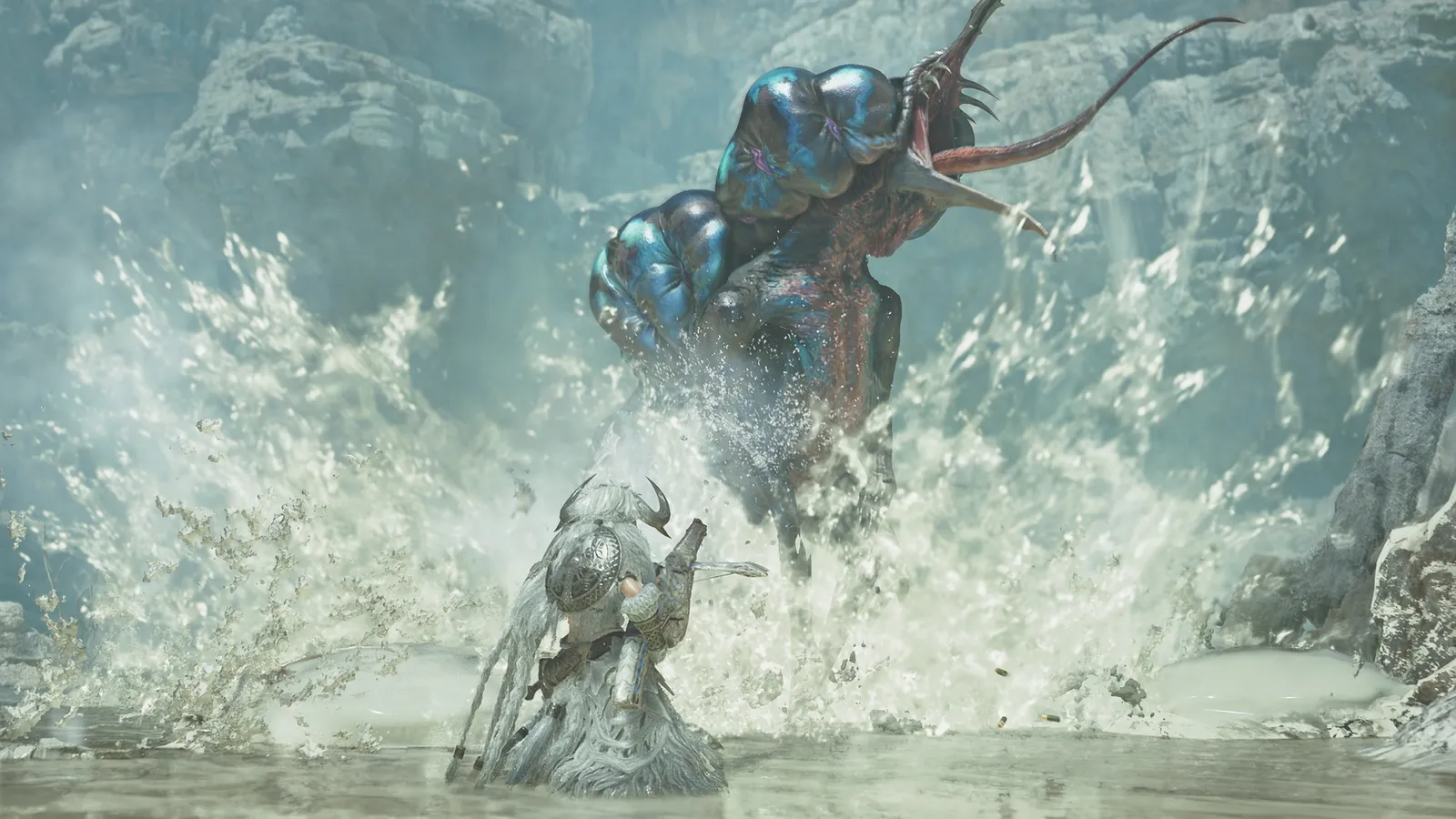
Monster Hunter Wilds, official artwork

Best Monster Hunter Wilds settings

Capcom's open-world hunting game on RE Engine. It is heavy on both the GPU (volumetric fog, shadows, dense vegetation) and the CPU, and Capcom's own requirements assume upscaling. Upscaling plus a few shadow and fog options give the biggest wins.

Best Monster Hunter Wilds settings at 1080p for an RTX 4060 + Ryzen 5 7600: Medium with DLSS Quality. Modelled: that PC gets about 85 fps, an RTX 3060 + Ryzen 5 5600 65 fps (Ultra), a GTX 1650 + Core i5-10400 50 fps (Low). Calibrated against 28 measured benchmarks. How we estimate this

Updated . Game data researched November 2026.

  • PEGI 16
Genre
Open-world action RPG
Developer
Capcom
Released
2025
Platforms
PC, Xbox, PlayStation
Engine
RE Engine
Researched
Nov 2026

What are the best Monster Hunter Wilds graphics settings?

The setting for every preset, from Low to Ultra. Save your hardware to get one tuned list.

Tell us your hardware once and every game page shows settings for it. Set up my rig

Set up your rig to see which column fits your PC, with an estimate of your frames.

Monster Hunter Wilds graphics settings per preset
SettingLowMediumHighUltra
Resolution Your monitor's native resolution; scale with the upscaler instead
Upscaling Native; DLSS Quality on RTX, FSR Quality on AMD and older GeForce, XeSS on Intel Arc
Frame generation Off below 50 fps; above it DLSS frame generation on RTX 40 and 50 or FSR frame generation elsewhere; never in competitive play
V-Sync Off; use G-Sync or FreeSync with an FPS cap instead
Texture quality LowMediumHighHigh
Texture filtering quality Medium (ANISO x4)HighHighest (ANISO x16)Highest (ANISO x16)
Mesh quality LowMediumHighHighest
Grass/Tree quality LowMediumHighHighest
Sky/Cloud quality LowMediumHighHighest
Render distance LowMediumHighHighest
Shadow quality LowMediumHighHighest
Shadow distance NearNearFarFar
Ambient light quality LowMediumHighHigh
Ambient occlusion LowMediumMediumHigh
Volumetric fog LowLowMediumHigh
Motion blur DisabledDisabledDisabledDisabled
Depth of field DisabledDisabledDisabledDisabled
Vignette effect DisabledDisabledDisabledDisabled

How much FPS will I get in Monster Hunter Wilds?

Modelled frame rates on the High preset at native resolution, without upscaling or frame generation. Your own rig can differ: check your exact PC.

Estimated Monster Hunter Wilds FPS by graphics card, High preset, with a Ryzen 7 7800X3D and 16 GB RAM
Graphics card 1080p1440p4K
RTX 4090 110 fps75 fps40 fps
RTX 4070 65 fps40 fps20 fps
RTX 4060 40 fps25 fps15 fps
RTX 3060 12GB 30 fps20 fps10 fps
GTX 1650 15 fps10 fps5 fps
RX 7800 XT 70 fps45 fps20 fps
RX 7600 40 fps25 fps15 fps
RX 6600 30 fps20 fps10 fps

These are estimates from our model, not measurements; real results vary with the scene, drivers and background load. Orange numbers are below 60 fps. How we estimate this

What are the best MH Wilds tips for more FPS?

How do I show FPS in MH Wilds?

  1. In MH Wilds, use the Steam overlay counter: Steam > Settings > In Game > In-game FPS counter, then pick a corner.
  2. In MH Wilds, alternatively, the NVIDIA app or AMD Software overlay shows FPS, frame time and GPU use.
  3. In MH Wilds, measure out in the open zones and during a hunt, not in the village: the benchmark tool leans on the GPU, hunts lean on the CPU.
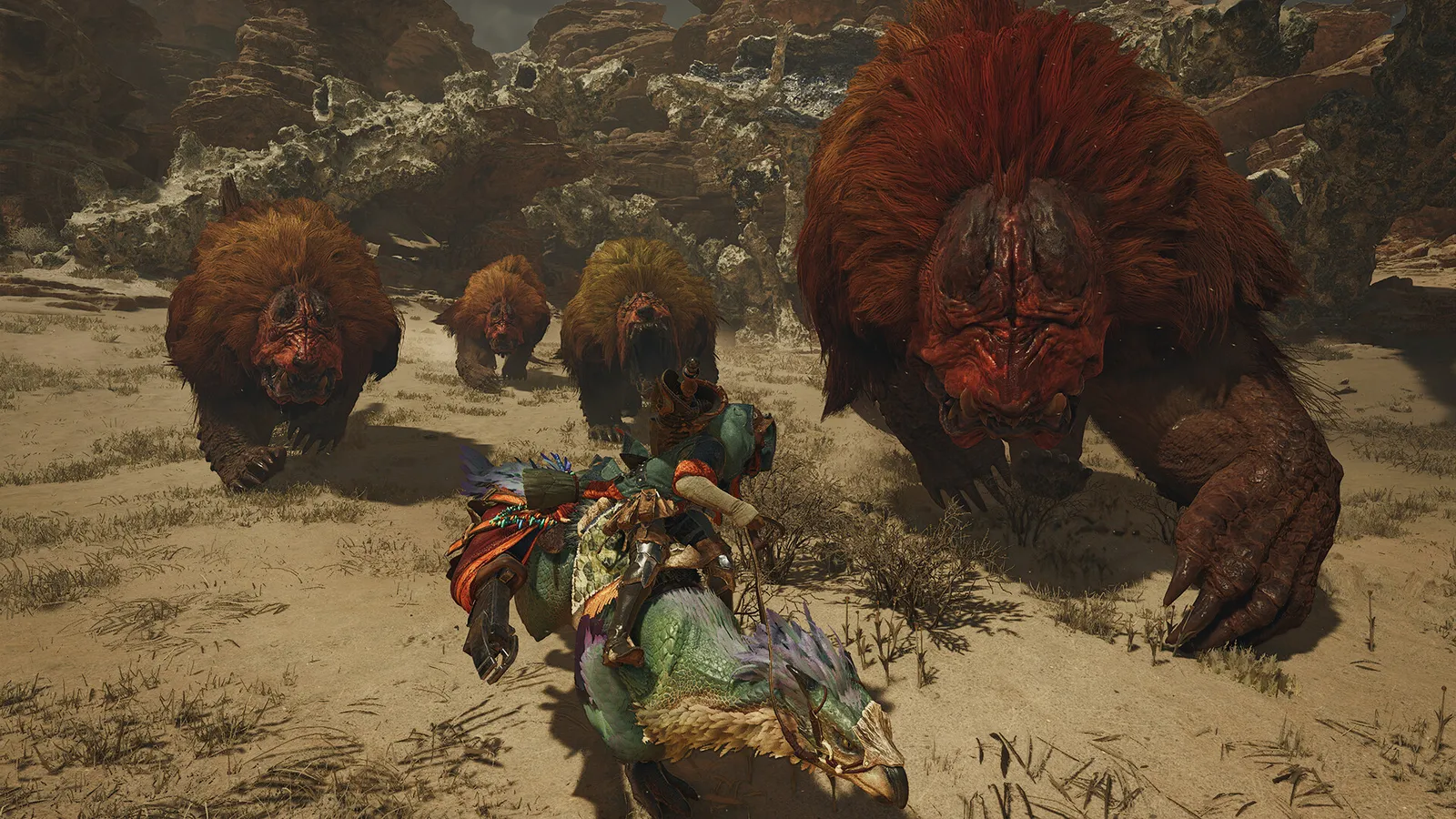
MH Wilds: Use the free benchmark tool as a starting point

  1. Install "Monster Hunter Wilds Benchmark" from Steam (free) and run it with the settings you plan to use.
  2. In MH Wilds, treat the result as a GPU-heavy best case: PCGH measured the real game with lower and less spiky frame times than the tool.
  3. In MH Wilds, hunts in the forest zones are heavier than the starting desert area, so keep a few fps of headroom.

MH Wilds: Skip the High Resolution Texture Pack on 8-12 GB cards

  1. In MH Wilds, the "Highest" texture level only appears once the optional High Resolution Texture Pack DLC is installed.
  2. In MH Wilds, it needs far more than 16 GB of VRAM for comfortable use; PCGH recommends 10-12 GB even for reduced Full HD details without it.
  3. In MH Wilds, if you hit stutter or frame spikes, uninstall the DLC from Steam and stay on High.

MH Wilds: Let the shaders compile on first launch

  1. In MH Wilds, the first launch compiles shaders and can take several minutes; let it finish before judging performance.
  2. In MH Wilds, after a GPU driver update the game recompiles, so expect another short wait.

MH Wilds: Frame generation and the recommended specs

  1. In MH Wilds, Capcom's recommended specs (1080p / 60 fps at Medium) assume Frame Generation is on.
  2. In MH Wilds, without it, expect lower numbers than the listed target on the minimum and recommended GPUs.

News from Steam

All news
Monster Hunter Wilds, official artwork

Update Summary (Ver.1.042.00.03)

You must install the latest version of Monster Hunter Wilds in order to play online multiplayer and access downloadable content. Release Date Tuesday October 27, 2026 UTC (Monday October 26th, 2026 PT) Video Driver Version Please update to…

Read on Steam (opens in a new tab): Update Summary (Ver.1.042.00.03)

Guides