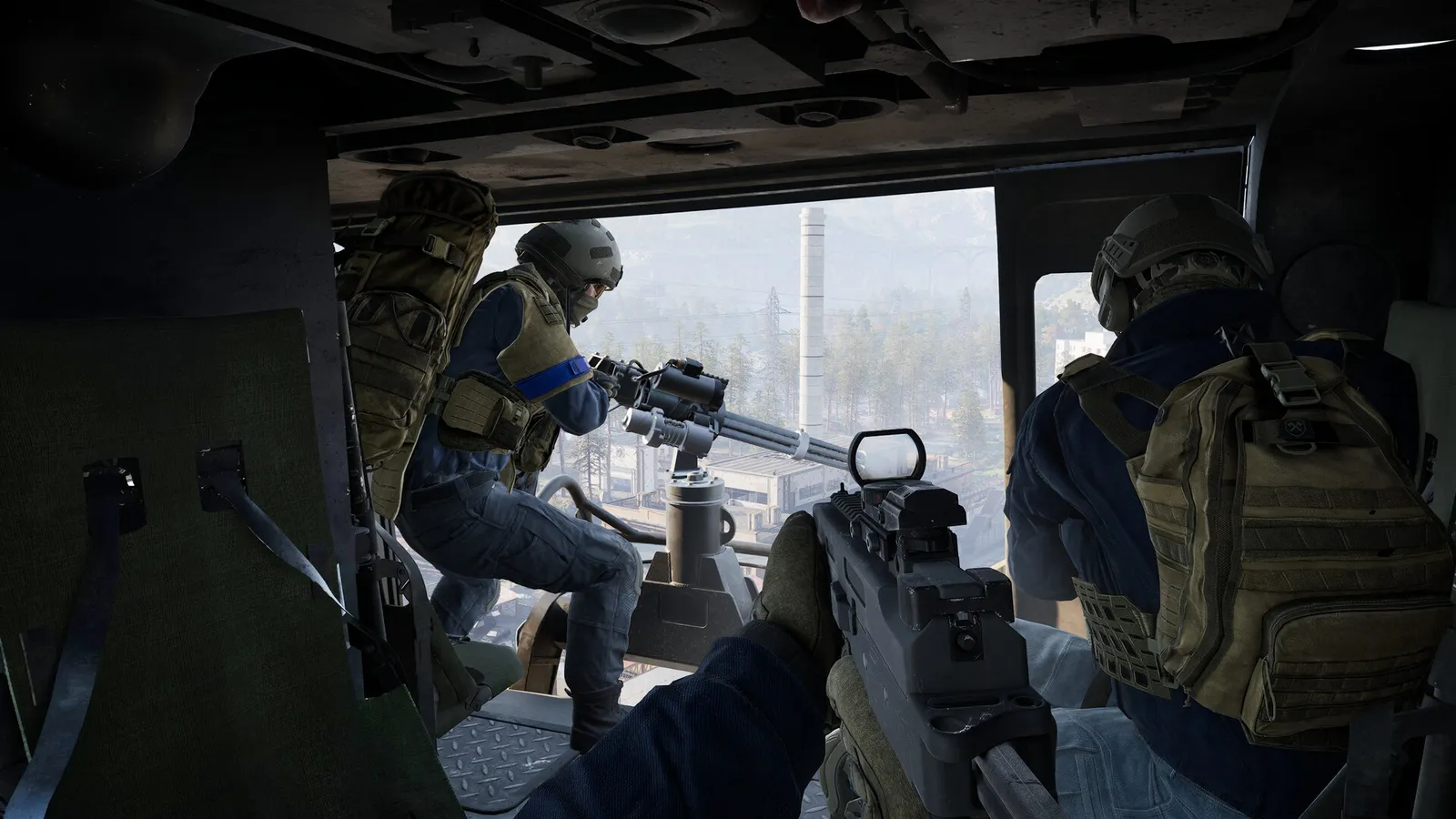
WARDOGS rewards teams. Pallet chains, FOB builds, revives and mortar fire all need two or more players. There is no party lobby, so squads form inside the match. This guide explains how to team up, how to talk and what a balanced squad does. Updated for Season 3 (12 November 2026), which queues squad invites and lets community servers show their own rules.
Creating or joining a squad
- Spawn in. Press Escape.
- Create a squad, or open the squad list and join one.
- Open squads can be joined directly. A locked squad needs the leader to pull you from the unassigned list.
- Squads use names like Alpha and Bravo. You cannot choose a custom name.
- The leader sets a Squad Intent (Season 2): a preset such as builders, FOB attackers or beginner-friendly that shows in the list.
Season 3 queues squad invites and join requests (up to 5 of each) instead of replacing each other, so a second invite no longer wipes the first. The developer's FAQ describes squad size as unlimited. A hard cap has not been confirmed.
Playing with friends
- Friends must be on the same server, the same faction and the same squad.
- Pick the same faction on the faction screen. If a faction is full, Steam's "Join Game" may place you on a different side.
- The faction is chosen each round.
- Each region has numbered servers that you can join by ID.
- The Season 3 server browser has separate Official and Community sections for each mode, shows Limited servers with a filter, and lets you favourite community servers (also from the in-match pause menu). Community servers can show a Server Rules popup when you join and pay a small cash bonus for playing there.
- Official servers now allow a ping of up to 250 in all regions, so friends in other regions can join the same match.
- Nothing has been published about cross-faction squads.
Voice and chat
| Channel | Key | Who hears it |
|---|---|---|
| --- | --- | --- |
| Squad voice | J | squad only |
| Proximity voice | K | everyone close to you, enemies included |
| Text chat | Enter | team |
Use squad voice for plans and proximity only when you want to talk to strangers nearby. Ping with the middle mouse button; hold it for the ping wheel. A ping now stays visible for 60 seconds (it was 20).
What a good squad looks like
| Role | Job |
|---|---|
| --- | --- |
| Driver | Moves the squad, runs supplies |
| Builder | Places and finishes structures with a hammer |
| Medic | Keeps the squad alive and earns steady cash |
| Spotter | Marks enemies and calls mortar corrections |
| Repairer | Keeps the vehicle alive |
A builder squad can use driver, receiver, repairer and lookout.
Tips for strangers
- Say you are new. Most players will help.
- Share tower digits right away.
- Call out enemy vehicles and aircraft with a ping.
- Move together, not in a line.
- If a downed player needs a medic, tell your squad.
Fair play
Arranging truces with another team is against the rules. The developer has banned more than 185,000 accounts for cheating and issues timed bans for exploits. From Season 3 it also treats tampering with graphics settings through third-party tools (removing smoke or grass, changing geometry, LOD bias or textures) as bannable.
Quick tips
- Pick a Squad Intent that matches what you want to do.
- Use squad voice. Proximity voice is heard by the enemy.
- Read the Early Access overview, what it is and what the latest patches changed, for the current state of the game.