How do I show FPS in WARDOGS?
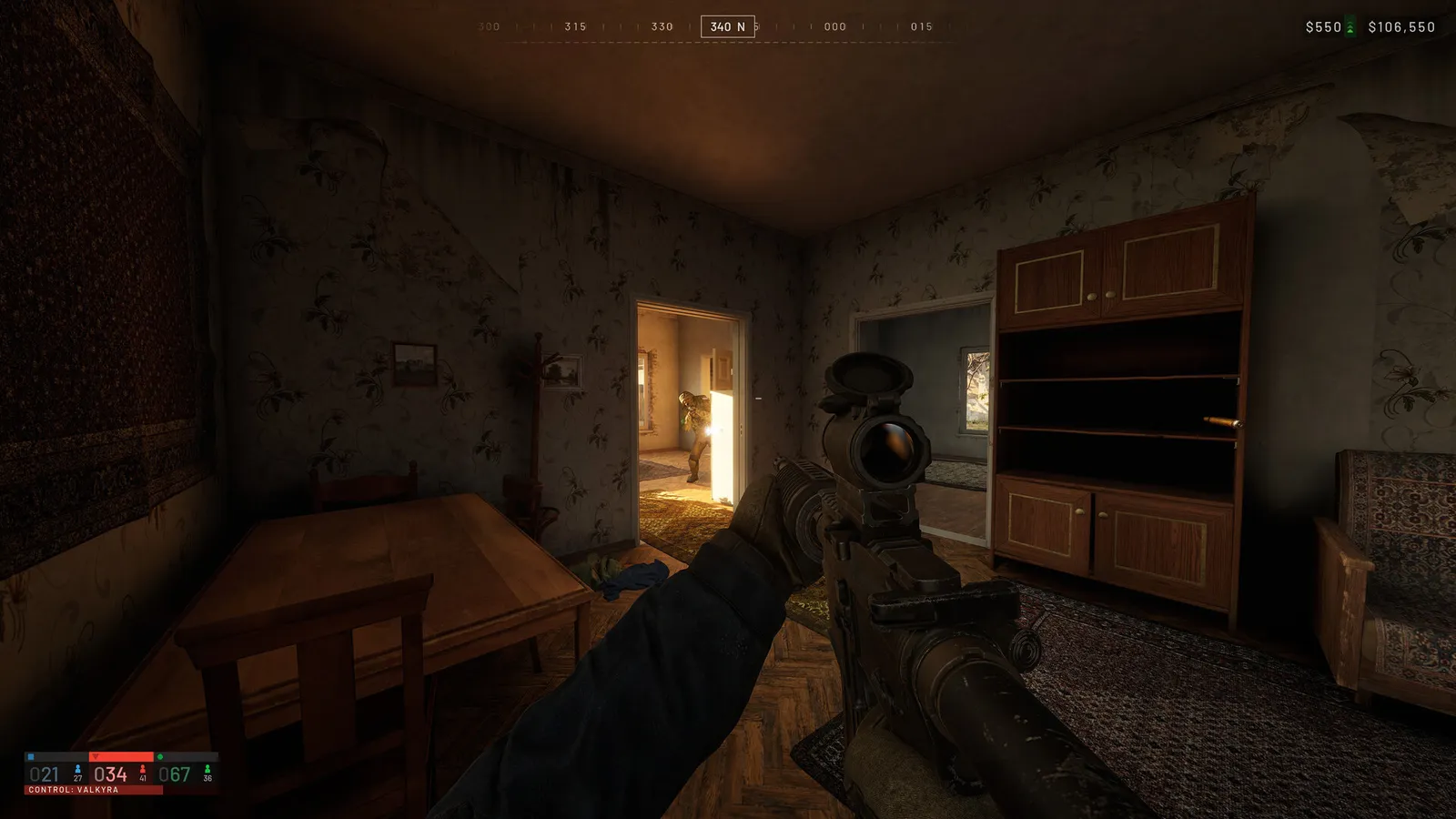
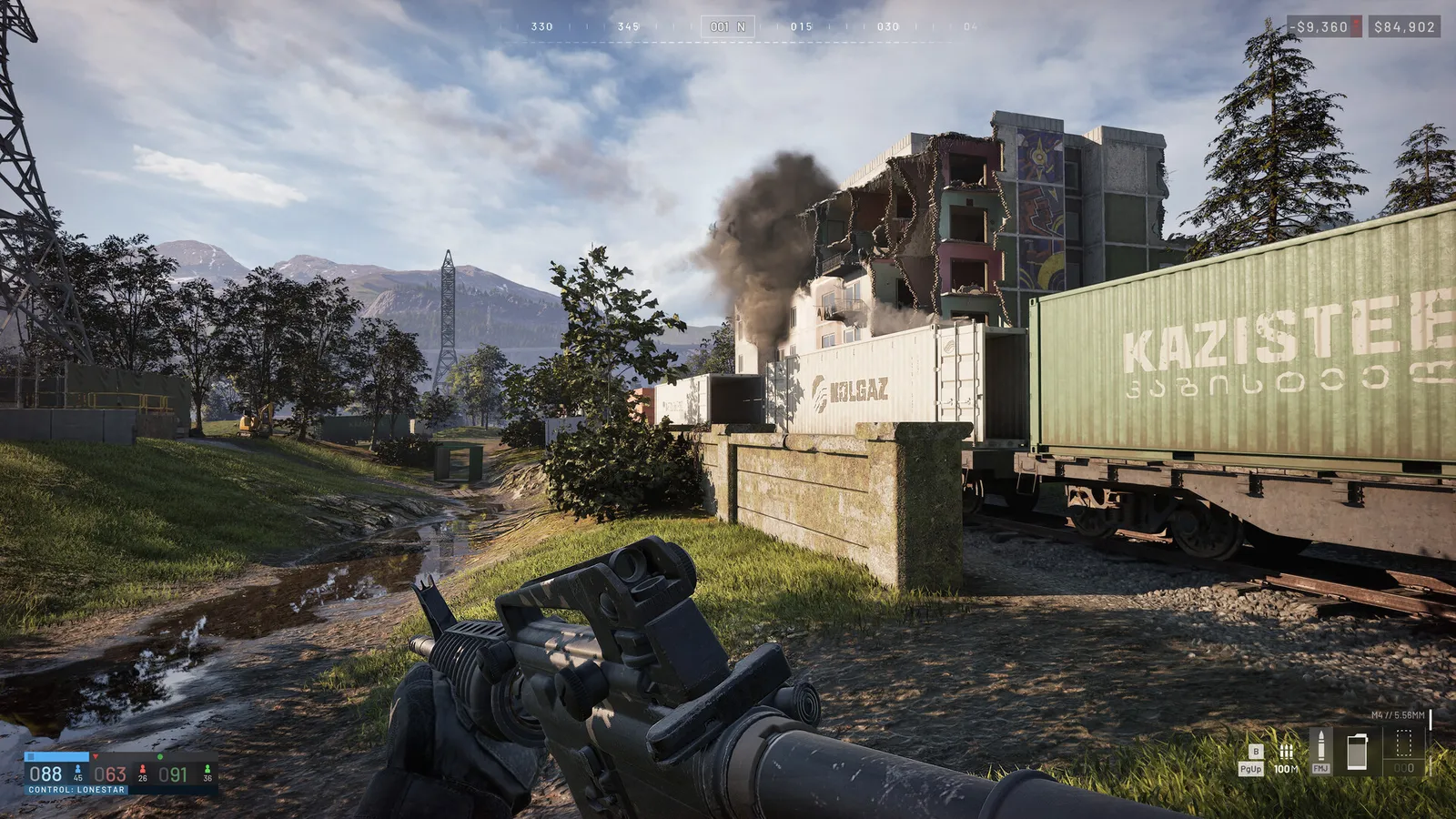
- No built-in FPS counter is documented for WARDOGS yet.
- In WARDOGS, use Steam: Settings > In Game > "In-game FPS counter" and pick a corner (the Steam overlay must be on).
- In WARDOGS, or press Alt+R with the NVIDIA app overlay enabled, or use the AMD Software metrics overlay or MSI Afterburner.