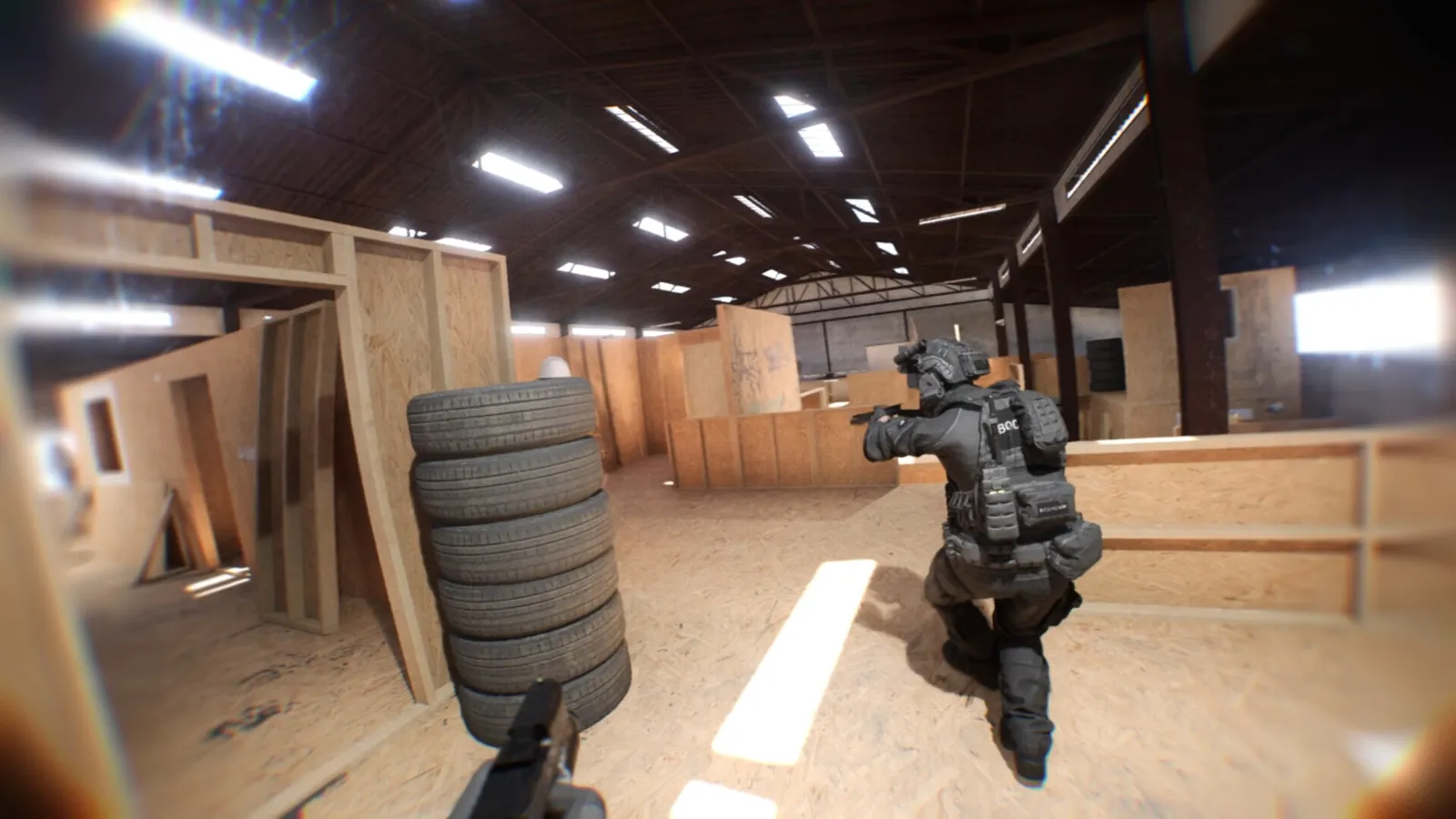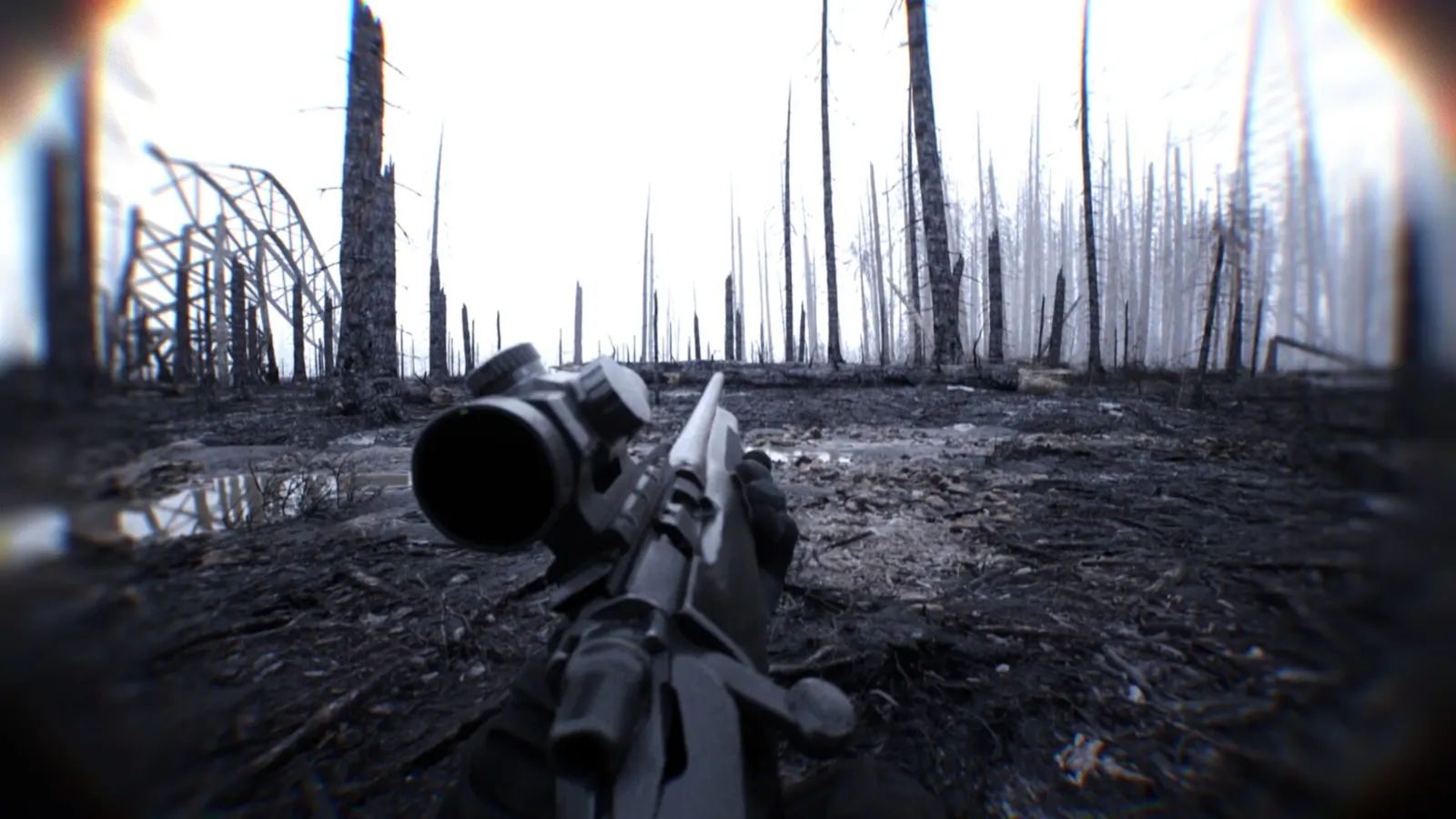
How do I show FPS in Bodycam?
- In Bodycam, we could not confirm a built-in frame counter, so use an overlay.
- In Bodycam, Steam: Settings > In Game > In-game FPS counter, then pick a corner. The NVIDIA app and AMD Software overlays also show FPS, frame time and GPU/CPU use.
- In Bodycam, test in an actual match; the lobby is much lighter than the maps.