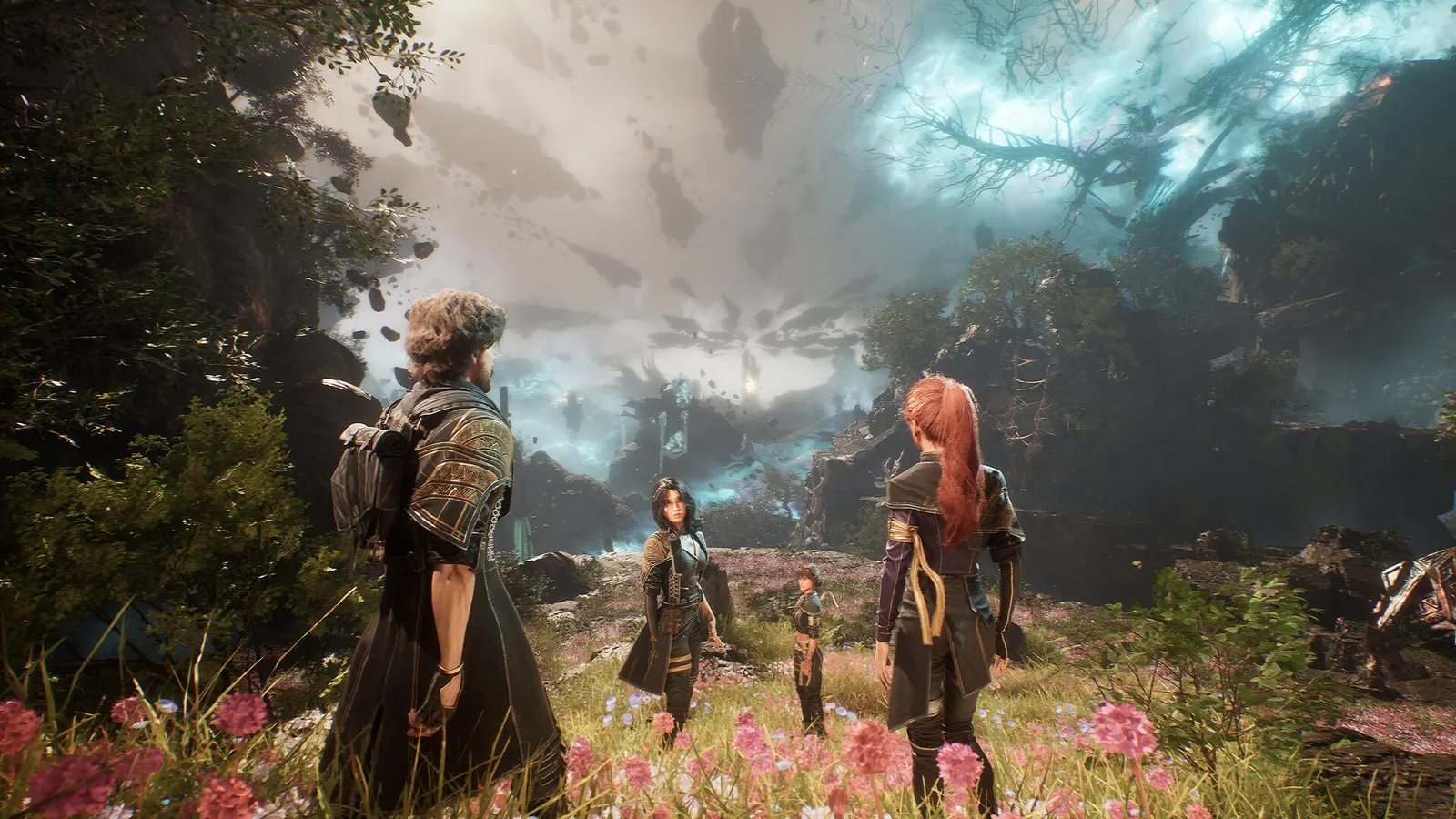
Best Clair Obscur: Expedition 33 settings for a low-end PC
Good news: AMD Radeon RX 580 8GB, NVIDIA GeForce GTX 1660 Super can hold 60 fps in Clair Obscur: Expedition 33 with the settings below.
Updated . Game data researched November 2026.
- PEGI 18
- Genre
- Turn-based RPG
- Developer
- Sandfall Interactive
- Released
- 2025
- Platforms
- PC, Xbox, PlayStation
How much FPS will I get in Clair Obscur: Expedition 33 on budget hardware?
| Hardware | Low | Low + upscaling | Medium |
|---|---|---|---|
| NVIDIA GeForce GTX 1650Budget desktop · 1080p | 28 fps | 49 fps | 23 fps |
| NVIDIA GeForce GTX 1060 6GBOlder desktop · 1080p | 30 fps | 53 fps | 25 fps |
| AMD Radeon RX 580 8GBOlder desktop · 1080p | 40 fps | 61 fps | 33 fps |
| NVIDIA GeForce GTX 1660 SuperBudget desktop · 1080p | 44 fps | 75 fps | 36 fps |
| NVIDIA GeForce RTX 3050 Laptop GPUGaming laptop · 1080p | 33 fps | 57 fps | 27 fps |
| AMD Radeon 780M (integrated)Laptop, no graphics card · 1080p | 21 fps | 37 fps | 17 fps |
| Intel Iris Xe (integrated)Office laptop · 1080p | 9 fps | 16 fps | 8 fps |
| Steam DeckHandheld · 800p | 20 fps | 36 fps | 17 fps |
Estimates from our model, calibrated on 23 measured benchmarks. How we estimate this. Click a row for the full settings on that hardware. Official minimum: NVIDIA GeForce GTX 1060 6 GB / AMD Radeon RX 5600 XT 6 GB / Intel Arc A380 6 GB, 8 GB RAM.
Low-end settings for Clair Obscur: Expedition 33
| Setting | Set to |
|---|---|
| Window Mode | Fullscreen |
| Resolution | Your monitor's native resolution; scale with the upscaler instead |
| FPS Limit | 3 below your refresh rate (141 on 144 Hz); uncapped for max FPS |
| VSync | Off; use G-Sync or FreeSync with an FPS cap instead |
| Scaling Type | Native; DLSS Quality on RTX, FSR Quality on AMD and older GeForce, XeSS on Intel Arc |
| Frame Generation | Off below 50 fps; above it DLSS frame generation on RTX 40 and 50 or FSR frame generation elsewhere; never in competitive play |
| Anti-Aliasing | Low |
| Shadows | Low |
| Global Illumination | Low |
| Reflection | Low |
| Post Process | Low |
| Texture | Low |
| Visual Effects | Low |
| Foliage | Low |
| Motion Blur | Off |
| Film Grain | Off |
| Chromatic Aberration | Off |
| Vignette | Off |
More FPS on weak hardware
- Use upscaling before lowering resolution. AMD FSR works on every graphics card, including older NVIDIA and integrated graphics. At 1080p, Quality mode is the lowest that still looks sharp.
- Laptops: plug in the charger and set Windows to Best performance (Settings › System › Power). On battery, the GPU runs at a fraction of its speed.
- Integrated graphics (Iris Xe, Radeon 680M/780M): use two RAM sticks. Dual-channel memory can almost double FPS, because the GPU uses your RAM as video memory.
- Cap the frame rate a little above what you can hold (e.g. 40 or 60): steadier frame times feel smoother than a jumpy higher number.
- Close the browser, Discord overlay and launchers before playing; on 8 GB of RAM they take memory the game needs.
- Update your graphics driver and turn on Game Mode.