Skip to content
Set up my rig
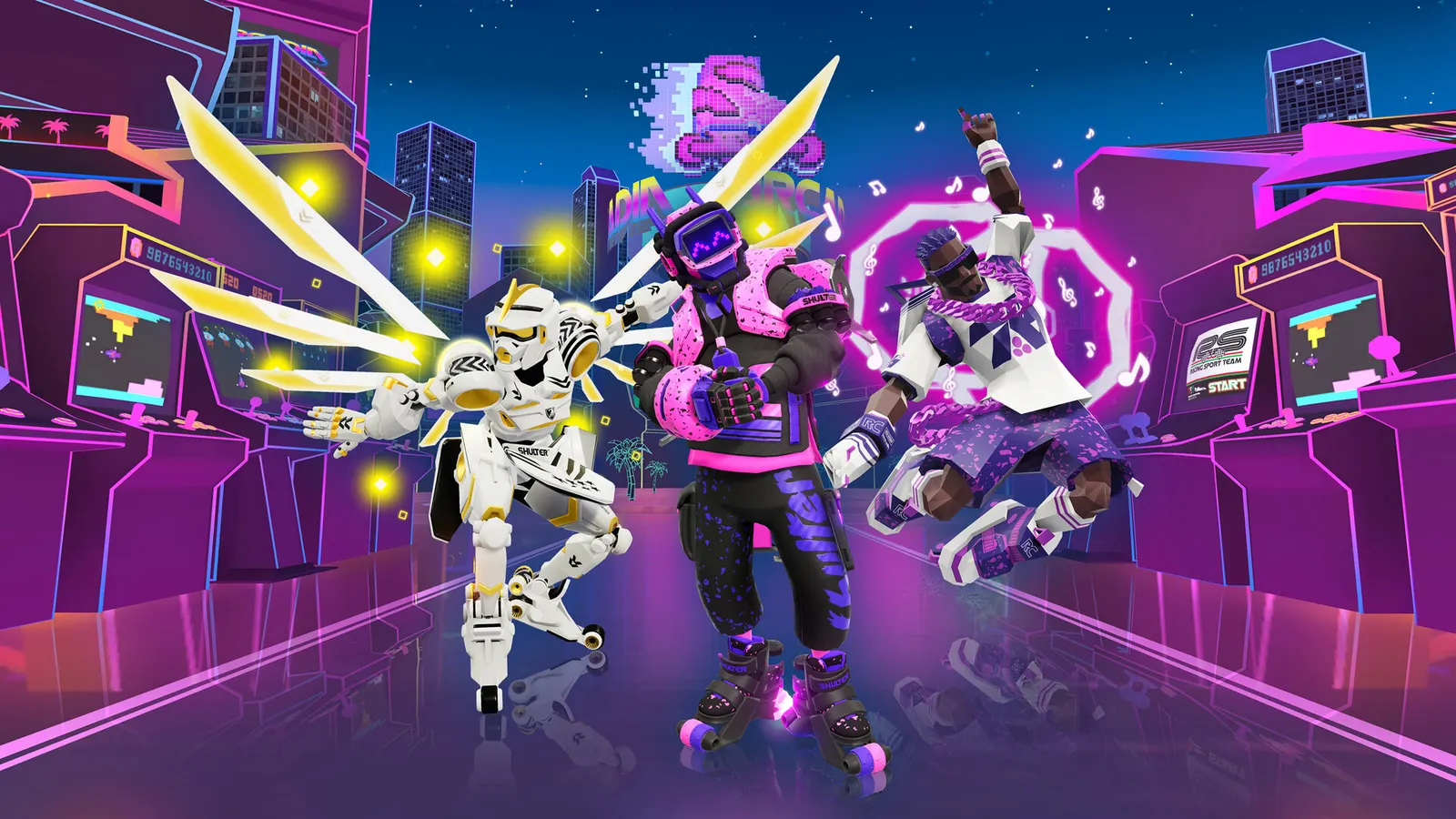
Roller Champions, official artwork

Best Roller Champions settings

Ubisoft's free-to-play team sport on roller skates, played on an oval track. It is light on hardware (a GTX 960 or Ryzen 3 1200-class PC meets the minimum), so the frame rate is mostly a matter of resolution, V-Sync and keeping the CPU unburdened. Matchmaking populations are very small now.

Best Roller Champions settings at 1080p for an RTX 4060 + Ryzen 5 7600: Ultra. Modelled: that PC gets about 175 fps, an RTX 3060 + Ryzen 5 5600 145 fps (Ultra), a GTX 1650 + Core i5-10400 120 fps (Medium). Rough estimate: no published benchmarks yet. How we estimate this

Updated . Game data researched November 2026.

  • PEGI 7
  • Free to play
  • Competitive
Genre
Team sports
Developer
Ubisoft
Released
2022
Platforms
PC, Xbox, PlayStation, Nintendo
Engine
Unity 2020
Researched
Nov 2026

What are the best Roller Champions graphics settings?

The setting for every preset, from Low to Ultra. Save your hardware to get one tuned list.

Tell us your hardware once and every game page shows settings for it. Set up my rig

Set up your rig to see which column fits your PC, with an estimate of your frames. The competitive column is what we recommend for max FPS.

Roller Champions graphics settings per preset
SettingLowMediumHighUltra Competitive
Display mode FullscreenFullscreenFullscreenFullscreen Fullscreen
Resolution Your monitor's native resolution; scale with the upscaler instead
V-Sync Off; use G-Sync or FreeSync with an FPS cap instead

How much FPS will I get in Roller Champions?

Modelled frame rates on the High preset at native resolution, without upscaling or frame generation. Your own rig can differ: check your exact PC.

Estimated Roller Champions FPS by graphics card, High preset, with a Ryzen 7 7800X3D and 16 GB RAM
Graphics card 1080p1440p4K
RTX 4090 485 fps475 fps245 fps
RTX 4070 415 fps260 fps135 fps
RTX 4060 250 fps155 fps80 fps
RTX 3060 12GB 205 fps130 fps65 fps
GTX 1650 90 fps55 fps30 fps
RX 7800 XT 430 fps270 fps140 fps
RX 7600 250 fps155 fps80 fps
RX 6600 195 fps125 fps65 fps

These are estimates from our model, not measurements; real results vary with the scene, drivers and background load. Orange numbers are below 60 fps. How we estimate this

What are the best Roller Champions tips for more FPS?

How do I show FPS in Roller Champions?

  1. In Roller Champions, we could not confirm a built-in frame counter, so use an overlay.
  2. In Roller Champions, Steam: Settings > In Game > In-game FPS counter, then pick a corner. The NVIDIA app and AMD Software overlays also show FPS and GPU/CPU use.
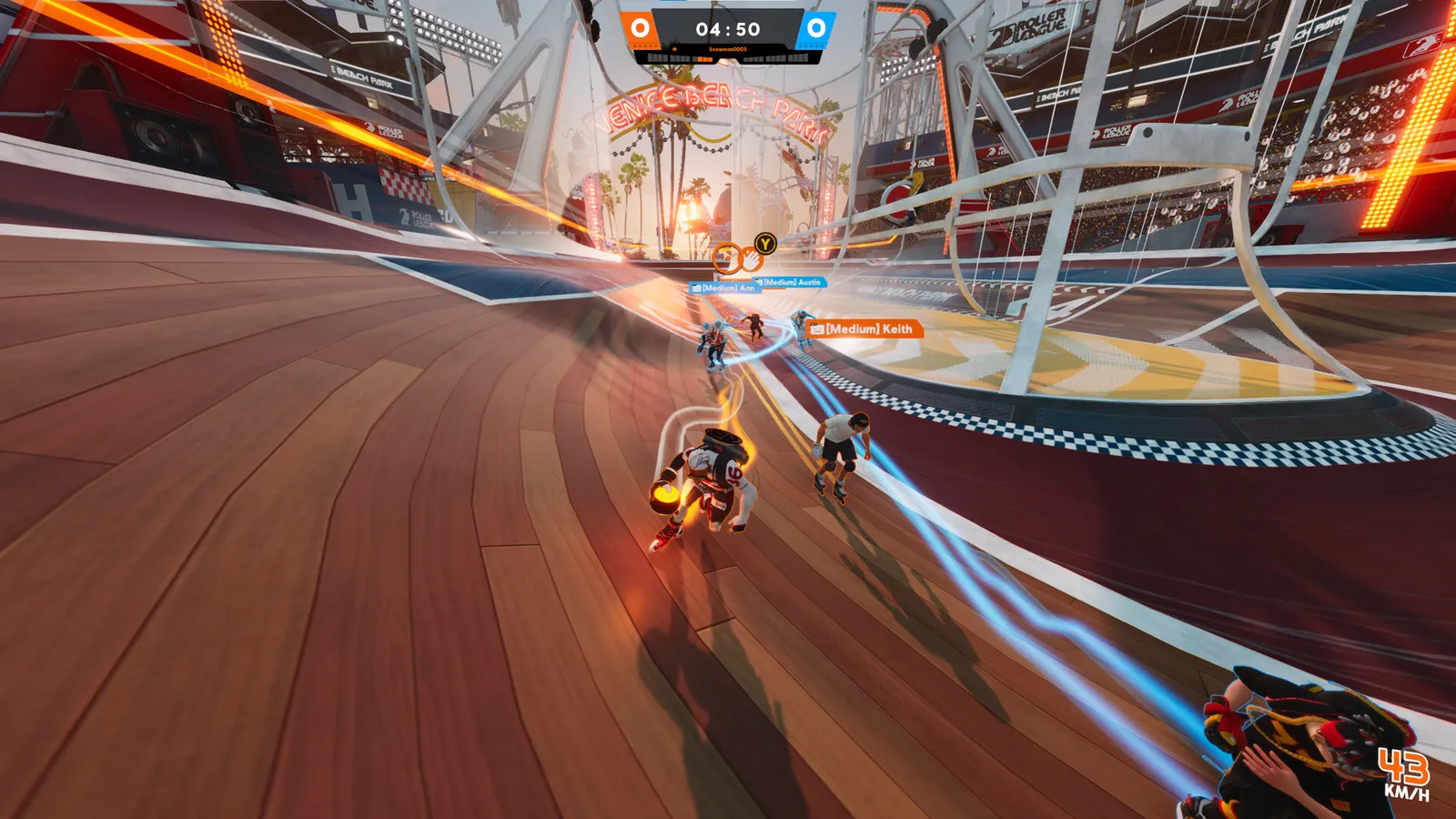
Roller Champions: Few players online

  1. In Roller Champions, in November 2026 only a handful of people are on Steam at a time, so a match may take a long time to fill or may not start.
  2. In Roller Champions, the game needs a Ubisoft account (it can be linked to Steam) and a broadband connection.

Roller Champions: Frame cap in the driver

  1. In Roller Champions, we found no in-game frame limit, so cap the frame rate in the NVIDIA Control Panel or AMD Software if you want a steady rate.
  2. In Roller Champions, cap a few frames under your refresh rate and turn V-Sync off for the lowest latency.

News from Steam

All news

Neo Retro

The 90's called, and we answered! Neo Retro is online, bringing the 8-bit brilliance of the past to the roller rinks of the future. That means new maps, new quality cosmetics, new game modes, and- What? Roller Champions is evolving…

Read on Steam (opens in a new tab): Neo Retro

Event Guide

MINIGAMES LOOTBALL MADNESS Lootball Madness takes place in the Skatepark social hub and lasts for one minute after the event begins, with multiple occurrences possible at different time intervals. Once the countdown ends, a Lootball is…

Read on Steam (opens in a new tab): Event Guide

Guides