Skip to content
Set up my rig
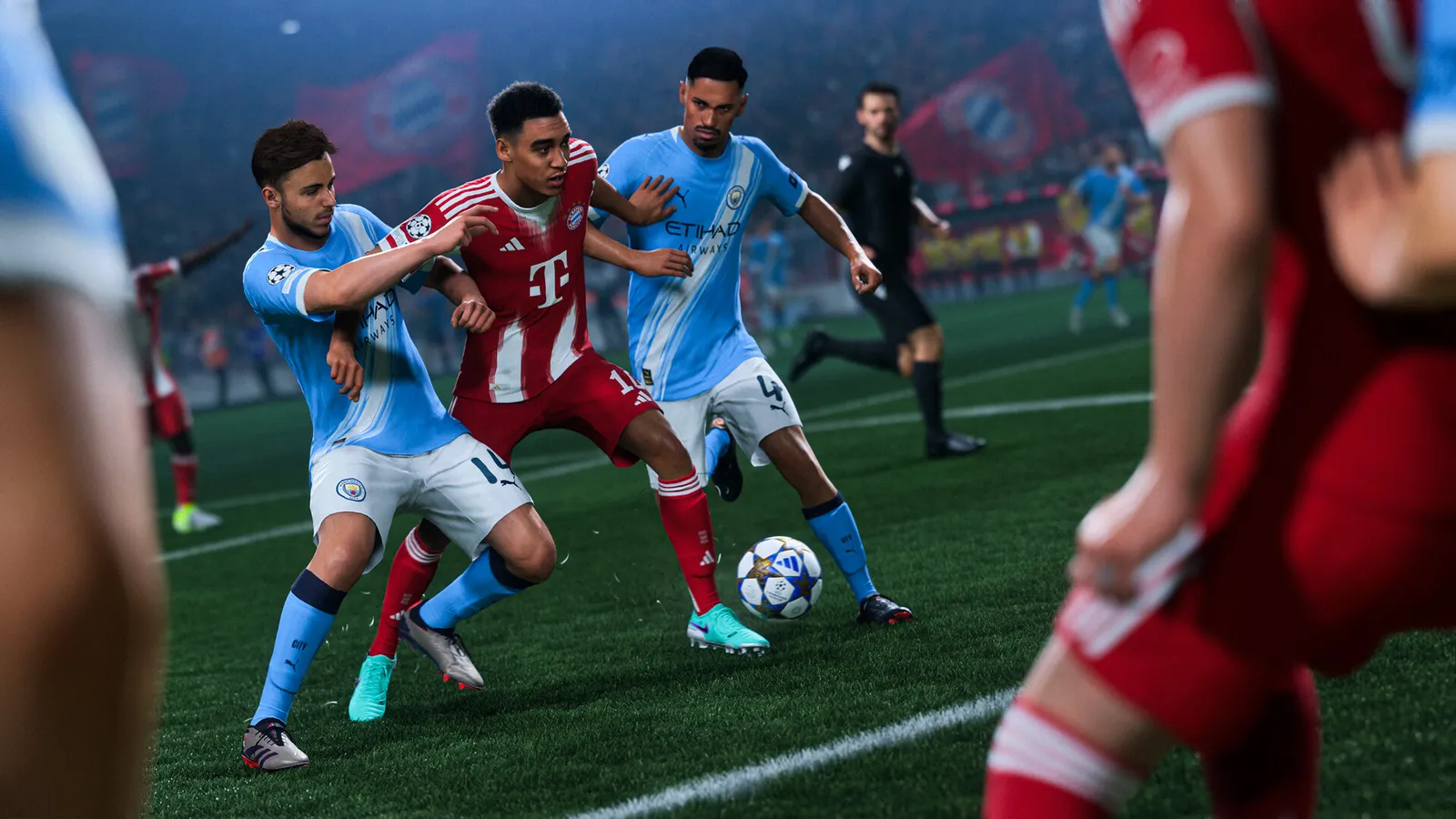
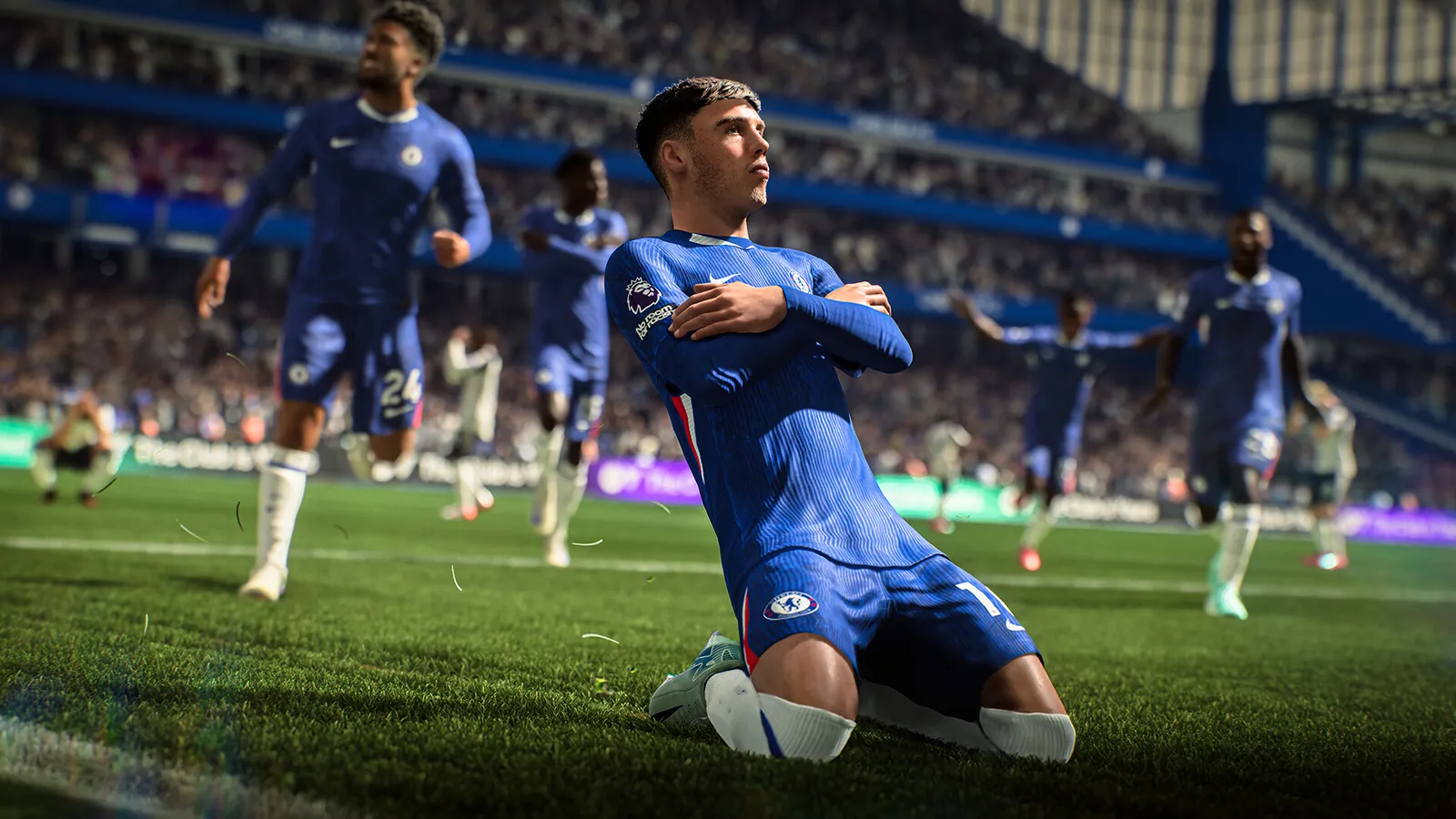
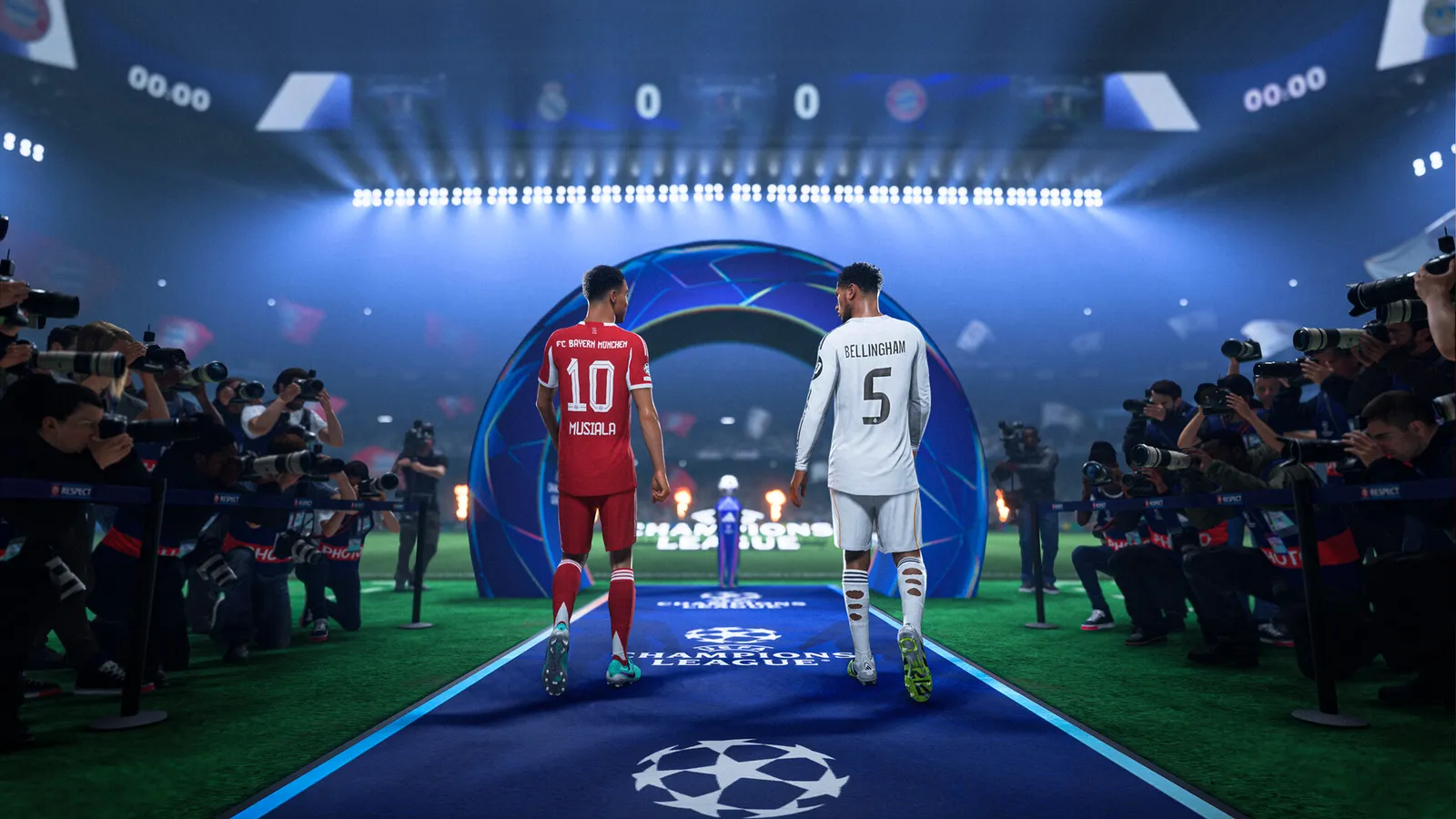
EA SPORTS FC 26, official artwork

Best EA SPORTS FC 26 settings

EA's current football game on Frostbite (the successor to FIFA). It is light on the GPU and mostly limited by the processor, so a modest graphics card already reaches high frame rates; the settings that matter are Rendering Quality, Ambient Occlusion and the frame-rate limit.

Best EA SPORTS FC 26 settings at 1080p for an RTX 4060 + Ryzen 5 7600: Ultra, lowering Rendering Quality first. Modelled: that PC gets about 135 fps, an RTX 3060 + Ryzen 5 5600 140 fps (High), a GTX 1650 + Core i5-10400 115 fps (Low). Calibrated against 12 measured benchmarks. How we estimate this

Updated . Game data researched November 2026.

  • PEGI 3
  • Competitive
Genre
Football
Developer
EA Canada, EA Romania
Released
2025
Platforms
PC, Xbox, PlayStation, Nintendo
Engine
Frostbite
Researched
Nov 2026

What are the best EA SPORTS FC 26 graphics settings?

The setting for every preset, from Low to Ultra. Save your hardware to get one tuned list.

Tell us your hardware once and every game page shows settings for it. Set up my rig

Set up your rig to see which column fits your PC, with an estimate of your frames. The competitive column is what we recommend for max FPS.

EA SPORTS FC 26 graphics settings per preset
SettingLowMediumHighUltra Competitive
Display Mode FullscreenFullscreenFullscreenFullscreen Fullscreen
Screen Resolution Your monitor's native resolution; scale with the upscaler instead
VSync Off; use G-Sync or FreeSync with an FPS cap instead
Frame Rate Limit 3 below your refresh rate (141 on 144 Hz); uncapped for max FPS
Cutscene Performance Half Frame RateHalf Frame RateHalf Frame RateHalf Frame Rate Half Frame Rate
Render Scale 100%100%100%100% 100%
Dynamic Resolution Scaling OffOffOffOff Off
Rendering Quality LowMediumHighUltra Low
Strand Based Hair OffOffOnOn Off
Cloth Quality LowMediumHighUltra Low
Ambient Occlusion Quality LowMediumHighUltra Low
Grass Quality LowMediumHighUltra Low
Crowd Quality LowMediumHighUltra Low
Motion Blur OffOffOffOff Off

How much FPS will I get in EA SPORTS FC 26?

Modelled frame rates on the High preset at native resolution, without upscaling or frame generation. Your own rig can differ: check your exact PC.

Estimated EA SPORTS FC 26 FPS by graphics card, High preset, with a Ryzen 7 7800X3D and 16 GB RAM
Graphics card 1080p1440p4K
RTX 4090 285 fps285 fps170 fps
RTX 4070 285 fps180 fps95 fps
RTX 4060 170 fps110 fps55 fps
RTX 3060 12GB 140 fps90 fps45 fps
GTX 1650 60 fps40 fps20 fps
RX 7800 XT 285 fps185 fps95 fps
RX 7600 170 fps110 fps55 fps
RX 6600 135 fps85 fps45 fps

These are estimates from our model, not measurements; real results vary with the scene, drivers and background load. Orange numbers are below 60 fps. How we estimate this

What are the best FC 26 tips for more FPS?

How do I show FPS in FC 26?

  1. EA does not document an in-game FPS counter for FC 26.
  2. In FC 26, Steam version: Steam > Settings > In Game > "In-game FPS counter" and pick a corner.
  3. In FC 26, any version: the NVIDIA app overlay (Alt+Z) or AMD Software overlay can show it.

FC 26: Restart after changing Graphics settings

  1. Graphics options in FC 26 only apply after you restart the game; Display options apply right away.
  2. In FC 26, test in a real match, not in the menu, because the match engine is what the CPU spends time on.

In FC 26, EA's pitch notes list the exact per-preset values of each option nowhere; the values in this guide follow EA's CPU/GPU/VRAM impact ratings per option.

FC 26: It is mostly a CPU game

  1. In FC 26, with a recent GPU the frame rate is set by your processor and RAM speed, not by the graphics preset.
  2. In FC 26, close browsers and launchers while playing; the game also runs anti-cheat in the background.
  3. In FC 26, run RAM at its rated XMP/EXPO speed.

FC 26: Driver settings

  1. NVIDIA app > Graphics > Program settings > EA SPORTS FC 26: "Power management mode" to "Prefer maximum performance".
  2. In FC 26, if you cap the frame rate in the driver, put it a few frames under your refresh rate and leave the in-game limit on its highest value.

News from Steam

All news

Guides