How do I show FPS in SF6?
- In SF6, Steam: Steam > Settings > In Game > "In-game FPS counter" and pick a corner.
- In SF6, alternatives: the NVIDIA app overlay (Alt+Z) or the AMD Software performance overlay.
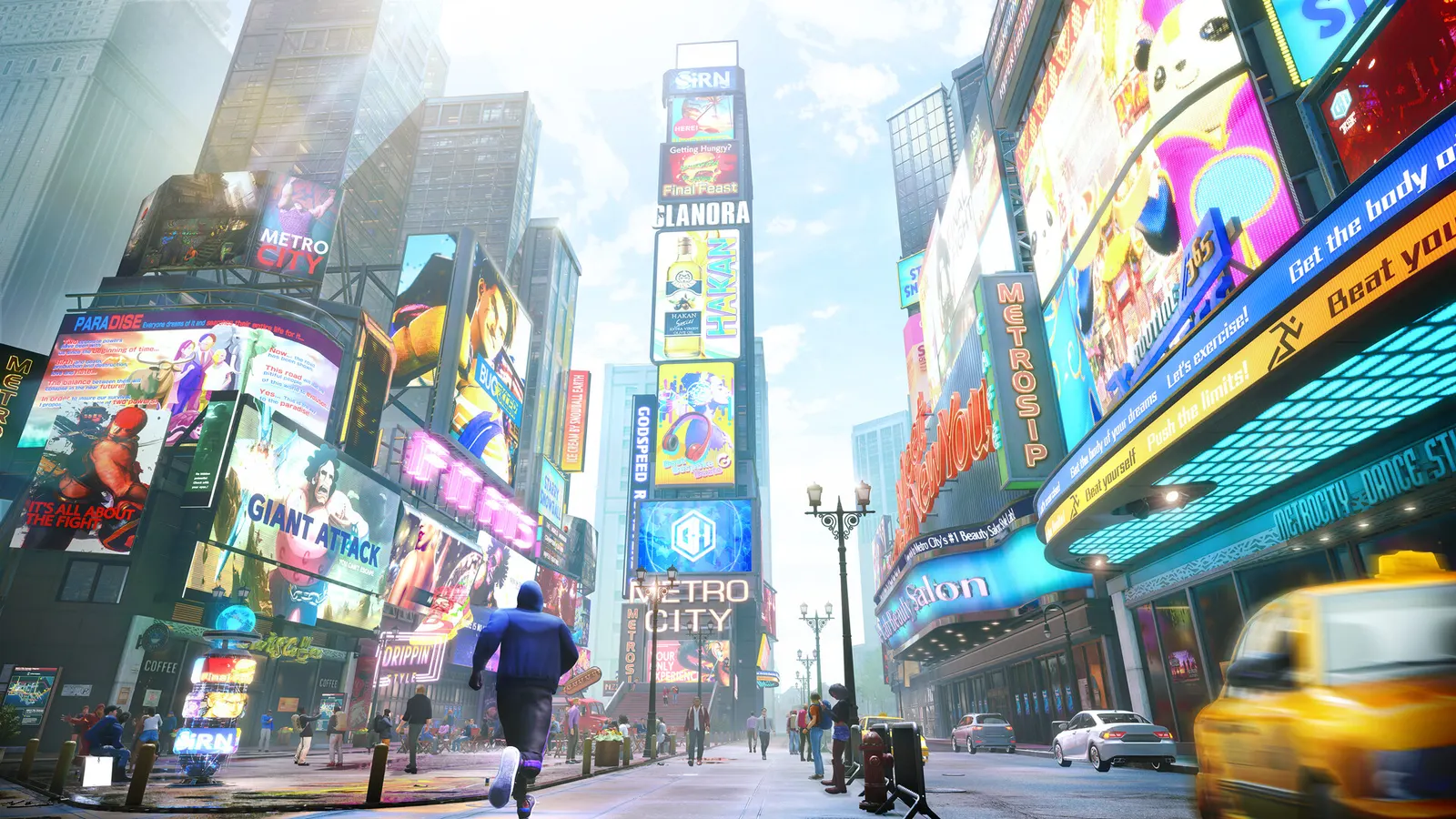
Capcom's fighting game on the RE Engine. Fighting Ground matches run at a fixed 60 fps, so the goal is a stable 60 with low input lag rather than a high frame rate; World Tour and the Battle Hub are the demanding modes. Capcom publishes a free benchmark tool (the demo build) that scores your PC.
Best Street Fighter 6 settings at 1080p for an RTX 4060 + Ryzen 5 7600: Ultra. Modelled: that PC gets about 60 fps, an RTX 3060 + Ryzen 5 5600 60 fps (Ultra), a GTX 1650 + Core i5-10400 60 fps (Low). Rough estimate: no published benchmarks yet. How we estimate this
Updated . Game data researched November 2026.
The setting for every preset, from Low to Ultra. Save your hardware to get one tuned list.
Set up your rig to see which column fits your PC, with an estimate of your frames. The competitive column is what we recommend for max FPS.
| Setting | Low | Medium | High | Ultra | Competitive |
|---|---|---|---|---|---|
| Display Mode | Fullscreen | Fullscreen | Fullscreen | Fullscreen | Fullscreen |
| Internal Resolution | Your monitor's native resolution; scale with the upscaler instead | ||||
| Maximum Frame Rate | 3 below your refresh rate (141 on 144 Hz); uncapped for max FPS | ||||
| Vsync | Off; use G-Sync or FreeSync with an FPS cap instead | ||||
| Lighting Quality | Low | Normal | High | High | Low |
| Shadow Quality | Low | Normal | High | High | Low |
| Effects Quality | Low | Normal | High | High | Low |
| Texture Quality | Low | Normal | High | High | Low |
| Mesh Quality | Low | Normal | High | High | Low |
| Shader Quality | Low | Normal | High | High | Low |
| Ambient Occlusion | Off | On | On | On | Off |
| Screen Space Reflections | Off | Off | On | On | Off |
| Motion Blur | Off | Off | Off | Off | Off |
| Limit World Tour Battles to 30 FPS | Off | Off | Off | Off | Off |
| Fighting Ground Background Object Density | Low | Normal | High | High | Low |
| Battle Hub Participants | Low | Normal | High | High | Low |
Modelled frame rates on the High preset at native resolution, without upscaling or frame generation. Your own rig can differ: check your exact PC.
| Graphics card | 1080p | 1440p | 4K |
|---|---|---|---|
| RTX 4090 | 60 fps | 60 fps | 60 fps |
| RTX 4070 | 60 fps | 60 fps | 55 fps |
| RTX 4060 | 60 fps | 60 fps | 35 fps |
| RTX 3060 12GB | 60 fps | 50 fps | 25 fps |
| GTX 1650 | 35 fps | 25 fps | 10 fps |
| RX 7800 XT | 60 fps | 60 fps | 55 fps |
| RX 7600 | 60 fps | 60 fps | 35 fps |
| RX 6600 | 60 fps | 50 fps | 25 fps |
These are estimates from our model, not measurements; real results vary with the scene, drivers and background load. Orange numbers are below 60 fps. How we estimate this
Get face to face with the world's best fighters—now in theaters! Set in 1993, Ryu and Ken Masters are thrown back into the fight when the mysterious Chun-Li recruits them for the next World Warrior Tournament. No rules. No limits. No…
Read on Steam (opens in a new tab): Street Fighter (2026 Movie) in theaters now!Arjun, the second Year 4 character, joins the fight! ▶ Discover Arjun's story in Arcade mode! ▶ Updates to Avatar Arcade mode! Earn rewards in the all-new Battle Tour. ▶ C. Viper's Outfit 4 is also available. Turn up the heat in her…
Read on Steam (opens in a new tab): Arjun is out now!Street Fighter 6 characters have landed on Olympus! Harness the power of Fighter Gear inspired by Ryu, Chun-Li, Akuma, and Dhalsim, unleash the Mythic Hadoken Universal Melee, battle through high-stakes Showdowns, and unlock iconic Street…
Read on Steam (opens in a new tab): The next challenger has entered the Outlands!The second character of Year 4, Arjun, joins the fight on Tuesday, October 13, 2026! Like an aggressive bull jumping in the dust of the fields, Arjun moves heaven and earth with his powerful breathing techniques! Beware of his brutal…
Read on Steam (opens in a new tab): Check out gameplay for the second Year 4 character, Arjun!