SF6: Capcom's benchmark tool
- In SF6, capcom released a free benchmark tool for the game. It scores your PC and lets you change presets and resolution.
- In SF6, A score of 30 or below means the PC is not ready; 91 to 100 means you can play with ease.
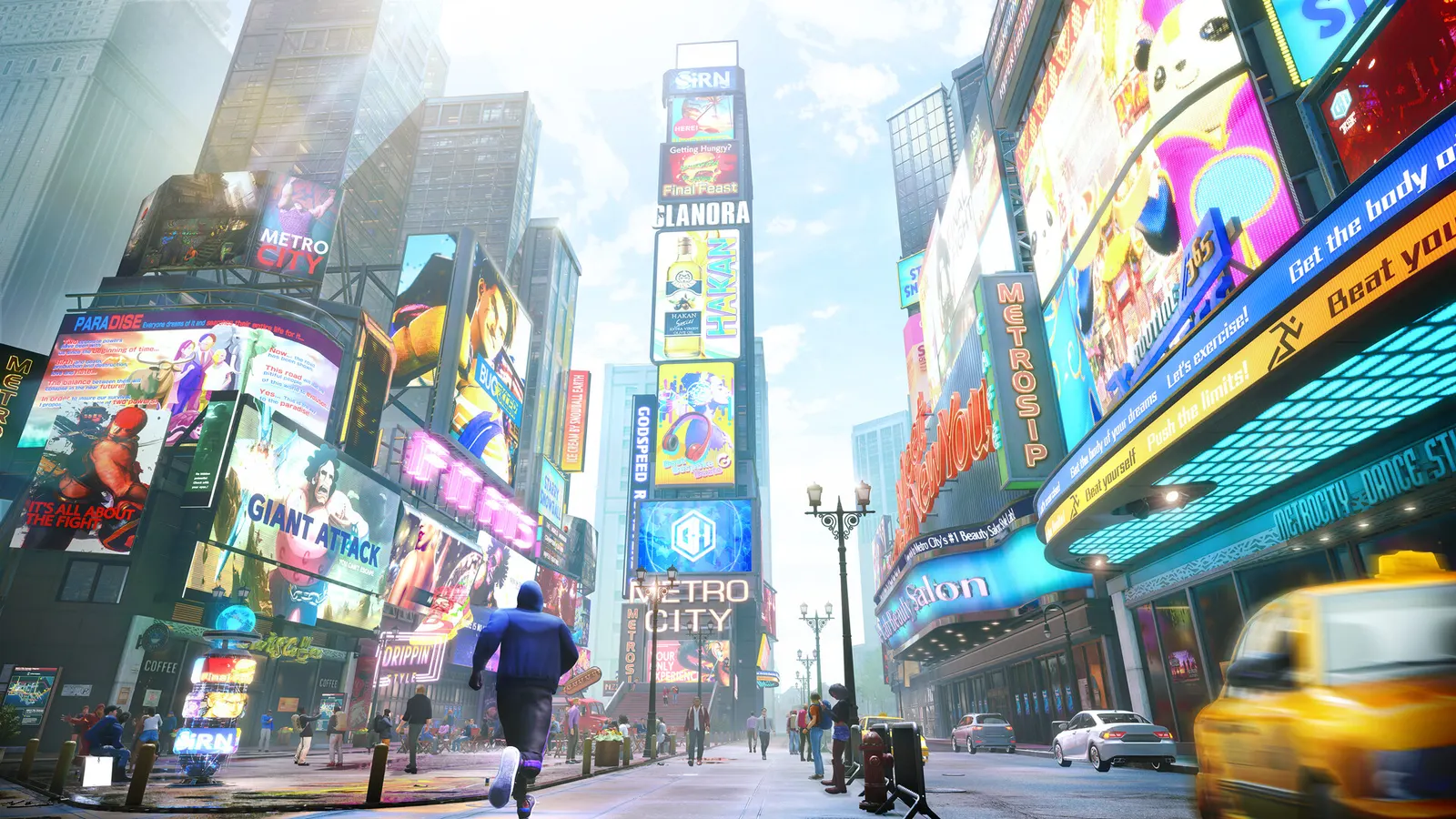
The biggest frame costs in Street Fighter 6 are Lighting Quality, Shadow Quality, Effects Quality. Start there, then work through the stutter checklist.
Updated . Game data researched November 2026.
Lighting Quality
Guides list lighting, shadows and effects at Low or Normal for stable 60 fps on weaker cards.
Shadow Quality
One of the more expensive detailed options in World Tour and the Battle Hub.
Effects Quality
Super Art and hit effects; costs frames in busy moments.
Ambient Occlusion
Adds depth to stages at a modest cost.
Screen Space Reflections
Reflections on wet and glossy stages; skip them on weak GPUs.
Battle Hub Participants
How many other avatars are drawn in the Battle Hub; the main cause of drops there.
Values shown are what we pick for max FPS (visibility kept where it matters). Section names follow the in-game menu.
| Setting | Low-end value |
|---|---|
| Display Mode | Fullscreen |
| Internal Resolution | Your monitor's native resolution; scale with the upscaler instead |
| Maximum Frame Rate | 3 below your refresh rate (141 on 144 Hz); uncapped for max FPS |
| Vsync | Off; use G-Sync or FreeSync with an FPS cap instead |
| Lighting Quality | Low |
| Shadow Quality | Low |
| Effects Quality | Low |
| Texture Quality | Low |
| Mesh Quality | Low |
| Shader Quality | Low |
| Ambient Occlusion | Off |
| Screen Space Reflections | Off |
| Motion Blur | Off |
| Limit World Tour Battles to 30 FPS | Off |
| Fighting Ground Background Object Density | Low |
| Battle Hub Participants | Low |