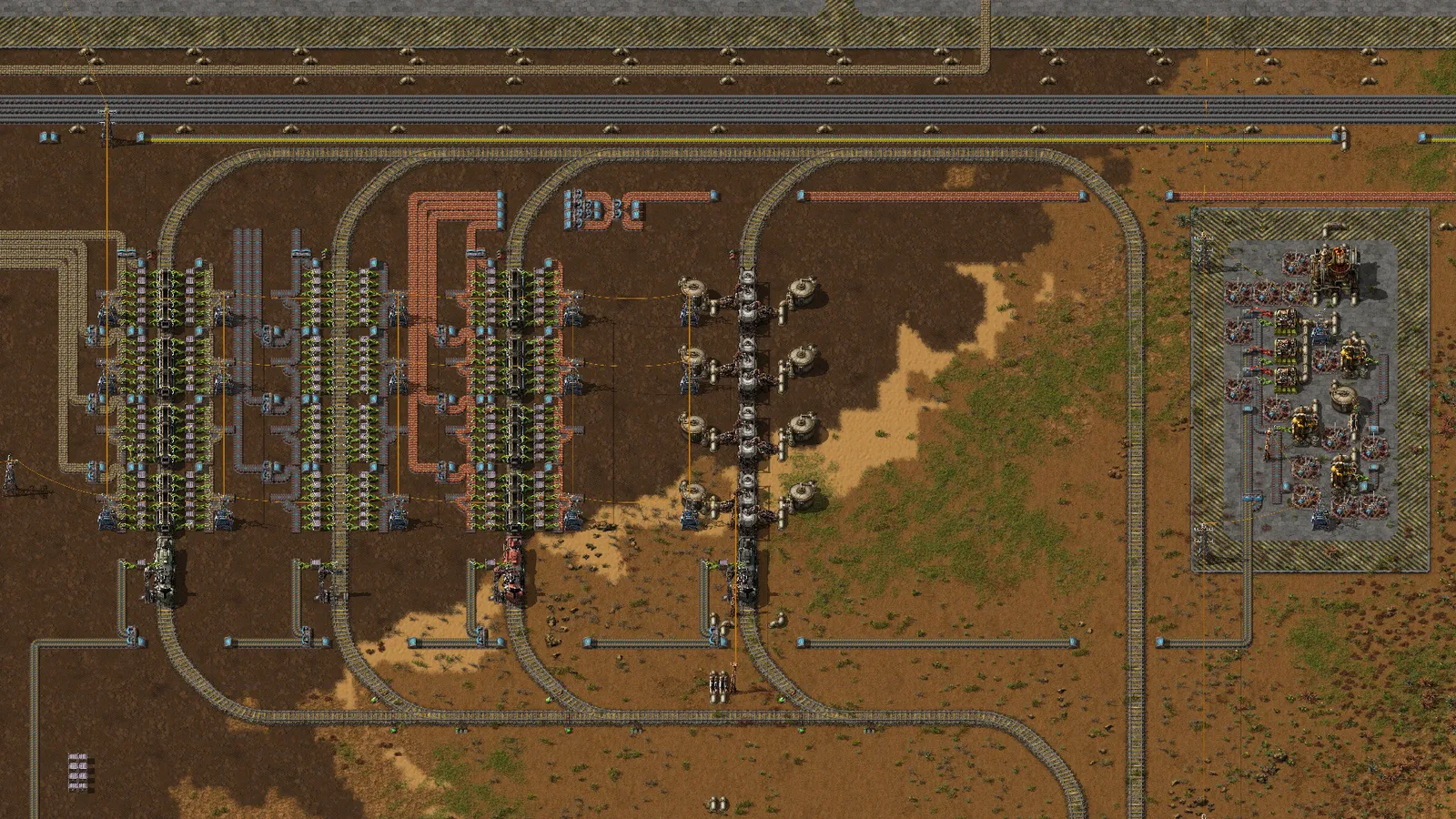
Signals divide your rail network into blocks, and each block holds one train at a time. Rail signals and chain signals both create blocks. Use rail signals on open track and chain signals at junctions and crossings. Most train problems in Factorio come from using the wrong one in the wrong place.
Blocks and the two signal types
A signal splits the track into blocks. Train stops do not split blocks, so a train stop never counts as a signal. Place signals on the right-hand side of the track relative to the direction of travel. If trains run both ways on the same track, you need signals on both sides, or you build two parallel tracks instead.
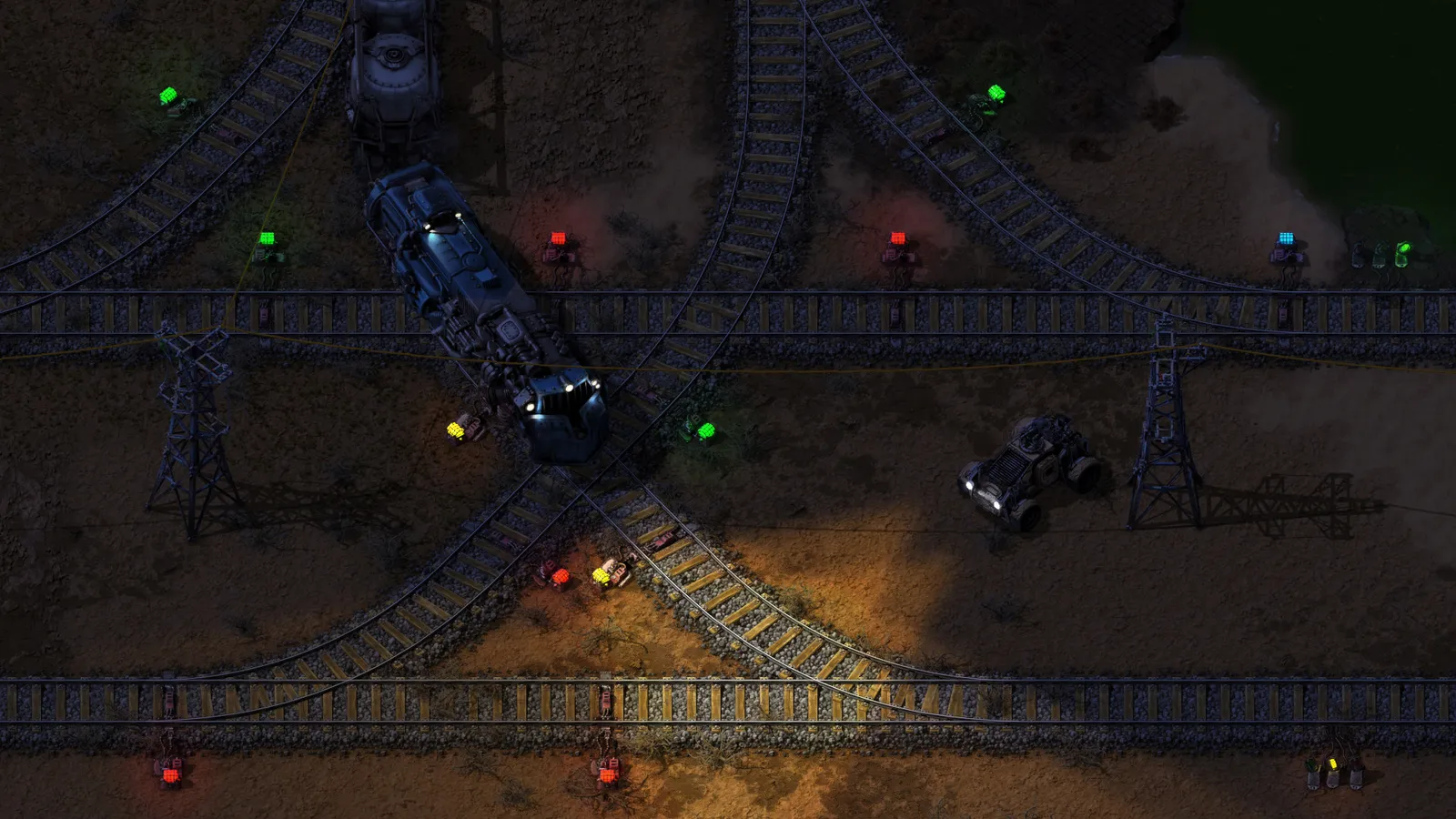
Signals decide which train gets the junction.
- Rail signal: a train may enter the block ahead if that block is free, even if the path beyond it is blocked. That is how a train can end up stopped in the middle of a junction.
- Chain signal: a train may enter only if its path is clear all the way to the next regular rail signal or to its destination. Trains never wait in the block after a chain signal.
Where to put which
| Place | Use |
|---|---|
| Straight track between junctions | Rail signals, spaced for your train length |
| Entering a junction or crossing | Chain signals, inside and before the crossing |
| Exits of a crossing | Regular rail signals |
| Station entrance (stacker) | Regular signals at the entrance, chain signals at the exit |
Overusing chain signals lowers throughput, because trains wait for long stretches of clear track. Use them where blocking would actually happen, not everywhere.
Stations and stackers
- Give each station its own block so a train loading never blocks the main line.
- Build a stacker, which is a waiting area before the station where queued trains line up with regular signals at the entrance and chain signals at the exit.
- Automate refuelling early so locomotives do not strand themselves.
- Give every station a clear name; schedules refer to stations by name, so it helps to be consistent.
This guide is up to date for Factorio 2.1 (stable since 23 October 2026), which did not change how rail and chain signals work. Factorio 2.0 added train stop priority and train limit to blueprint parametrisation (2.0.45 and 2.0.48), and rail signals rotate automatically in forced build modes from 2.0.67. With the Space Age expansion you also get elevated rails, built from ramps and supports, which add a second track layer above ground and make crossings much simpler.
Common causes of deadlocks
- Regular signals where chain signals belong, so trains stop inside a crossing.
- Too many trains on a loop, which can fill the whole line.
- Junctions closer together than a train is long, so a train blocks two junctions at once.
- One-way track that gives a "no path" error when a train needs to go back.
If trains freeze, check the signal colours at the blocked junction, and look for a train sitting in a block it cannot leave.
Planning a first line
A good first project is a single track between a resource outpost and your main base, with one station at each end and a loop or a stacker so a train can turn around. Get that working with one train, watch how it behaves at the station, and only then add a second train. Every extra train multiplies the chance of a jam, so growth should be gradual, with signals added to match.
Quick tips
- Start with a single line between two stations and add junctions only when needed.
- Test a new junction with several trains at once, not just one.
- If you want to move large volumes without a belt bundle, trains work well alongside a main bus.
The Factorio page has settings and requirements.