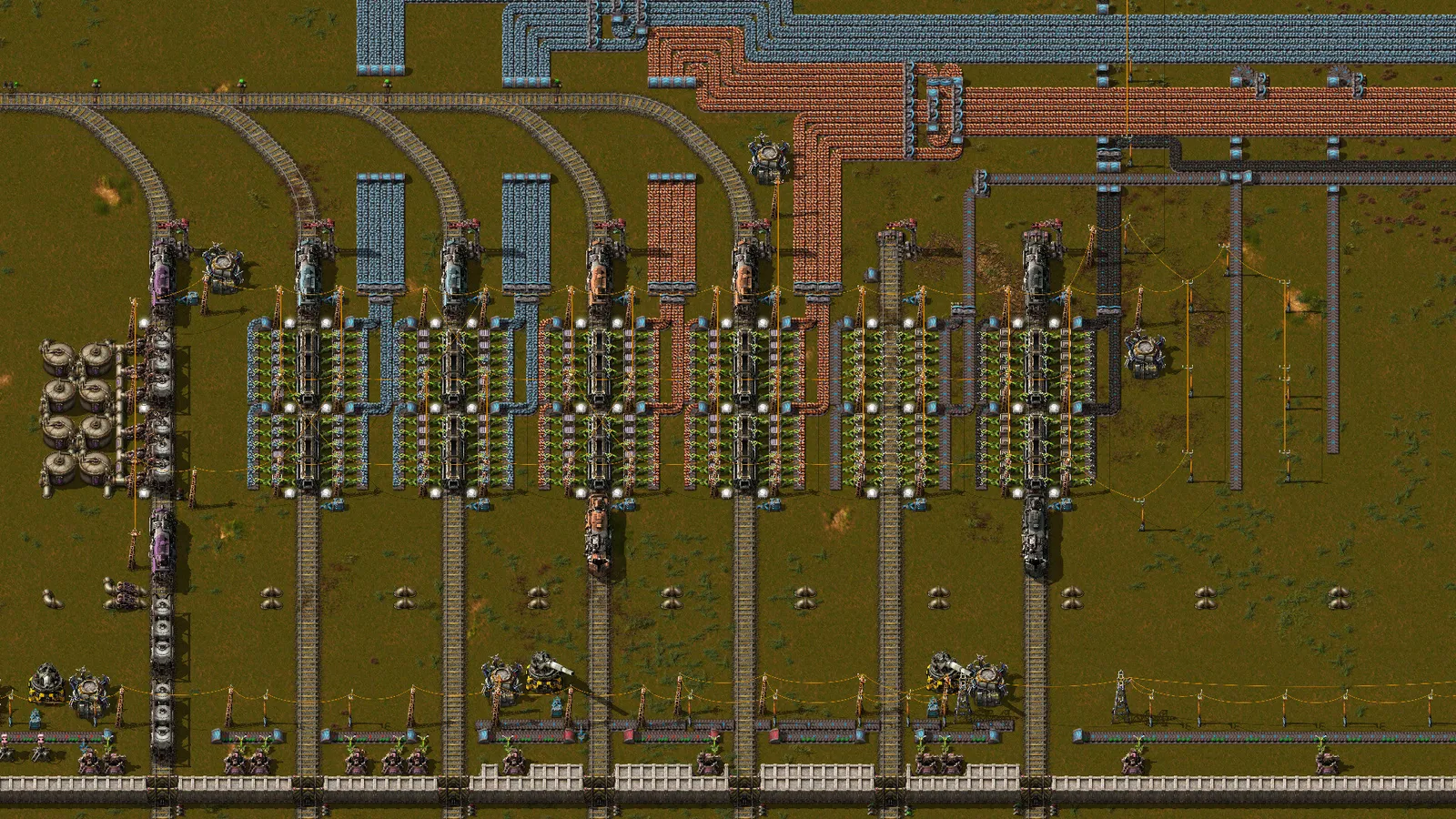
A Factorio blueprint stores a layout of buildings so you can place it again as ghosts that you, or your construction robots, then build. You make one with the blueprint tool or with Ctrl+C, share it as a text string through "Export to string" and "Import string", and keep it in the blueprint library, which gives you unlimited storage. This guide covers how to create, place, share and update blueprints, plus the upgrade and deconstruction planners that go with them. Everything below is from the base game as it works in Factorio 2.0 and Space Age.
How do you make a blueprint?
- Craft a blank blueprint with the blueprint button on the shortcut bar, or take one from the blueprint library for free.
- Select it, then drag a box over the buildings you want. Only entities you placed inside the box are highlighted green; press Q to cancel the drag.
- In the setup window, pick up to four icons so you can find it later. The window also shows the total number of components.
- Click the green "Create blueprint" button. Clicking the X instead cancels without using up the blueprint.
A blueprint is only a layout, so you can reuse it an unlimited number of times. You can also clear one back to blank from the right-click view, edit and clear options. The largest possible blueprint covers 10,000 by 10,000 tiles.
How do you place a blueprint?
Take the blueprint from your toolbelt, inventory or library. Placing it creates ghosts, which are build orders rather than buildings. You build them by hand, or construction robots do it if the ghosts sit inside a roboport's area (110 by 110 tiles) or within range of your personal roboport. Robots draw materials from the logistic chests in the network, or from your own inventory with a personal roboport.
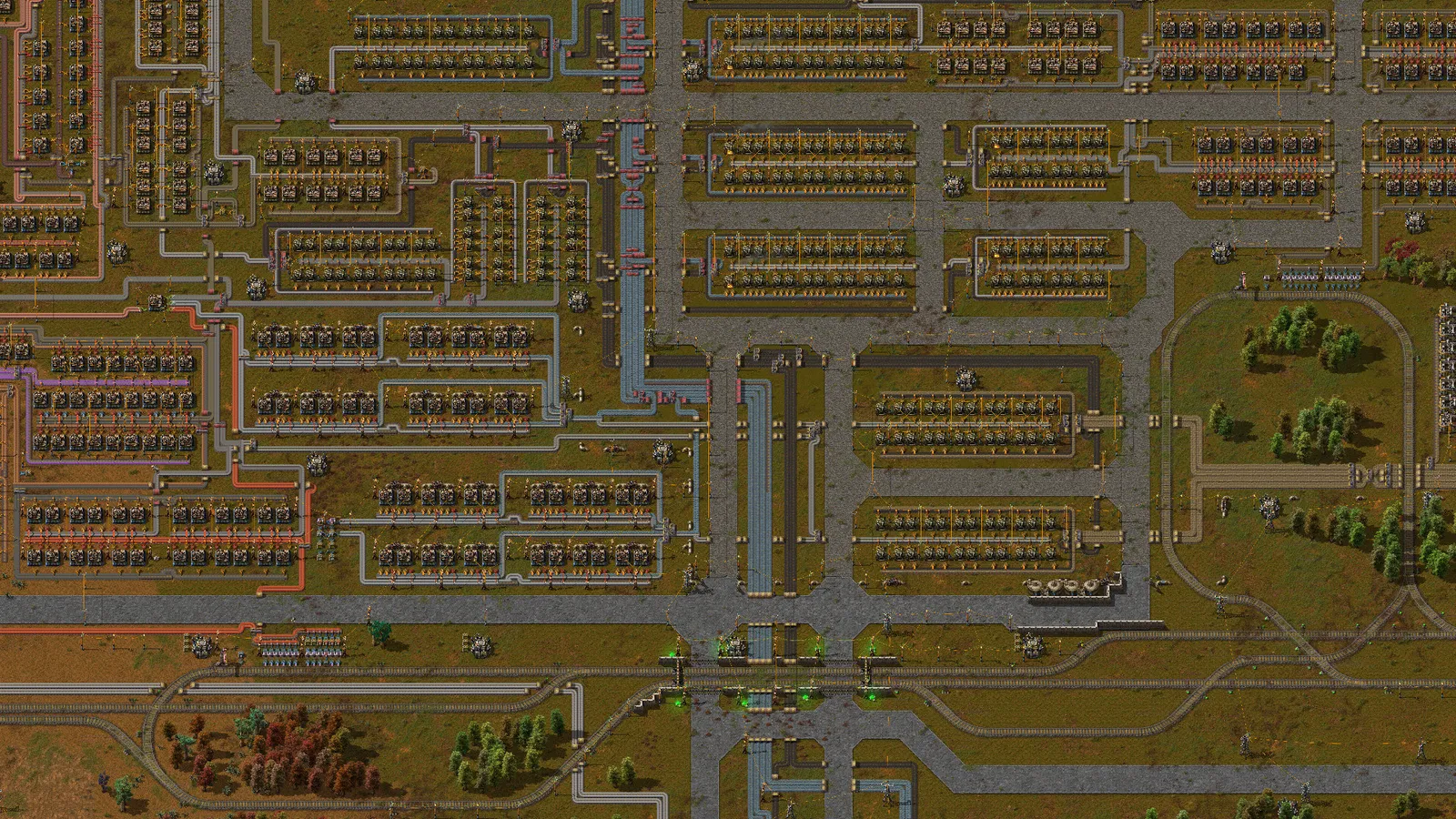
Repeating blocks like these are what blueprints are made for.
- R rotates the blueprint, H flips it horizontally and V vertically. A blueprint that contains rail signals, chain signals or train stops can be rotated but not flipped.
- Shift is force building: it marks trees and rocks under the blueprint for deconstruction and places landfill ghosts over water. In Space Age it places platform foundations or ice platforms instead.
- Ctrl + Shift is super force building. It also marks every other building in the area for deconstruction, and over belts it tries to place underground belts of the same tier.
- Green means a spot is placeable and red means it is blocked. Without Shift, one blocked entity blocks the whole placement; with Shift you place everything that is not blocked.
You can also place a blueprint from the map view, as long as the area has been explored.
How do copy and paste work?
For quick one-off duplication you do not need a blueprint item at all. Press Ctrl+C and drag a rectangle to copy, Ctrl+V to paste ghosts, and Ctrl+X to cut, which also marks the originals for deconstruction. Copies keep chest limits, train schedules, filters, circuit wiring, pole connections and module configuration, but not the items inside chests or belts. Hold Shift while dragging to open the blueprint settings instead. Shift plus the mouse wheel cycles through your 20 most recent copies while you are pasting.
To copy only the settings of one machine onto another, use Shift plus right-click on the source and Shift plus left-click on the target. Copying a recipe onto a requester chest sets the request to about 30 seconds of production.
How do you import and export blueprint strings?
A blueprint string is compressed text that holds the whole blueprint. To export, open the blueprint's edit window and click "Export to string", then copy the text. To import, click the "Import string" icon on the shortcut bar, paste the text, and the blueprint appears in your hand. Blueprint books, deconstruction planners and upgrade planners can be shared as strings in the same way. Because the string is just encoded data, it can be inspected and edited outside the game, so only import strings from sources you trust.
What is the blueprint library?
Open it with the button above the minimap or press B. It has two sections:
| Section | What it is |
|---|---|
| My blueprints | Your personal collection. It is shared across all of your saves and is not shared with other players in multiplayer |
| Game blueprints | Tied to the current save. In multiplayer, everyone on the force shares it |
The library stores blueprints, blueprint books, deconstruction planners and upgrade planners without using inventory space, and items in it cannot be lost when a chest is destroyed. You can place any library item in your quickbar. The quickbar slot is a shortcut to the library entry, so edits you make through it change the library item; copy the blueprint in its window first if you want an independent version.
What do the upgrade and deconstruction planners do?
Both unlock with Construction robotics and are on the shortcut bar. Robots do the work, and you need radar coverage of the area.
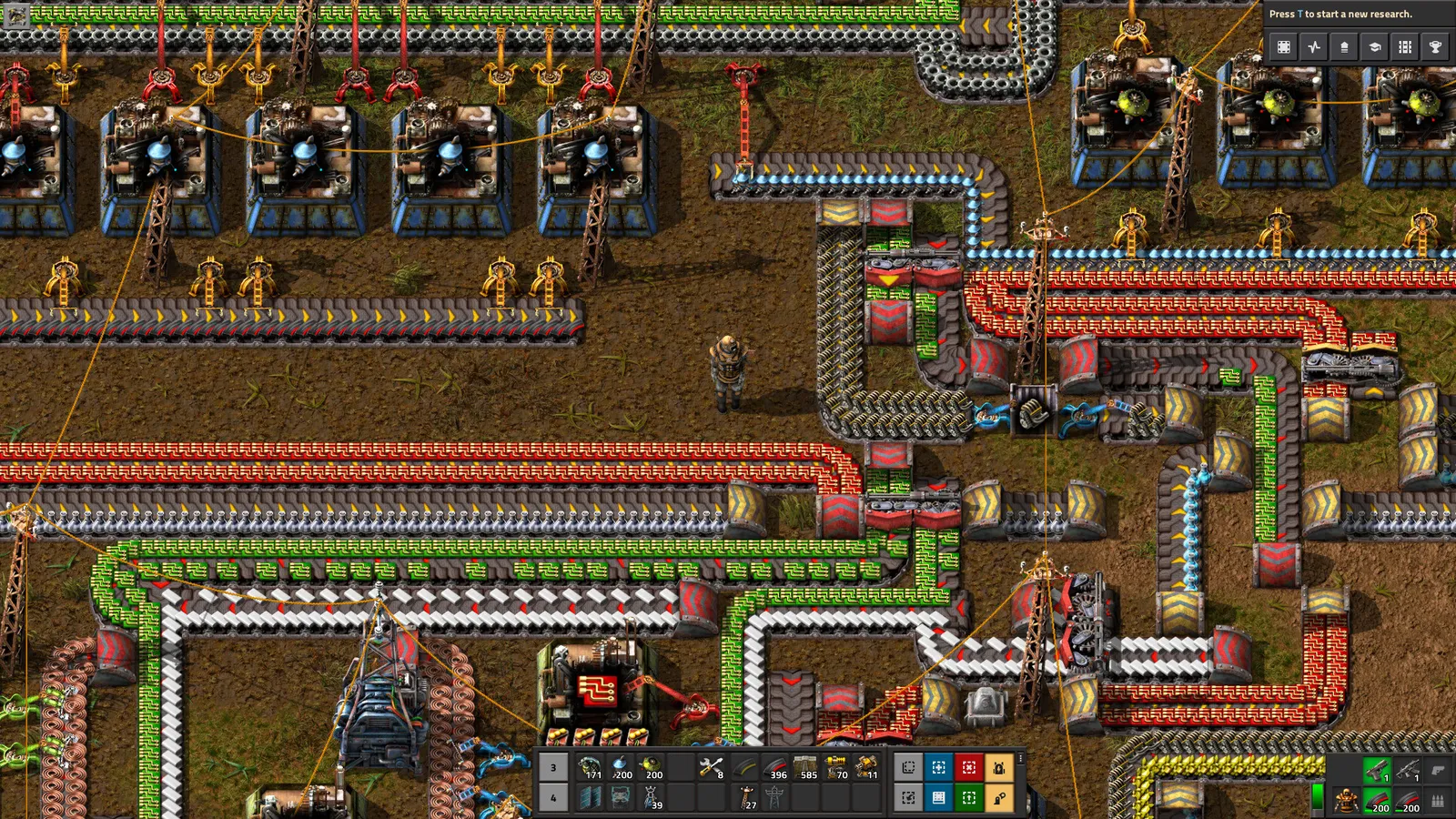
The shortcut bar holds the blueprint, upgrade and deconstruction tools.
- Upgrade planner. Drag it over buildings to replace them with the next tier, for example a yellow belt with a faster one. A blank planner upgrades belts, underground belts, splitters, inserters, assembling machines and furnaces. A filtered one has 24 pairs of slots, where the left slot picks what to replace and the right slot what to replace it with, and it can also downgrade. You can apply a planner to a blueprint through its edit window, but not to a blueprint stored in the library.
- Deconstruction planner. Drag it over an area (or press Alt+D) to mark things for removal. Ghosts vanish at once, built entities get a red X and are removed by robots, and the items go to logistic chests. Filters can limit it to certain entities, trees and rocks only, or exclude some things. Ctrl+Z turns removed buildings back into ghosts, but it will not restore trees, rocks or items from chests.
Hold Shift while dragging with either planner to cancel orders you have already queued.
Quick tips
- Keep one tidy copy of each blueprint in the library and use quickbar copies for work.
- Use a blueprint for a block that you repeat, such as the smelting columns and assembler lines in the beginner guide, or the layout from the main bus guide.
- Build train stations from a blueprint, but check the signals afterwards (see the train signals guide).
- Use the upgrade planner on an old blueprint before you place it in a new, further-along save.