Skip to content
Set up my rig
Factorio, official artwork

Best Factorio settings

Wube's automation game: build a factory, then scale it up. The graphics are light; what slows a big base down is the simulation (UPS) on one fast CPU core and your RAM speed. The Space Age expansion adds more planets and bigger factories, which raises that CPU load further.

Best Factorio settings at 1080p for an RTX 4060 + Ryzen 5 7600: Ultra. Modelled: that PC gets about 60 fps, an RTX 3060 + Ryzen 5 5600 60 fps (Ultra), a GTX 1650 + Core i5-10400 60 fps (Ultra). Rough estimate: no published benchmarks yet. How we estimate this

Updated . Game data researched November 2026.

  • PEGI 7
Genre
Factory-building / automation
Developer
Wube Software
Released
2020
Platforms
PC, Mac, Linux, Nintendo
Engine
Proprietary (C++)
Researched
Nov 2026

What are the best Factorio graphics settings?

The setting for every preset, from Low to Ultra. Save your hardware to get one tuned list.

Tell us your hardware once and every game page shows settings for it. Set up my rig

Set up your rig to see which column fits your PC, with an estimate of your frames.

Factorio graphics settings per preset
SettingLowMediumHighUltra
Resolution Your monitor's native resolution; scale with the upscaler instead
Sprite resolution NormalNormalHighHigh
Video memory usage LowMediumHighAll
Texture compression Low qualityLow qualityHigh qualityHigh quality

How much FPS will I get in Factorio?

Modelled frame rates on the High preset at native resolution, without upscaling or frame generation. Your own rig can differ: check your exact PC.

Estimated Factorio FPS by graphics card, High preset, with a Ryzen 7 7800X3D and 16 GB RAM
Graphics card 1080p1440p4K
RTX 4090 60 fps60 fps60 fps
RTX 4070 60 fps60 fps60 fps
RTX 4060 60 fps60 fps60 fps
RTX 3060 12GB 60 fps60 fps60 fps
GTX 1650 60 fps60 fps40 fps
RX 7800 XT 60 fps60 fps60 fps
RX 7600 60 fps60 fps60 fps
RX 6600 60 fps60 fps60 fps

These are estimates from our model, not measurements; real results vary with the scene, drivers and background load. Orange numbers are below 60 fps. How we estimate this

What are the best Factorio tips for more FPS?

How do I show FPS in Factorio?

  1. In Factorio, press F4 to open the debug settings menu.
  2. In Factorio, turn on show-fps; it shows FPS and UPS (both about 60 on a healthy base). Set it under the "Always" tab so it stays visible.
  3. In Factorio, show-time-usage lists the milliseconds spent per tick: keep the total under 16.6 ms to hold 60 UPS.
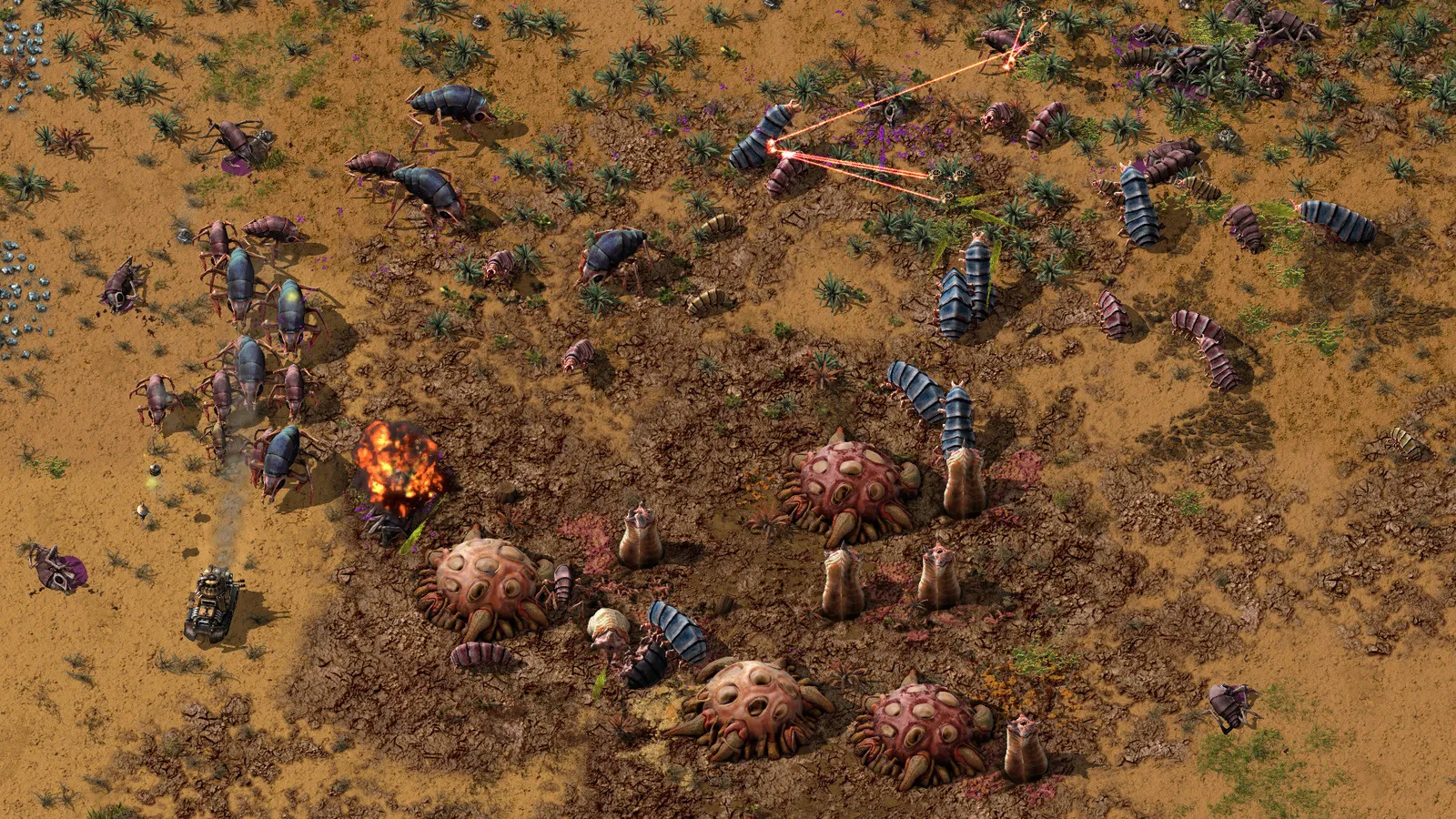
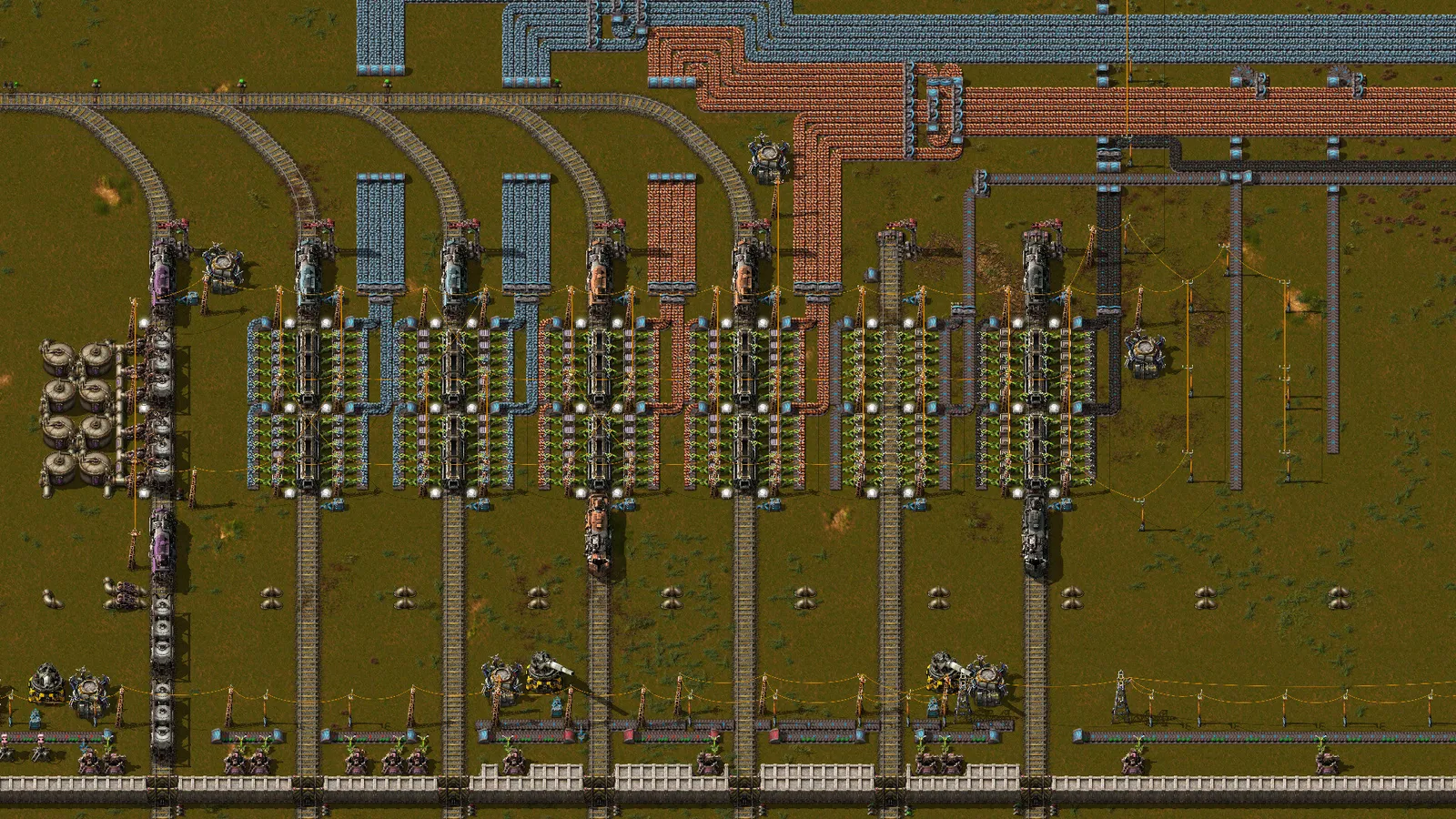
Factorio: UPS is the real limit, and FPS is capped at 60

  1. In Factorio, the factory is simulated 60 times per second (60 UPS) and the game draws one frame per update, so FPS tops out at 60 even on a 144 Hz or 240 Hz monitor.
  2. In Factorio, when a big base cannot finish an update in 16.6 ms the whole game slows down: UPS and FPS drop together and everything runs in slow motion.
  3. In Factorio, A faster single core and faster RAM raise UPS far more than a new graphics card does. Fix the factory (fewer inserters, belts and long train routes) before buying hardware.

Factorio: Space Age expansion

  1. In Factorio, space Age adds more planets and larger late-game factories, so late saves cost more CPU time per tick than the base game.
  2. In Factorio, players report big Space Age bases being limited by UPS rather than by the GPU. The settings above only help the graphics side.

Factorio: Low VRAM or crashes at startup

  1. In Factorio, set Sprite resolution to Normal and Video memory usage to Low or Medium in Settings > Graphics.
  2. In Factorio, the game also accepts --video-memory-usage and --graphics-quality as launch options if you cannot reach the menu.

Launch options

--video-memory-usage medium Limits how much sprite data Factorio keeps in VRAM (all, high, medium or low).
--graphics-quality medium Starts the game with a lighter graphics quality when the menu is unreachable.

News from Steam

All news

Friday Facts #449 - 2.1 Stable

Hello, Welcome to another Friday. This week marks exactly 2 years since the Space Age release. 2.1 Stable After a long summer in experimental, 2.1 is now marked as stable. Thank you to everyone who played the experimental, reported bugs…

Read on Steam (opens in a new tab): Friday Facts #449 - 2.1 Stable

Guides