Skip to content
Set up my rig
911 Operator, official artwork

911 Operator FPS boost and stutter fix

Work through the settings and the stutter checklist below.

Updated . Game data researched November 2026.

Genre
Emergency dispatch simulation
Developer
Jutsu Games
Released
2017
Platforms
PC, Mac, Xbox, Nintendo, Mobile

Upscaling and latency in 911 Operator

  • Upscaling: not available in this game.
  • Frame generation: not available in this game.
  • Latency: no Reflex or Anti-Lag 2 in this game. Cap your FPS a few frames below your refresh rate instead.

Upscaling explained

How do I fix stuttering in 911 Operator?

911 Operator: This game is light

  1. In 911 Operator, any PC that meets the 2017 requirements runs it; if the frame rate is poor, check that the game uses your dedicated GPU in Windows Graphics settings.
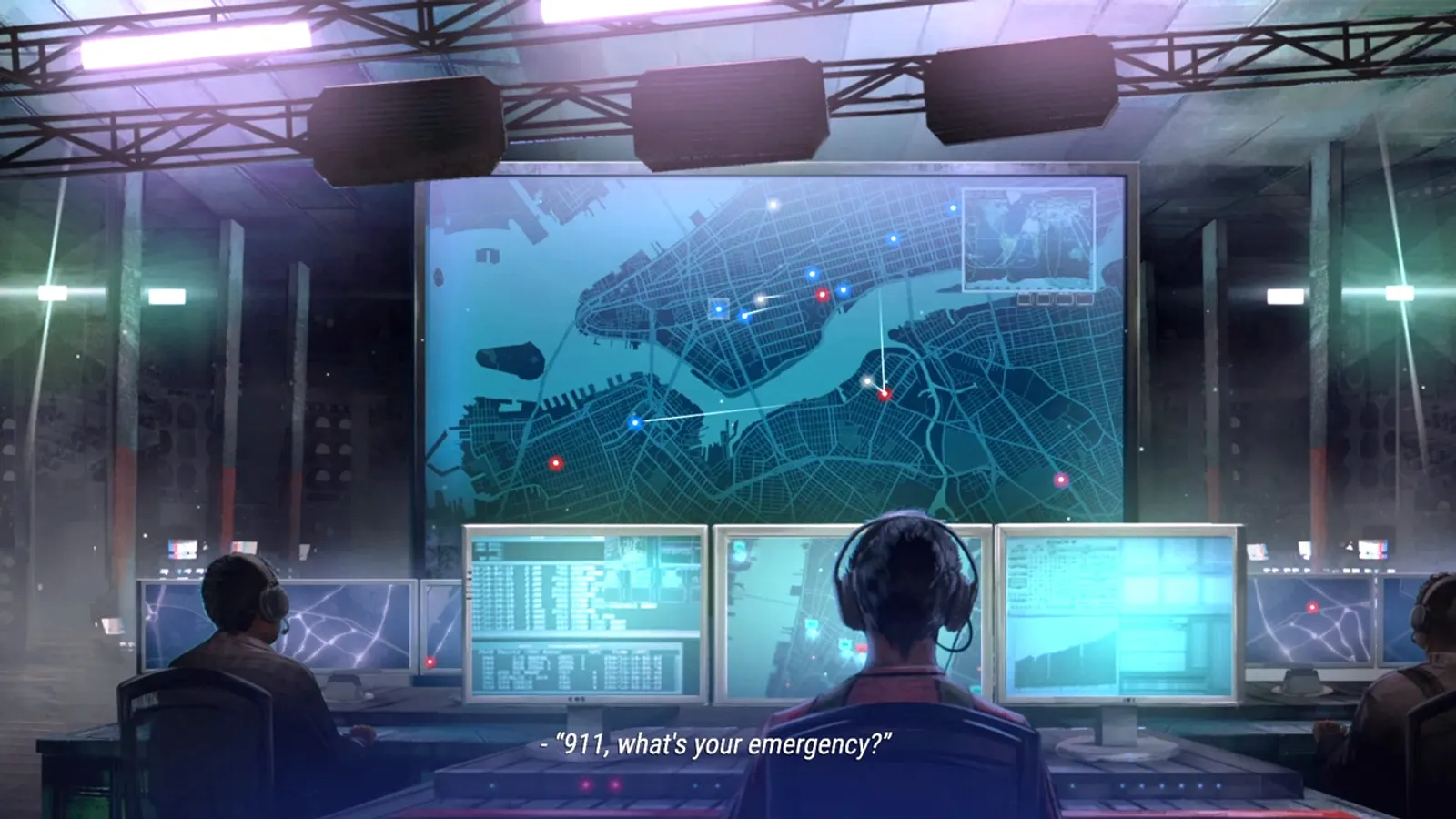
911 Operator: Large cities take longer to load

  1. In 911 Operator, loading a large city map from real data is limited by your drive and network, not by graphics options.

Checklist for every PC

  • Install the game on an SSD: a hard drive causes texture pop-in and hitches. 911 Operator wants 4 GB of RAM; close browsers and launchers while playing.
  • Lower Textures one step if your graphics card has 8 GB of VRAM or less and you see sudden drops.
  • Let shaders finish compiling on first launch and after driver updates; the first match can stutter.
  • Enable XMP/EXPO so your RAM runs at its rated speed, and update your graphics driver.
  • Check that Windows runs your monitor at its full refresh rate: how to check.
  • Turn on Game Mode and Hardware-accelerated GPU scheduling: Windows gaming settings.

911 Operator settings for a low-end PC

SettingLow-end value
ResolutionYour monitor's native resolution; scale with the upscaler instead
V-SyncOff; use G-Sync or FreeSync with an FPS cap instead
Frame rate limit3 below your refresh rate (141 on 144 Hz); uncapped for max FPS