How do I show FPS in Aniimo?
- In Aniimo, Steam: Steam > Settings > In Game > "In-game FPS counter" and pick a corner.
- In Aniimo, alternatives: the NVIDIA app overlay (Alt+Z) or the AMD Software performance overlay.
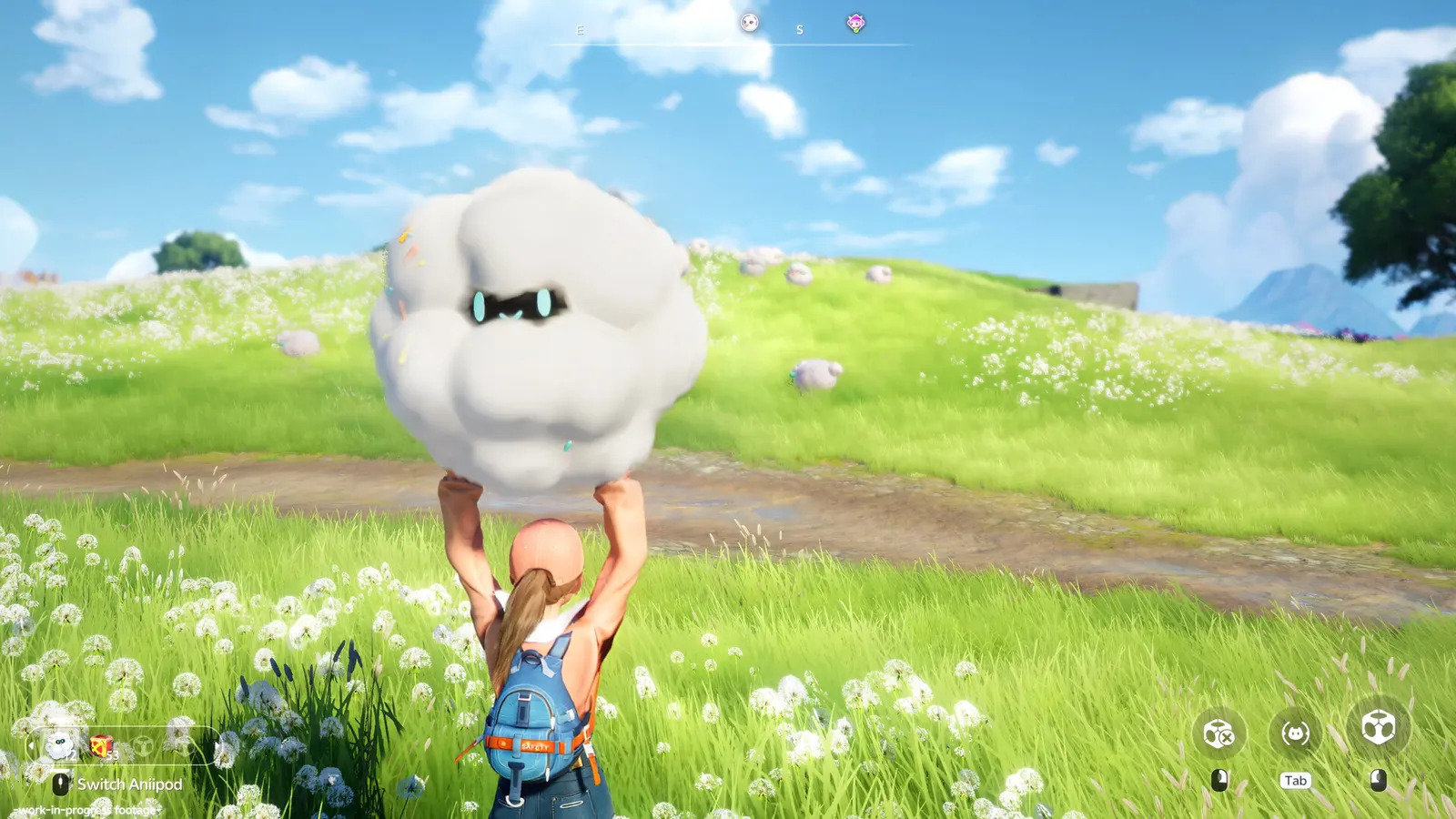
A free-to-play open-world creature-catching RPG that launched on PC, PS5 and Xbox on 15 and 16 September 2026, with mobile following a week later. It offers DLSS and FSR upscaling plus a frame generation option that needs the DirectX 12 mode; guides report that DirectX 11 is the more stable choice if you do not use frame generation.
Best Aniimo settings at 1080p for an RTX 4060 + Ryzen 5 7600: High with DLSS Quality, lowering Global Illumination and Shadow Quality first. Modelled: that PC gets about 105 fps, an RTX 3060 + Ryzen 5 5600 85 fps (High), a GTX 1650 + Core i5-10400 60 fps (High). Rough estimate: no published benchmarks yet. How we estimate this
Updated . Game data researched November 2026.
The setting for every preset, from Low to Ultra. Save your hardware to get one tuned list.
Set up your rig to see which column fits your PC, with an estimate of your frames.
| Setting | Low | Medium | High | Ultra |
|---|---|---|---|---|
| Display Mode | Fullscreen | Fullscreen | Fullscreen | Fullscreen |
| Resolution | Your monitor's native resolution; scale with the upscaler instead | |||
| Anti-Aliasing / Upscaling | Native; DLSS Quality on RTX, FSR Quality on AMD and older GeForce | |||
| Frame Generation | Off below 50 fps; above it DLSS frame generation on RTX 40 and 50; never in competitive play | |||
| VSync | Off; use G-Sync or FreeSync with an FPS cap instead | |||
| Max Frame Rate | 3 below your refresh rate (141 on 144 Hz); uncapped for max FPS | |||
| Global Illumination | Low | Medium | Medium | High |
| Shadow Quality | Performance | Low | Medium | High |
| Reflection Quality | Low | Low | Medium | High |
| Ambient Occlusion | Low | Low | Medium | High |
| Texture Quality | Low | Medium | High | High |
Modelled frame rates on the High preset at native resolution, without upscaling or frame generation. Your own rig can differ: check your exact PC.
| Graphics card | 1080p | 1440p | 4K |
|---|---|---|---|
| RTX 4090 | 135 fps | 125 fps | 65 fps |
| RTX 4070 | 110 fps | 70 fps | 35 fps |
| RTX 4060 | 65 fps | 40 fps | 20 fps |
| RTX 3060 12GB | 55 fps | 35 fps | 20 fps |
| GTX 1650 | 25 fps | 15 fps | 10 fps |
| RX 7800 XT | 115 fps | 70 fps | 40 fps |
| RX 7600 | 65 fps | 40 fps | 20 fps |
| RX 6600 | 50 fps | 35 fps | 15 fps |
These are estimates from our model, not measurements; real results vary with the scene, drivers and background load. Orange numbers are below 60 fps. How we estimate this
Dear Pathfinders, The Polaris Institute plans to carry out server maintenance for an update on November 12, 2026. You will be unable to log in during maintenance, so please plan your adventures accordingly. Here is a preview of what’s…
Read on Steam (opens in a new tab): Upcoming Update Preview & Server Maintenance on Nov 12
November 6 Improvements and Fixes \[Bug Fixes] 1. Fixed an issue where DLSS Frame Generation did not work. 2. Fixed an issue that caused stuttering on some laptops. 3. Fixed an issue where players could get stuck in midair while flying in…
Read on Steam (opens in a new tab): Patch Notes-v1.1.3887621.0
To provide a better experience, Polaris Institute will continue to improve the game and address any issues identified. The fixes included in this update are as follows: Bug Fixes 1. Fixed an issue in Operation: Egg Heist where wind could…
Read on Steam (opens in a new tab): Patch Notes-v1.1.3880756.0
October 30 Improvements and Fixes \[Bug Fixes] 1. Fixed an issue where chests under trees in certain areas could not be collected on mobile. 2. Fixed an issue where images on the Help screen displayed incorrectly during certain dialogues…
Read on Steam (opens in a new tab): Patch Notes-v1.1.3857679.0