AC Valhalla: VRAM decides the preset
- In AC Valhalla, ultra High needs more than 6 GB of VRAM; 8 GB is fine up to 1440p, 4K is borderline.
- In AC Valhalla, cards with 3 to 4 GB fall off a cliff at the top preset: use Medium or High textures.
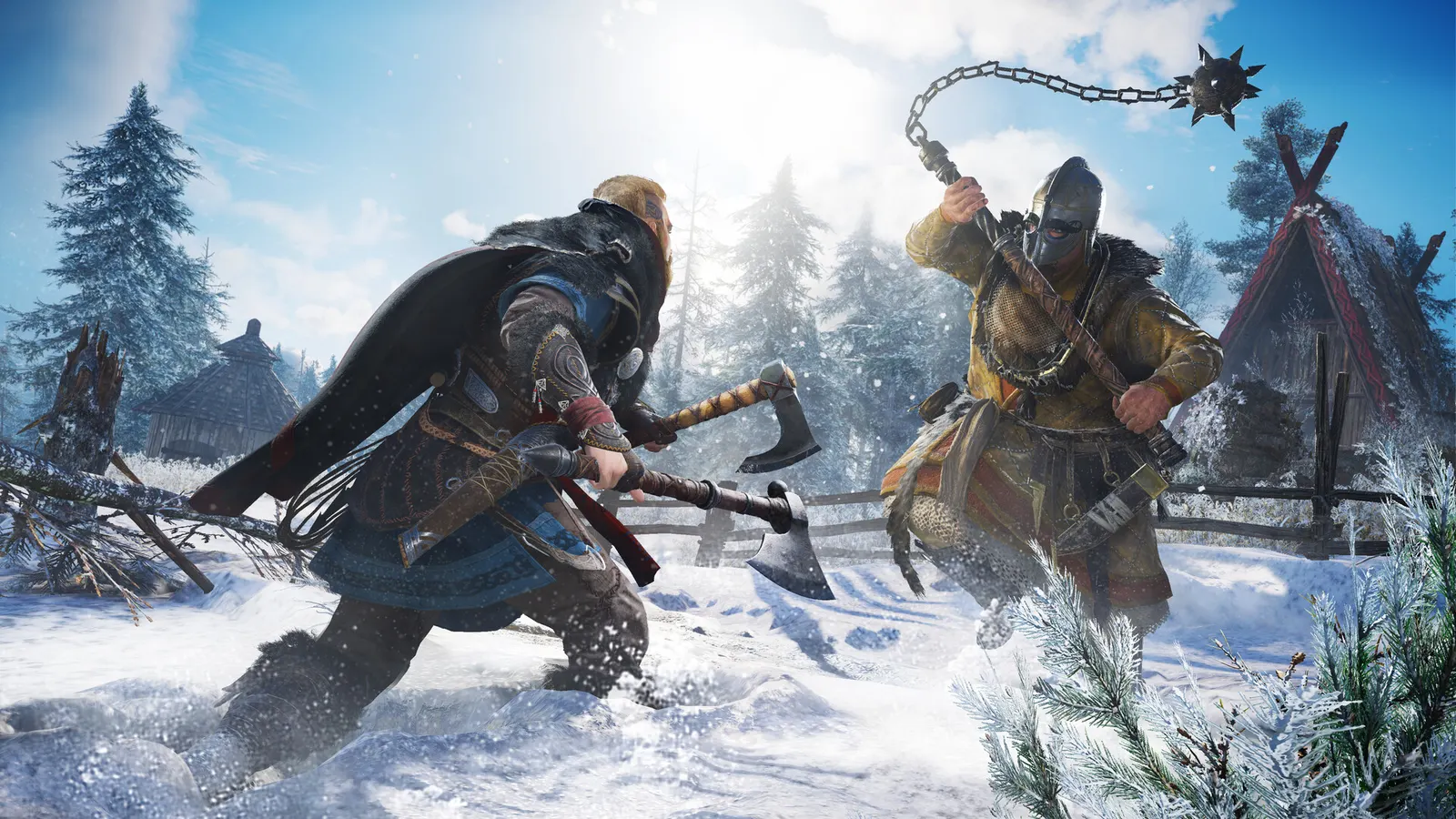
The biggest frame costs in Assassin's Creed Valhalla are Graphics Quality, World Details, Shadows. Start there, then work through the stutter checklist.
Updated . Game data researched November 2026.
Graphics Quality
The preset sets most options below. Very High sits between High and Ultra High.
World Details
Draw distance and detail of the landscape, which costs both CPU and GPU.
Shadows
One of the more expensive options; High is a good trade.
Anti-Aliasing
There is no Off option; High is the maximum.
Clutter
Amount of small objects and grass; lowering it helps in forests.
Volumetric Clouds
Cloud quality; the sky is visible all the time, but the cost is moderate.
Screen Space Reflections
Reflections on water and wet surfaces.
Values shown are what we pick for max FPS. Section names follow the in-game menu.
In AC Valhalla, measured on Radeon RX 6000 cards; the gain on other cards may differ.
| Setting | Low-end value |
|---|---|
| Window Mode | Fullscreen |
| Resolution | Your monitor's native resolution; scale with the upscaler instead |
| Field of View | 100% |
| FPS Limit | 3 below your refresh rate (141 on 144 Hz); uncapped for max FPS |
| V-Sync | Off; use G-Sync or FreeSync with an FPS cap instead |
| Resolution Scale | 100% |
| Graphics Quality | Low |
| Adaptive Quality | Off |
| Anti-Aliasing | Low |
| World Details | Low |
| Clutter | Low |
| Shadows | Low |
| Volumetric Clouds | Low |
| Water | Low |
| Screen Space Reflections | Off |
| Environment Textures | Low |
| Character Textures | Low |
| Depth of Field | Low |
| Motion Blur | Off |