Skip to content
Set up my rig
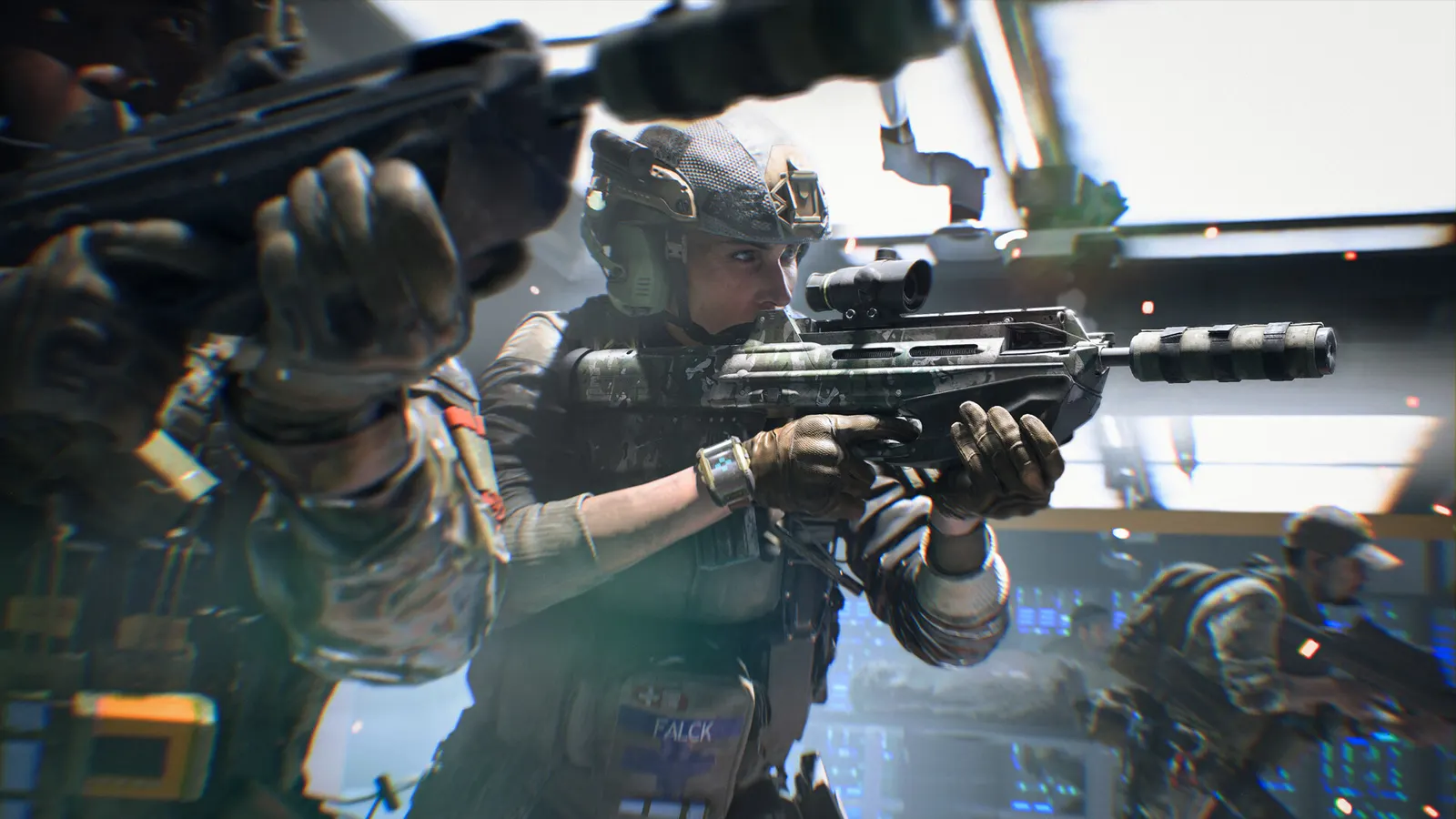
Battlefield 2042, official artwork

Battlefield 2042 FPS boost and stutter fix

The biggest frame costs in Battlefield 2042 are Lighting Quality, Undergrowth Quality, Ambient Occlusion. Start there, then work through the stutter checklist.

Updated . Game data researched November 2026.

  • PEGI 16
Genre
Military shooter
Developer
DICE / EA
Released
2021
Platforms
PC, Xbox, PlayStation

Which Battlefield 2042 settings cost the most FPS?

Lighting Quality

The most expensive single option: PCGames measured about 12% from Ultra to the minimum.

Low

Undergrowth Quality

Grass and bushes, about 9% in PCGames' test; Low also makes enemies in cover easier to see.

Low

Ambient Occlusion

About 8% in PCGames' test; soft contact shadows with no competitive value.

Off

Terrain Quality

Tom's Hardware measured about 10% on the large outdoor maps.

Medium

Values shown are what we pick for max FPS. Section names follow the in-game menu.

Upscaling and latency in BF2042

  • Upscaling: NVIDIA DLSS. Use the Quality mode first; at 1080p avoid Balanced and Performance, they get blurry.
  • Frame generation: not available in this game.
  • Latency: NVIDIA Reflex. Turn it on; it lowers input lag with no image cost.

Upscaling explained

How do I fix stuttering in Battlefield 2042?

BF2042: Secure Boot is required

  1. In BF2042, since update 8.8.0 (27 May 2025) EA requires Secure Boot to be enabled on PC hardware that supports it; without it the game shows a prompt and will not load.
  2. In BF2042, enable Secure Boot in your motherboard BIOS and check that Windows reports it as On in System Information (works on Windows 10 and 11).

In BF2042, this also blocks Linux and Steam Deck. EA's patch notes do not mention TPM.

BF2042: If 128-player matches stutter

  1. In BF2042, TechSpot found the game uses about 8 cores; 4-core and many 6-core CPUs stutter in full matches.
  2. In BF2042, RAM speed matters a lot: DDR4-3200 CL14 gave +18% over DDR4-3000 CL18 on a Ryzen 9 5950X. Enable XMP/EXPO and use dual channel.

BF2042: DirectX 12 only

  1. In BF2042, there is no DirectX 11 mode. If the game crashes at launch, update the graphics driver and Windows first.

Checklist for every PC

  • Install the game on an SSD: a hard drive causes texture pop-in and hitches. Battlefield 2042 wants 16 GB of RAM; close browsers and launchers while playing.
  • Lower Textures one step if your graphics card has 8 GB of VRAM or less and you see sudden drops.
  • Let shaders finish compiling on first launch and after driver updates; the first match can stutter.
  • Enable XMP/EXPO so your RAM runs at its rated speed, and update your graphics driver.
  • Check that Windows runs your monitor at its full refresh rate: how to check.
  • Turn on Game Mode and Hardware-accelerated GPU scheduling: Windows gaming settings.

Battlefield 2042 settings for a low-end PC

SettingLow-end value
ResolutionYour monitor's native resolution; scale with the upscaler instead
V-SyncOff; use G-Sync or FreeSync with an FPS cap instead
Dynamic Resolution ScaleOff
NVIDIA DLSSNative; DLSS Quality on RTX
NVIDIA Reflex Low LatencyOn with NVIDIA Reflex on GeForce
Future Frame RenderingOff
Ray Traced Ambient OcclusionOff
Texture QualityLow
Texture FilteringLow
Lighting QualityLow
Undergrowth QualityLow
Ambient OcclusionOff
Post Process QualityLow
Effects QualityLow
Mesh QualityLow
Terrain QualityLow
Anti-aliasingLow
Motion BlurOff