Skip to content
Set up my rig
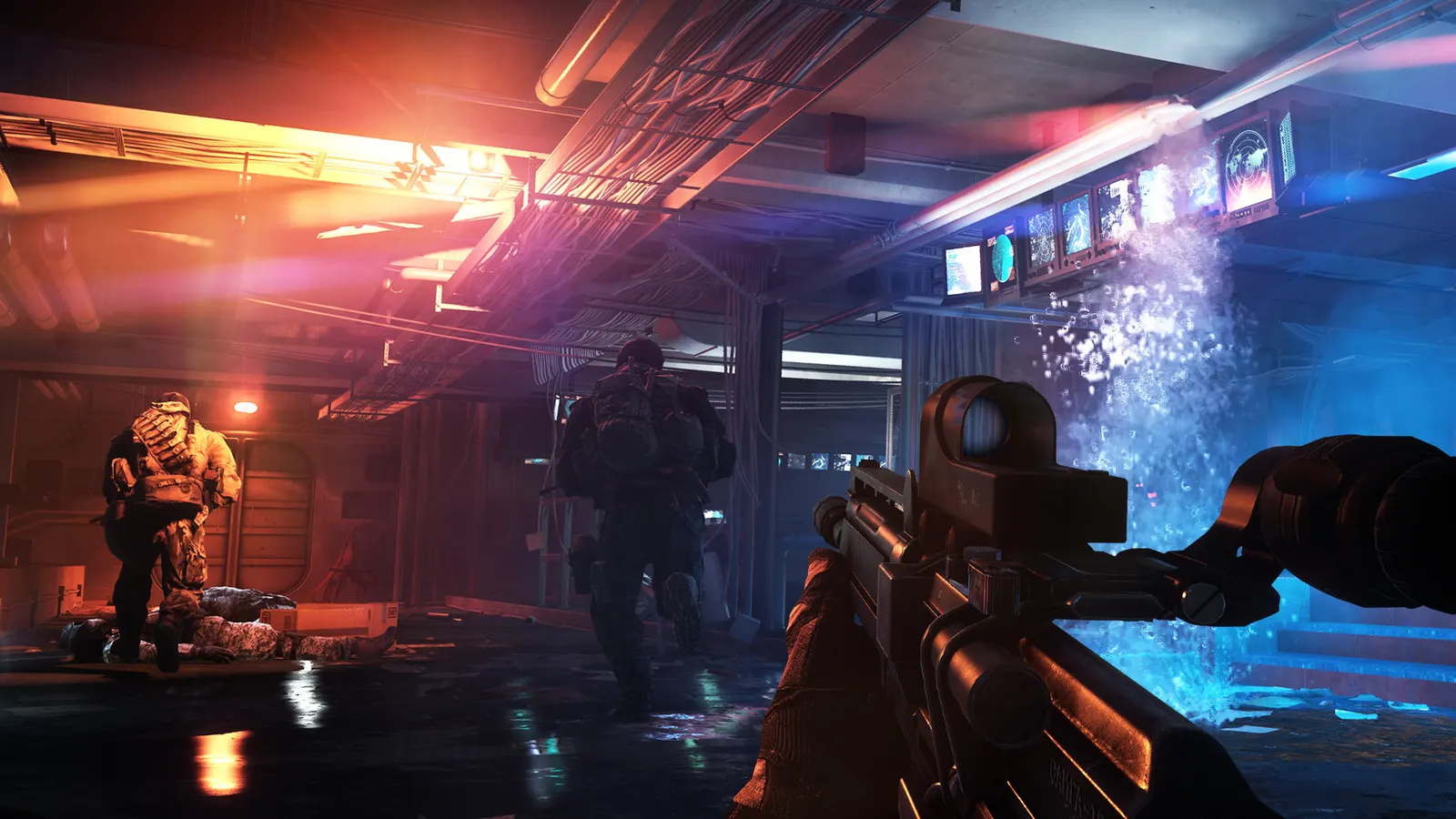
Battlefield 4, official artwork

Battlefield 4 FPS boost and stutter fix

The biggest frame costs in Battlefield 4 are Antialiasing Deferred, Lighting Quality, Effects Quality. Start there, then work through the stutter checklist.

Updated . Game data researched November 2026.

  • PEGI 18
Genre
Military shooter
Developer
DICE / EA
Released
2013
Platforms
PC, Xbox, PlayStation

Which Battlefield 4 settings cost the most FPS?

Antialiasing Deferred

The biggest single cost of the Ultra preset: 4x MSAA is what makes Ultra 35-45% slower than High.

Off

Lighting Quality

Lighting and shadow detail.

Low

Effects Quality

Explosions and smoke; Low also keeps fights readable.

Low

Post Process Quality

Bloom, depth of field and colour grading.

Low

Mesh Quality

Object detail and draw distance; also loads the CPU in 64-player matches.

Medium

Ambient Occlusion

Soft contact shadows; HBAO costs a few frames over SSAO.

Off

Values shown are what we pick for max FPS. Section names follow the in-game menu.

Upscaling and latency in BF4

  • Upscaling: not available in this game.
  • Frame generation: not available in this game.
  • Latency: no Reflex or Anti-Lag 2 in this game. Cap your FPS a few frames below your refresh rate instead.

Upscaling explained

How do I fix stuttering in Battlefield 4?

BF4: Tweaks in a user.cfg file

  1. In BF4, community guides put a plain text file named user.cfg next to the game executable in the install folder and add one command per line, for example PerfOverlay.DrawFps 1 or GameTime.MaxVariableFps 144.
  2. In BF4, close the EA app and Steam first; if the game crashes after the logo, remove lines until it starts again.

In BF4, User.cfg behaviour is only documented by players, not by EA, and some report it being reset after updates.

BF4: PunkBuster must stay updated

  1. Battlefield 4 still uses PunkBuster, which updates separately and kicks outdated clients after a while.
  2. In BF4, if you are kicked or the game hangs on "Preparing game", repair the game from Steam or the EA app so the PunkBuster installer runs again.

BF4: If 64-player matches stutter

  1. In BF4, Single-player numbers are higher than 64-player multiplayer, where the CPU decides your frame rate (PCGH).
  2. In BF4, lower Mesh and Effects Quality, and run RAM in dual channel at its rated speed.

Checklist for every PC

  • Install the game on an SSD: a hard drive causes texture pop-in and hitches. Battlefield 4 wants 8 GB of RAM; close browsers and launchers while playing.
  • Lower Textures one step if your graphics card has 8 GB of VRAM or less and you see sudden drops.
  • Let shaders finish compiling on first launch and after driver updates; the first match can stutter.
  • Enable XMP/EXPO so your RAM runs at its rated speed, and update your graphics driver.
  • Check that Windows runs your monitor at its full refresh rate: how to check.
  • Turn on Game Mode and Hardware-accelerated GPU scheduling: Windows gaming settings.

Battlefield 4 settings for a low-end PC

SettingLow-end value
ResolutionYour monitor's native resolution; scale with the upscaler instead
Vertical SyncOff; use G-Sync or FreeSync with an FPS cap instead
Resolution Scale100%
Texture QualityLow
Texture FilteringLow
Lighting QualityLow
Effects QualityLow
Post Process QualityLow
Mesh QualityLow
Terrain QualityLow
Undergrowth QualityLow
Antialiasing DeferredOff
Antialiasing PostOff
Ambient OcclusionOff
Motion BlurOff