BL3: Use DirectX 11
- In BL3, open Options > Video and set Graphics API to DirectX 11, then restart the game.
- In BL3, try DirectX 12 only if you have a recent GPU and see lower GPU use under DirectX 11; it stuttered and crashed more in early testing.
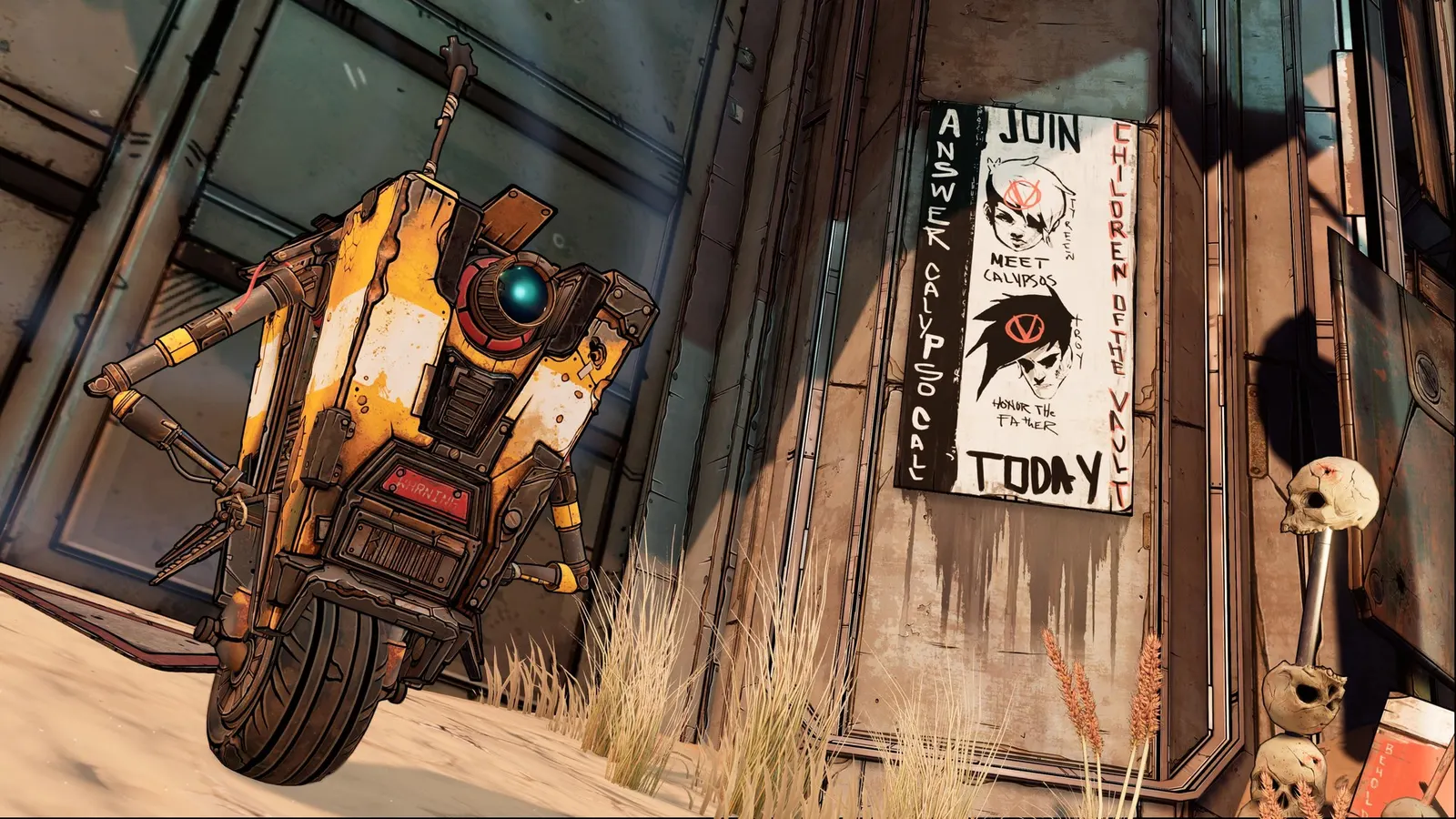
The biggest frame costs in Borderlands 3 are Graphics Quality, Volumetric Fog, Draw Distance. Start there, then work through the stutter checklist.
Updated . Game data researched November 2026.
Graphics Quality
The overall preset (Very Low to Badass) sets every option below at once. Medium to High is the most expensive step; Badass costs only a few frames more than Ultra.
Volumetric Fog
One of the heaviest options; guides run it at Medium with everything else on High to gain a large share of the frames for a small visual loss.
Draw Distance
Controls how far objects and enemies are drawn; lowering it helps frame rate in open areas.
Shadows
Shadow resolution and range; a moderate cost that scales with the number of enemies and effects on screen.
Foliage
Density of grass and plants; mostly costs frames on planets with lots of vegetation.
Screen Space Reflections
Reflections on water and shiny surfaces; fully off on weak cards.
Ambient Occlusion
Contact shadows that add depth; a moderate cost.
Values shown are what we pick for max FPS. Section names follow the in-game menu.
| Setting | Low-end value |
|---|---|
| Display Mode | Full Screen |
| Resolution | Your monitor's native resolution; scale with the upscaler instead |
| Graphics API | DirectX 11 |
| Vertical Sync | Off; use G-Sync or FreeSync with an FPS cap instead |
| Limit Frame Rate | 3 below your refresh rate (141 on 144 Hz); uncapped for max FPS |
| Graphics Quality | Low |
| Volumetric Fog | Low |
| Draw Distance | Low |
| Shadows | Low |
| Foliage | Low |
| Screen Space Reflections | Off |
| Ambient Occlusion | Off |
| Anti Aliasing | FXAA |
| Texture Streaming | Low |
| Anisotropic Filtering | 16x |
| Camera Motion Blur | Off |
| FidelityFX Sharpening | On |
| Field of View | 90-100 |
-nostartupmovies Skips the publisher and developer intro videos.-nosplash Skips the splash screen on start-up.