BO2: Settings are per game mode
- In BO2, NVIDIA's guide notes that resolution and the other graphics options must be set separately for singleplayer, multiplayer and Zombies.
- In BO2, there is also an Advanced settings page behind the main one.
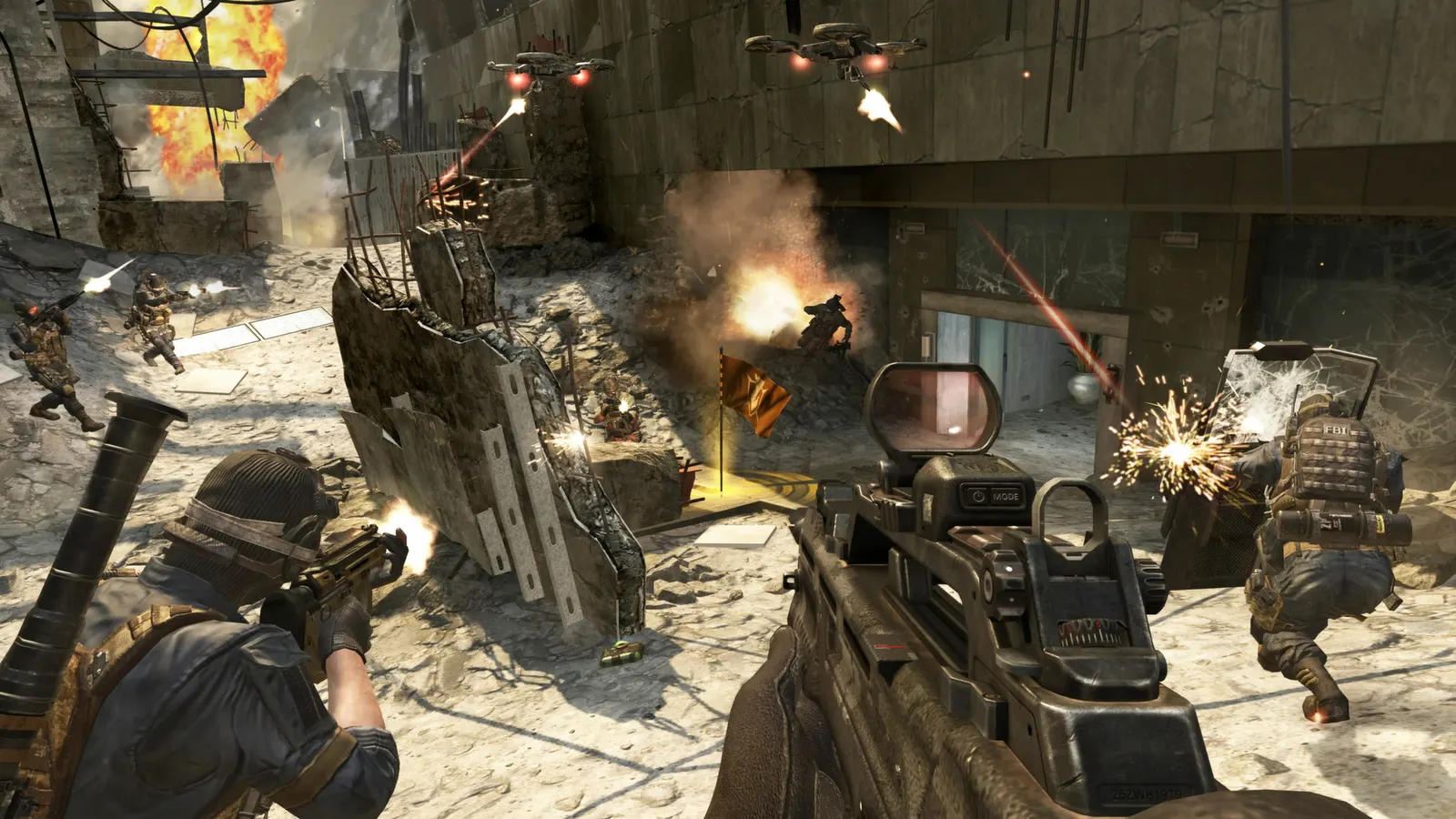
The biggest frame costs in Call of Duty: Black Ops II are Anti-Aliasing, Shadows, Depth of Field. Start there, then work through the stutter checklist.
Updated . Game data researched November 2026.
Anti-Aliasing
Cost rises with sample count and drops sharply at MSAA 8x; CSAA 16x performs close to 4x MSAA. FXAA is almost free.
Shadows
NVIDIA's guide finds the biggest drop going from Off to Low; Medium to High costs more than Low to Medium.
Depth of Field
Mild cost from Low to Medium, larger from Medium to High.
Values shown are what we pick for max FPS (visibility kept where it matters). Section names follow the in-game menu.
| Setting | Low-end value |
|---|---|
| Resolution | Your monitor's native resolution; scale with the upscaler instead |
| Display Mode | Full Screen |
| Field of View | 80 |
| Shadows | Off |
| Texture Quality | Low |
| Texture Filtering | Low |
| Anti-Aliasing | Off |
| Ambient Occlusion | Off |
| Depth of Field | Low |
| Number of Corpses | Tiny |
| Sync Every Frame | Off; use G-Sync or FreeSync with an FPS cap instead |
| Max Frames Per Second | 3 below your refresh rate (141 on 144 Hz); uncapped for max FPS |
| Draw FPS | Yes |