BO6: Use the built-in benchmark
- In BO6, open Settings, then Graphics, then Benchmark (multiplayer only).
- In BO6, run it after each settings change and watch whether the CPU or GPU limits you.
In BO6, per Notebookcheck.
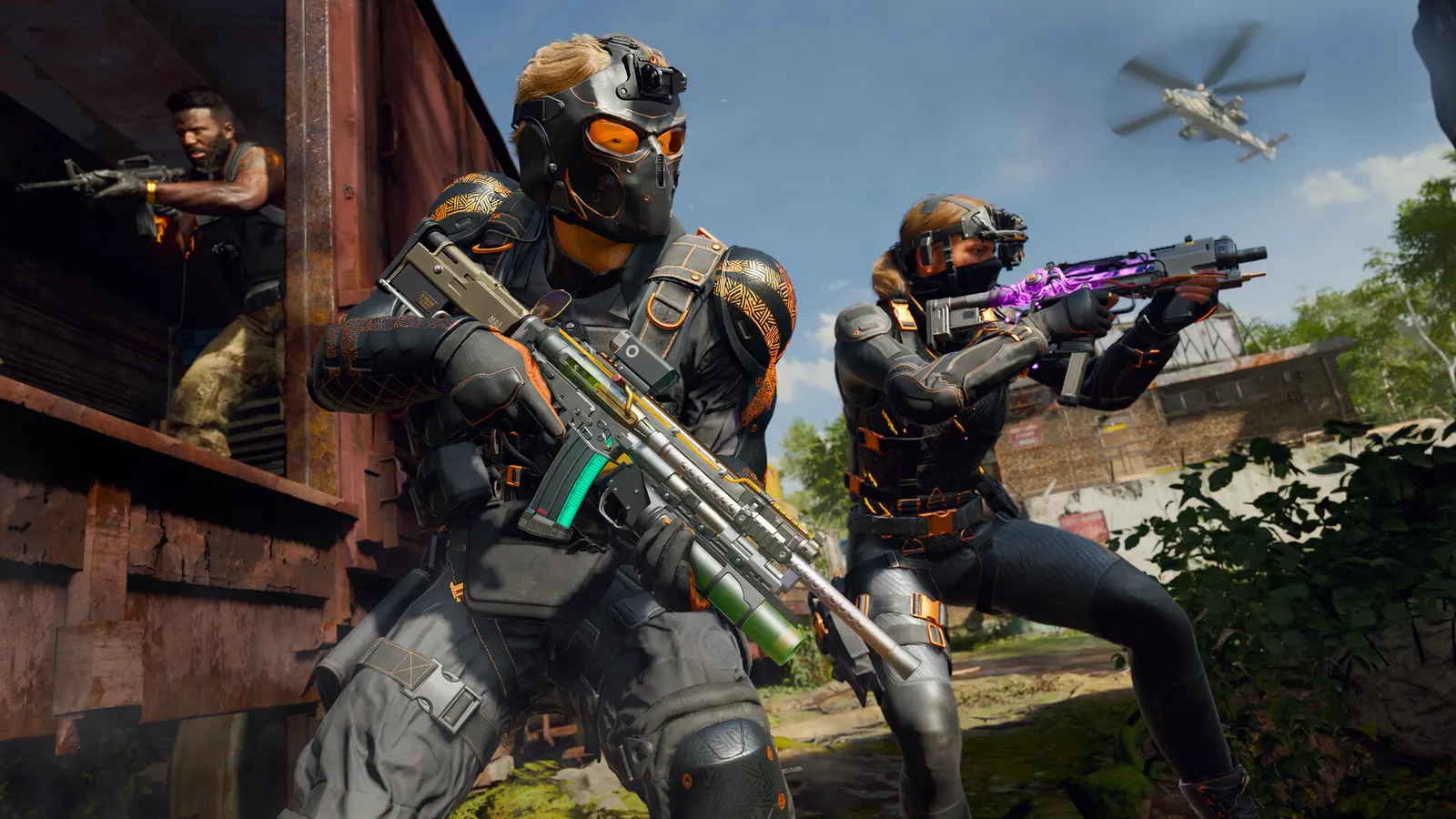
The biggest frame costs in Call of Duty: Black Ops 6 are Graphic Preset, Detail Quality, Particle Resolution. Start there, then work through the stutter checklist.
Updated . Game data researched November 2026.
Graphic Preset
Notebookcheck: on a laptop RTX 4060 Basic runs about 65 percent faster than Extreme; Minimum also halves the render resolution.
Detail Quality
Controls object detail at distance; Low gains frames.
Particle Resolution
Lower particle resolution reduces smoke and explosion cost.
Shadow Quality
One of the costlier options; Low still shows enemy shadows.
Volumetric Quality
Fog and light shafts are expensive and mostly cosmetic.
Values shown are what we pick for max FPS (visibility kept where it matters). Section names follow the in-game menu.
In BO6, per Notebookcheck.
In BO6, Steam page tags and PCGH/Notebookcheck.
In BO6, from press summaries (Gfinity, TechJuice); not verified on an Activision page.
| Setting | Low-end value |
|---|---|
| Display Mode | Fullscreen |
| Display Resolution | Your monitor's native resolution; scale with the upscaler instead |
| Restart Shaders Pre-Loading | Run it once after each update |
| NVIDIA Reflex Low Latency | On with NVIDIA Reflex on GeForce |
| V-Sync (Gameplay) | Off; use G-Sync or FreeSync with an FPS cap instead |
| Custom Frame Rate Limit (Gameplay) | 3 below your refresh rate (141 on 144 Hz); uncapped for max FPS |
| Graphic Preset | Basic |
| Upscaling / Sharpening | Native; DLSS Quality on RTX, FSR Quality on AMD and older GeForce, XeSS on Intel Arc |
| NVIDIA DLSS Frame Generation / AMD FSR 3 Frame Generation | Off below 50 fps; above it DLSS frame generation on RTX 40 and 50 or FSR frame generation elsewhere; never in competitive play |
| VRAM Scale Target | 80 |
| Variable Rate Shading | Off |
| Texture Resolution | Low |
| Detail Quality | Low |
| Particle Resolution | Very Low |
| Shadow Quality | Low |
| Volumetric Quality | Low |
| Tessellation | Near |
| Screen Space Reflections | Off |
| Occlusion and Screen Space Lighting | Off |
| Depth of Field | Off |
| World Motion Blur | Off |
| Weapon Motion Blur | Off |
| Field of View | 105 |