MWII: Use the built-in benchmark
- In MWII, the benchmark is in the main menu under the Multiplayer tab and runs about a minute.
- In MWII, it reports average FPS and whether the CPU or GPU limits you; run it after every settings change.
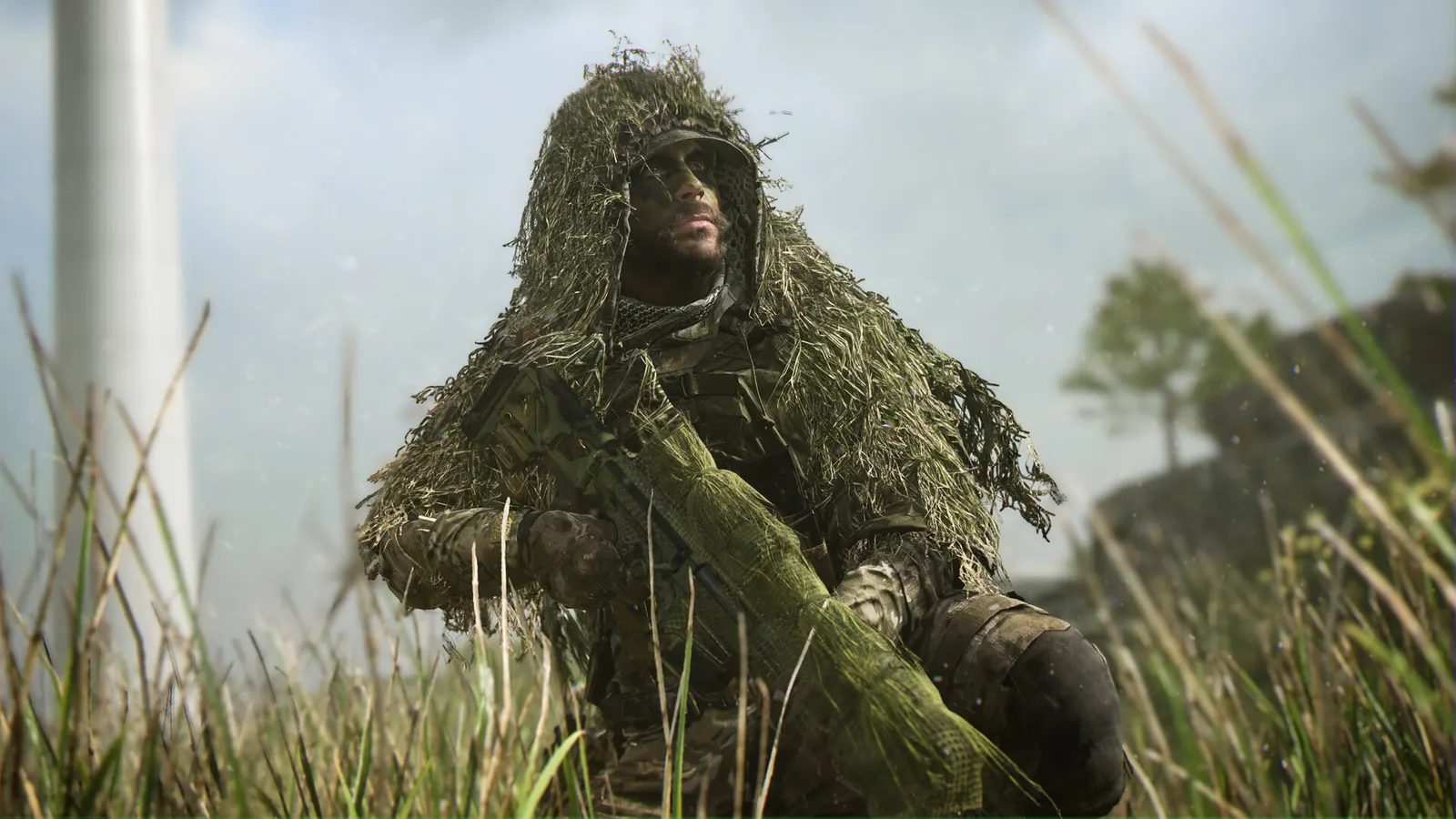
The biggest frame costs in Call of Duty: Modern Warfare II are Quality Preset, Particle Quality, Volumetric Quality. Start there, then work through the stutter checklist.
Updated . Game data researched November 2026.
Quality Preset
TechSpot measured +55 percent from Ultra to Balanced on an RX 6650 XT, then +24 percent to Basic; Minimum only adds about 5 percent more. Extreme performs like Ultra but uses more VRAM.
Particle Quality
Overclock3D found this the single biggest win, and the gain grows with resolution.
Volumetric Quality
Second biggest cost in Overclock3D's tests and mostly cosmetic.
GTAO Quality
Ground-truth ambient occlusion; Low keeps most of the look.
Shadow Map Resolution
Normal still shows enemy shadows and gains frames.
Values shown are what we pick for max FPS (visibility kept where it matters). Section names follow the in-game menu.
In MWII, from community guides; the exact file name varies per install.
| Setting | Low-end value |
|---|---|
| Display Mode | Fullscreen Exclusive |
| Display Resolution | Your monitor's native resolution; scale with the upscaler instead |
| V-Sync (Gameplay) | Off; use G-Sync or FreeSync with an FPS cap instead |
| Custom Frame Rate Limit (Gameplay) | 3 below your refresh rate (141 on 144 Hz); uncapped for max FPS |
| NVIDIA Reflex Low Latency | On with NVIDIA Reflex on GeForce |
| Quality Preset | Basic |
| Upscaling / Sharpening | Native; DLSS Quality on RTX, FSR Quality on AMD and older GeForce, XeSS on Intel Arc |
| Video Memory Scale | 85 |
| Texture Resolution | Low |
| Particle Quality | Low |
| Volumetric Quality | Low |
| GTAO Quality | Low |
| Shadow Map Resolution | Low |
| Tessellation | Near |
| Screen Space Reflections | Off |
| Depth of Field | Off |
| World Motion Blur | Off |
| Weapon Motion Blur | Off |
| Film Grain | 0 |
| Field of View | 105 |