Skip to content
Set up my rig
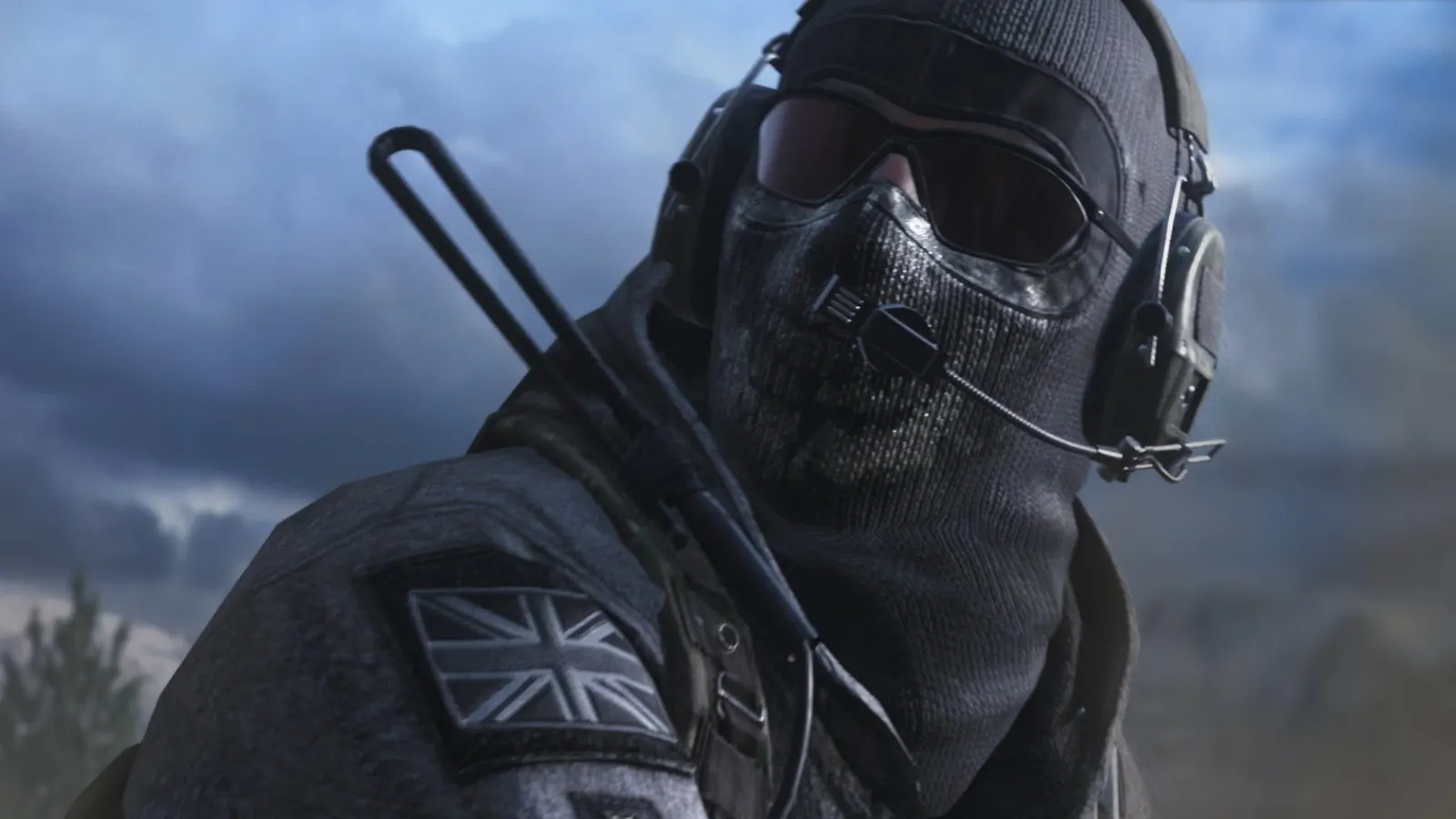
Call of Duty: Modern Warfare 2 Campaign Remastered, official artwork

Call of Duty: Modern Warfare 2 Campaign Remastered FPS boost and stutter fix

The biggest frame costs in Call of Duty: Modern Warfare 2 Campaign Remastered are Shadows. Start there, then work through the stutter checklist.

Updated . Game data researched November 2026.

Genre
First-person shooter
Developer
Beenox / Infinity Ward / Activision
Released
2020
Platforms
PC, Xbox, PlayStation

Which Call of Duty: Modern Warfare 2 Campaign Remastered settings cost the most FPS?

Shadows

The most useful option to lower after super-sampling.

Low

Values shown are what we pick for max FPS. Section names follow the in-game menu.

Upscaling and latency in MW2 Remastered

  • Upscaling: not available in this game.
  • Frame generation: not available in this game.
  • Latency: no Reflex or Anti-Lag 2 in this game. Cap your FPS a few frames below your refresh rate instead.

Upscaling explained

How do I fix stuttering in Call of Duty: Modern Warfare 2 Campaign Remastered?

MW2 Remastered: Compile shaders at the loading screens

  1. In MW2 Remastered, PCGH recommends letting shaders compile during the loading screens in the first missions.
  2. In MW2 Remastered, expect short stutters in the first minutes; they settle afterwards.

MW2 Remastered: Avoid dual-core CPUs

  1. In MW2 Remastered, A dual-core CPU without Hyper-Threading stutters badly, per DSOGaming.
  2. In MW2 Remastered, GameGPU reached 60 fps at 1080p with a Ryzen 3 1300X or Core i5-2500K.

Checklist for every PC

  • Install the game on an SSD: a hard drive causes texture pop-in and hitches. Call of Duty: Modern Warfare 2 Campaign Remastered wants 12 GB of RAM; close browsers and launchers while playing.
  • Lower Textures one step if your graphics card has 8 GB of VRAM or less and you see sudden drops.
  • Let shaders finish compiling on first launch and after driver updates; the first match can stutter.
  • Enable XMP/EXPO so your RAM runs at its rated speed, and update your graphics driver.
  • Check that Windows runs your monitor at its full refresh rate: how to check.
  • Turn on Game Mode and Hardware-accelerated GPU scheduling: Windows gaming settings.

Call of Duty: Modern Warfare 2 Campaign Remastered settings for a low-end PC

SettingLow-end value
Display ModeFullscreen
ResolutionYour monitor's native resolution; scale with the upscaler instead
V-SyncOff; use G-Sync or FreeSync with an FPS cap instead
Framerate Limit3 below your refresh rate (141 on 144 Hz); uncapped for max FPS
TexturesLow
Anisotropic Filtering16x
ShadowsLow
Super-Sampling Anti-Aliasing (SSAA)Off
Anti-AliasingFilmic SMAA T2X
Screen Space Ambient OcclusionOn
Depth of FieldOn
Motion BlurOff
Fill Remaining MemoryOff
Field of View90