Skip to content
Set up my rig
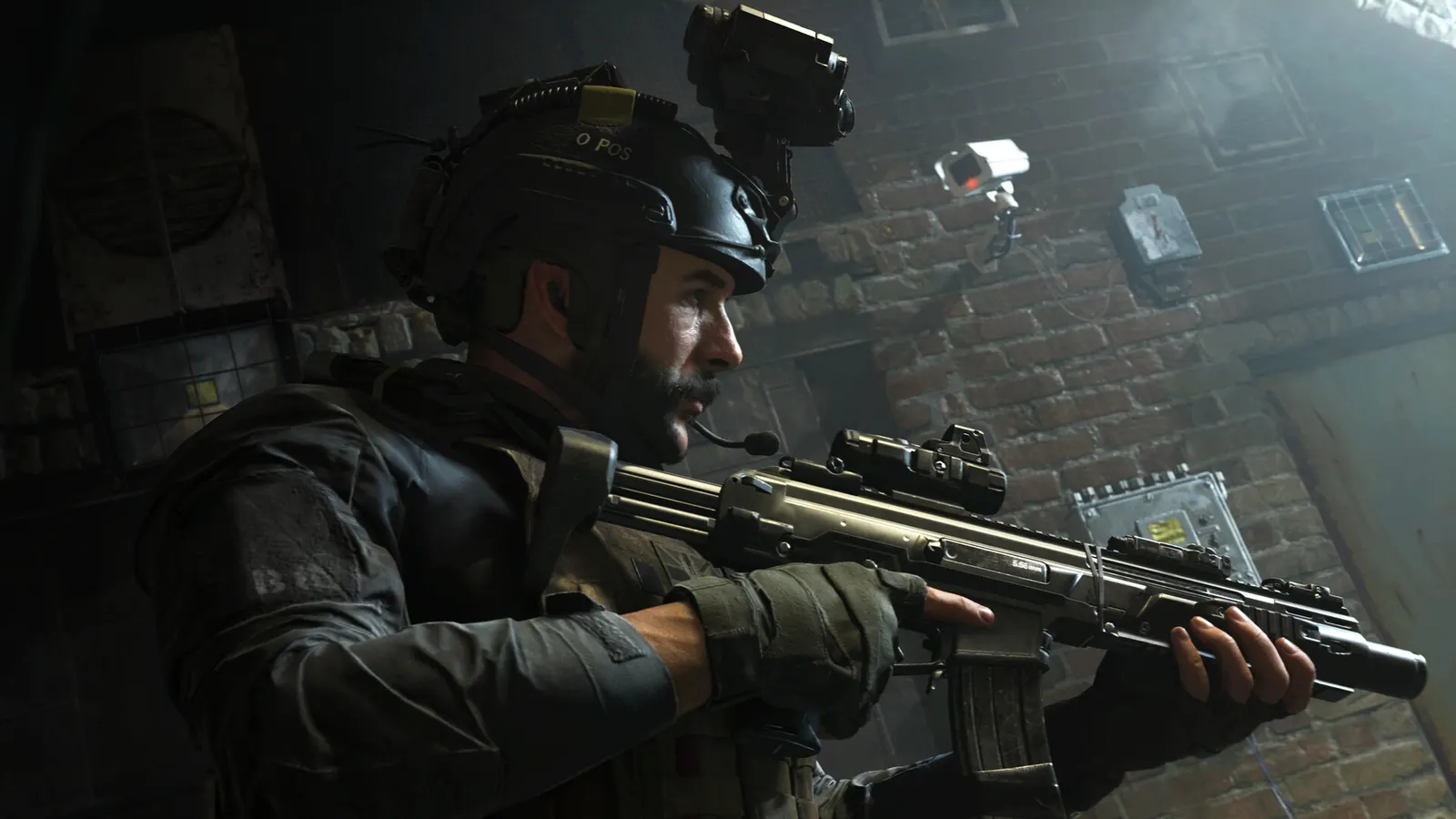
Call of Duty: Modern Warfare (2019), official artwork

Call of Duty: Modern Warfare (2019) FPS boost and stutter fix

The biggest frame costs in Call of Duty: Modern Warfare (2019) are Shadow Map Resolution, Nearby Level of Detail, Distant Level of Detail. Start there, then work through the stutter checklist.

Updated . Game data researched November 2026.

  • PEGI 18
  • Competitive
Genre
First-person shooter
Developer
Infinity Ward / Activision
Released
2019
Platforms
PC, Xbox, PlayStation

Which Call of Duty: Modern Warfare (2019) settings cost the most FPS?

Shadow Map Resolution

Shadow resolution is one of the larger GPU costs.

Normal

Nearby Level of Detail

Object detail close by; moderate CPU and GPU cost.

Normal

Distant Level of Detail

Object detail at range; lower values cost little visibility.

Low

Particle Quality

Smoke and explosion resolution; Low reduces the cost of grenade-heavy fights.

Low

Ambient Occlusion

Soft contact shadows; low value in a fast shooter.

Off

Screen Space Reflections

Reflections cost frames and add clutter.

Off

Anti-Aliasing

Filmic SMAA T2X is the setting ComputerBase used for its maximum quality tests.

Filmic SMAA T2X

Values shown are what we pick for max FPS (visibility kept where it matters). Section names follow the in-game menu.

Upscaling and latency in MW 2019

  • Upscaling: not available in this game.
  • Frame generation: not available in this game.
  • Latency: no Reflex or Anti-Lag 2 in this game. Cap your FPS a few frames below your refresh rate instead.

Upscaling explained

How do I fix stuttering in Call of Duty: Modern Warfare (2019)?

MW 2019: A weaker CPU hurts the lows

  1. In MW 2019, ComputerBase found the i3-8100 still averaged 147 fps at 1080p with an RTX 2080 Ti, but its 99.8th percentile fell to 78 fps against 112 on a Core i9-9900K.
  2. In MW 2019, if gameplay feels stuttery on a quad-core, the frame-time spikes matter more than the average.

MW 2019: DirectX 12 only

  1. In MW 2019, the PC version needs DirectX 12 and Windows 10; there is no DX11 fallback.
  2. In MW 2019, update the graphics driver after each patch and let the shader cache rebuild before comparing performance.

MW 2019: Cache shadows if you have VRAM

  1. In MW 2019, with 8 GB or more, set Cache Sun Shadows and Cache Spot Shadows to On; they keep shadow maps in memory and cost fewer frames.
  2. In MW 2019, if you run out of memory, turn them off again.

MW 2019: Check driver-level frame caps and V-Sync

  1. In MW 2019, open the NVIDIA Control Panel or AMD Software and look at the profile for this game.
  2. In MW 2019, make sure V-Sync is not forced on and no maximum frame rate is set, then use the in-game limiter if you want a cap.
  3. In MW 2019, on Windows 10/11, set the game's graphics preference to High performance on laptops with two GPUs.

Checklist for every PC

  • Install the game on an SSD: a hard drive causes texture pop-in and hitches. Call of Duty: Modern Warfare (2019) wants 12 GB of RAM; close browsers and launchers while playing.
  • Lower Textures one step if your graphics card has 8 GB of VRAM or less and you see sudden drops.
  • Let shaders finish compiling on first launch and after driver updates; the first match can stutter.
  • Enable XMP/EXPO so your RAM runs at its rated speed, and update your graphics driver.
  • Check that Windows runs your monitor at its full refresh rate: how to check.
  • Turn on Game Mode and Hardware-accelerated GPU scheduling: Windows gaming settings.

Call of Duty: Modern Warfare (2019) settings for a low-end PC

SettingLow-end value
Display ModeFullscreen Exclusive
ResolutionYour monitor's native resolution; scale with the upscaler instead
Render Resolution100
V-Sync (Gameplay)Off; use G-Sync or FreeSync with an FPS cap instead
Custom Framerate Limit (Gameplay)3 below your refresh rate (141 on 144 Hz); uncapped for max FPS
Texture ResolutionLow
Texture Filter AnisotropicLow
Nearby Level of DetailLow
Distant Level of DetailLow
Particle QualityLow
Shadow Map ResolutionLow
Cache Sun/Spot ShadowsOff
Ambient OcclusionOff
Screen Space ReflectionsOff
Anti-AliasingOff
Ray TracingOff
Depth of FieldOff
World / Weapon Motion BlurOff
Field of View (FOV)105