Skip to content
Set up my rig
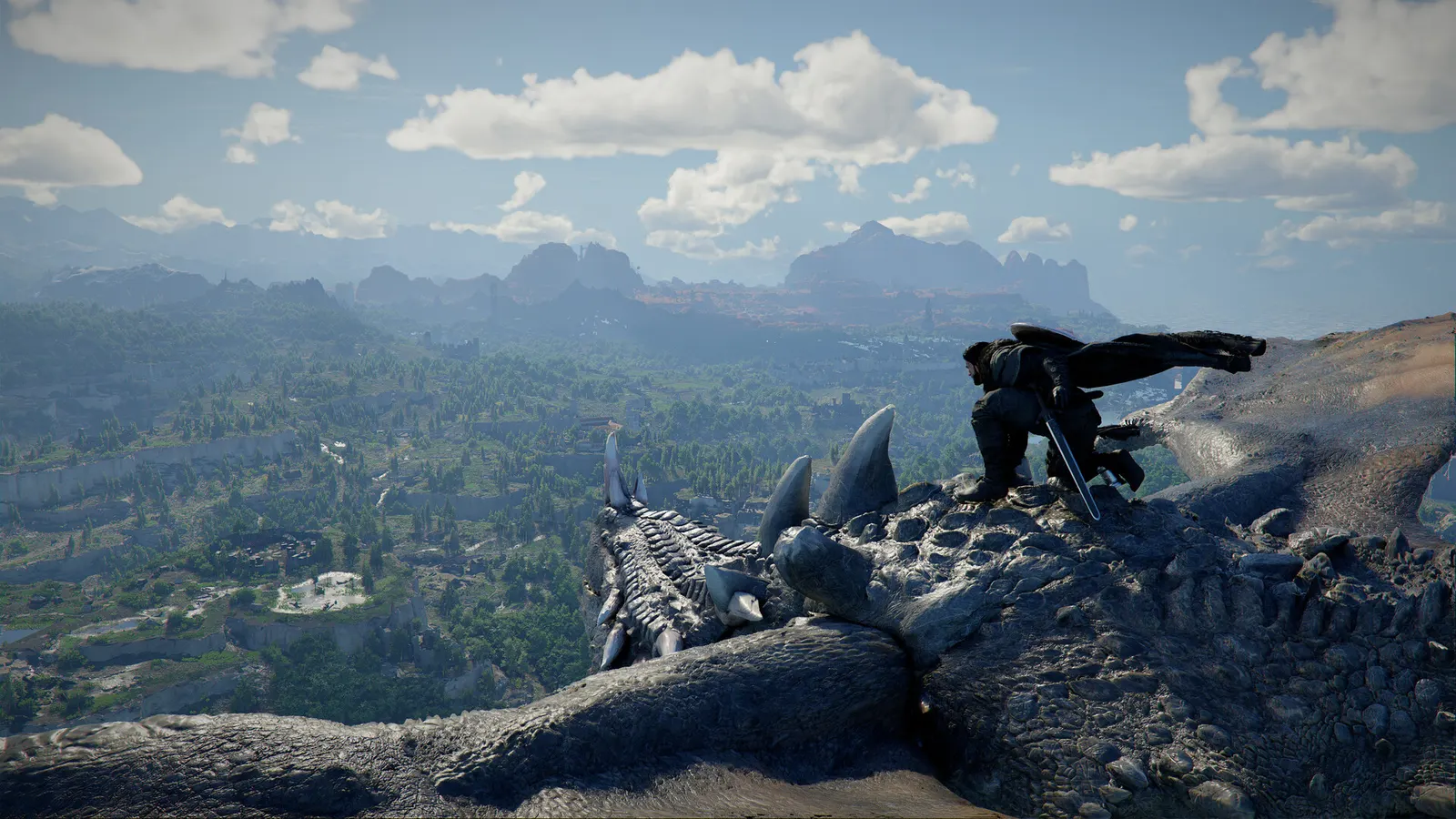
Crimson Desert, official artwork

Crimson Desert FPS boost and stutter fix

The biggest frame costs in Crimson Desert are Graphics Quality Preset, Lighting Quality, Effect Quality. Start there, then work through the stutter checklist.

Updated . Game data researched November 2026.

  • PEGI 18
Genre
Open-world action-adventure
Developer
Pearl Abyss
Released
2026
Platforms
PC, Mac, Xbox, PlayStation

Which Crimson Desert settings cost the most FPS?

Graphics Quality Preset

Six presets exist (Minimum, Low, Medium, High, Ultra, Cinematic). Cinematic raises draw distance and fine detail one step above Ultra and still ran above 50 fps at native 4K in PCGH's test.

Low

Lighting Quality

Keep it off the Max level: PCGH calls it very expensive for little visual gain, and Notebookcheck says it makes noise worse.

Low

Effect Quality

Guides recommend Medium as the best balance of fps and visuals.

Low

Simulation Quality

Physics and world simulation; it loads the CPU in towns and crowds.

Low

Post-Processing Effect Quality

Medium is the usual recommendation.

Low

Volumetric Fog Quality

A published low-end guide sets it to Low.

Low

Values shown are what we pick for max FPS. Section names follow the in-game menu.

Upscaling and latency in Crimson Desert

  • Upscaling: NVIDIA DLSS, AMD FSR. Use the Quality mode first; at 1080p avoid Balanced and Performance, they get blurry.
  • Frame generation: NVIDIA DLSS frame generation, AMD FSR frame generation. Only turn it on when you already have 50+ fps, and keep it off in competitive matches: it adds input lag.
  • Latency: no Reflex or Anti-Lag 2 in this game. Cap your FPS a few frames below your refresh rate instead.

Upscaling explained

How do I fix stuttering in Crimson Desert?

Crimson Desert: SSD required, 180 GB

  1. Crimson Desert needs about 180 GB and an SSD; install it on your fastest drive.
  2. In Crimson Desert, hardware Unboxed found that an RTX 3060 Ti with 8 GB of VRAM still averages 60 fps at 1080p on the Cinematic preset.

Crimson Desert: CPU load in towns

  1. In Crimson Desert, Open-world traversal and crowd-heavy areas load the CPU; at 1080p High an RTX 5090 was CPU-limited at 188 fps in TechSpot's test.
  2. In Crimson Desert, lower Simulation Quality first if you drop frames in cities.

Crimson Desert: Denuvo

  1. In Crimson Desert, the PC version uses Denuvo anti-tamper. Pearl Abyss said its published benchmark numbers were captured with Denuvo active.

Checklist for every PC

  • Install the game on an SSD: a hard drive causes texture pop-in and hitches. Crimson Desert wants 16 GB of RAM; close browsers and launchers while playing.
  • Lower Textures one step if your graphics card has 8 GB of VRAM or less and you see sudden drops.
  • Let shaders finish compiling on first launch and after driver updates; the first match can stutter.
  • Enable XMP/EXPO so your RAM runs at its rated speed, and update your graphics driver.
  • Check that Windows runs your monitor at its full refresh rate: how to check.
  • Turn on Game Mode and Hardware-accelerated GPU scheduling: Windows gaming settings.

Crimson Desert settings for a low-end PC

SettingLow-end value
ResolutionYour monitor's native resolution; scale with the upscaler instead
VSyncOff; use G-Sync or FreeSync with an FPS cap instead
Upscaling (DLSS / FSR / DLAA)Native; DLSS Quality on RTX, FSR Quality on AMD and older GeForce
Frame GenerationOff below 50 fps; above it DLSS frame generation on RTX 40 and 50 or FSR frame generation elsewhere; never in competitive play
Graphics Quality PresetLow
Lighting QualityLow
Effect QualityLow
Simulation QualityLow
Post-Processing Effect QualityLow
Volumetric Fog QualityLow
Ray TracingOff
Ray Reconstruction / Ray RegenerationOff