Skip to content
Set up my rig
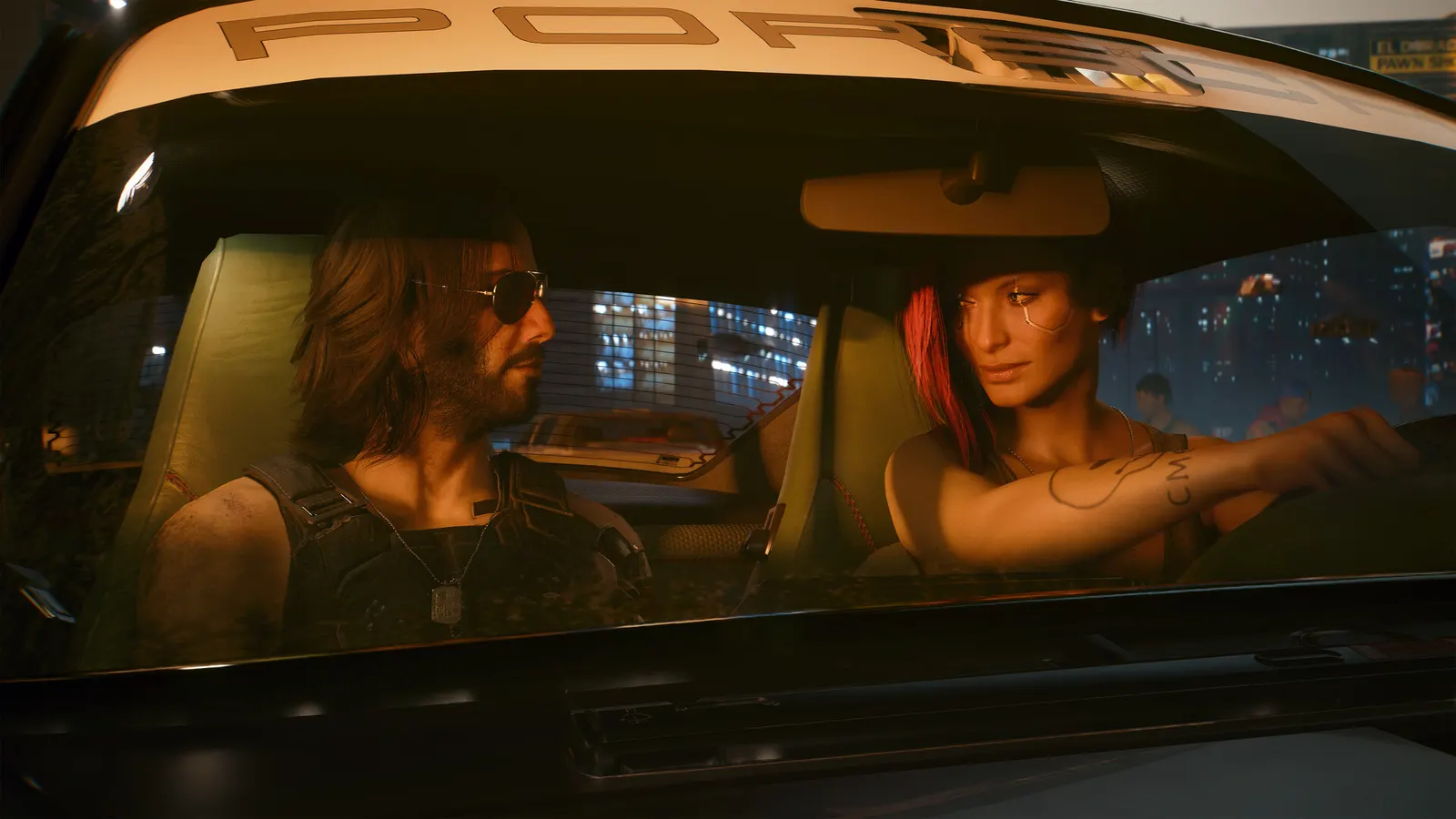
Cyberpunk 2077, official artwork

Cyberpunk 2077 FPS boost and stutter fix

The biggest frame costs in Cyberpunk 2077 are Cascaded Shadows Range, Volumetric Fog Resolution, Screen Space Reflections Quality. Start there, then work through the stutter checklist.

Updated . Game data researched November 2026.

  • PEGI 18
Genre
Open-world action RPG
Developer
CD PROJEKT RED
Released
2020
Platforms
PC, Mac, Xbox, PlayStation

Which Cyberpunk 2077 settings cost the most FPS?

Cascaded Shadows Range

Guides call this one of the real FPS drains and it is CPU-heavy; lower it before the resolution.

Low

Volumetric Fog Resolution

Guides report about 10% FPS cost for little visible difference; Low or Medium is enough.

Low

Screen Space Reflections Quality

Reflections in puddles and windows; one of the more expensive options in the city at night.

Low

Crowd Density

Number of pedestrians and cars; mainly a CPU cost, so lower it first on slower processors.

Low

Cascaded Shadows Resolution

Sharper near shadows; more visible than the range setting.

Low

Volumetric Cloud Quality

Cloud rendering; Medium is hard to tell apart from High.

Low

Ambient Occlusion

Contact shadows in corners; Medium is a good value.

Off

Level of Detail (LOD)

Distance at which models switch to simpler versions; High avoids visible pop-in.

Low

Values shown are what we pick for max FPS. Section names follow the in-game menu.

Upscaling and latency in Cyberpunk

  • Upscaling: NVIDIA DLSS, AMD FSR, Intel XeSS, DLAA. Use the Quality mode first; at 1080p avoid Balanced and Performance, they get blurry.
  • Frame generation: NVIDIA DLSS frame generation, AMD FSR frame generation. Only turn it on when you already have 50+ fps, and keep it off in competitive matches: it adds input lag.
  • Latency: NVIDIA Reflex, AMD Anti-Lag 2. Turn it on; it lowers input lag with no image cost.

Upscaling explained

How do I fix stuttering in Cyberpunk 2077?

Cyberpunk: Test in a busy street

  1. In Cyberpunk, guides advise testing settings in a dense street, not an empty room or alley.
  2. In Cyberpunk, city traffic and crowds are where the CPU and Crowd Density matter.
Cyberpunk: Path tracing needs a fast GPU

  1. In Cyberpunk, pick Ray Tracing: Overdrive in the Quick Preset, or enable "Path Tracing (Technology Preview)" in the Ray Tracing section.
  2. In Cyberpunk, one 2026 guide puts 1440p path tracing at an RTX 5070 Ti or RX 9070 XT with upscaling and frame generation.

Cyberpunk: FSR 4 on AMD

  1. In Cyberpunk, update 2.3 added AMD FSR 4 for compatible Radeon GPUs, FSR 3.1 frame generation and Intel XeSS 2.0.
  2. In Cyberpunk, the FSR 4 option only appears once the supporting AMD driver is installed, and it needs an RX 9000 card.
  3. In Cyberpunk, update 2.5 (October 2026) removed the FSR 3 upscaler: use FSR 4 or FSR 2.1, with FSR 3.1 frame generation on top if you want it.

Cyberpunk: DLSS 4.5 is built in

  1. In Cyberpunk, update 2.5 added native DLSS 4.5 with (dynamic) multi frame generation, so Nvidia App overrides are no longer needed.
  2. In Cyberpunk, frame generation still needs a base frame rate of about 40 fps or more to feel responsive.

Checklist for every PC

  • Install the game on an SSD: a hard drive causes texture pop-in and hitches. Cyberpunk 2077 wants 16 GB of RAM; close browsers and launchers while playing.
  • Lower Textures one step if your graphics card has 8 GB of VRAM or less and you see sudden drops.
  • Let shaders finish compiling on first launch and after driver updates; the first match can stutter.
  • Enable XMP/EXPO so your RAM runs at its rated speed, and update your graphics driver.
  • Check that Windows runs your monitor at its full refresh rate: how to check.
  • Turn on Game Mode and Hardware-accelerated GPU scheduling: Windows gaming settings.

Cyberpunk 2077 settings for a low-end PC

SettingLow-end value
ResolutionYour monitor's native resolution; scale with the upscaler instead
VSyncOff; use G-Sync or FreeSync with an FPS cap instead
Maximum FPS3 below your refresh rate (141 on 144 Hz); uncapped for max FPS
NVIDIA Reflex / FSR Anti-Lag 2On with NVIDIA Reflex on GeForce; On with AMD Anti-Lag 2 on Radeon
Resolution ScalingNative; DLSS Quality on RTX, FSR Quality on AMD and older GeForce, XeSS on Intel Arc
Frame GenerationOff below 50 fps; above it DLSS frame generation on RTX 40 and 50 or FSR frame generation elsewhere; never in competitive play
Motion BlurOff
Film GrainOff
Ray TracingOff
Cascaded Shadows RangeLow
Cascaded Shadows ResolutionLow
Volumetric Fog ResolutionLow
Volumetric Cloud QualityLow
Max Dynamic DecalsLow
Screen Space Reflections QualityLow
Ambient OcclusionOff
Level of Detail (LOD)Low
Crowd DensityLow