Skip to content
Set up my rig
Dead by Daylight, official artwork

Best Dead by Daylight settings

Behaviour Interactive's 4v1 asymmetrical horror game. It is light on hardware, so the goal is a stable frame rate and a clean image: smooth chases and readable scratch marks matter more than graphical detail, and there are only a handful of graphics options.

Best Dead by Daylight settings at 1080p for an RTX 4060 + Ryzen 5 7600: Ultra, lowering Screen Res and Quality first. Modelled: that PC gets about 275 fps, an RTX 3060 + Ryzen 5 5600 220 fps (Ultra), a GTX 1650 + Core i5-10400 165 fps (Ultra). Rough estimate: no published benchmarks yet. How we estimate this

Updated . Game data researched November 2026.

  • PEGI 18
  • Competitive
Genre
Asymmetrical multiplayer horror
Developer
Behaviour Interactive
Released
2016
Platforms
PC, Xbox, PlayStation, Nintendo, Mobile
Engine
Unreal Engine 4
Researched
Nov 2026

What are the best Dead by Daylight graphics settings?

The setting for every preset, from Low to Ultra. Save your hardware to get one tuned list.

Tell us your hardware once and every game page shows settings for it. Set up my rig

Set up your rig to see which column fits your PC, with an estimate of your frames. The competitive column is what we recommend for max FPS.

Dead by Daylight graphics settings per preset
SettingLowMediumHighUltra Competitive
Fullscreen Mode Windowed FullscreenWindowed FullscreenWindowed FullscreenWindowed Fullscreen Windowed Fullscreen
Screen Size Your monitor's native resolution; scale with the upscaler instead
Screen Res 75%100%100%100% 75%
VSync Off; use G-Sync or FreeSync with an FPS cap instead
FPS Limit 3 below your refresh rate (141 on 144 Hz); uncapped for max FPS
Quality LowMediumHighUltra Low
Auto Adjust OffOffOffOff Off
Anti Aliasing OffTAATAATAA Off
FSR / Intel XeSS Native; FSR Quality on AMD and older GeForce, XeSS on Intel Arc

How much FPS will I get in Dead by Daylight?

Modelled frame rates on the High preset at native resolution, without upscaling or frame generation. Your own rig can differ: check your exact PC.

Estimated Dead by Daylight FPS by graphics card, High preset, with a Ryzen 7 7800X3D and 16 GB RAM
Graphics card 1080p1440p4K
RTX 4090 355 fps355 fps355 fps
RTX 4070 355 fps355 fps220 fps
RTX 4060 355 fps250 fps130 fps
RTX 3060 12GB 325 fps205 fps105 fps
GTX 1650 145 fps90 fps50 fps
RX 7800 XT 355 fps355 fps225 fps
RX 7600 355 fps250 fps130 fps
RX 6600 310 fps195 fps105 fps

These are estimates from our model, not measurements; real results vary with the scene, drivers and background load. Orange numbers are below 60 fps. How we estimate this

What are the best DBD tips for more FPS?

How do I show FPS in DBD?

  1. In DBD, use the Steam overlay counter: Steam > Settings > In Game > In-game FPS counter, then pick a corner.
  2. In DBD, alternatively, the NVIDIA app or AMD Software overlay shows FPS, frame time and GPU use.
  3. In DBD, measure during a chase in the main building of a big map, because the lobby gives much higher numbers than a loaded match.
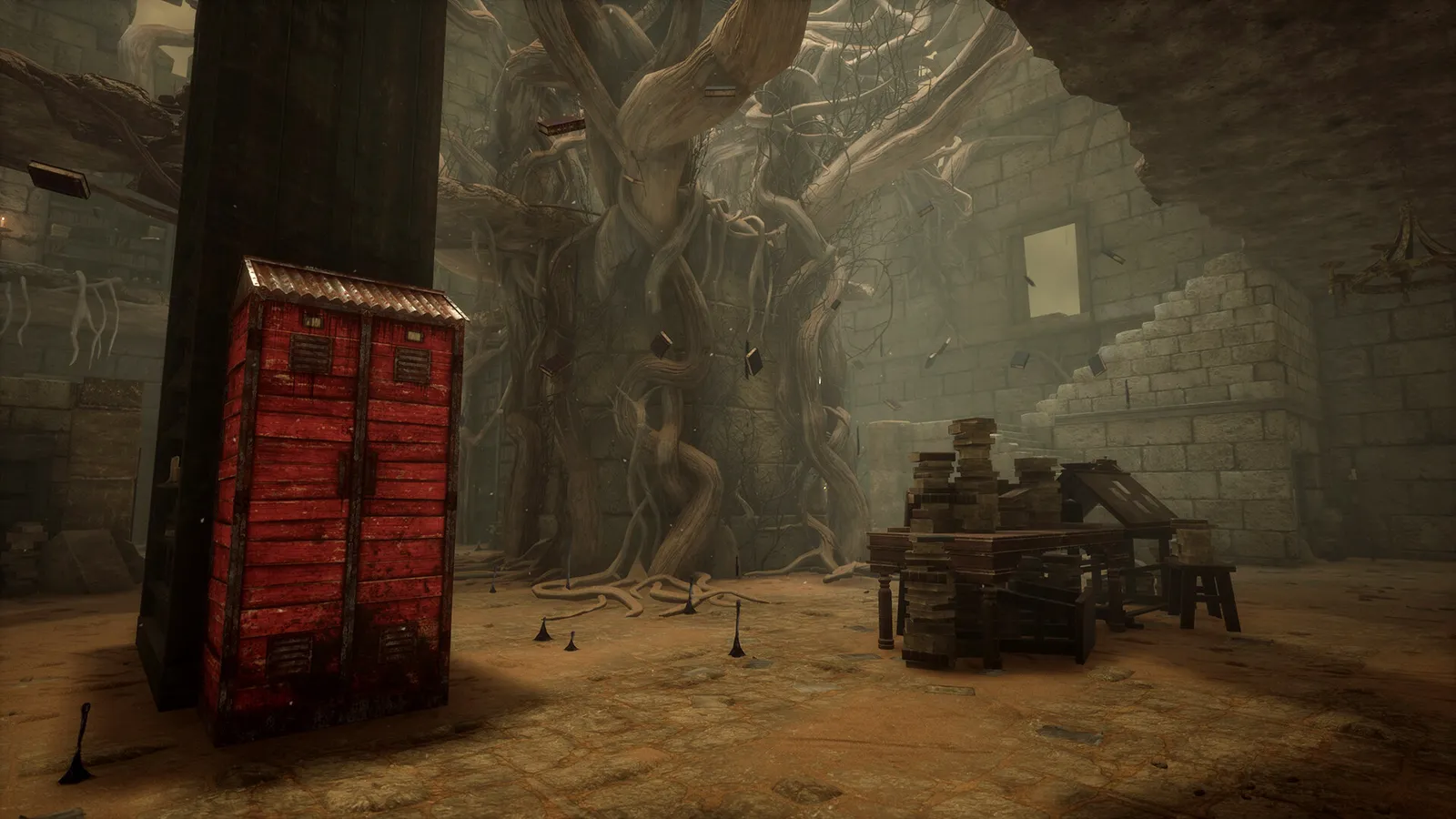
DBD: Visibility comes from brightness and FOV, not quality

  1. In DBD, graphics Quality does not make survivors easier to see. Use the Brightness setting (it replaced the old Gamma option), Field of View and the colourblind modes instead.
  2. In DBD, keep Screen Res at 100% for the clearest scratch marks and silhouettes.

DBD: Settings file and resetting

  1. DBD stores its settings in GameUserSettings.ini under %LOCALAPPDATA%\DeadByDaylight\Saved\Config\WindowsClient.
  2. In DBD, close the game and back the file up before editing; deleting it resets the graphics options.

DBD: Choose a stable FPS cap

  1. In DBD, cap at the frame rate your PC holds in every map and in chases, not the highest number you see in a lobby.
  2. In DBD, guides report a maximum cap choice of 120 fps in the in-game menu; check the FPS Limit list on your build.

DBD news

All news

News from Steam

All news

10.2.2b Backend Patch

Towards the end of October, we released a small balance patch using our new Backend Tunables system, adjusting The Executioner and The Good Guy. After working through your feedback and watching both of them in action, we’d like to further…

Read on Steam (opens in a new tab): 10.2.2b Backend Patch

Custom Alienware Laptop Sweepstakes

To celebrate the Halloween season, our partners at Alienware have a sweet treat for you! From now until November 22nd, enter for a chance to win a custom-skinned Alienware 16X Aurora gaming laptop, courtesy of Alienware. Head to Alienware…

Read on Steam (opens in a new tab): Custom Alienware Laptop Sweepstakes

10.2.2a Backend Bugfix Patch

Last week, we introduced the Backend Tunables system as a way to get small balance changes in your hands quicker without having to wait for patch releases. We mentioned having changes planned for a number of Killers and today, we're…

Read on Steam (opens in a new tab): 10.2.2a Backend Bugfix Patch

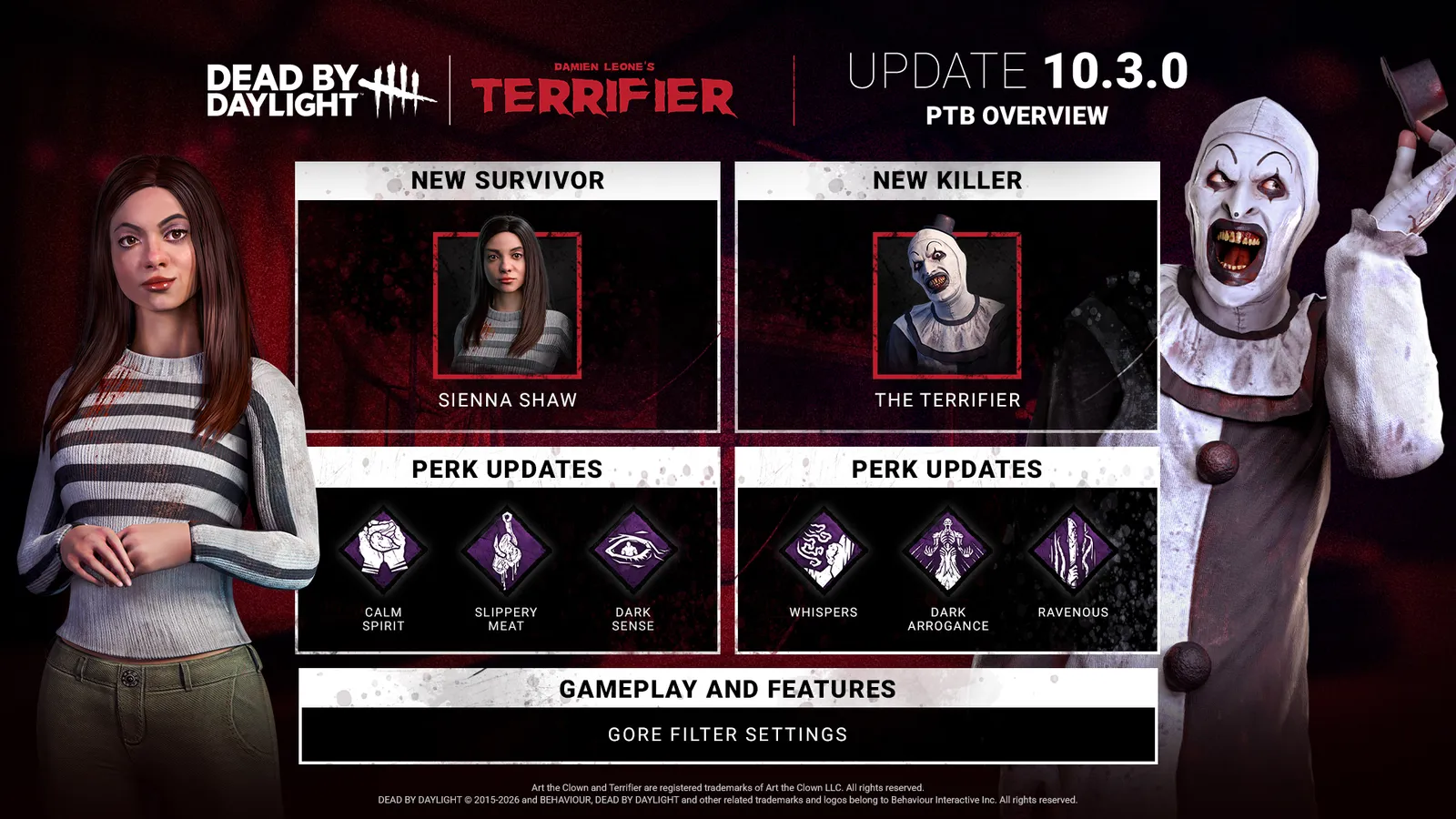
10.3.0 | Terrifier PTB Patch Notes

Content New Killer: The Terrifier Power: Bag of Toys Hold the Ability button to open your Bag of Toys and select one of two random Toys. The Bag of Toys enters a cooldown state and cannot be opened again until it expires. Special Items…

Read on Steam (opens in a new tab): 10.3.0 | Terrifier PTB Patch Notes

Guides