How do I show FPS in Liar's Bar?
- Liar's Bar has no frame counter we could confirm, so use the Steam overlay.
- In Liar's Bar, in Steam open Settings > In Game > In-game FPS counter and choose a corner.
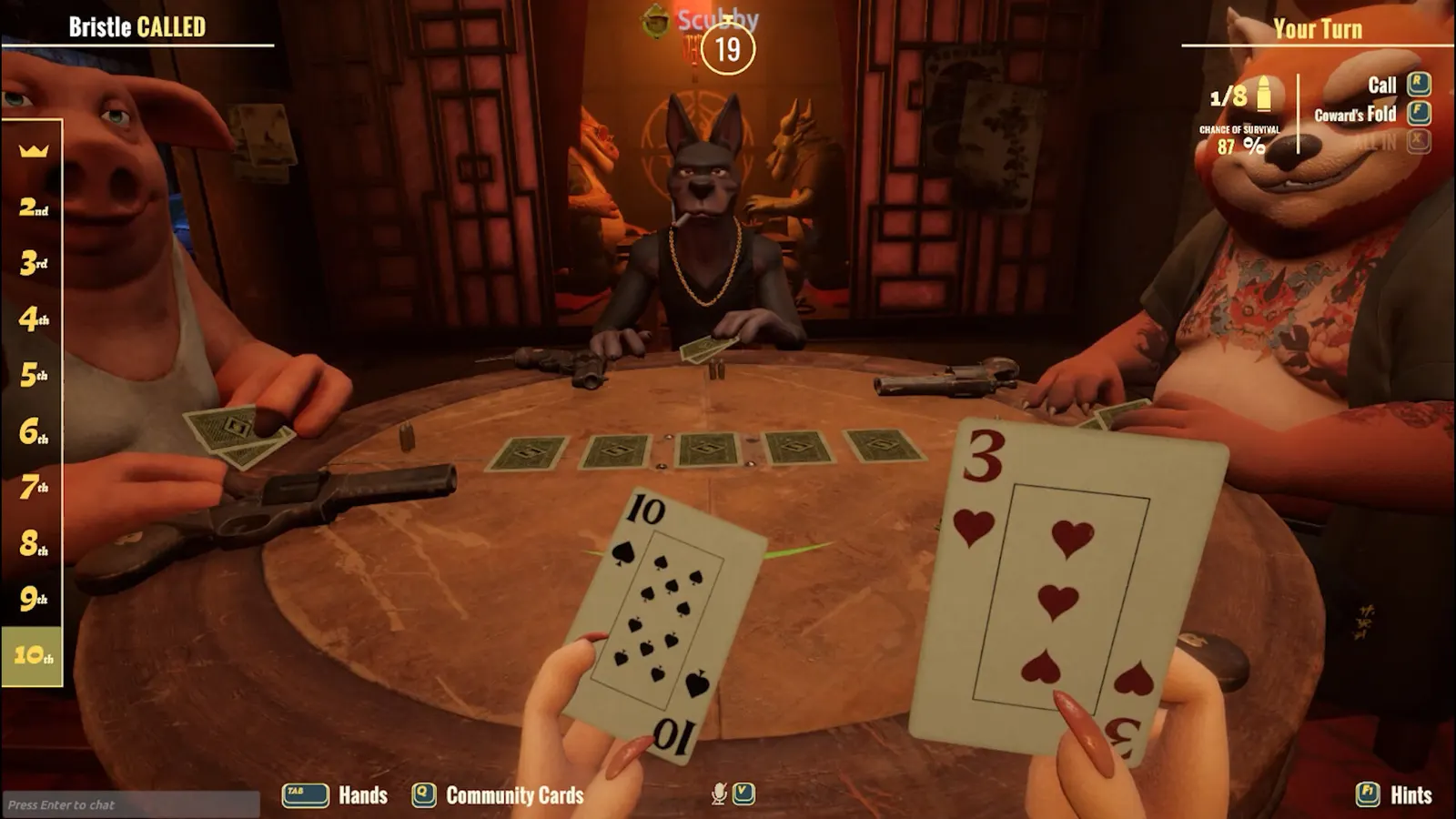
Curve Animation's online bluffing card game set in a dim bar, played with animal-headed characters around one table. It is a small 3D scene, so a graphics card from around 2016 is enough; the Apply button in the settings can blank the screen, which is the most common problem.
Best Liar's Bar settings at 1080p for an RTX 4060 + Ryzen 5 7600: Ultra, lowering Quality first. Modelled: that PC gets about 100 fps, an RTX 3060 + Ryzen 5 5600 115 fps (High), a GTX 1650 + Core i5-10400 95 fps (Low). Rough estimate: no published benchmarks yet. How we estimate this
Updated . Game data researched November 2026.
The setting for every preset, from Low to Ultra. Save your hardware to get one tuned list.
Set up your rig to see which column fits your PC, with an estimate of your frames.
| Setting | Low | Medium | High | Ultra |
|---|---|---|---|---|
| Resolution | Your monitor's native resolution; scale with the upscaler instead | |||
| Quality | Low | Medium | High | High |
Modelled frame rates on the High preset at native resolution, without upscaling or frame generation. Your own rig can differ: check your exact PC.
| Graphics card | 1080p | 1440p | 4K |
|---|---|---|---|
| RTX 4090 | 265 fps | 265 fps | 140 fps |
| RTX 4070 | 235 fps | 150 fps | 80 fps |
| RTX 4060 | 140 fps | 90 fps | 45 fps |
| RTX 3060 12GB | 115 fps | 75 fps | 40 fps |
| GTX 1650 | 50 fps | 30 fps | 15 fps |
| RX 7800 XT | 245 fps | 155 fps | 80 fps |
| RX 7600 | 140 fps | 90 fps | 45 fps |
| RX 6600 | 110 fps | 70 fps | 35 fps |
These are estimates from our model, not measurements; real results vary with the scene, drivers and background load. Orange numbers are below 60 fps. How we estimate this
The season has been reset. A new era begins. From now on, a new season starts on every month. We've made significant improvements to prevent hacking and ensure fair ranked gameplay, with many more updates on the way! Everyone begins from…
Read on Steam (opens in a new tab): Season 6 Begins — Monthly Seasons, Anti-Cheat, Achievements & New ModesOne hundred seats. No second chances. Liar's Roulette coming soon.
Read on Steam (opens in a new tab): 100 LIARS WALK INTO A BAR
We heard you, and we couldn't agree more. Deck 2 just stepped out for a quick coffee... and will be back fully remastered. It's one of our favorite game modes too. We finally tracked down the issue behind the 4-player Matchmaking bug. As a…
Read on Steam (opens in a new tab): HOTFIX — LIAR'S DECK REMASTERED / DECK 2 RETURNS BETTERThis update features a complete remaster of Liar's Deck, major improvements to Liar's Poker, an overhauled Matchmaking system, significant UI & UX enhancements, and numerous gameplay improvements. Two new regulars have arrived at the bar…
Read on Steam (opens in a new tab): LIAR'S DECK REMASTERED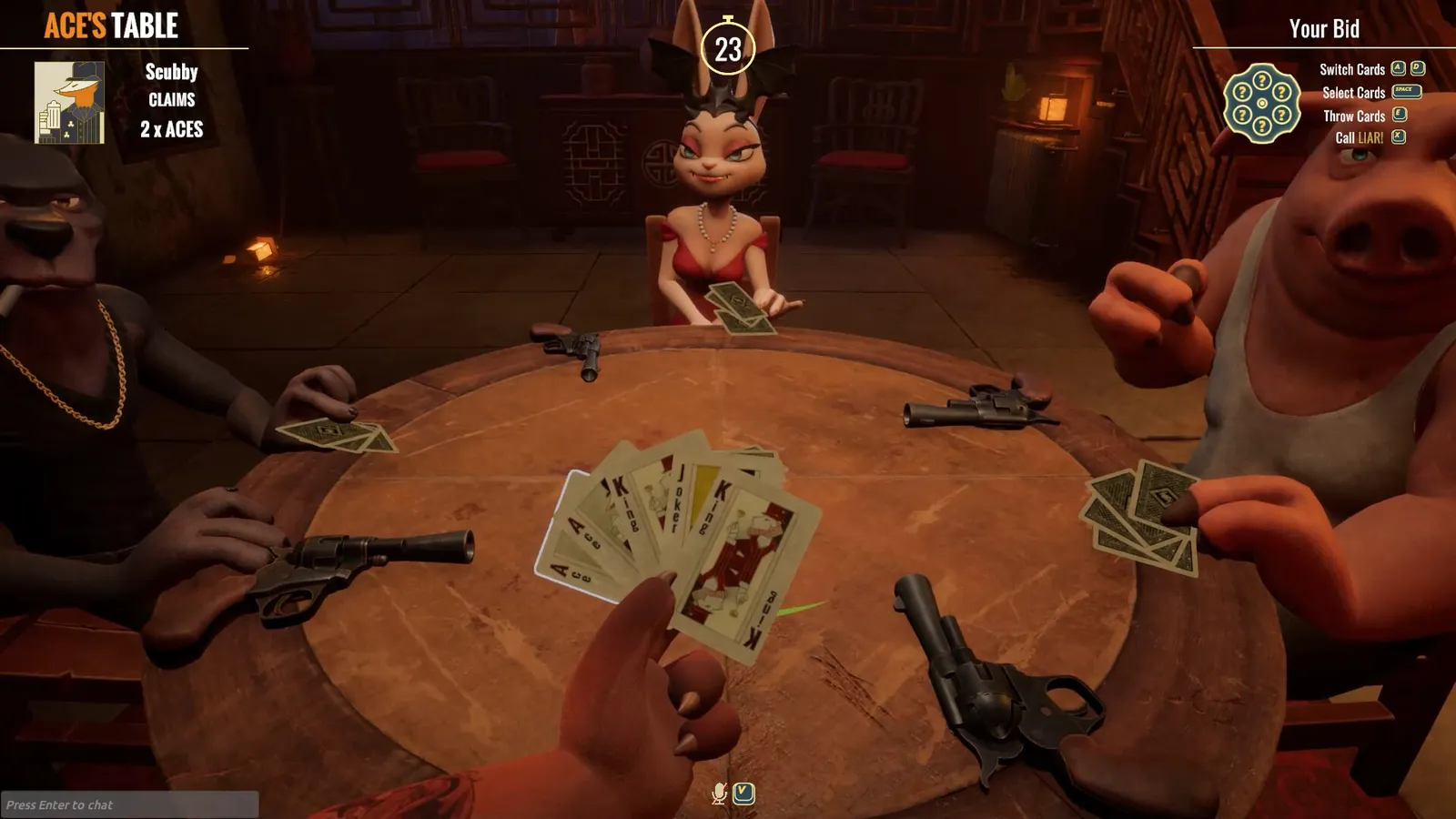 Liar's Bar rules: how to play Liar's Deck, Devil and Chaos modes
Liar's Deck is the main game of Liar's Bar: play cards face down, call bluffs and pull the trigger if you lose. Here are the rules, the roulette odds and what Devil and Chaos change.
Guide · Liar's Bar
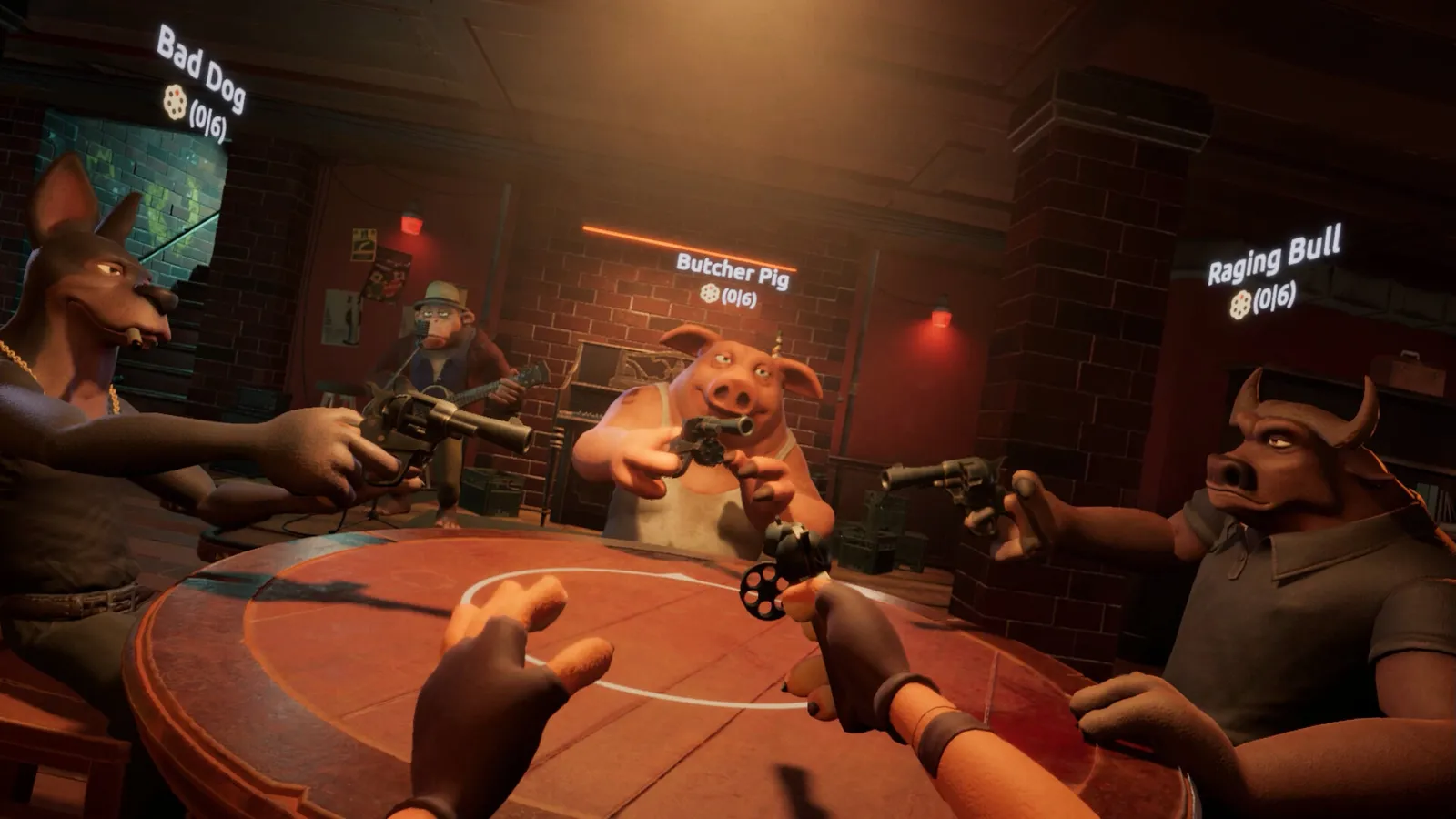 Liar's Bar strategy: how to win at bluffing and when to call
Liar's Bar is part probability, part psychology. These strategy tips cover card counting, when to call a liar and how to bluff without being caught.
Guide · Liar's Bar