Skip to content
Set up my rig
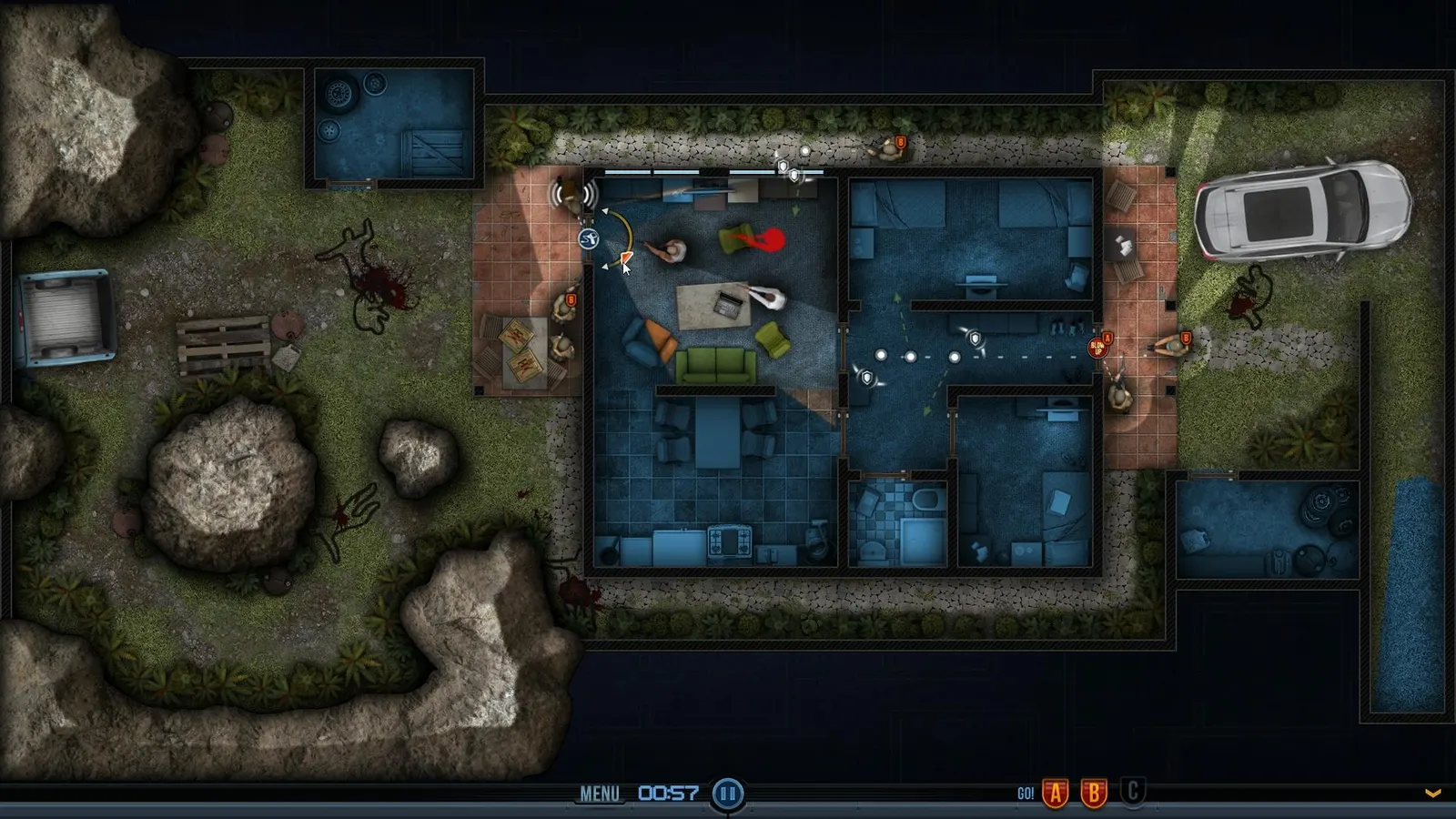
Door Kickers, official artwork

Door Kickers FPS boost and stutter fix

Work through the settings and the stutter checklist below.

Updated . Game data researched November 2026.

Genre
Tactical strategy
Developer
KillHouse Games
Released
2014
Platforms
PC, Mac, Linux, Mobile

Upscaling and latency in Door Kickers

  • Upscaling: not available in this game.
  • Frame generation: not available in this game.
  • Latency: no Reflex or Anti-Lag 2 in this game. Cap your FPS a few frames below your refresh rate instead.

Upscaling explained

How do I fix stuttering in Door Kickers?

Door Kickers: Black screen or crash at launch

  1. In Door Kickers, the game needs OpenGL 2.0. Very old Intel and ATI chips are listed as unsupported by the developer.
  2. In Door Kickers, update the graphics driver from NVIDIA, AMD or Intel; on a laptop with two GPUs, make sure the dedicated one is used for the game.

Door Kickers: Slowdowns on big missions

  1. In Door Kickers, with many soldiers and enemies on a large map the CPU is the limit, not the graphics card.
  2. In Door Kickers, close other programs and use the high-performance power mode on a laptop.

Checklist for every PC

  • Install the game on an SSD: a hard drive causes texture pop-in and hitches. Door Kickers wants 4 GB of RAM; close browsers and launchers while playing.
  • Lower Textures one step if your graphics card has 8 GB of VRAM or less and you see sudden drops.
  • Let shaders finish compiling on first launch and after driver updates; the first match can stutter.
  • Enable XMP/EXPO so your RAM runs at its rated speed, and update your graphics driver.
  • Check that Windows runs your monitor at its full refresh rate: how to check.
  • Turn on Game Mode and Hardware-accelerated GPU scheduling: Windows gaming settings.

Door Kickers settings for a low-end PC

SettingLow-end value
ResolutionYour monitor's native resolution; scale with the upscaler instead