Skip to content
Set up my rig
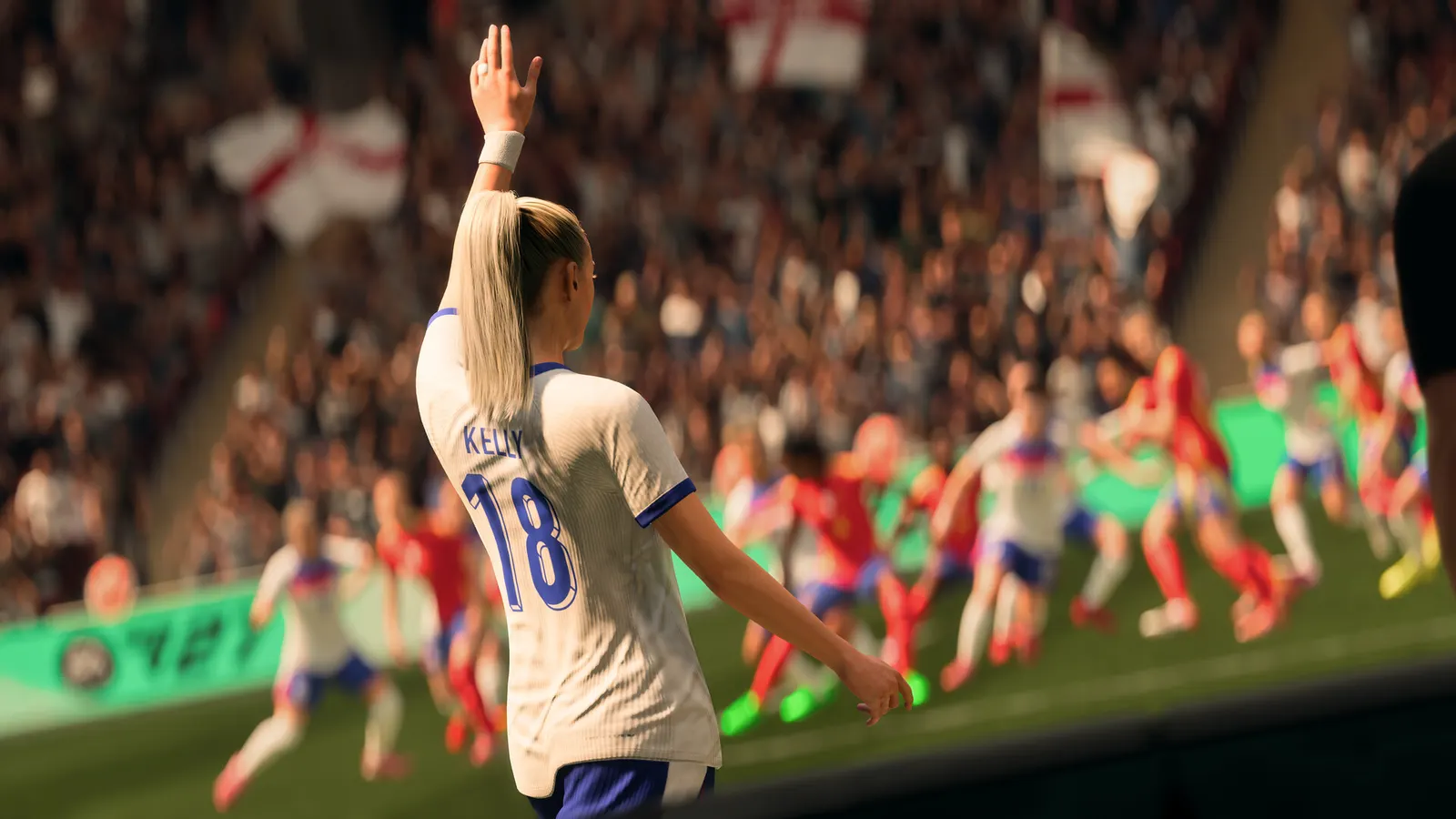
EA SPORTS FC 27, official artwork

EA SPORTS FC 27 FPS boost and stutter fix

The biggest frame costs in EA SPORTS FC 27 are Graphics Preset, Rendering Quality, Strand Based Hair. Start there, then work through the stutter checklist.

Updated . Game data researched November 2026.

  • PEGI 16
  • Competitive
Genre
Football
Developer
EA Canada, EA Romania
Released
2026
Platforms
PC, Xbox, PlayStation

Which EA SPORTS FC 27 settings cost the most FPS?

Graphics Preset

FC 27 has Performance and Balanced presets plus spec-based High and Ultra presets (EA targets at least 80 fps on High and 120 fps on Ultra on the hardware in its requirements). Start from a preset, then adjust single options.

Performance

Rendering Quality

The main quality lever, as in FC 26.

Low

Strand Based Hair

Hair strands are GPU-heavy and almost invisible at broadcast camera distance.

Off

Cloth Quality

EA names a performance drop when Cloth Quality is set to Medium and is investigating it, so skip Medium and use Low or High.

Low

Ambient Occlusion Quality

Contact shadows cost CPU and GPU time for a small visual gain.

Low

Values shown are what we pick for max FPS (visibility kept where it matters). Section names follow the in-game menu.

Upscaling and latency in FC 27

  • Upscaling: not available in this game.
  • Frame generation: not available in this game.
  • Latency: no Reflex or Anti-Lag 2 in this game. Cap your FPS a few frames below your refresh rate instead.

Upscaling explained

How do I fix stuttering in EA SPORTS FC 27?

FC 27: Use the VRAM estimate

  1. In FC 27, the graphics menu shows an estimate of the maximum video memory the current settings need.
  2. In FC 27, if the estimate is above your card's VRAM, lower Rendering Quality or the resolution first.

In FC 27, it is a memory estimate, not an fps prediction.

FC 27: It is mostly a CPU game

  1. In FC 27, with a recent GPU the frame rate is set by your processor and RAM, not by the graphics preset.
  2. In FC 27, Dual-channel RAM is now part of the official requirements; run it at its rated XMP/EXPO speed.
  3. In FC 27, close browsers and launchers while playing.

FC 27: Judder or uneven frame pacing

  1. In FC 27, compare a lower frame cap with the same graphics settings; a cap your PC sustains is smoother than an unreachable one.
  2. In FC 27, try the Performance preset, then raise single options one at a time.
  3. In FC 27, update the GPU driver and keep Windows up to date; EA is still working on PC performance fixes.

Checklist for every PC

  • Install the game on an SSD: a hard drive causes texture pop-in and hitches. EA SPORTS FC 27 wants 12 GB of RAM; close browsers and launchers while playing.
  • Lower Textures one step if your graphics card has 8 GB of VRAM or less and you see sudden drops.
  • Let shaders finish compiling on first launch and after driver updates; the first match can stutter.
  • Enable XMP/EXPO so your RAM runs at its rated speed, and update your graphics driver.
  • Check that Windows runs your monitor at its full refresh rate: how to check.
  • Turn on Game Mode and Hardware-accelerated GPU scheduling: Windows gaming settings.

EA SPORTS FC 27 settings for a low-end PC

SettingLow-end value
Display ModeFullscreen
Screen ResolutionYour monitor's native resolution; scale with the upscaler instead
VSyncOff; use G-Sync or FreeSync with an FPS cap instead
Frame Rate Limit3 below your refresh rate (141 on 144 Hz); uncapped for max FPS
Graphics PresetPerformance
Enhanced Ultra VisualsDisabled
Rendering QualityLow
Strand Based HairOff
Cloth QualityLow
Ambient Occlusion QualityLow
Grass QualityLow
Crowd QualityLow