Skip to content
Set up my rig
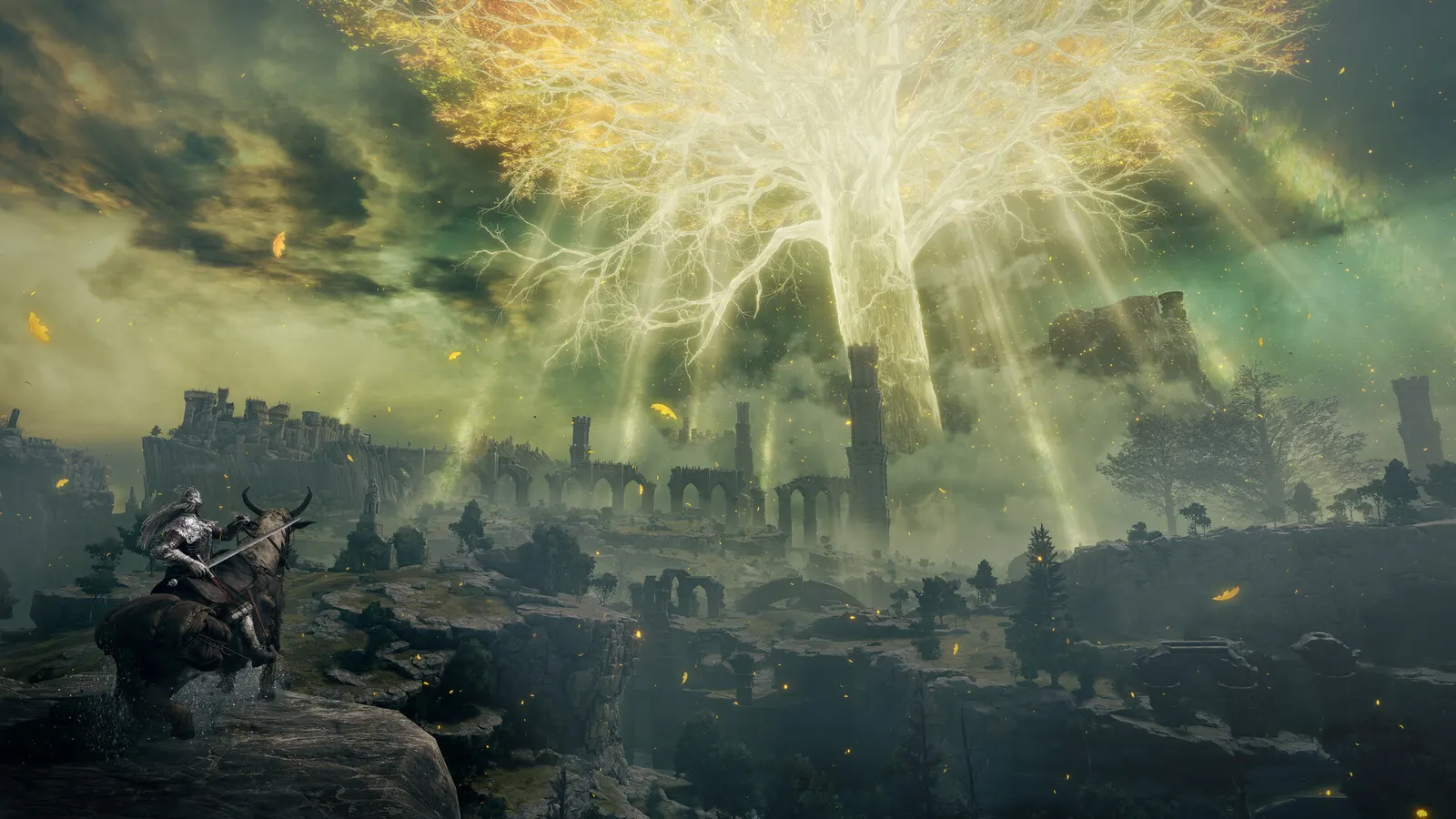
Elden Ring, official artwork

Elden Ring FPS boost and stutter fix

The biggest frame costs in Elden Ring are Shadow Quality, Volumetric Quality. Start there, then work through the stutter checklist.

Updated . Game data researched November 2026.

  • PEGI 16
Genre
Action RPG
Developer
FromSoftware
Released
2022
Platforms
PC, Xbox, PlayStation

Which Elden Ring settings cost the most FPS?

Shadow Quality

The lowest step looks blocky and shimmers, so even the Low tier keeps Medium.

Medium

Volumetric Quality

Fog and light shafts; one of the cheaper ways to win a few percent.

Low

Values shown are what we pick for max FPS. Section names follow the in-game menu.

Upscaling and latency in Elden Ring

  • Upscaling: not available in this game.
  • Frame generation: not available in this game.
  • Latency: no Reflex or Anti-Lag 2 in this game. Cap your FPS a few frames below your refresh rate instead.

Upscaling explained

How do I fix stuttering in Elden Ring?

Elden Ring: The 60 FPS cap and unlockers

  1. In Elden Ring, the PC version is capped at 60 FPS whatever your monitor refresh rate, so a faster GPU only adds headroom.
  2. In Elden Ring, community "FPS unlocker" tools exist, but they run offline only (they disable online mode while active).

In Elden Ring, never use an unlocker while online: modifying the game can get your account banned.

Elden Ring: Graphics config file

  1. In Elden Ring, press Win+R, type %APPDATA%\EldenRing and press Enter.
  2. In Elden Ring, GraphicsConfig.xml holds your graphics choices. Make a copy before editing it.
  3. In Elden Ring, if the game shows a black or wrong-sized window after changing monitors, deleting GraphicsConfig.xml makes the game recreate it.

Elden Ring: Ray tracing is the only costly option

  1. In Elden Ring, set Ray Tracing to Off first if you drop below 60.
  2. In Elden Ring, every other option together moves FPS by only a few percent, so lowering them rarely fixes a big drop.

Checklist for every PC

  • Install the game on an SSD: a hard drive causes texture pop-in and hitches. Elden Ring wants 16 GB of RAM; close browsers and launchers while playing.
  • Lower Textures one step if your graphics card has 8 GB of VRAM or less and you see sudden drops.
  • Let shaders finish compiling on first launch and after driver updates; the first match can stutter.
  • Enable XMP/EXPO so your RAM runs at its rated speed, and update your graphics driver.
  • Check that Windows runs your monitor at its full refresh rate: how to check.
  • Turn on Game Mode and Hardware-accelerated GPU scheduling: Windows gaming settings.

Elden Ring settings for a low-end PC

SettingLow-end value
Screen ModeFullscreen
Screen ResolutionYour monitor's native resolution; scale with the upscaler instead
Auto-Detect Best Rendering SettingsOff
Texture QualityLow
Anti-Aliasing QualityLow
SSAOLow
Depth of FieldOff
Motion BlurOff
Shadow QualityMedium
Lighting QualityLow
Effects QualityLow
Volumetric QualityLow
Reflection QualityLow
Water Surface QualityLow
Shader QualityLow
Global Illumination QualityLow
Grass QualityMedium
Ray TracingOff