Forza Horizon 6: SSD and storage
- In Forza Horizon 6, the Steam page requires an SSD and 167 GB of free space.
- In Forza Horizon 6, running the game from a hard drive causes pop-in and stutter while driving.
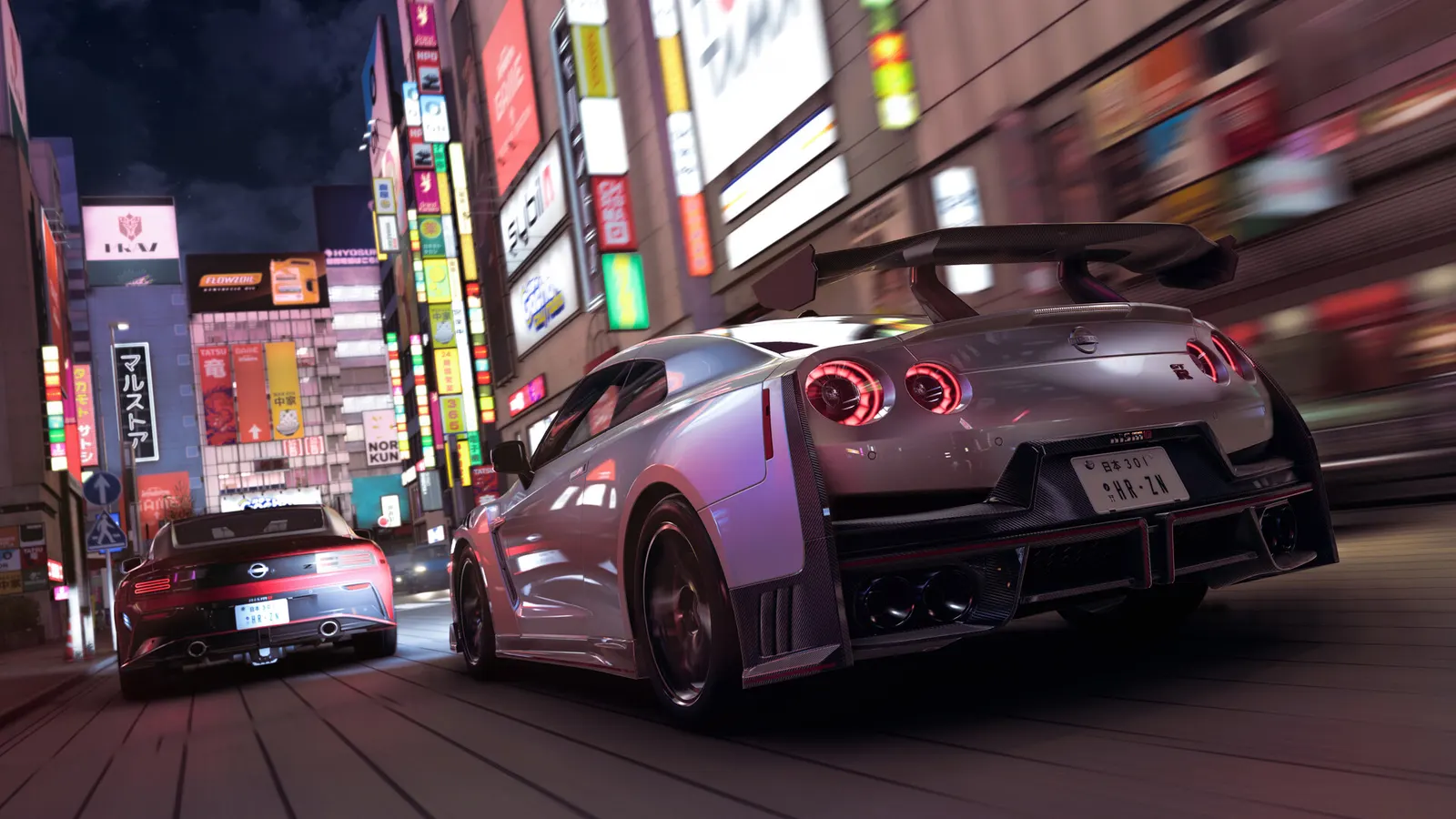
The biggest frame costs in Forza Horizon 6 are Graphics Preset, Shadow Quality, Raytraced Reflections Quality. Start there, then work through the stutter checklist.
Updated . Game data researched November 2026.
Graphics Preset
Presets run Low to Extreme. One guide puts the step from Ultra to Extreme at roughly 8-12% of your frame rate (a guide estimate, not a measurement).
Shadow Quality
Usually among the costlier non-ray-tracing options; High keeps most of the look.
Raytraced Reflections Quality
Optional and the costliest ray-tracing option. One guide measured it at roughly 8-12% at High and 18-25% at Extreme on a high-end GPU; keep it Off on mid-range cards.
Raytraced GI Quality
Ray-traced global illumination; a guide estimates 10-14% frame rate cost. Needs a strong RTX or RX 9000 card.
Screen Space GI Quality
Cheaper screen-space lighting; turn it off when ray-traced GI is on.
Shader Quality
Material and lighting detail; Medium is a safe pick for weaker GPUs.
Volumetric Fog Quality
Fog and haze effects; one of the first options to lower on weak hardware.
Night Shadows
Extra shadows after dark.
Values shown are what we pick for max FPS. Section names follow the in-game menu.
| Setting | Low-end value |
|---|---|
| Resolution | Your monitor's native resolution; scale with the upscaler instead |
| Upscaling | Native; DLSS Quality on RTX, FSR Quality on AMD and older GeForce, XeSS on Intel Arc |
| Frame Generation | Off below 50 fps; above it DLSS frame generation on RTX 40 and 50 or FSR frame generation elsewhere; never in competitive play |
| Frame Rate | 3 below your refresh rate (141 on 144 Hz); uncapped for max FPS |
| V-Sync | Off; use G-Sync or FreeSync with an FPS cap instead |
| Graphics Preset | Medium |
| Dynamic Optimisation | Off |
| MSAA | Off |
| Shadow Quality | Low |
| Raytraced Reflections Quality | Off |
| Raytraced GI Quality | Off |
| Screen Space GI Quality | Off |
| Screen Space Reflections Quality | Low |
| Car Reflection Quality | Medium |
| Shader Quality | Low |
| Volumetric Fog Quality | Off |
| Particle Effects Quality | Very Low |
| Night Shadows | Off |
| Deformable Terrain Quality | Off |
| Environment Texture Quality | Low |
| Environment Geometry Quality | Low |
| Car Level Detail | Low |
| Motion Blur | Off |