Skip to content
Set up my rig
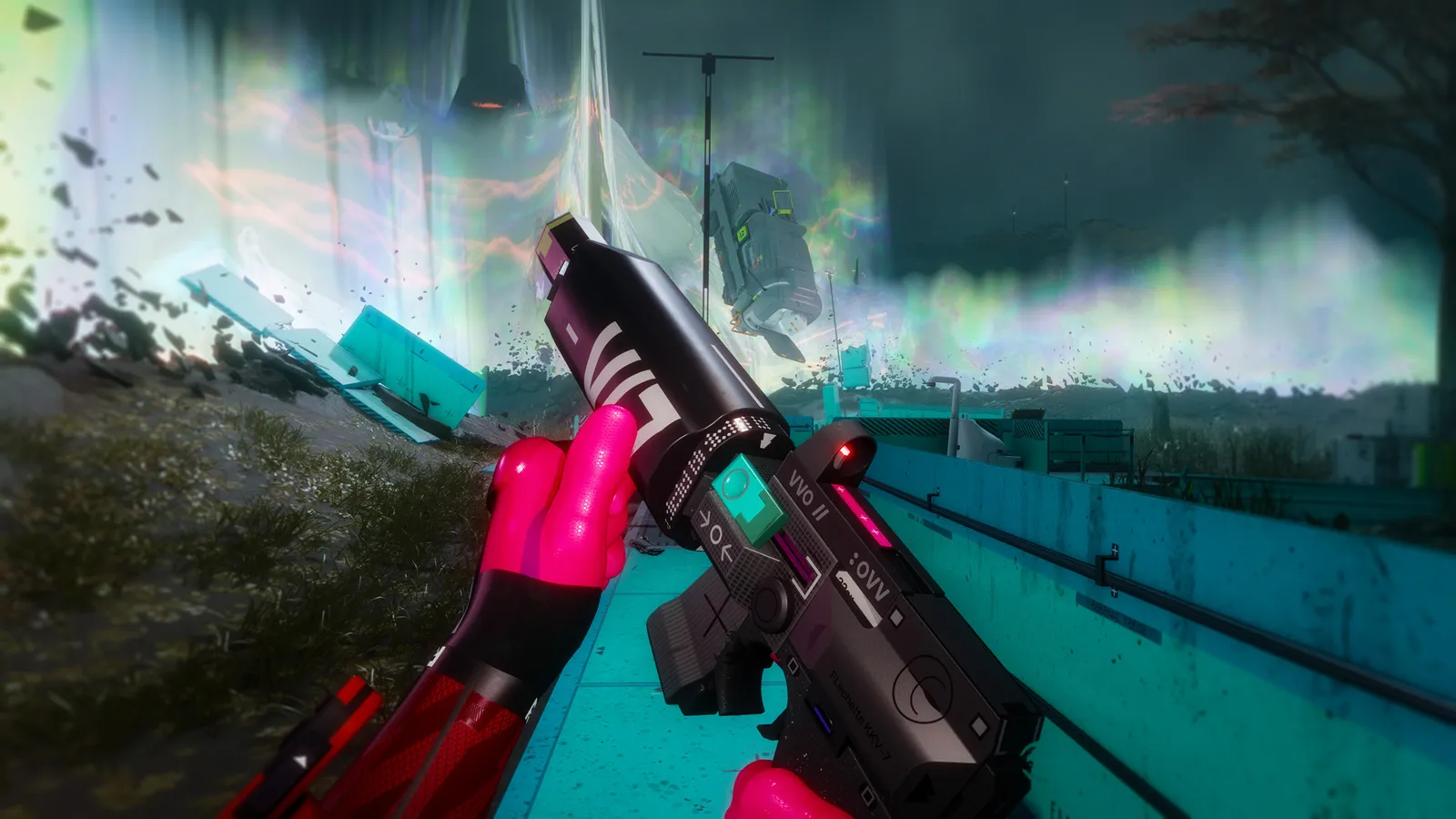
Marathon, official artwork

Best Marathon settings

Bungie's PvPvE extraction shooter on its in-house Tiger engine. It runs on a GTX 1050 Ti-class card at minimum, but wants an RTX 2060 and a six-core CPU to feel smooth. It has DLSS, FSR 4, XeSS, frame generation and Reflex, plus a frame-rate cap slider up to 240.

Best Marathon settings at 1080p for an RTX 4060 + Ryzen 5 7600: Ultra with DLSS Quality, lowering Shadow Quality first. Modelled: that PC gets about 125 fps, an RTX 3060 + Ryzen 5 5600 100 fps (Ultra), a GTX 1650 + Core i5-10400 75 fps (Ultra). Calibrated against 16 measured benchmarks. How we estimate this

Updated . Game data researched November 2026.

  • PEGI 16
  • Competitive
Genre
Extraction shooter
Developer
Bungie
Released
2026
Platforms
PC, Xbox, PlayStation
Engine
Tiger Engine (Bungie)
Researched
Nov 2026

What are the best Marathon graphics settings?

The setting for every preset, from Low to Ultra. Save your hardware to get one tuned list.

Tell us your hardware once and every game page shows settings for it. Set up my rig

Set up your rig to see which column fits your PC, with an estimate of your frames. The competitive column is what we recommend for max FPS.

Marathon graphics settings per preset
SettingLowMediumHighUltra Competitive
Window Mode Full ScreenFull ScreenFull ScreenFull Screen Full Screen
Resolution Your monitor's native resolution; scale with the upscaler instead
VSync Off; use G-Sync or FreeSync with an FPS cap instead
Frame Rate Cap 3 below your refresh rate (141 on 144 Hz); uncapped for max FPS
Field of View 100-105100-105100-105100-105 100-105
Anti-Aliasing + Resolution Scaling Native; DLSS Quality on RTX, FSR Quality on AMD and older GeForce, XeSS on Intel Arc
Frame Generation Off below 50 fps; above it DLSS frame generation on RTX 40 and 50 or FSR frame generation elsewhere; never in competitive play
Screen Space Ambient Occlusion LowMediumHighHighest Low
Anisotropic Filtering 4×8×16×16× 4×
Texture Quality LowMediumHighHighest Low
Shadow Quality LowMediumHighHighest Low
Environment Detail Distance LowMediumHighHigh Low
Character Detail Distance MediumHighHighHigh Medium
Foliage Detail Distance LowMediumHighHighest Low
Light Shafts LowMediumHighHigh Low
Motion Blur OffOffOffOff Off
Chromatic Aberration OffOffOffOff Off
NVIDIA Reflex On with NVIDIA Reflex on GeForce

How much FPS will I get in Marathon?

Modelled frame rates on the High preset at native resolution, without upscaling or frame generation. Your own rig can differ: check your exact PC.

Estimated Marathon FPS by graphics card, High preset, with a Ryzen 7 7800X3D and 16 GB RAM
Graphics card 1080p1440p4K
RTX 4090 160 fps160 fps105 fps
RTX 4070 160 fps115 fps60 fps
RTX 4060 105 fps70 fps35 fps
RTX 3060 12GB 90 fps55 fps30 fps
GTX 1650 40 fps25 fps15 fps
RX 7800 XT 160 fps115 fps60 fps
RX 7600 105 fps70 fps35 fps
RX 6600 85 fps55 fps30 fps

These are estimates from our model, not measurements; real results vary with the scene, drivers and background load. Orange numbers are below 60 fps. How we estimate this

What are the best Marathon tips for more FPS?

How do I show FPS in Marathon?

  1. In Marathon, we could not confirm a built-in frame counter in the Video menu, so use an overlay.
  2. In Marathon, Steam: Settings > In Game > In-game FPS counter, then pick a corner. The NVIDIA app and AMD Software overlays also show FPS, frame time and GPU/CPU use.
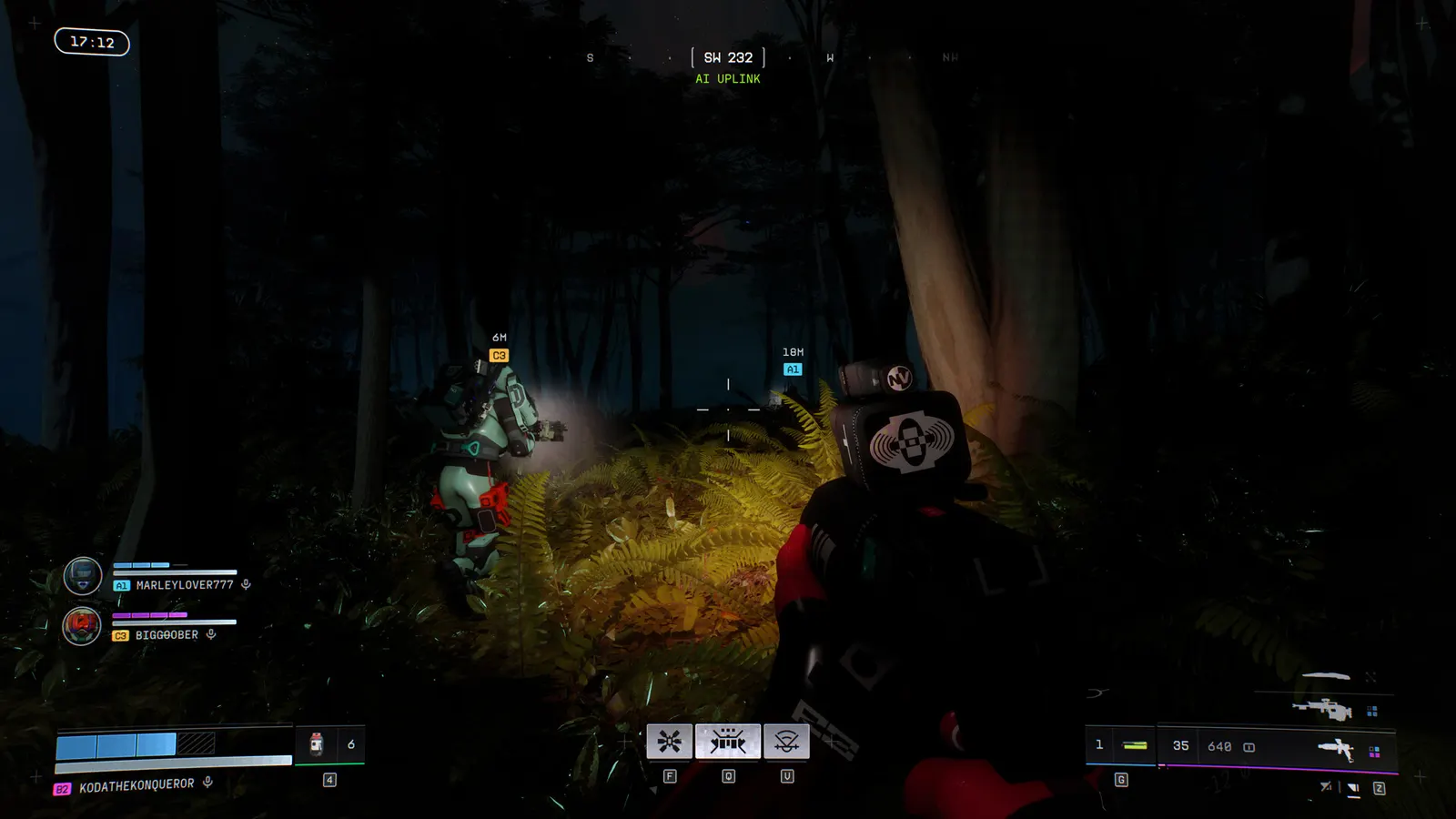
  3. In Marathon, check it in a busy extraction zone, not the lobby; the lobby is much lighter than a raid.
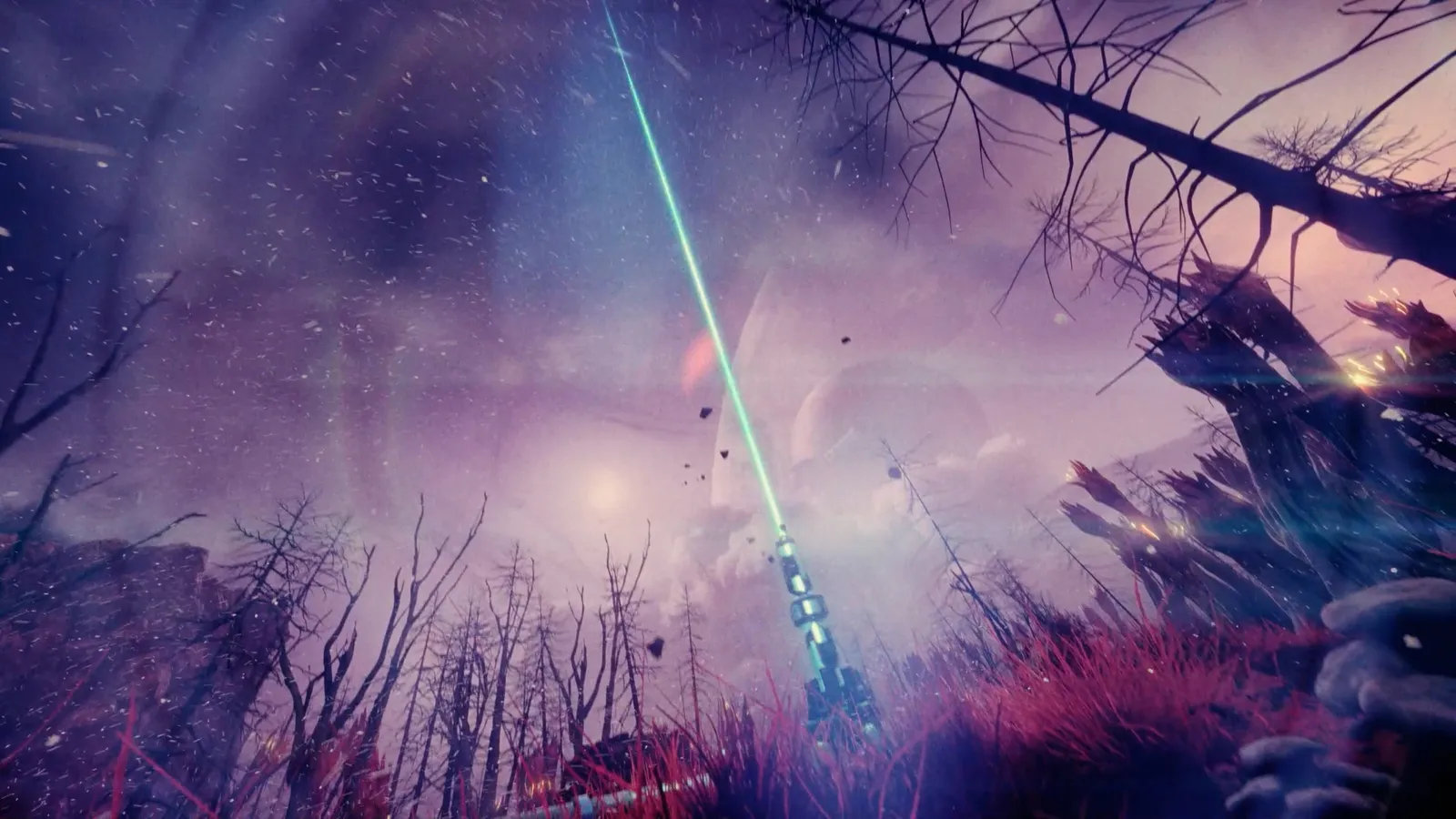
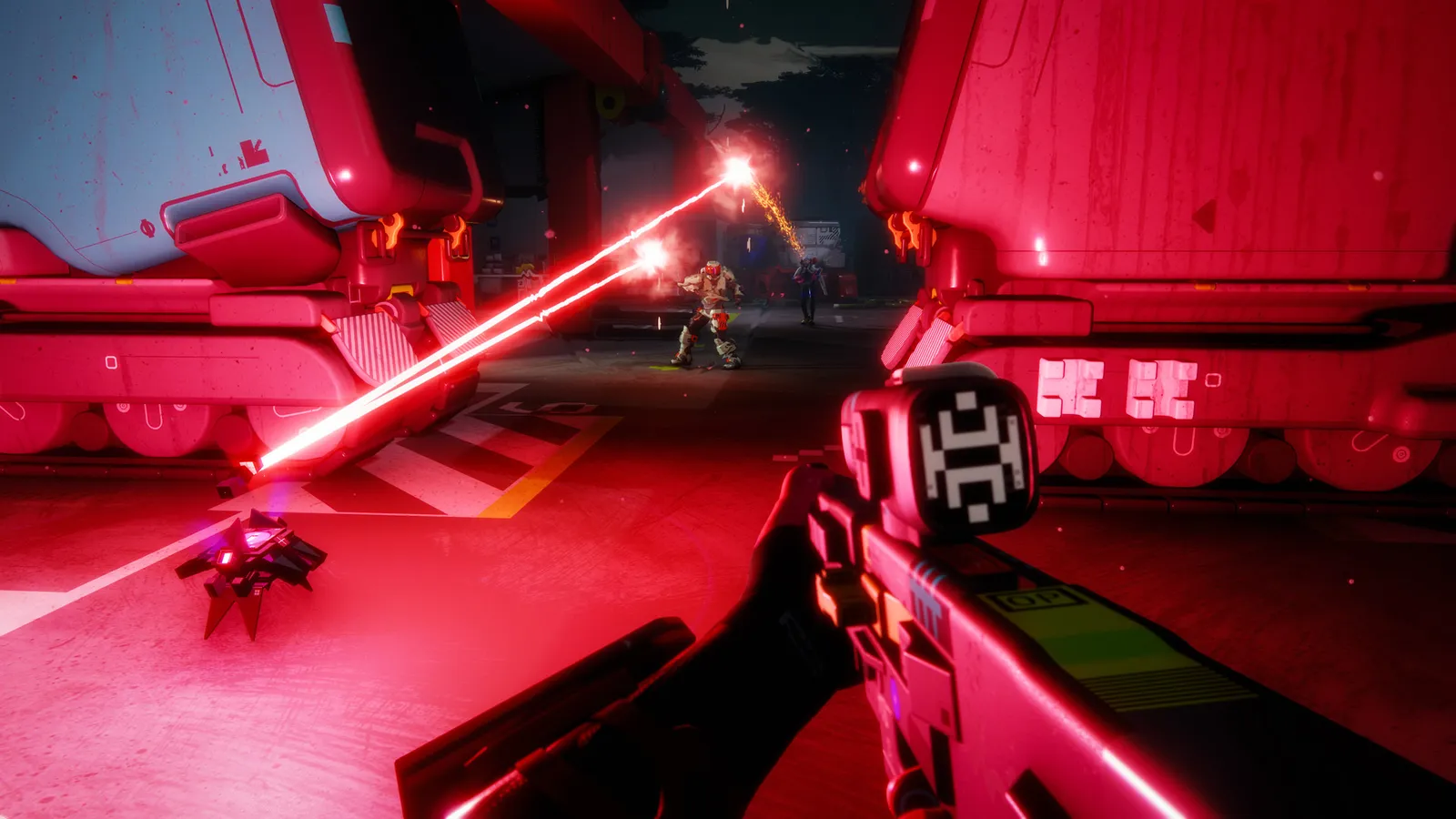
Marathon: Set the frame-rate cap properly

  1. In Marathon, open Settings > Video, switch "Frame Rate Cap Enabled" to On, then move "Frame Rate Cap" (it goes up to 240).
  2. In Marathon, with G-Sync or FreeSync, cap about 3 below your refresh rate and keep VSync off.

Marathon: Use upscaling before dropping presets

  1. In Marathon, in Advanced Video pick DLSS (NVIDIA), FSR (AMD) or XeSS (Intel) in the Anti-Aliasing dropdown, then set Resolution Scaling to Quality.
  2. In Marathon, go to Balanced or Performance only if you are still under your target; the picture gets softer each step.
  3. In Marathon, DLSS was updated to version 4.5 in Season 2 according to PCGamingWiki.

Marathon: Intel Arc and CPU notes

  1. In Marathon, Intel Arc cards need Resizable BAR switched on in the BIOS; the requirements list this for the A580 and A770.
  2. In Marathon, A four-core CPU or 8 GB of RAM can cause stutter in raids even when the GPU is idle; close background apps and use the high-performance power mode.

News from Steam

All news

Dev Deep Dive: Expedition - Phase 1

CyberAcme and other interested parties have aligned to establish a Runner non-aggression pact to combat the increased UESC security measures across Tau Ceti IV. No matter if you can beat them: it's better if you join them. With the update…

Read on Steam (opens in a new tab): Dev Deep Dive: Expedition - Phase 1

Marathon Update 1.1.9.7

Events Sponsored Night Marsh will be available this weekend, starting Thursday, 11/12. Sponsored Survival: Perimeter will be available all week until 11/17. Ordnance Heist Ordnance Heist is back! The event will be available from November…

Read on Steam (opens in a new tab): Marathon Update 1.1.9.7

Marathon Update 1.1.9.6

Events Sponsored Perimeter will be available this weekend, starting Thursday, 10/29. Contracts Fixed an issue where players were not receiving the intended bonus reputation rewards when completing certain contracts solo or in duos. Zones…

Read on Steam (opens in a new tab): Marathon Update 1.1.9.6

Guides