NTE: RAM and storage
- In NTE, the recommended spec asks for 32 GB of RAM and 110 GB of storage; 16 GB works but streams more and stutters sooner.
- In NTE, keep the game on an SSD.
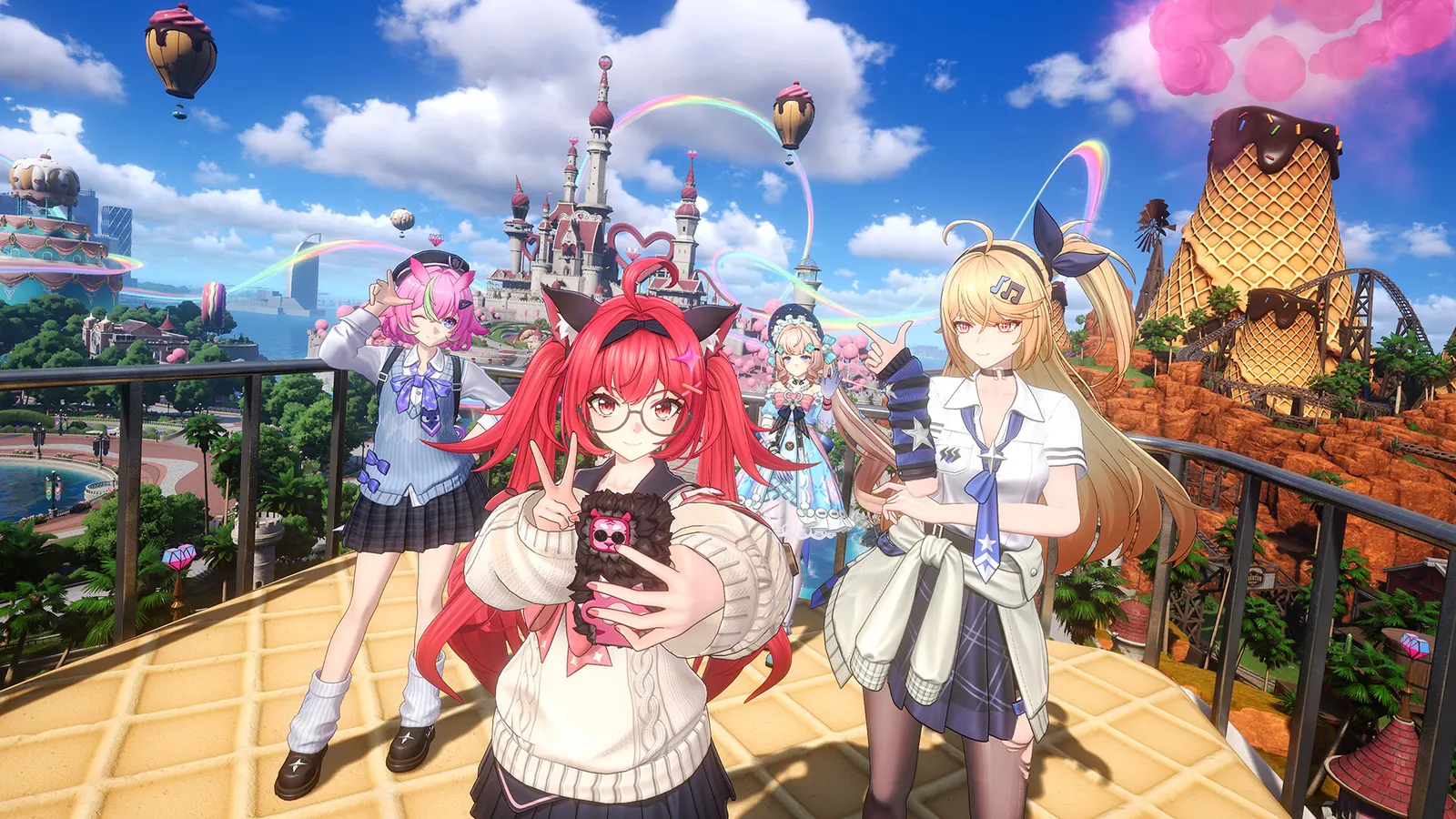
The biggest frame costs in NTE: Neverness to Everness are Graphics Quality, Ray Tracing / Global Illumination, Shadow Quality. Start there, then work through the stutter checklist.
Updated . Game data researched November 2026.
Graphics Quality
Start from a preset and test in the city, where the load is highest. Guides suggest a mid preset on mid-range PCs.
Ray Tracing / Global Illumination
Lumen and ray tracing suit high-end GPUs; one guide puts it at 45-55 fps at 1080p with DLSS Quality on a mid-range RTX card. Path tracing is for RTX 40 and 50.
Shadow Quality
A significant frame rate cost.
View Distance
Medium is the balanced choice; weak CPUs and laptops do better on Low.
Effects Quality
Has a large effect on frame rate during combat.
Foliage
Guides use Low or Medium.
Values shown are what we pick for max FPS. Section names follow the in-game menu.
| Setting | Low-end value |
|---|---|
| Resolution | Your monitor's native resolution; scale with the upscaler instead |
| Super Resolution | Native; DLSS Quality on RTX, FSR Quality on AMD and older GeForce |
| Frame Generation | Off below 50 fps; above it DLSS frame generation on RTX 40 and 50; never in competitive play |
| Frame Rate | 3 below your refresh rate (141 on 144 Hz); uncapped for max FPS |
| V-Sync | Off; use G-Sync or FreeSync with an FPS cap instead |
| Graphics Quality | Low |
| Ray Tracing / Global Illumination | Off |
| Texture | Low |
| View Distance | Low |
| Shadow Quality | Low |
| Effects Quality | Low |
| Foliage | Low |
| Post-Processing | Low |
| Anti-Aliasing | Off |
| Depth of Field | Off |
| Motion Blur | Off |
| Traffic Density | Low |