How do I show FPS in ROB RUN?
- In ROB RUN, Steam: Steam > Settings > In Game > "In-game FPS counter" and pick a corner.
- In ROB RUN, any version: the NVIDIA app overlay (Alt+Z) or AMD Software overlay.
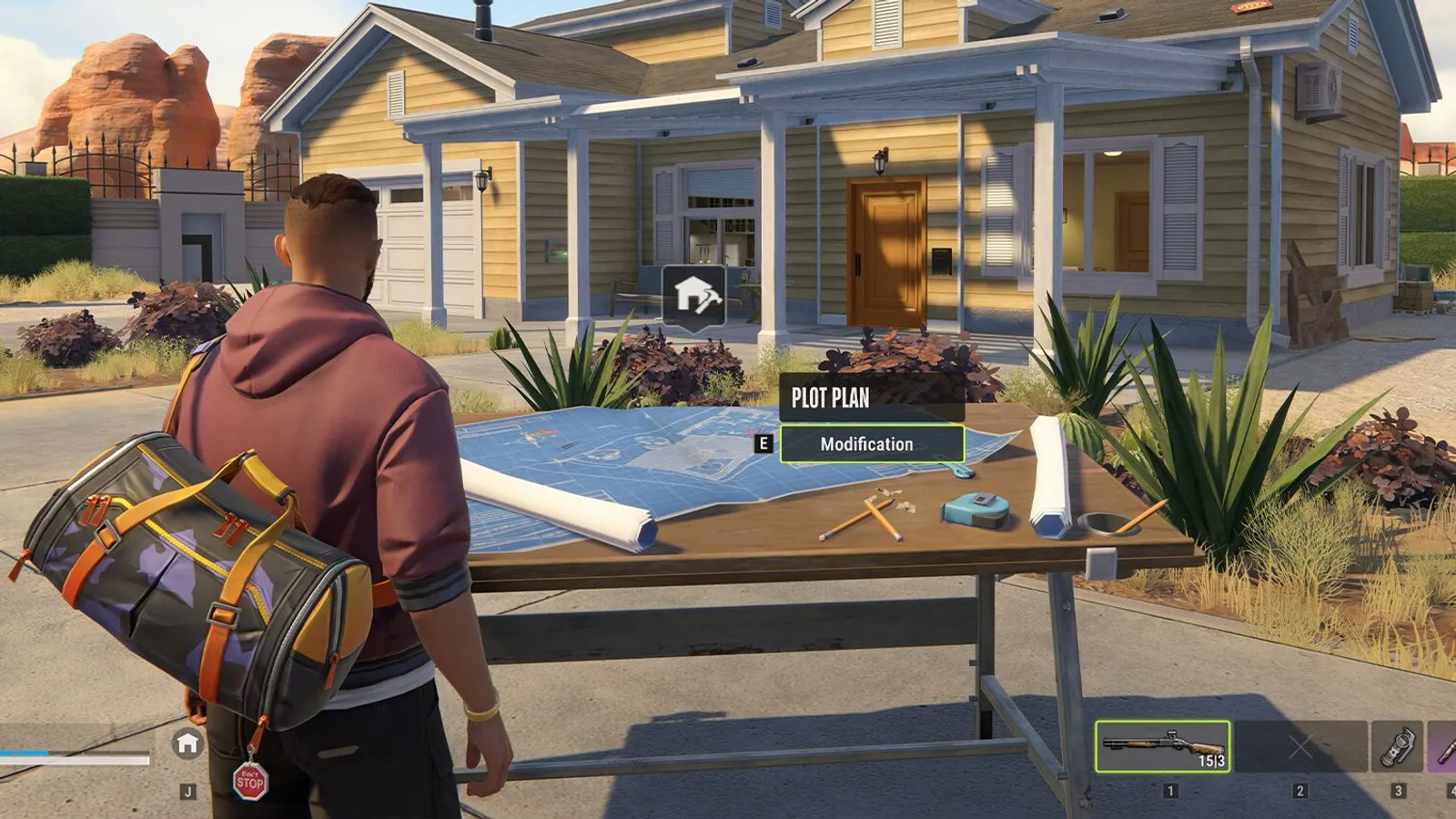
ROB RUN is a free-to-play online crime sandbox in Early Access. The official specs ask for a GTX 1050 Ti-class card and 12 GB of RAM at minimum, and an RTX 2070-class card with 16 GB recommended. The developer has not published a list of graphics options, so the performance numbers are rough estimates and the option advice is conservative.
Best ROB RUN settings at 1080p for an RTX 4060 + Ryzen 5 7600: Medium, lowering Shadows first. Modelled: that PC gets about 115 fps, an RTX 3060 + Ryzen 5 5600 90 fps (Medium), a GTX 1650 + Core i5-10400 60 fps (Low). Rough estimate: no published benchmarks yet. How we estimate this
Updated . Game data researched November 2026.
The setting for every preset, from Low to Ultra. Save your hardware to get one tuned list.
Set up your rig to see which column fits your PC, with an estimate of your frames.
| Setting | Low | Medium | High | Ultra |
|---|---|---|---|---|
| Graphics Quality | Custom | Custom | Custom | Custom |
| Fullscreen | On | On | On | On |
| Screen Resolution | Your monitor's native resolution; scale with the upscaler instead | |||
| VSync | Off; use G-Sync or FreeSync with an FPS cap instead | |||
| Frame Rate | Unlimited | Unlimited | Unlimited | Unlimited |
| Anti-aliasing | Off | Off | MSAA x4 | MSAA x4 SMAA |
| Shadows | Medium Quality | Medium Quality | High Quality | High Quality |
| Additional Light | Off | On | On | On |
| Additional Light Shadows | Off | Off | On | On |
| LOD Crossfade | Off | Off | On | On |
| Object Visibility Distance | Low | High | High | Maximum |
| Water | Minimum Quality | High Quality | High Quality | Maximum Quality |
| Grass | Low Quality | High Quality | High Quality | Maximum Quality |
| Grass Draw Distance | Low | Medium | High | High |
| Texture Quality | Low | Medium | High | High |
| Interface Window Blur | Off | Off | On | On |
| Post-processing | Off | On | On | On |
| HDR | Off | Off | Off | Off |
| Motion Blur | Off | Off | Off | Off |
| Depth of Field | Off | Off | On | On |
| Ambient Occlusion | Off | Off | On | On |
| Environment Reflections | Off | Off | On | On |
| Eye Adaptation | On | On | On | On |
Modelled frame rates on the High preset at native resolution, without upscaling or frame generation. Your own rig can differ: check your exact PC.
| Graphics card | 1080p | 1440p | 4K |
|---|---|---|---|
| RTX 4090 | 150 fps | 150 fps | 80 fps |
| RTX 4070 | 140 fps | 85 fps | 45 fps |
| RTX 4060 | 85 fps | 50 fps | 25 fps |
| RTX 3060 12GB | 70 fps | 45 fps | 20 fps |
| GTX 1650 | 30 fps | 20 fps | 10 fps |
| RX 7800 XT | 145 fps | 90 fps | 45 fps |
| RX 7600 | 85 fps | 50 fps | 25 fps |
| RX 6600 | 65 fps | 40 fps | 20 fps |
These are estimates from our model, not measurements; real results vary with the scene, drivers and background load. Orange numbers are below 60 fps. How we estimate this
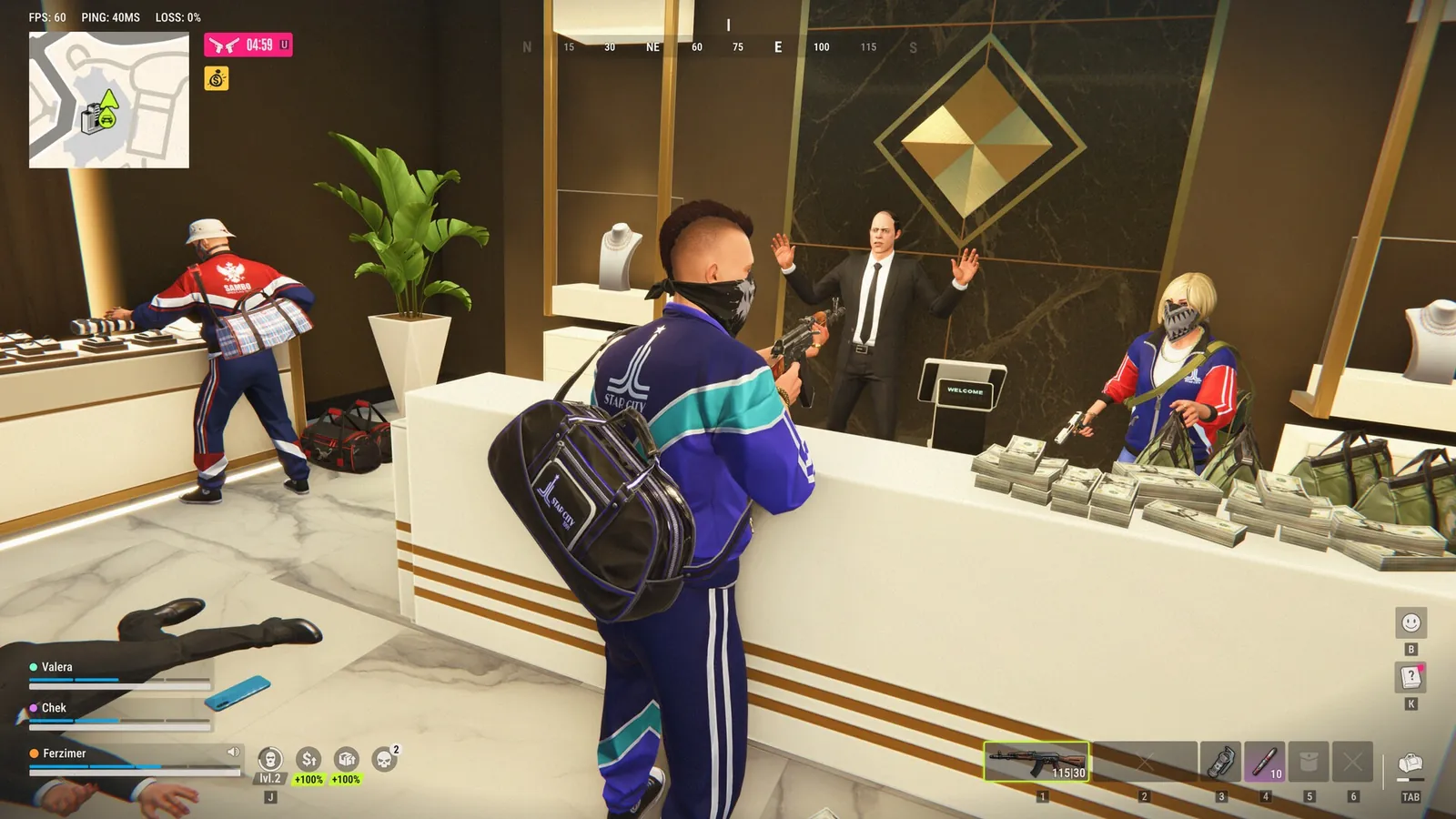
News · ROB RUN
ROB RUN's November 17 update lets Battle Pass progress follow you between regions, caps Jail Time and locks some voice chat behind land or Jail Time ownership.
A fresh set of changes is already live! In this update, we’ve made several quality-of-life adjustments, tweaked a few in-game limits, and fixed some connection issues. Here’s the full list of changes: Added a profanity filter for character…
Read on Steam (opens in a new tab): Patch NotesToday, we’re answering the most frequently asked questions on our socials. We see your feedback and are closely following all the discussions—just because we don’t reply to every single comment doesn’t mean we haven’t read it! Recently, we…
Read on Steam (opens in a new tab): ROB RUN: Answering Your Most Frequently Asked QuestionsThe wait is over. ROB RUN has officially launched, and the streets of Looty Bay are waiting for new heroes. Not that anyone stays a hero around here for long. Get your gang together, pull off brazen heists, build a criminal empire — or…
Read on Steam (opens in a new tab): ROB RUN IS OUT NOW ON STEAM!We've received a ton of feedback during the playtest. Thanks to everyone who's shared their thoughts, reported issues, and suggested ideas! You're helping us make ROB RUN better. It'll take some time to go through everything, but we've…
Read on Steam (opens in a new tab): ROB RUN: First Changes & Server Schedule